Household · Sketch
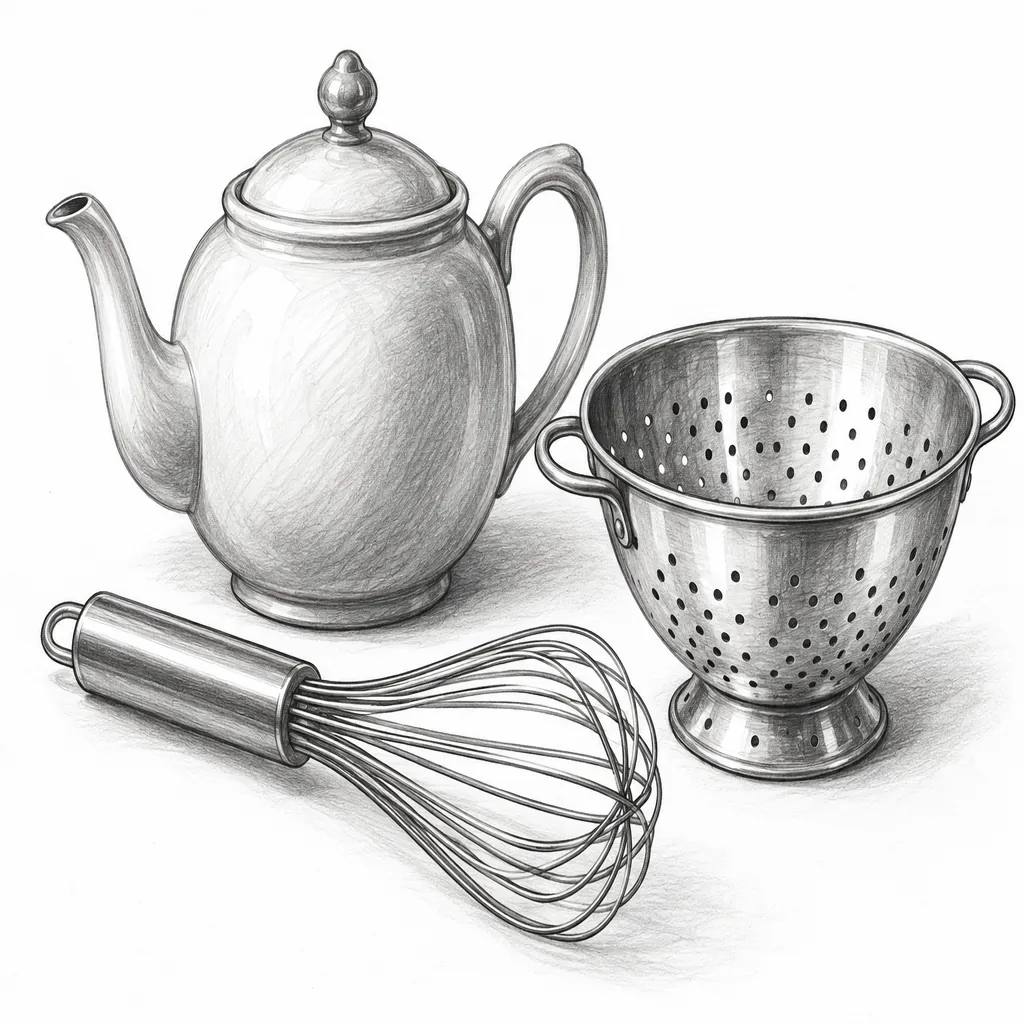
Teapot, whisk and colander as a pencil study: a good warm-up for line weight and ellipses.
Press the button and get 1 to 10 random objects from a list of more than 750: a teapot, a hedgehog, a hot air balloon, a treasure chest. Narrow it to the categories you want, switch off repeats, and start a 1, 3 or 5 minute "Draw this" timer. The randomizer is free and runs in your browser; an optional AI step can draw the objects for you.
1Categories
Free · in your browser2Roll settings
3Draw this
Timer challengePick a length, start the timer and draw the objects before time runs out.
4Generate a picture
Optional · Free to tryOptional: turn the current objects into one AI picture.
Style
Your last 30 rolls are saved only in this browser.
A sample roll to start with
Blank-page moments are easier with a nudge. This random object generator picks concrete, drawable things from ten categories (household items, food, animals, nature, tools, toys, clothing, vehicles, sports gear and fantasy objects), so every roll is something you can picture straight away.
Roll one object for a quick sketch or up to ten for a still-life challenge, a guessing game or a story that has to include all of them. No repeats keeps the same thing from coming back until the whole pool has been used, a lock keeps the objects you like when you roll again, and the last 30 rolls stay in this browser so a good set is never lost.
When you want to see the roll rather than draw it, the optional AI object maker turns the current objects into one picture in a sketch, cartoon, realistic photo or 3D clay style. The randomizer itself is free with no sign-up; the AI picture is free to try and shows its cost on the button.
AI objects made from three-object rolls with the Generate a picture step. The same roll can be drawn in any of the four styles.
Teapot, whisk and colander as a pencil study: a good warm-up for line weight and ellipses.
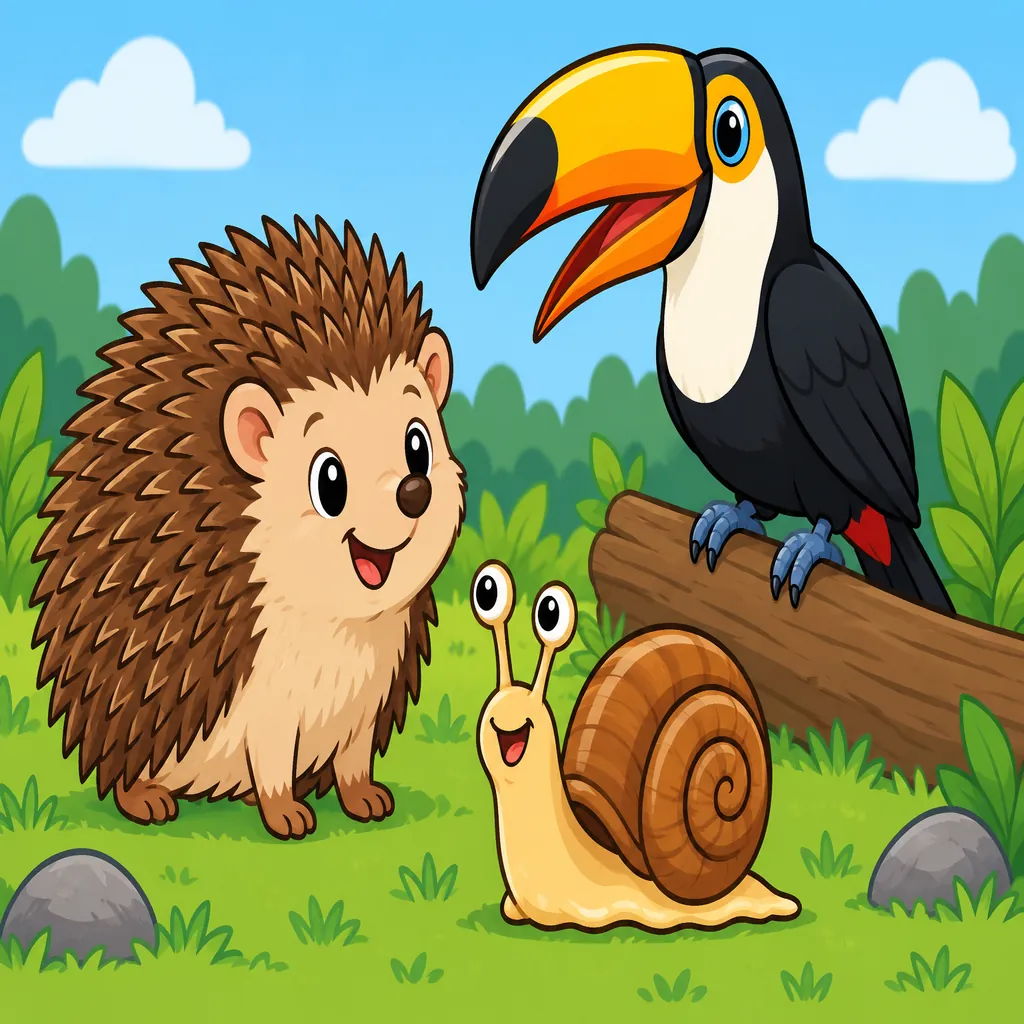
Hedgehog, toucan and snail with bold outlines, ready to become characters in a short comic.
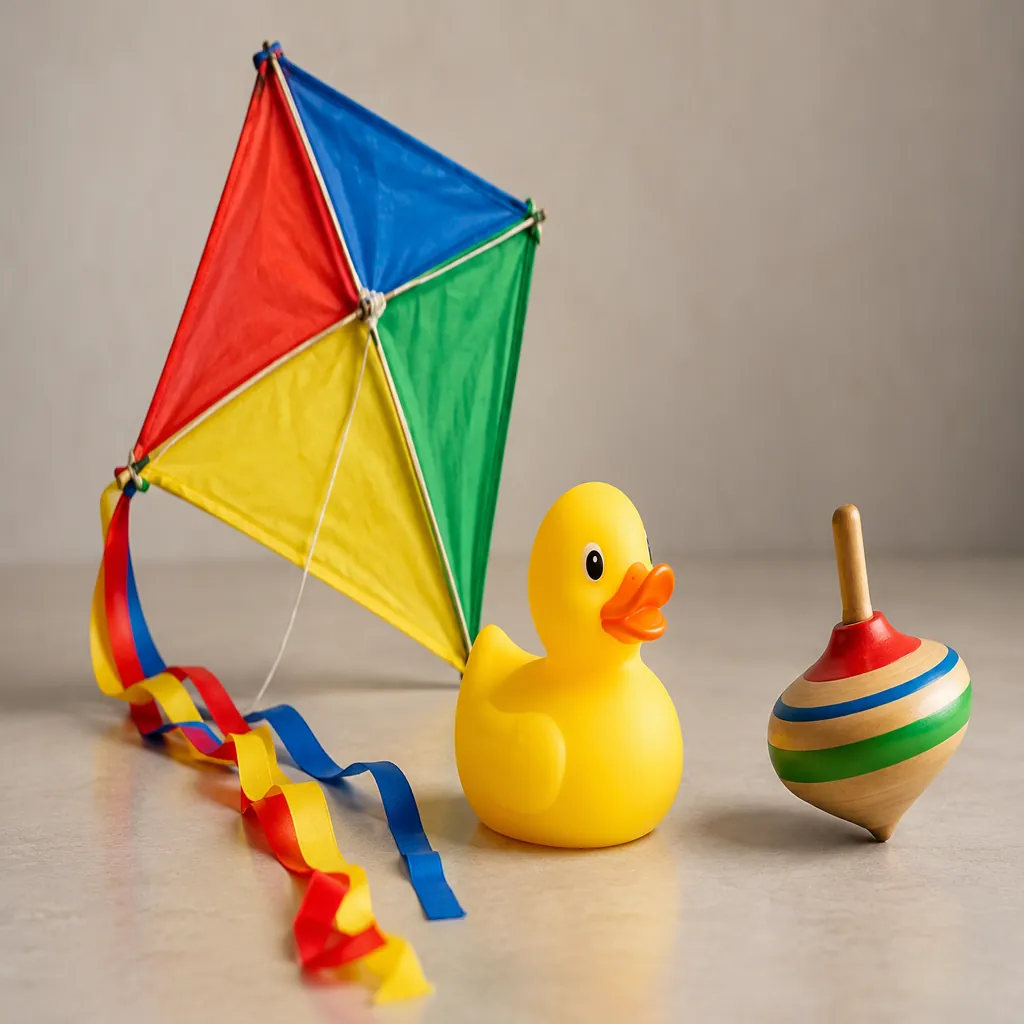
Kite, rubber duck and spinning top as a soft-light studio photo, useful as a still-life reference.
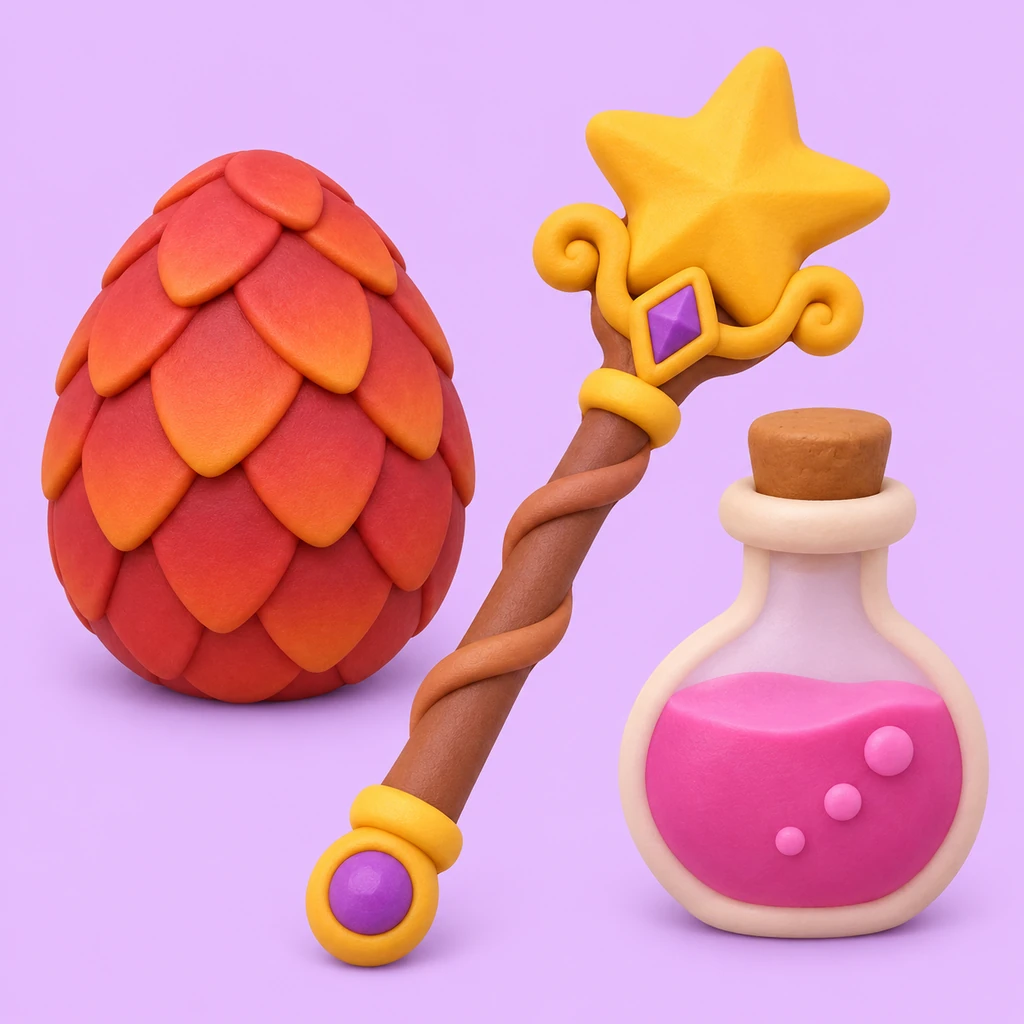
Dragon egg, magic wand and potion bottle as cute clay models for a game or a party theme.
Keep All for the widest mix, or tap only the categories you want, for example Food and Tools for a kitchen-themed round.
Slide from 1 to 10. Turn on No repeats so a long session never shows the same object twice in a round.
Press Generate random objects. Lock any card you like and roll again to replace only the others, or copy the list for a chat or worksheet.
Start the Draw this timer, use the list in a game, or press Generate picture to let AI draw the objects together.
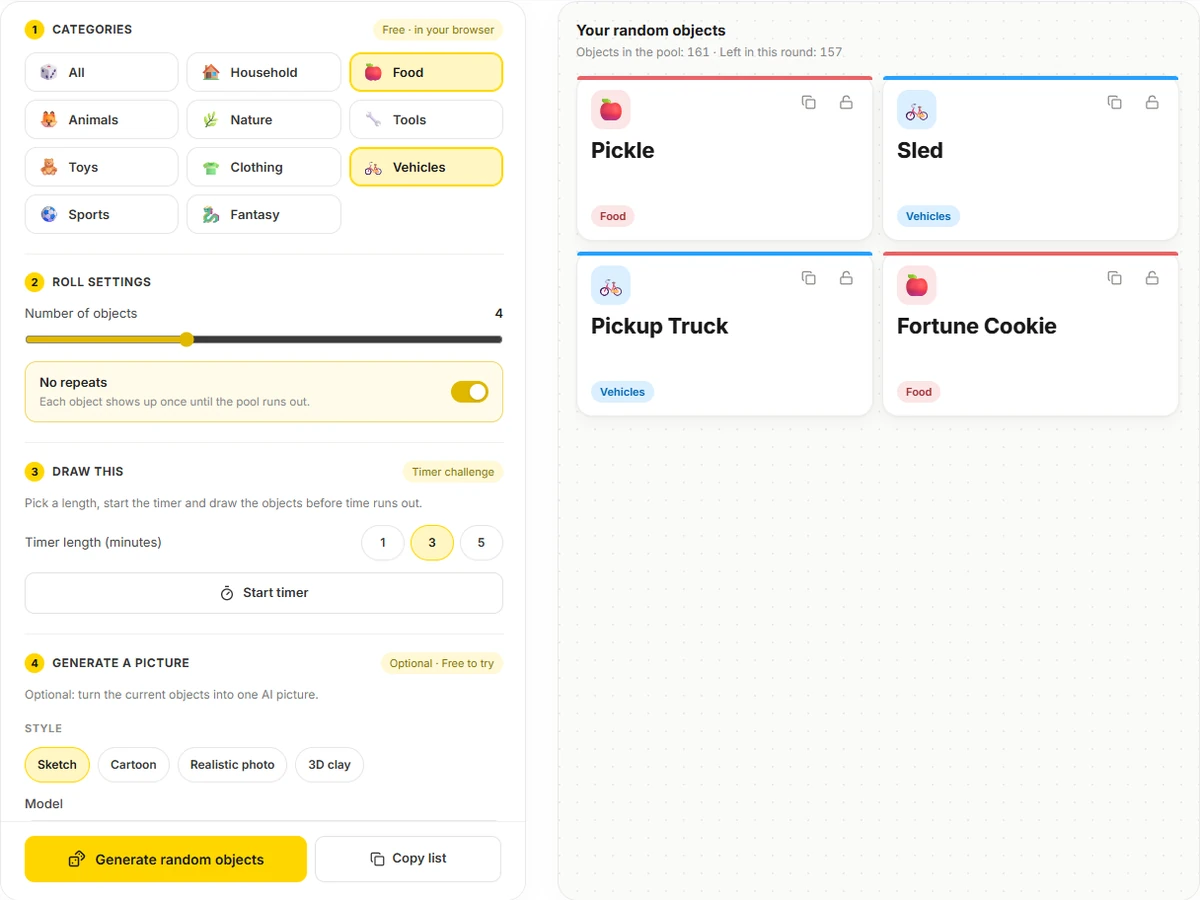
Every entry is a single, concrete thing you can draw or act out, from a kettle and a pretzel to a canoe and a griffin. Pick categories to steer the roll, and the counter shows how many objects are left in the current round.
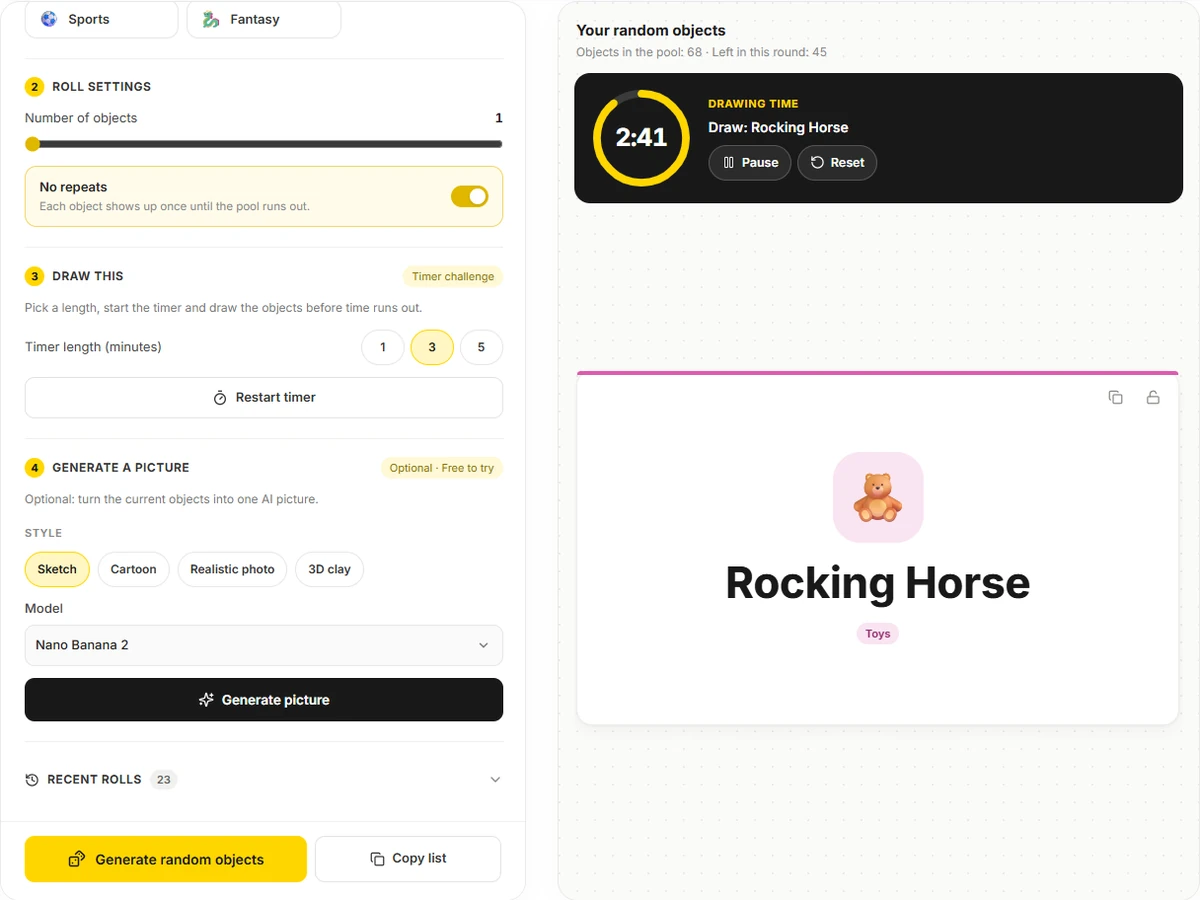
Choose a length and start the countdown over the current objects. One minute trains quick gesture drawing, five minutes leaves room for shading. When time is up, Next object rolls a fresh set and restarts the clock.
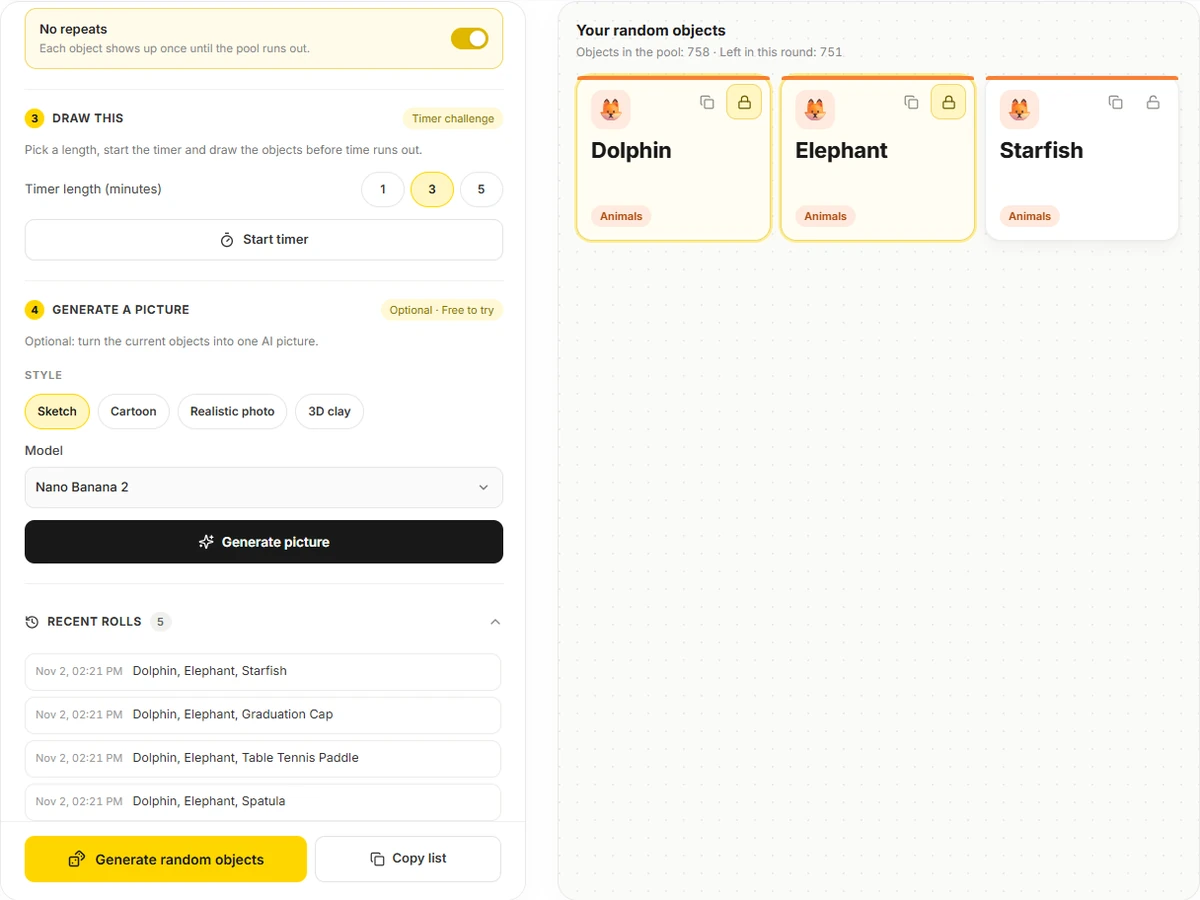
No repeats works through the whole pool before anything returns. Locks keep chosen cards in place, and the last 30 rolls are saved only in this browser, so you can bring back yesterday's set or clear the list in one tap.
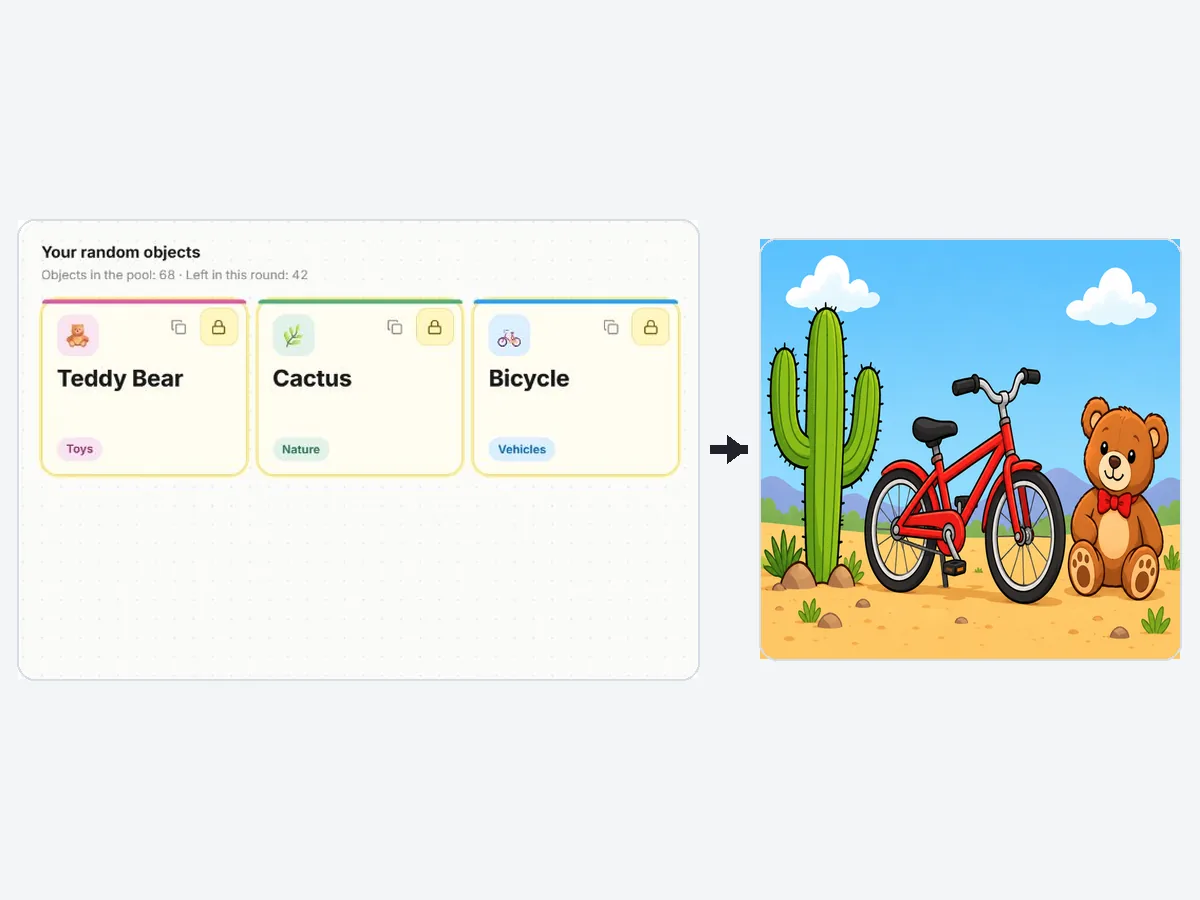
Turn the cards on screen into one AI picture in a sketch, cartoon, realistic photo or 3D clay style, then use it as a drawing reference, a game card or a story illustration. The randomizer stays free whether or not you use this step.
| Category | Example objects | Great for |
|---|---|---|
| Household | Teapot, alarm clock, doormat, table lamp | Still-life practice, perspective |
| Food | Pineapple, avocado, pretzel, croissant | Color studies, kids' drawing games |
| Animals | Red fox, hedgehog, penguin, toucan | Character design, guessing games |
| Nature | Pine cone, sunflower, maple leaf, cactus | Texture and botanical sketches |
| Tools | Hammer, tape measure, paintbrush, watering can | Hard-surface and metal rendering |
| Toys | Rubber duck, yo-yo, kite, rocking horse | Cute illustration, nostalgia themes |
| Clothing | Hoodie, raincoat, mitten, rain boot | Folds, fabric and fashion sketches |
| Vehicles | Bicycle, school bus, hot air balloon, submarine | Mechanical drawing, travel stories |
| Sports | Soccer ball, tennis racket, skateboard, golf club | Action scenes, PE warm-ups |
| Fantasy | Dragon egg, treasure chest, magic wand, unicorn | Worldbuilding, tabletop games |
The list avoids brands, real people, weapons and anything unsuitable for a classroom.
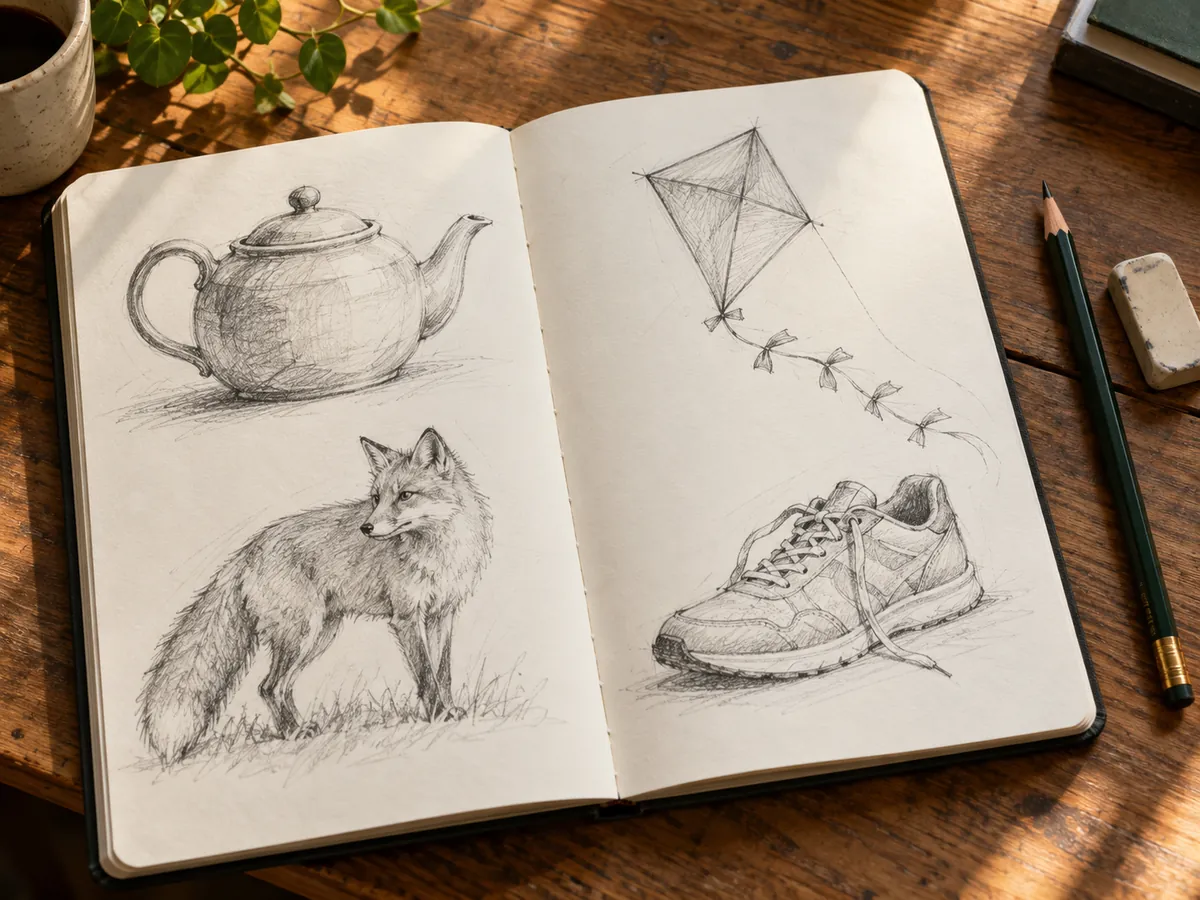
One object a day, a timer and no erasing: the classic habit for building observation and speed.
Roll a secret object per turn and hide the screen. Categories keep rounds fair for younger players.
Roll three objects and write a short story where all of them matter to the plot.
Project a roll for vocabulary, describing games or a five-minute sketch before the lesson starts.
Use an object as the starting point for a scene, an invention pitch or a mime.
Combine two random objects into a new product idea to break out of obvious solutions.
Single objects build fundamentals. Move to three or more once you want composition practice.
A kettle, a fox and a kite become a story when you decide how they meet. Composition is where the fun starts.
Sketch the object before looking anything up, then compare with a reference or an AI picture to see what you missed.
Pencil for household items, ink for vehicles, color for food: random subjects plus a fixed medium keep practice focused.
Shuffle a whole scene instead of objects: subject, style, setting, lighting and colors, then generate it.
Open the toolSketch your random object straight onto a photo of your desk, wall or street with brushes and shapes.
Open the toolTurn a photo of a real object into clean line art to trace or study.
Open the toolMake a printable coloring page of your rolled objects for kids or a quiet evening.
Open the toolIt picks things at random from a fixed list, so you get unexpected but concrete subjects for drawing, games, writing or teaching. This one draws from more than 750 objects in ten categories.
Yes. Rolling objects, copying the list, the timer and the history are free, need no account and run in your browser. Only the optional Generate picture step uses AI; it is free to try and shows its cost on the button.
Anywhere from 1 to 10 per roll. A single object suits timed sketches; five or more works well for memory games and story challenges.
Turn on No repeats. Each object then appears once until every object in your chosen categories has been shown, after which a new round starts and you see a short notice.
Yes. Tap only the categories you want, such as Animals or Vehicles. Choosing All, or nothing, uses the whole list.
Pick 1, 3 or 5 minutes and press Start timer. You can pause, resume or reset; when the time is up, Next object rolls a new set and starts the countdown again.
Your last 30 rolls are stored in this browser only, so they survive a page reload. Nothing is sent to a server, and Clear history removes them.
Yes. Pick a style (Sketch, Cartoon, Realistic photo or 3D clay) and press Generate picture to get one image showing all current objects. With many objects in one picture, small ones can come out less detailed.
The list sticks to everyday items, food, animals, nature, toys, clothing, vehicles, sports gear and friendly fantasy objects, with no weapons, brands or real people.
Yes. Roll one object per turn and let the drawer or actor peek at the screen. Narrow the categories for younger players and turn on No repeats so every turn is new.
Pick categories, roll up to ten random objects and start the timer. Free in your browser, with an optional AI picture.