Wedding: Floral
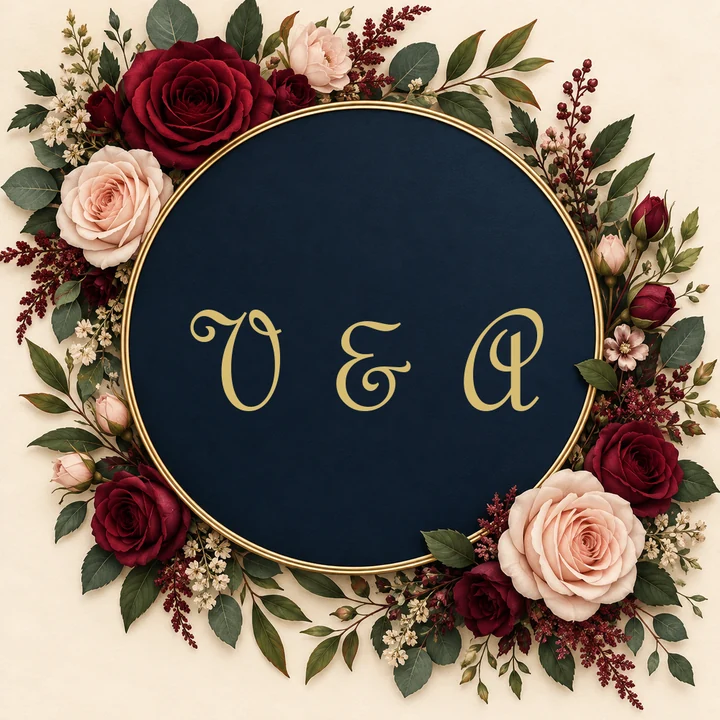
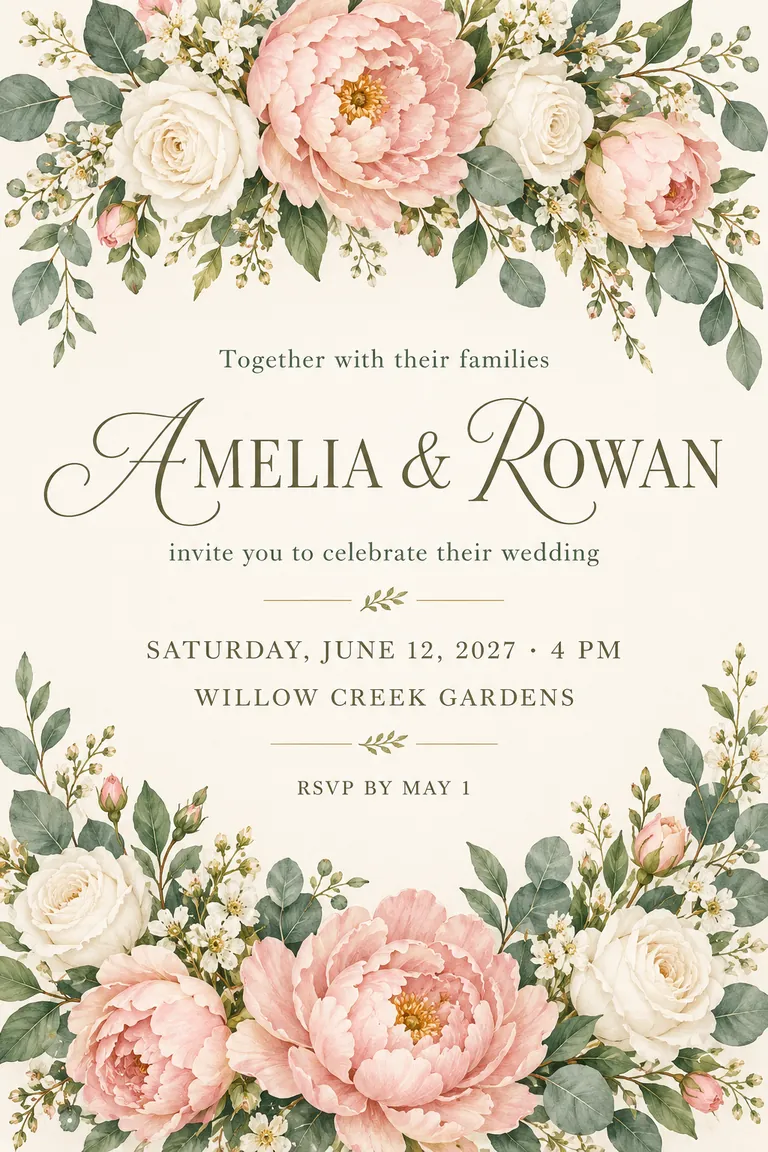
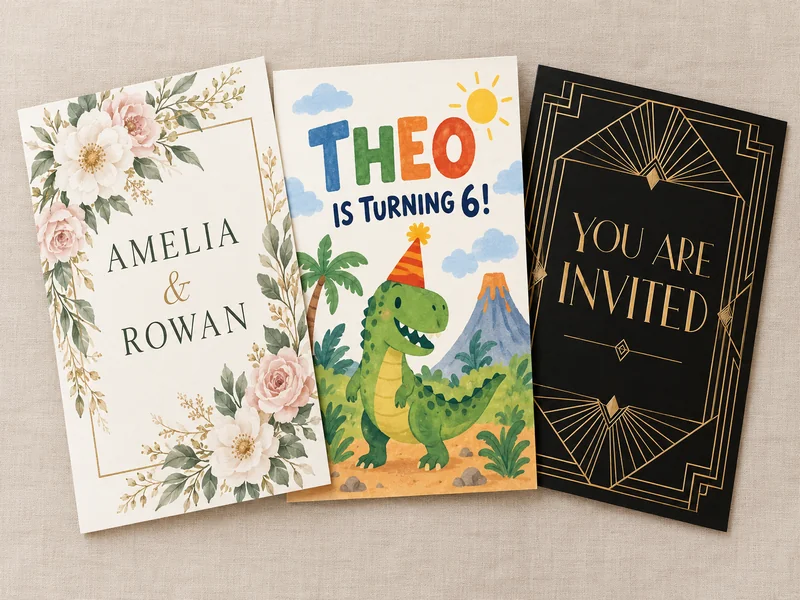
Painted peonies frame the couple’s names, with the date, garden venue and RSVP deadline in a quiet serif.
Pick the event, type the names, date and time, venue and RSVP line, add a photo if you like, and choose one of eight styles from Floral to Vintage. The AI invitation generator designs a 5 × 7 card, a square post or a phone-size invite with your details set in a clear order. Free to try.
An original floral wedding invitation, portrait 2:3, flat graphic filling the frame, no envelope or mockup. Hand-painted blush peonies, white roses and eucalyptus framing the top and bottom, ivory background, an elegant script for the names and a clean serif for the details. Exact text only: "Together with their families"; "AMELIA & ROWAN"; "invite you to celebrate their wedding"; "SATURDAY, JUNE 12, 2027 · 4 PM"; "WILLOW CREEK GARDENS"; "RSVP BY MAY 1".
Reference example. It is not a result generated from your upload.
Guests look for three things on an invitation: who is hosting, when it is and where to go. This AI invitation maker keeps those facts in separate fields, the host or names, date and time, venue and RSVP line, and the design is built around them in the event type and style you pick, so the important lines never get lost behind the decoration.
Use it as an AI invite generator for a sixth birthday, a wedding, a baby shower, a graduation, an office reception or a dinner at home. Every design is new artwork rather than a template with your name dropped in, and you can add a photo of the couple, the guest of honor or the new house to make a photo invitation.
The card size gives a 2:3 portrait image, the closest shape to a 5 × 7 in card, so allow a thin trim at the top or bottom when you print. The square and phone sizes are ready to send in a chat, an email or a group post.
Invitations made with the AI invitation card generator for fictional hosts. Load a style, then type your own details.
Painted peonies frame the couple’s names, with the date, garden venue and RSVP deadline in a quiet serif.
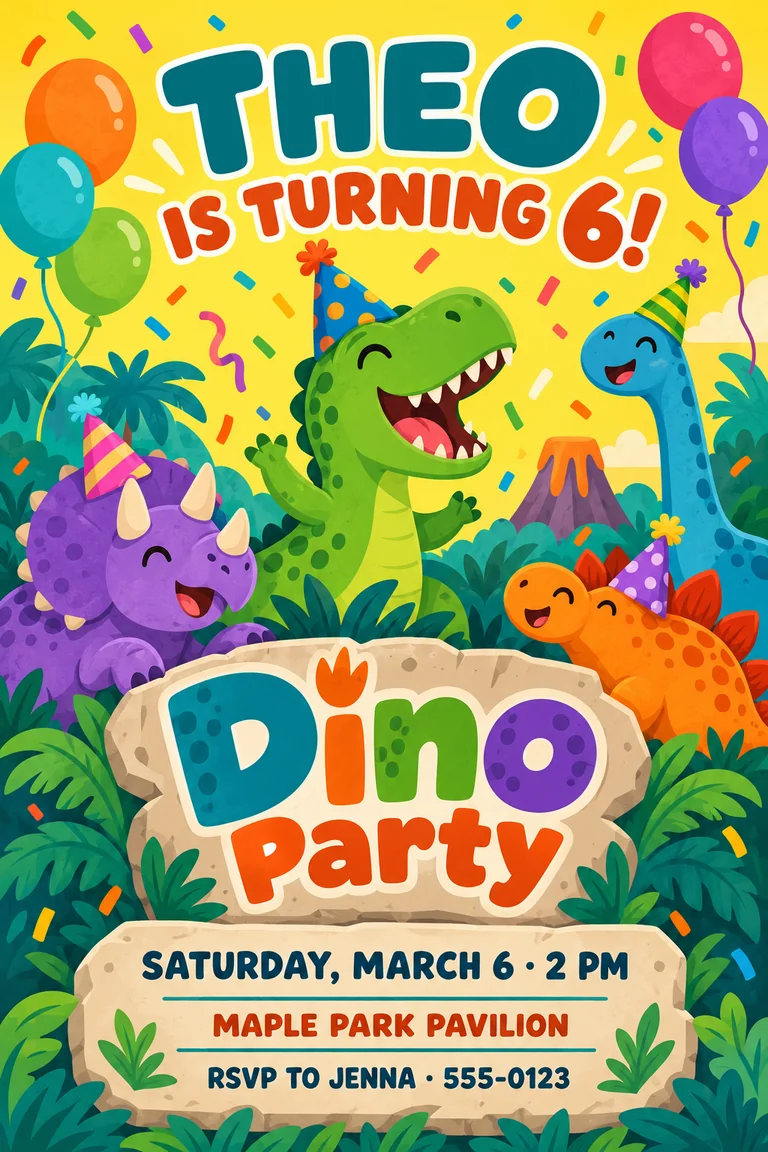
Party-hat dinosaurs and a big age number for a sixth birthday, with the parent’s phone for replies.

Art deco gold on black for an awards dinner, a launch night or a client reception.
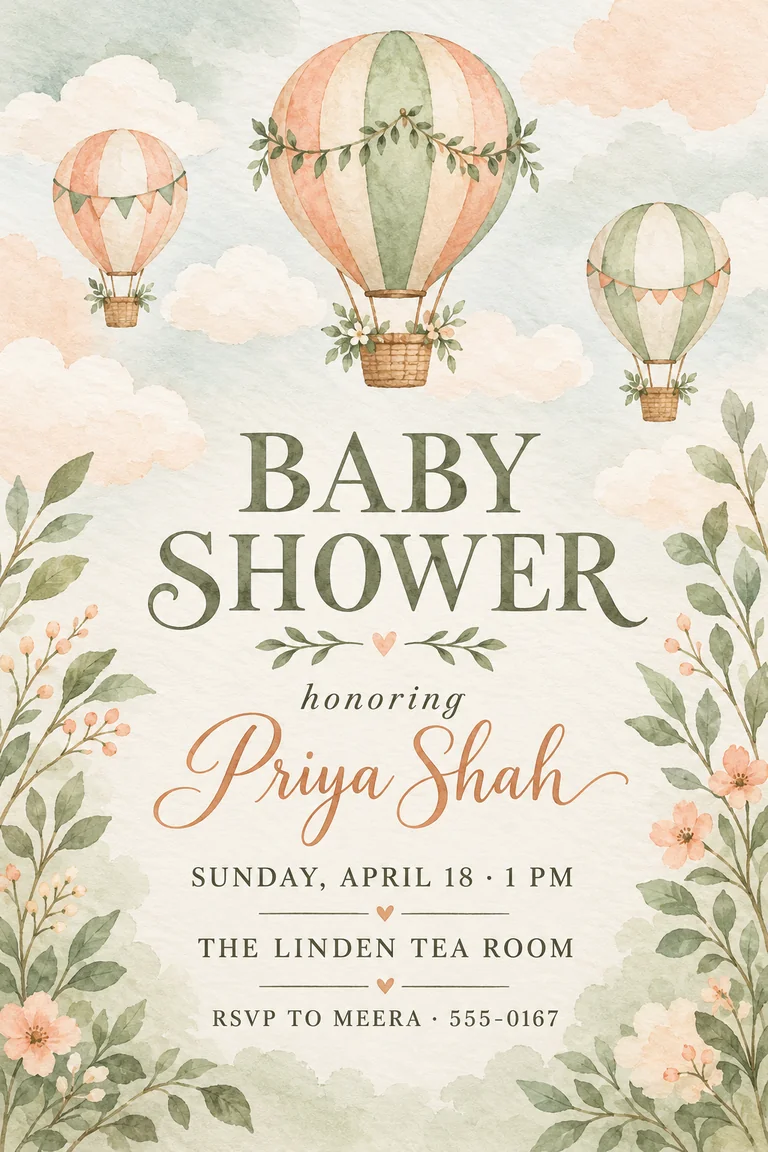
Sage and peach washes and tiny hot-air balloons that work for any baby, any season.
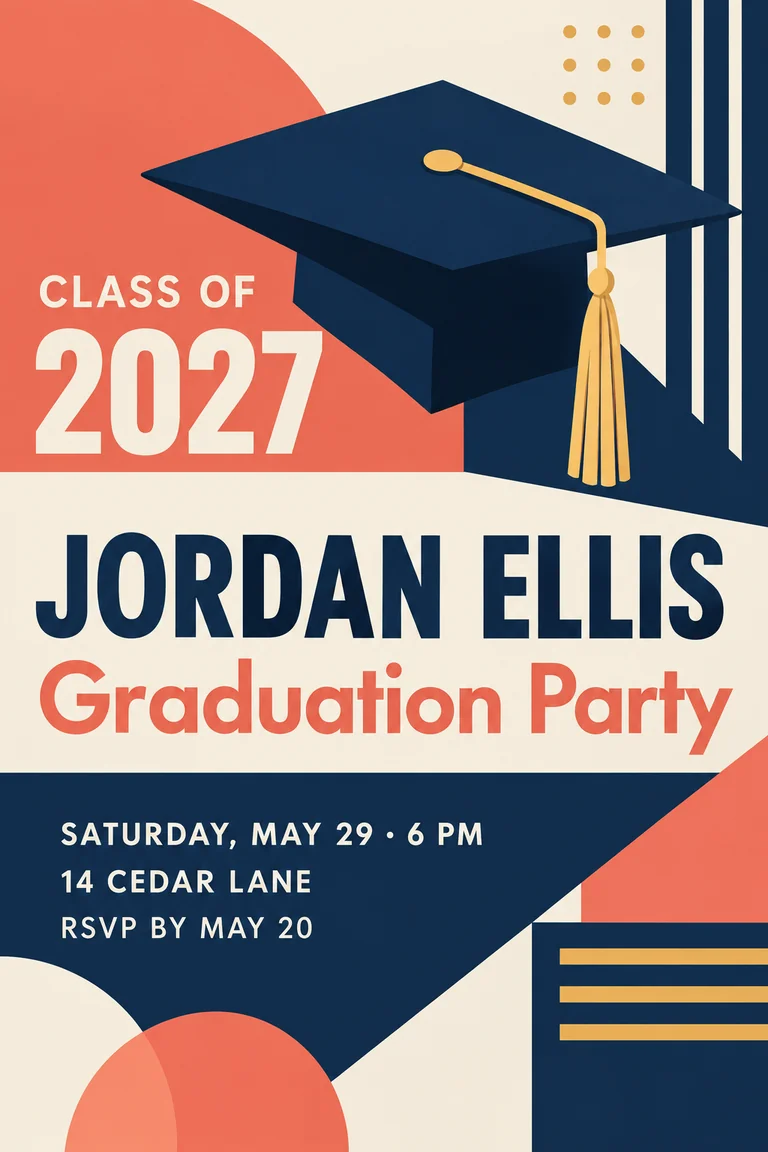
Color blocks, a flat cap and a large class year that reads from across the room.
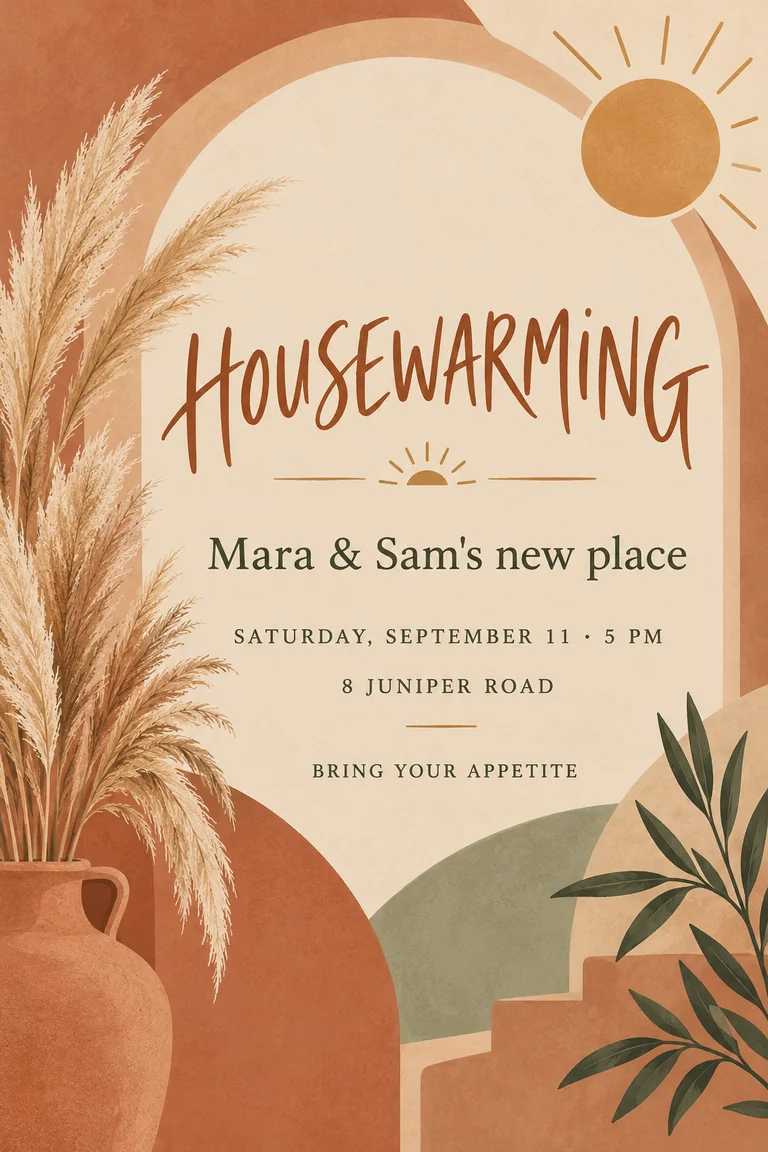
Terracotta arches and pampas grass to welcome friends to a new address.
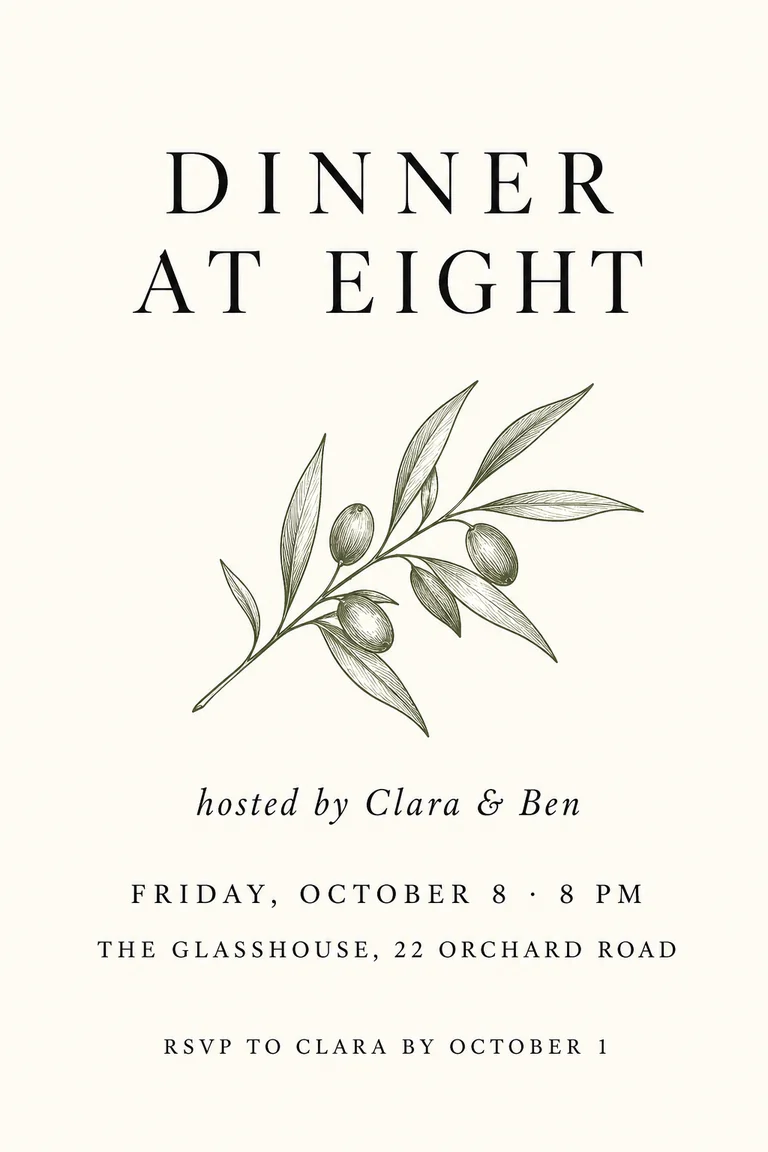
Ivory, black serif and one olive branch for a dinner party where the details carry the design.
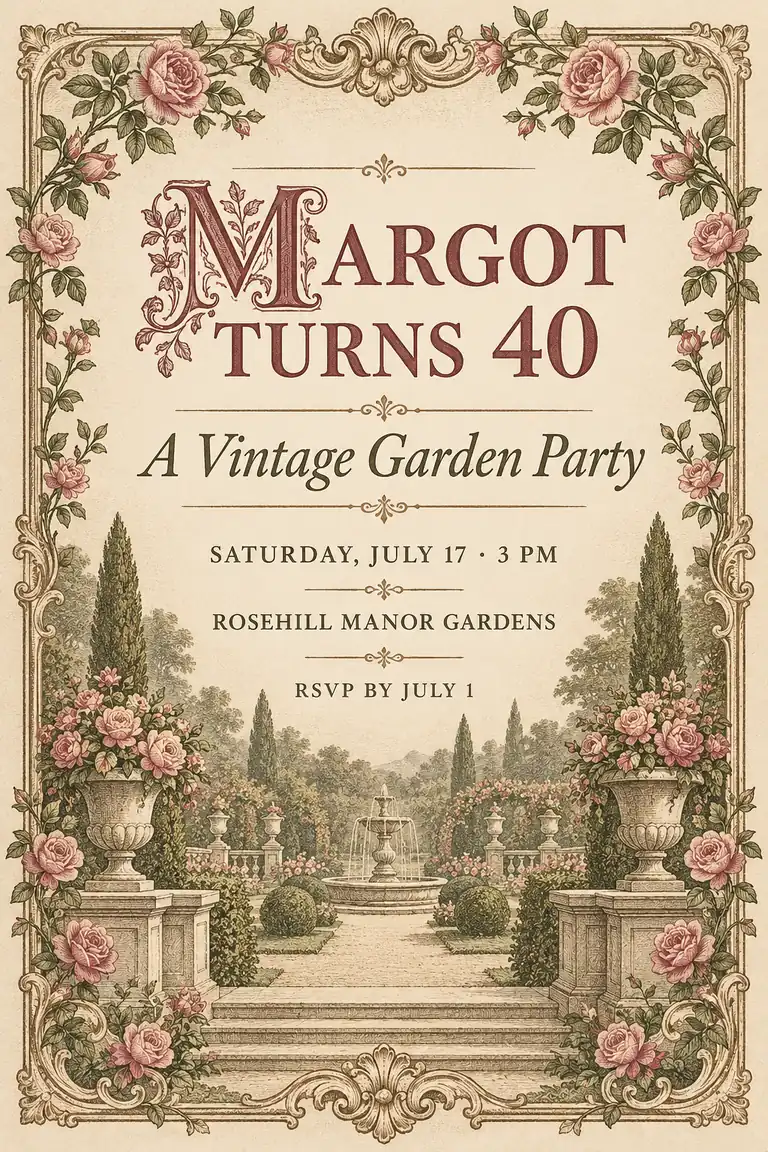
An engraved frame and dusty rose for a 40th garden party or an anniversary lunch.
Birthday, Wedding, Baby Shower, Graduation, Party, Corporate Event, Dinner or Housewarming. The event type sets the tone and the motifs, from balloons to place settings.
Type the host or names, then the date and time, venue and RSVP line. Short lines print larger and come out cleaner; save directions and dress codes for the message you send with it.
Choose one of eight styles, a 5 × 7 card, square post or phone size, and upload a photo if you want one framed in the design. Add a theme or colors in the brief.
Make up to four versions, read every name, date and address at full size, then print the card or send the image to your guests.
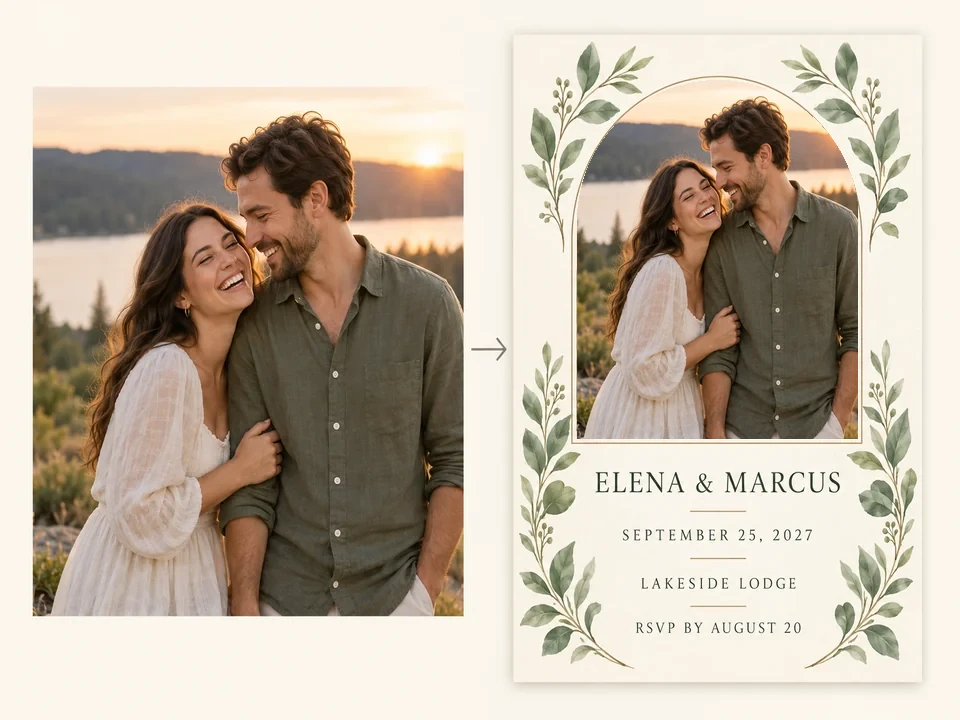
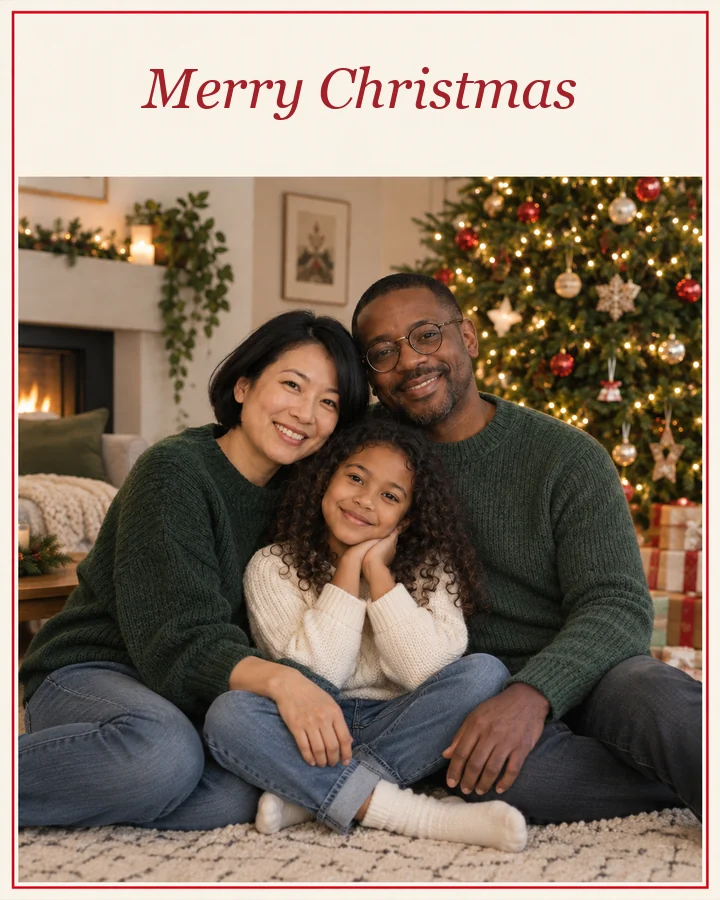
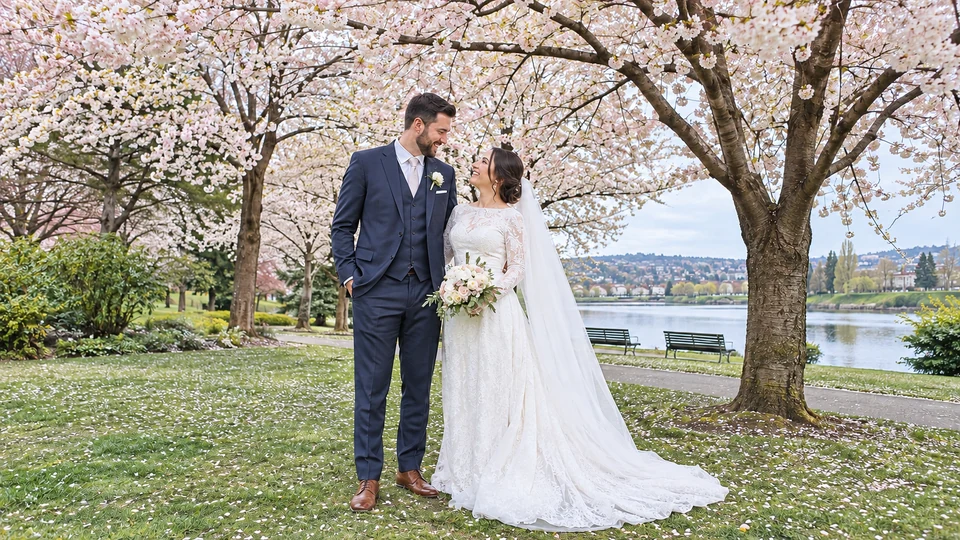
Upload a photo of the couple, the birthday star, the graduate or the new house, and it is placed inside the design, framed, cropped or faded into the background, while faces stay as they are. Leave the slot empty for an illustrated invitation instead.
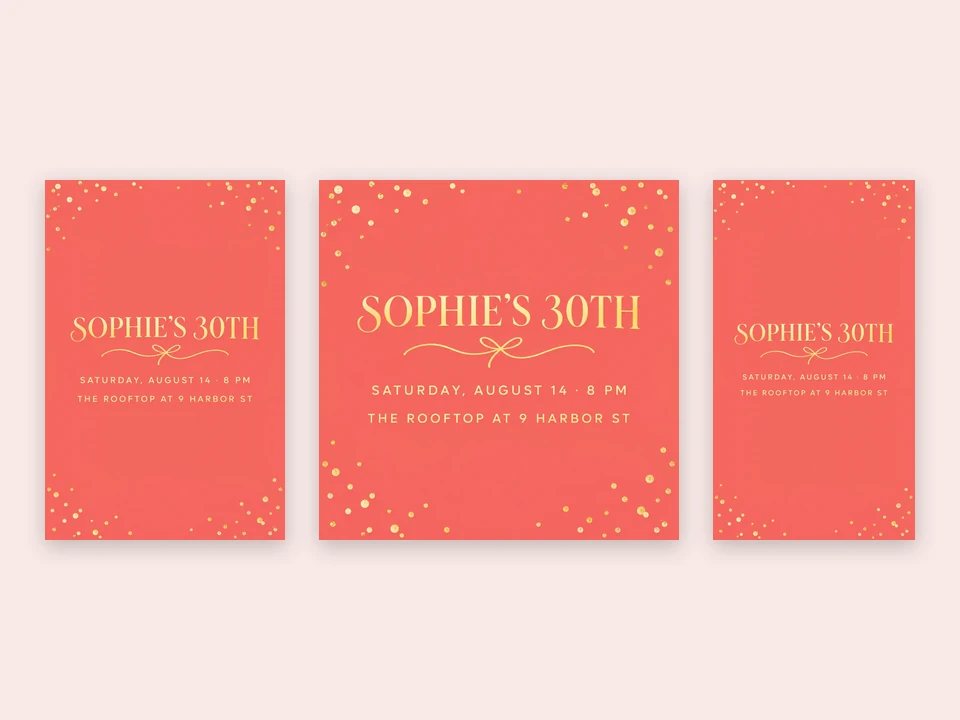
Card 5 × 7 in gives a 2:3 portrait for printing, Square post suits group chats and feeds, and Phone / story fills a vertical screen. Run the same details in each size to send one invitation everywhere.
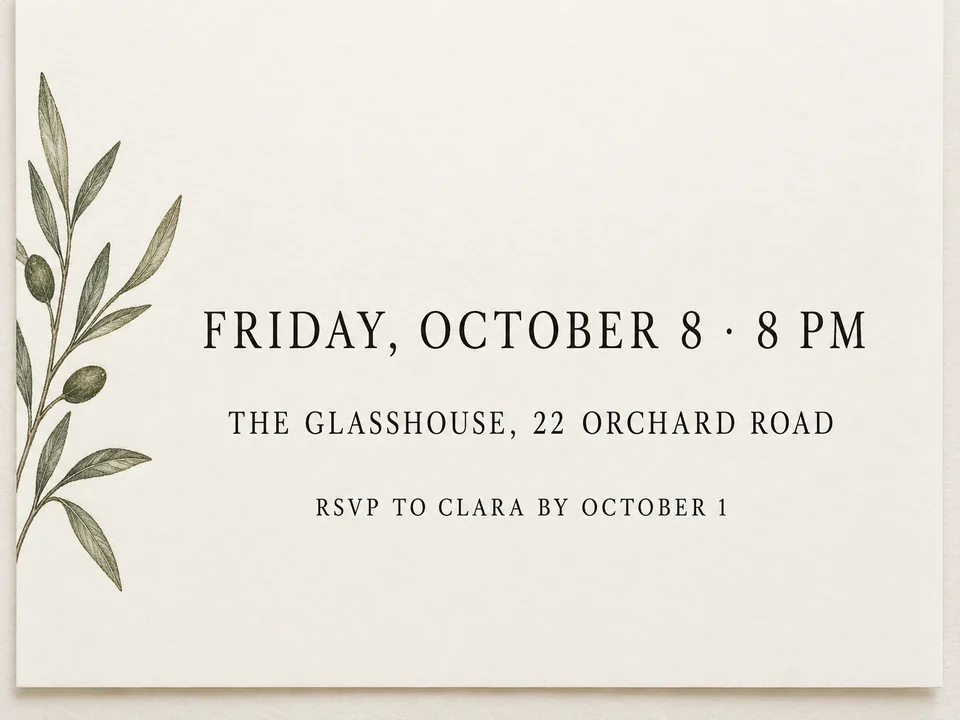
Each detail arrives in its own field, so the generator knows what to set largest and what to group together: names first, then the date and time, the place and the reply line. An optional extra line carries “Dinner and dancing to follow” or a dress code.
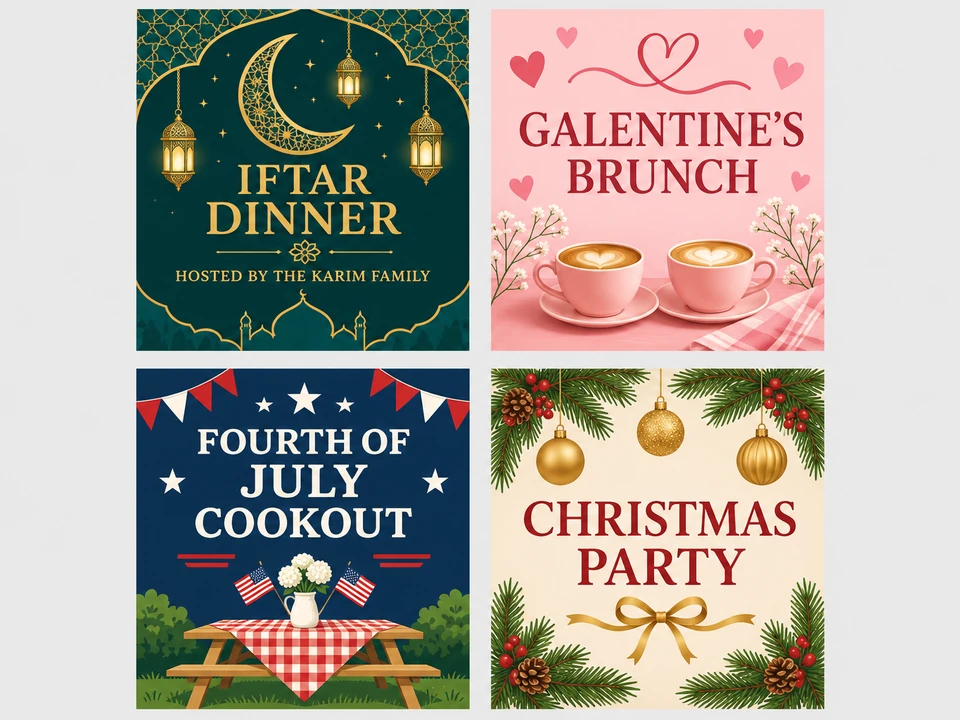
Use the Dinner type for an iftar invitation card, Party for a Galentine’s brunch or a Fourth of July cookout, and Elegant Gold when you need a Christmas party invitation maker for the office. Describe the occasion in the brief and the motifs follow it.
Lines that fit each event type on this AI invitation maker, plus the usual timing for sending them.
| Event | Opening line | Details guests need | When to send |
|---|---|---|---|
| Wedding | Together with their families… | Names, date, time, ceremony venue, RSVP deadline | 6–8 weeks before (save-the-dates months earlier) |
| Birthday | Join us to celebrate… / … is turning 6! | Name and age, date, time, place, who to reply to | 2–3 weeks before |
| Baby shower | A baby shower honoring… | Parent’s name, date, time, venue, RSVP contact | 4–6 weeks before |
| Graduation | Class of 2027: celebrate with… | Graduate’s name, school or class year, date, address | 3–4 weeks before |
| Party | You’re invited to… | Theme, date, time, place, what to bring | 2–3 weeks before |
| Corporate event | The pleasure of your company is requested… | Event name, date, time, venue, RSVP by date | 4–6 weeks before |
| Dinner | Dinner at eight, hosted by… | Hosts, date, time, address, reply by date | 1–3 weeks before |
| Housewarming | Come see our new place… | Names, new address, date, time | 2–3 weeks before |
Fewer words print larger and leave less room for spelling slips. Put directions, parking and dress codes in the message you send with the invitation.
Use it as a wedding invitation generator for the main card, then run the same style again for a save-the-date or a reply card so the set looks related.
Playful Kids keeps the illustrations friendly and original, with no licensed characters, and the age can be the biggest thing on the card.
Baby showers, a 30th, a 40th or a retirement lunch: pick the event, add a photo of the guest of honor if they agree, and choose Watercolor or Vintage.
A product launch, a holiday reception or an awards dinner. Use Corporate Event with Elegant Gold or Minimal, and the AI generate invitation result stays formal.
Iftar invitation cards for a Ramadan evening, a Christmas invitation generator for a family dinner, or a Fourth of July backyard party, all from the same fields.
Floral or Watercolor in blush tones makes an invitation card Valentine Day guests will keep on the fridge, or a Galentine’s brunch invite to send to the group chat.
The names or the event name should be readable from arm’s length. Everything else can be half the size.
An RSVP line with a date gets more answers than “RSVP” alone. Add who to reply to and one way to reach them.
Check that the people in your photo are happy to appear on an invitation that will be passed around.
Print a single copy at 5 × 7 in to check the trim, the colors and the smallest line before you order a stack.
Make the card for the guest of honor in the same colors as the invitation, with a message written inside the design.
Open the toolAutumn table, turkey and harvest looks with dinner wording already tuned for a Thanksgiving gathering.
Open the toolCheck the 5 × 7 in print size in pixels and crop a 2:3 invitation to the exact shape your printer uses.
Open the guideCut the people out of a busy photo before you upload it, so the invitation can frame them on a clean backdrop.
Open the toolPick the event type, type the host or names, then add the date and time, venue and RSVP line. Choose a style and a size, optionally upload a photo, and generate up to four designs. Keep the one where every detail is easiest to read.
It is Free to try. New accounts receive free credits at sign-up, and the Generate button shows the cost of each run for the model and number of designs you pick, so you know before anything is used.
Yes, this works as an invitation maker with photo. Upload a picture in the photo slot and the design frames it, crops it or fades it into the background. A well-lit photo with faces clearly visible gives the best result.
Only photos you took or have permission to use, and only of people who are happy to appear on it. Ask the guest of honor before putting their face on an invitation that many people will see.
The generator is told to copy every field letter for letter, and GPT Image 2 is selected by default because it handles lettering well. Image models can still slip on small text, so read each version at full size and regenerate if a single character is wrong.
Yes. The card size is a 2:3 portrait, slightly taller than 5 × 7 in, so trim a thin strip from the top or bottom or let the print shop fit it with a small margin. Print one copy first to check colors and trim.
Each run makes one design. For a matching save-the-date, reply card or menu, keep the same style and colors, change the fields and describe the piece in the brief. Compare them side by side, because each image is generated on its own.
Yes. Choose Dinner for an iftar or Ramadan invitation, Party for a Galentine’s brunch or a Fourth of July cookout, and describe the occasion and colors in the brief, such as crescent moon and lanterns or red, white and blue stars.
This page covers eight everyday event types with RSVP-style fields. The Thanksgiving Invitation Maker is tuned for autumn dinners, and the Birthday Card Generator makes the greeting card you hand over on the day rather than the invitation.
Download the image and send it by text, email or a group chat; the Phone / story size fills a phone screen and Square post suits chats and feeds. For printed cards, download the 5 × 7 card size and take it to a print shop or print at home.
Pick the event, add the names, date, venue and RSVP, choose a style and compare up to four invitation designs. Free to try.