Rainbow Birthday
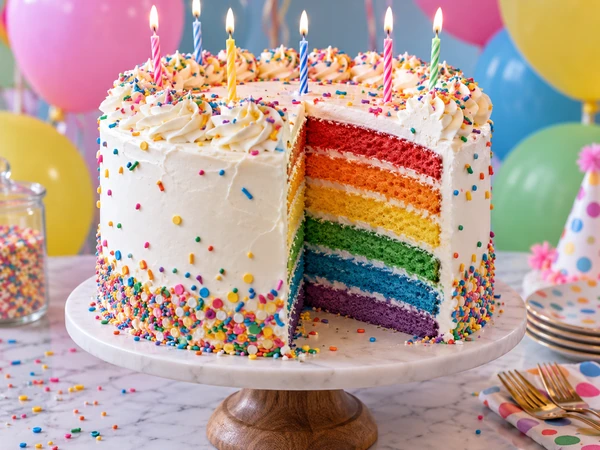
Rainbow layers, sprinkles, and a slice cut out.
Describe the cake you dream of, type the name or message to pipe on top, and choose the colors, tiers, and style: a rainbow birthday cake, a three-tier wedding cake, a dinosaur cake for a five-year-old, or a sleek gold drip cake. The AI shows it as a realistic cake photo you can share with family or take to your baker. Free credits when you sign up.
Cake style
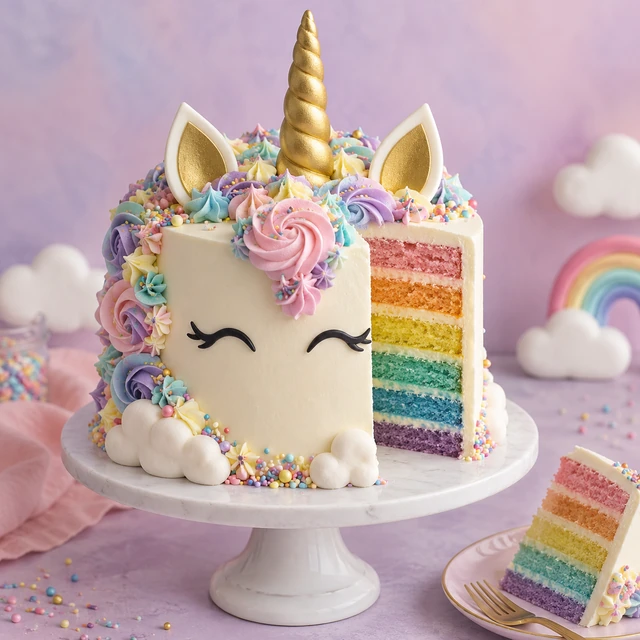
A unicorn cake with a golden horn and ears, whipped cream mane, rainbow sponge layers, sprinkles, and fluffy cloud decorations on a pastel background.
Reference example. It is not a result generated from your upload.
An AI cake generator turns your description into a picture of a finished cake. Say what it is for, how many tiers, the colors, the decorations, and the words to pipe on top, and the cake AI shows a realistic, bakery-style photo of it. It works like an artificial intelligence cake designer that sketches ideas for you instead of days of back-and-forth, so you can see a birthday, wedding, or theme cake before anyone turns on the oven.
This cake generator gives you a real design toolkit: 12 cake styles (birthday, wedding, kids theme, minimalist, drip, floral buttercream, luxury gold, rustic, novelty 3D, and more), a tier picker with a cupcake option, four presentations from bakery photo to designer sketch, and fields for the writing on the cake and your color palette. Upload a cake photo or a sketch to redesign it. It is free to try: new accounts get free credits when they sign up.
Every cake below is the kind of AI cake design you can make here. Tap a card to load the idea or the style, then add your own colors and writing.
Rainbow layers, sprinkles, and a slice cut out.
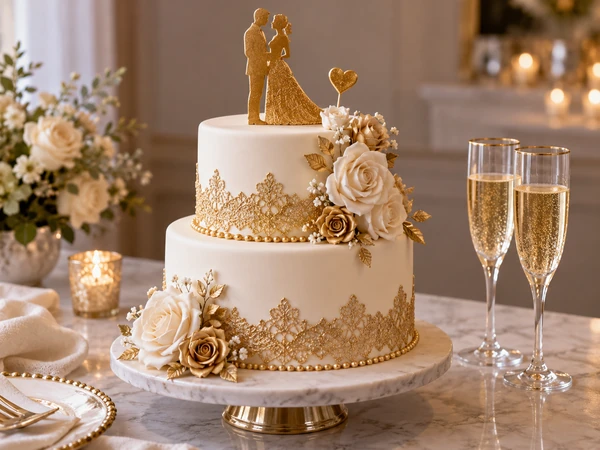
Gold lace, roses, and a couple silhouette topper.
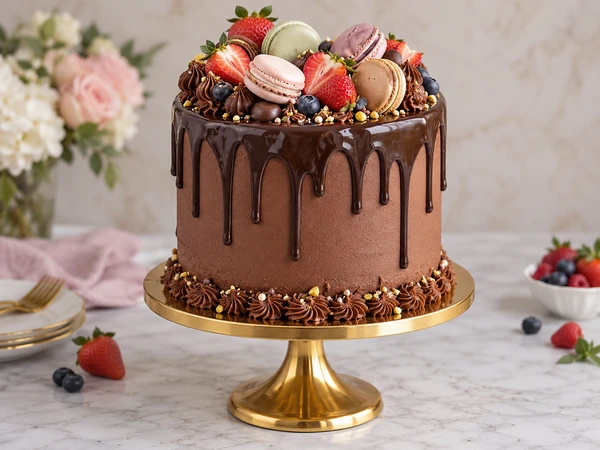
Glossy ganache drips crowned with macarons.
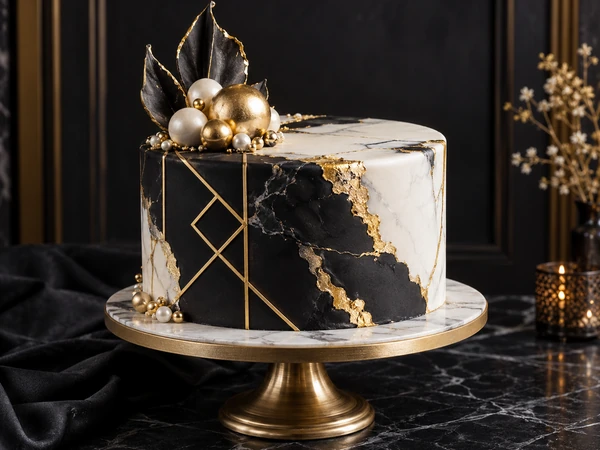
Black and white fondant with gold line work.
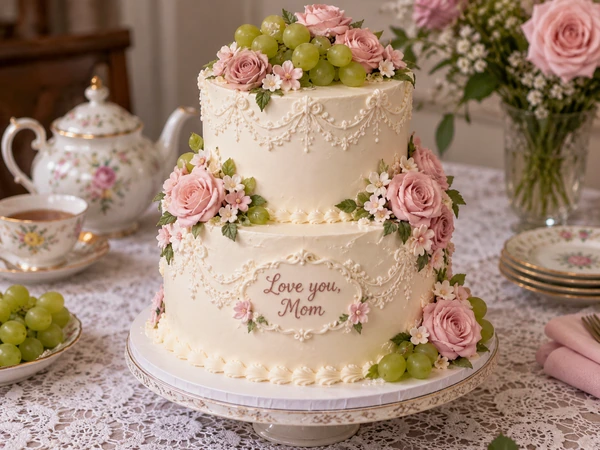
Two white tiers with roses and grapes at tea time.
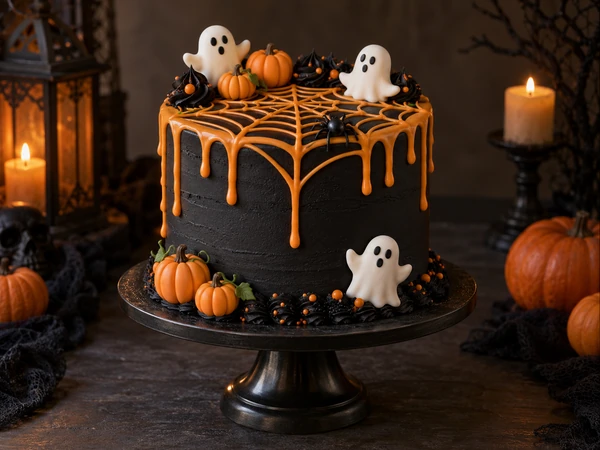
Orange web drip, ghosts, and pumpkins.
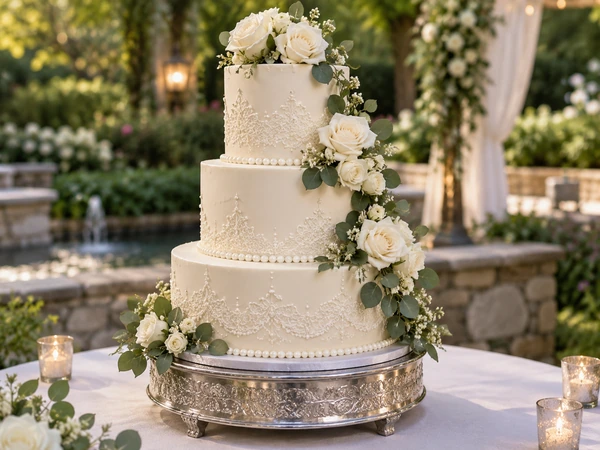
Tall ivory tiers with sugar flowers.
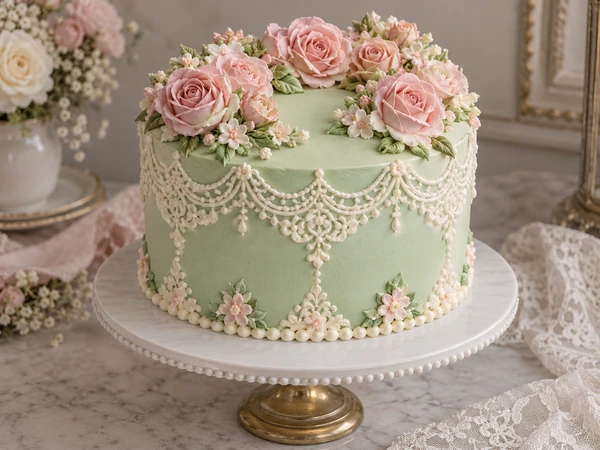
Mint fondant, lace piping, and a crown of roses.
Three steps from an idea to a cake picture you can share or take to a bakery.
Write the occasion, shape, tiers, frosting, and decorations, or tap an idea such as 30th birthday drip cake. Add the writing for the cake and your colors in the fields below, and upload a cake photo or a sketch if you have one.
Choose a cake style such as Wedding, Kids Theme, or Luxury Gold, set the number of tiers, and pick Bakery photo, Party table, Plain white, or Design sketch. Square works for most cakes; 3:4 suits tall tiered cakes.
Press Design My Cake and compare the versions. Change one thing, such as the drip color or the topper, and generate again, then download the cake design you love.
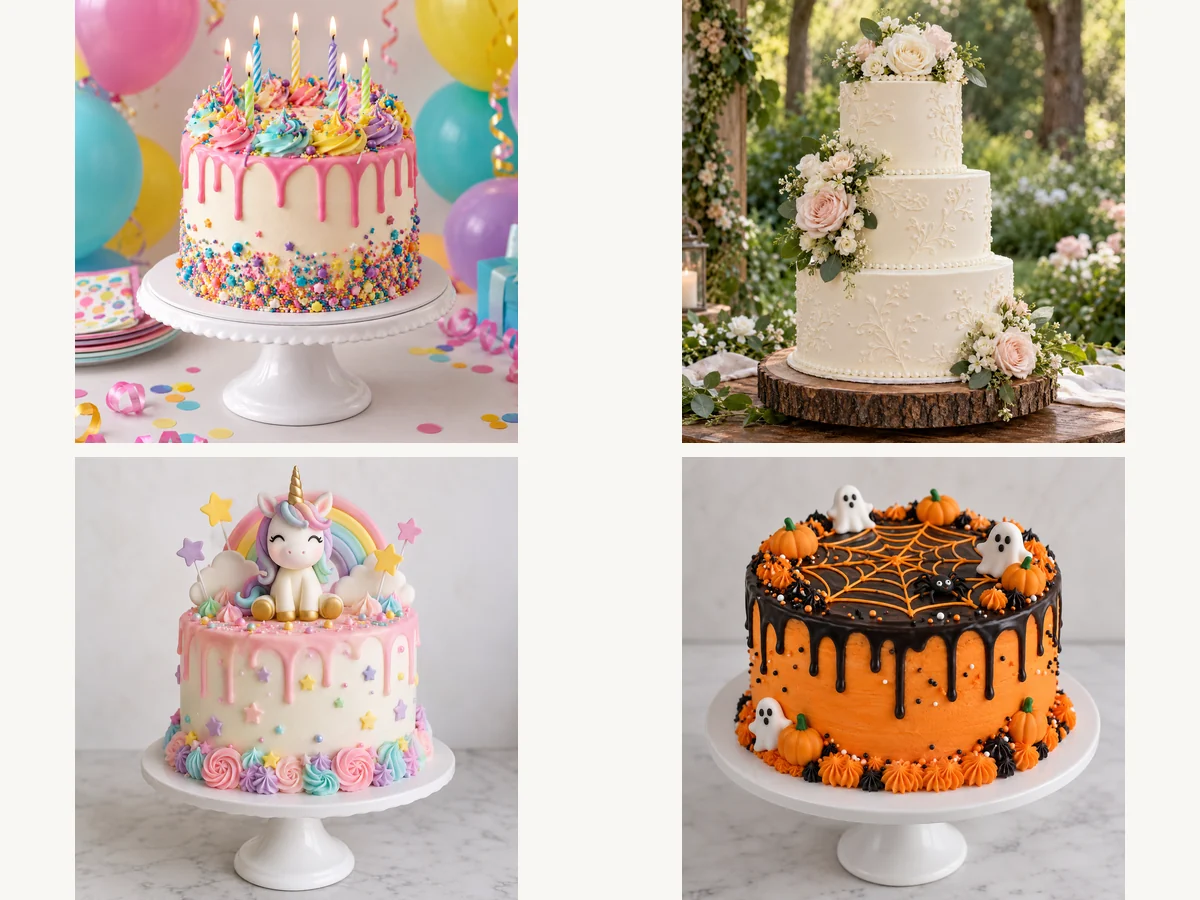
Birthdays, weddings, baby showers, graduations, anniversaries, Halloween, and Christmas: name the occasion and pick a matching style, and the cake creator handles the details, from candles and balloons to lace and sugar flowers. An AI birthday cake for a five-year-old and a three-tier wedding cake are both one sentence away.
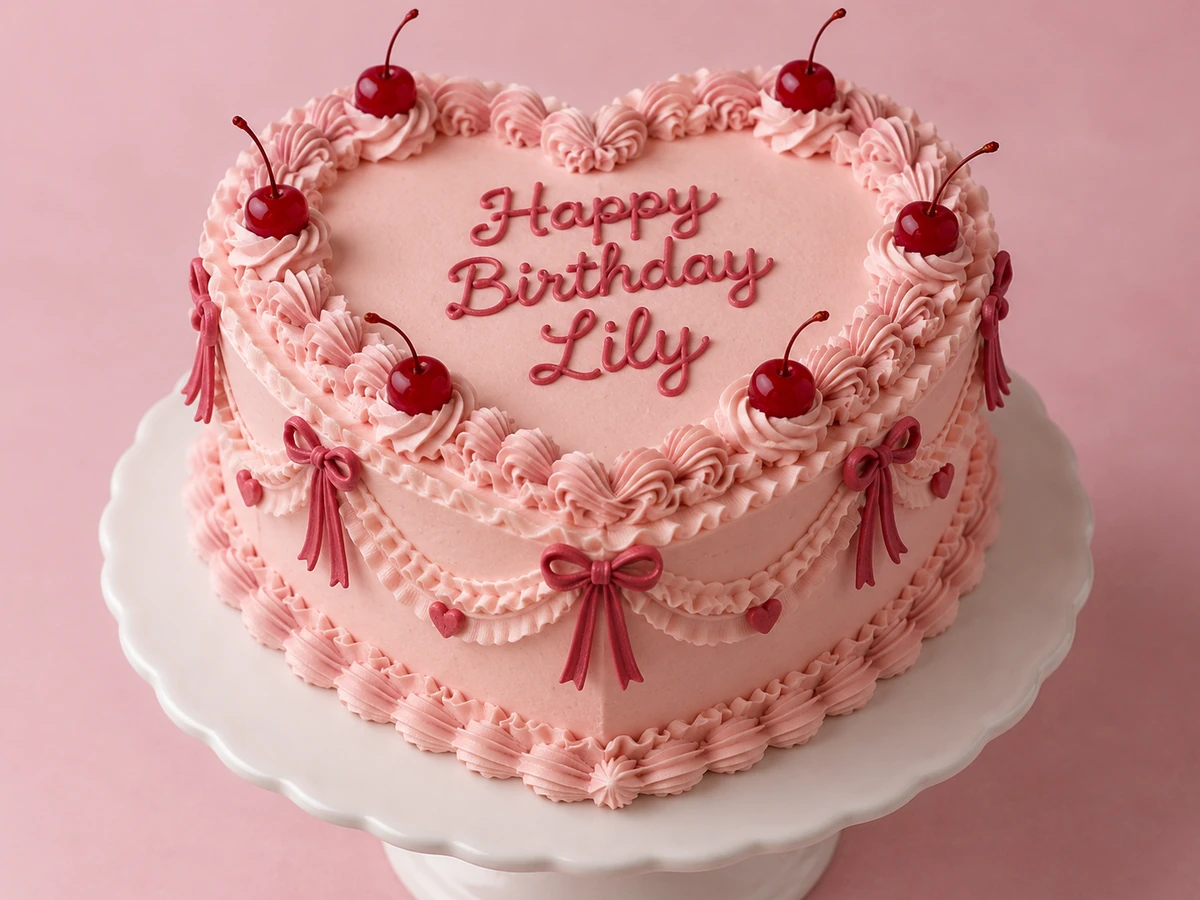
Type the exact words in the Writing on the cake field, such as “Happy 30th Birthday, Emma”, and the AI pipes them on the cake, a plaque, or a topper with the same spelling and numbers. Short messages work best; for longer text or a fancy script, choose Nano Banana Pro or GPT Image 2, which render lettering most reliably.
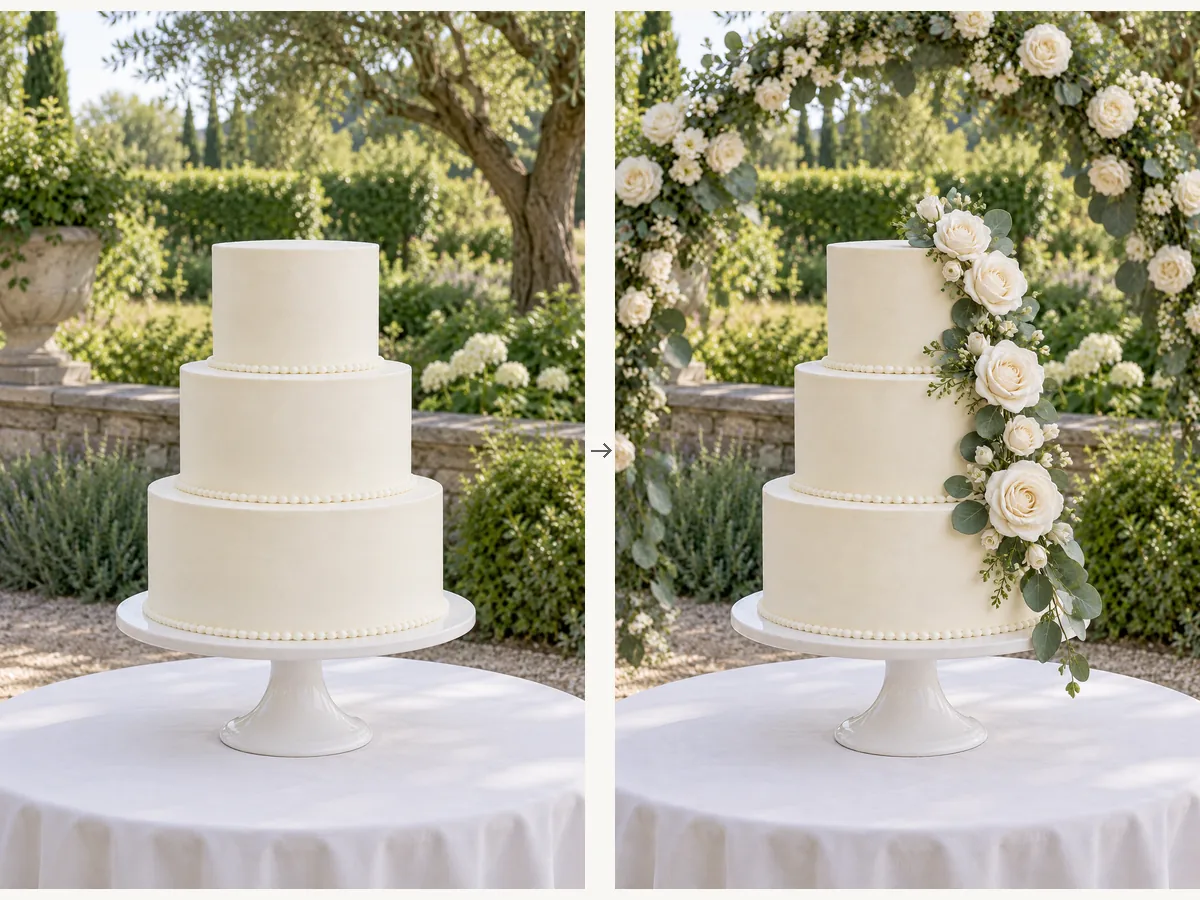
Found a cake you almost love? Upload the photo and describe the change: new colors, an extra tier, fresh flowers instead of fondant. You can also upload your own pencil sketch, or a photo of the venue and flowers, and get a cake that matches. It turns the AI into a quick cake designer online for one-off ideas.
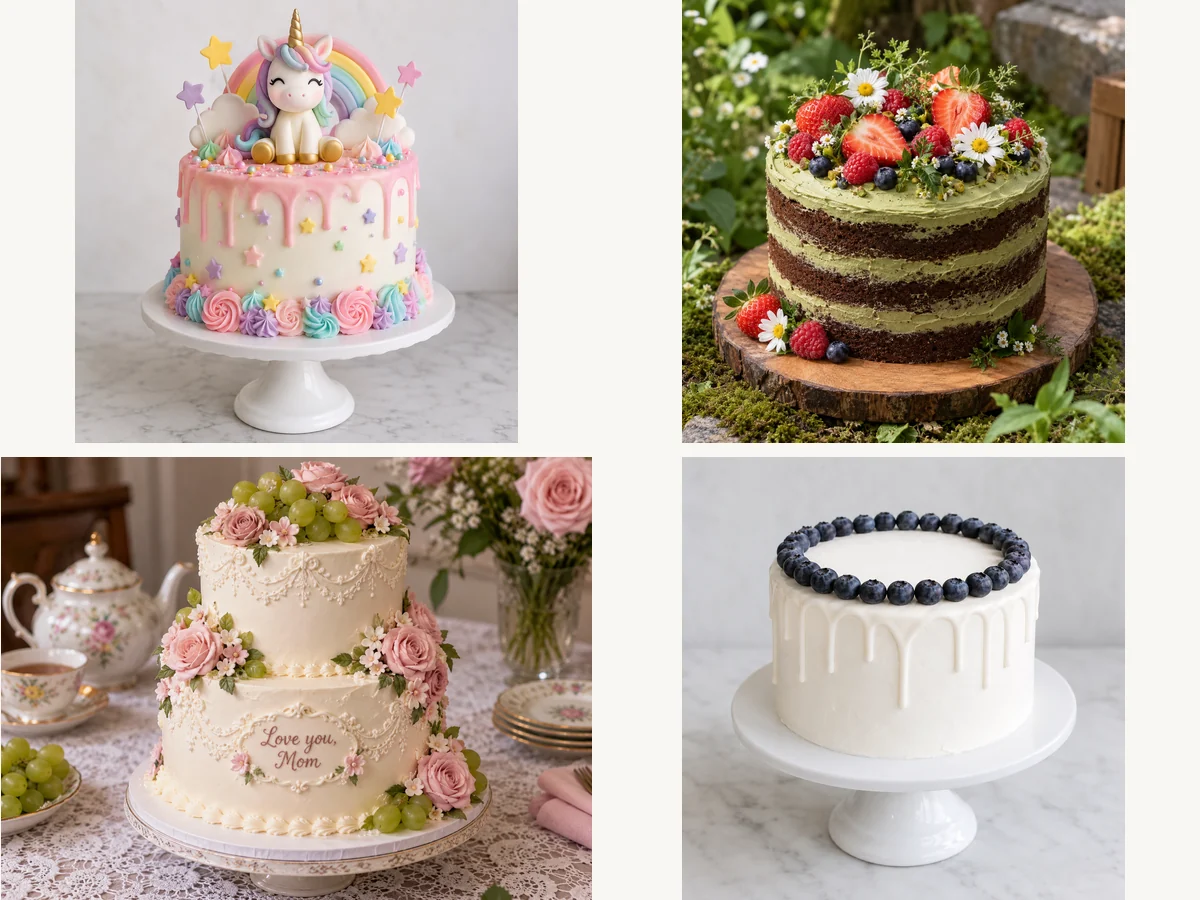
Bakers and event planners use it to turn a client’s vague request into a picture in the first conversation, then refine it together: four flavors of the same design, a minimalist and a luxury version, or a matching cupcake set. The Design sketch presentation gives you a clean front-view drawing for your order sheet.
Bakers have a word for every detail. Use these in your description to get exactly the cake you picture.
| Detail | Options | Example wording |
|---|---|---|
| Shape | Round, square, heart, number, tall “double barrel” | “a heart-shaped cake” |
| Finish | Buttercream, fondant, semi-naked, ganache, mirror glaze | “smooth fondant with a marble effect” |
| Sides | Drip, ruffles, lace piping, palette-knife texture | “a glossy gold drip down the sides” |
| Decorations | Sugar flowers, fresh fruit, macarons, gold leaf, sprinkles | “fresh peonies and gold leaf” |
| Topper | Acrylic topper, fondant figure, candles, number balloons | “a gold acrylic topper with the name” |
| Writing | Piped script, fondant letters, plaque | Write it in the Writing on the cake field |
| Setting | Cake stand, party table, plain backdrop | “on a white cake stand with balloons behind” |
A slice cut out (“one slice removed to show the layers”) is a great way to show the sponge and filling.
From a surprise birthday to a wedding tasting, here is how people use AI generated cake designs.
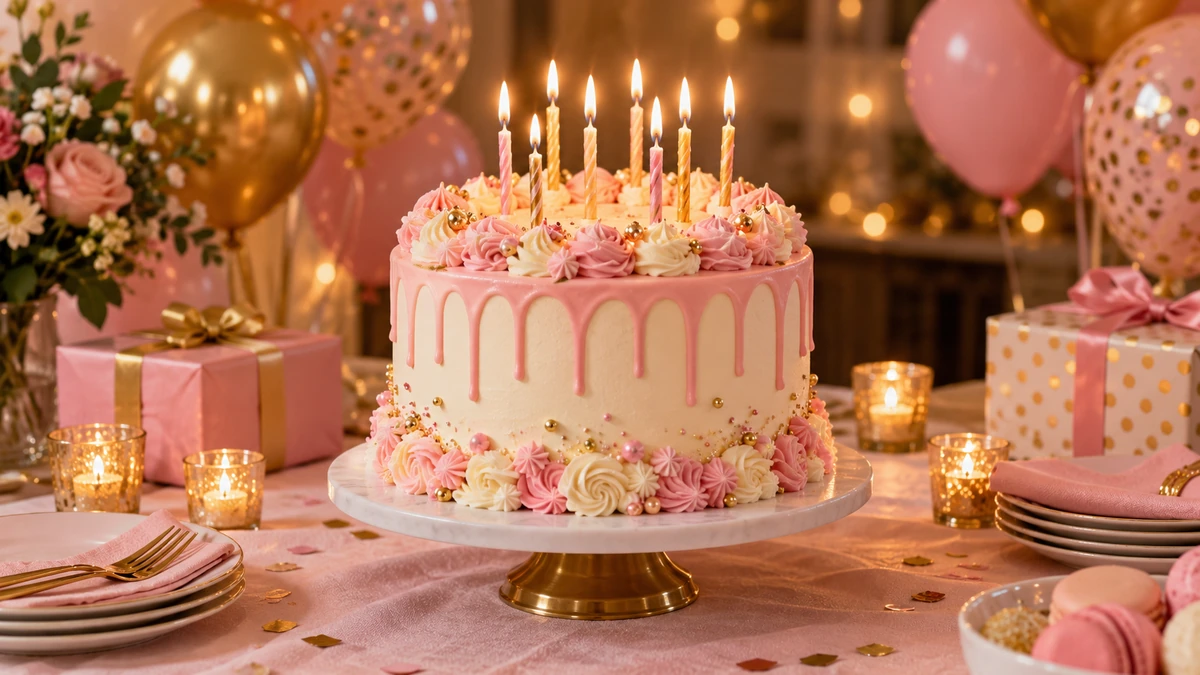
Pick a theme cake for a child, a partner, or a milestone birthday.
Try lace, florals, and drips before the tasting appointment.
Get a decorating idea and a color palette before you start piping.
Show clients quick drafts and lock in the design faster.
Match the cake to the venue, flowers, and color scheme.
Send a birthday cake AI image with their name when you cannot be there.
Small changes that make the cake look real and bakeable.
“A two-tier round cake” stops the AI from inventing towers you cannot bake.
Use the Colors field for a palette like “sage, cream, and gold”.
A cascade of roses or a single topper looks better than everything at once.
Names and short wishes render best; choose Nano Banana Pro or GPT Image 2 for longer text.
Ask for a slice cut out to show the sponge layers and filling.
Share the picture as inspiration and let your baker confirm what is possible.
Match the cake with a card, a name design, or packaging.
Make a matching birthday card with the name and wish spelled out, in the same colors as the cake.
Make a CardSpell the birthday star’s name in roses, tulips, or wildflowers for a sweet post or print.
Spell a NameRunning a bakery? Design cake boxes, labels, and dessert packaging to match your cakes.
Design PackagingCut your cake out onto a clean white or transparent background for menus and price lists.
Remove BackgroundCards, invitations, and designs to go with your cake.
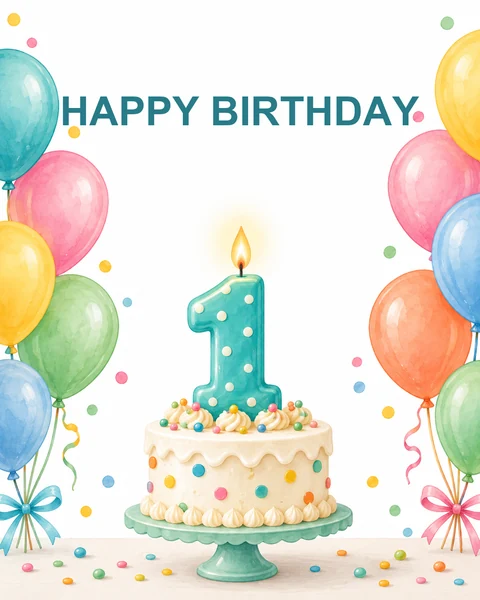 AI Birthday Card GeneratorFree to try AI birthday card generator: add a name and an AI birthday wish, pick a style, and get happy birthday AI images and printable cards with your words.
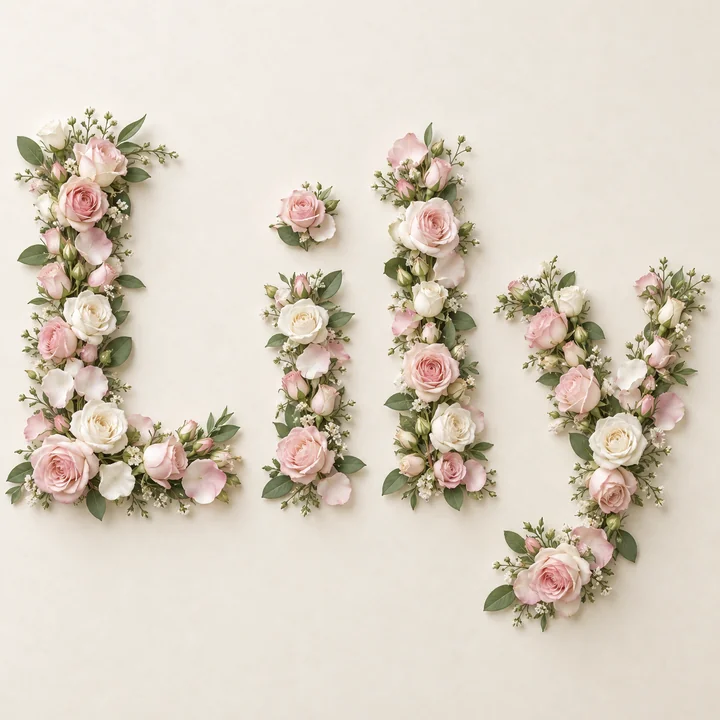 Name Into FlowersTurn any name into flowers: type a name, pick roses, tulips, or wildflowers, and the AI flower name generator spells it in real blooms. Free to try.
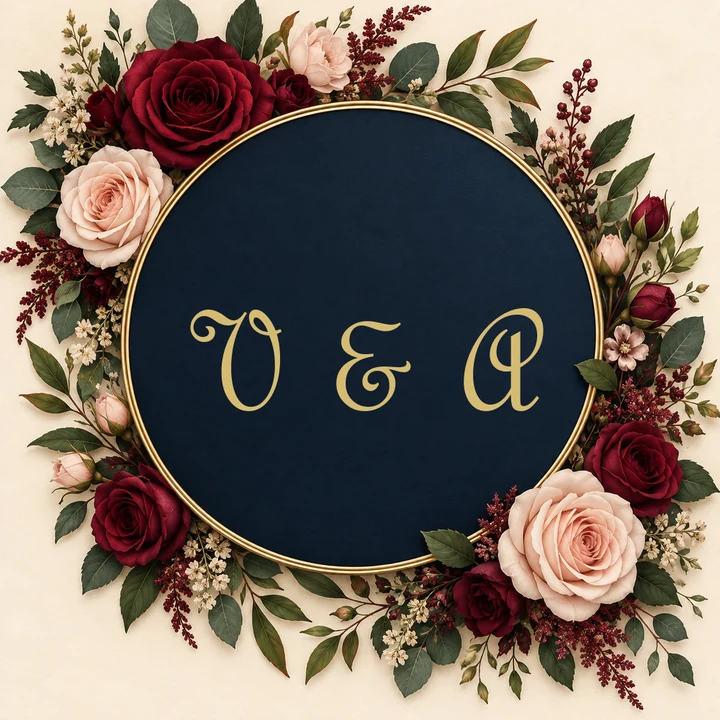 Monogram MakerFree to try monogram maker: type 2, 3, or 4 initials, pick interlocking, cursive, circle, or wedding styles, and the AI monogram generator designs your logo.
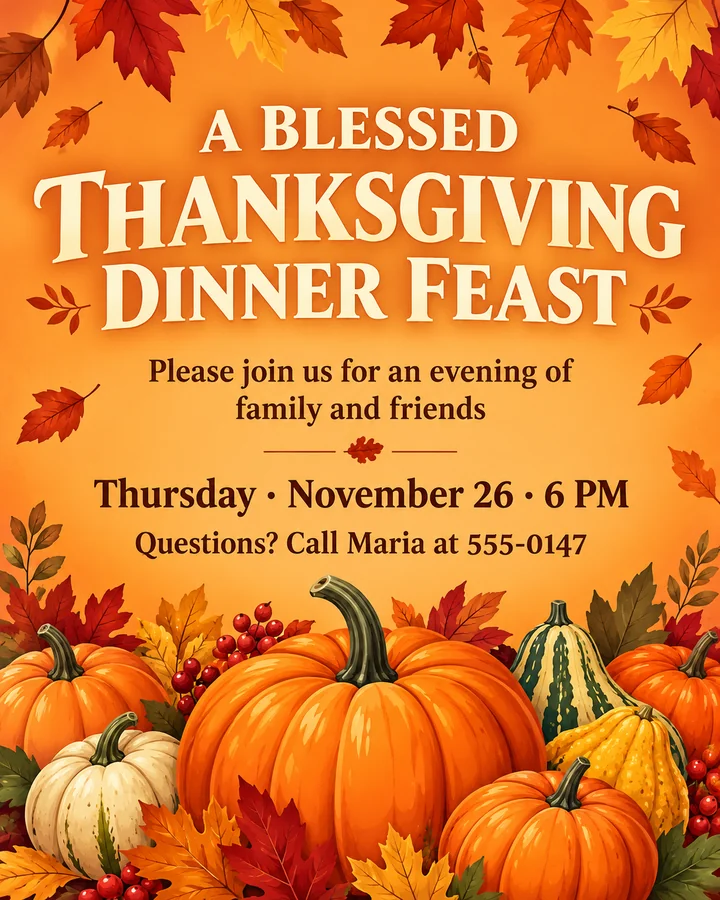 AI Thanksgiving Invitation MakerFree to try AI Thanksgiving invitation maker: add your wording, pick a style, and get a custom Thanksgiving invitation template, flyer, or Friendsgiving invite.
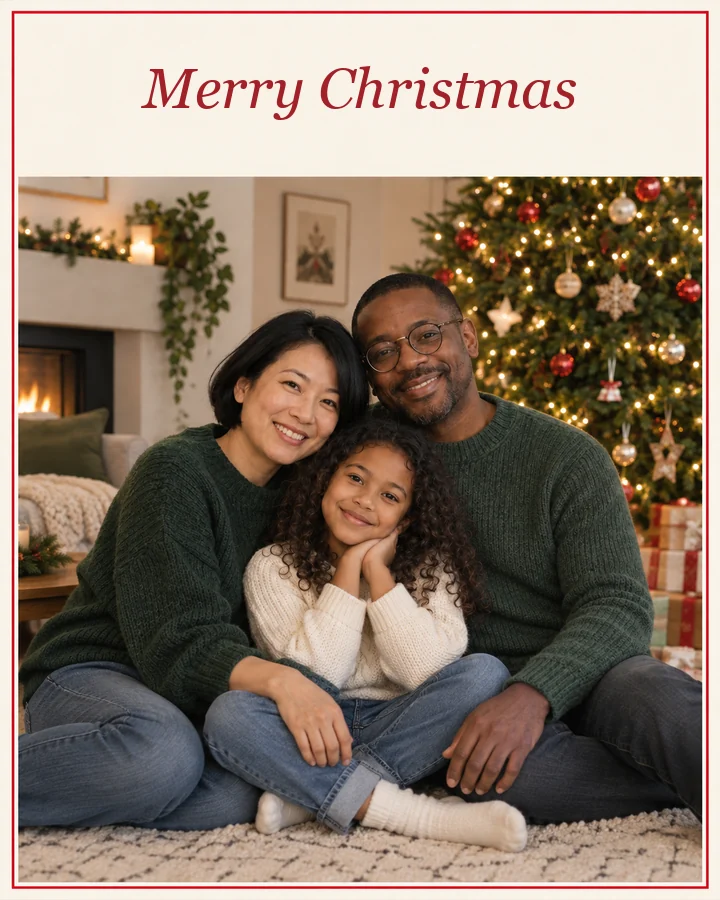 AI Christmas Card GeneratorFree to try xmas card generator: describe your card, add a family photo, pick a style, and the AI Christmas card generator designs cards to print or send.
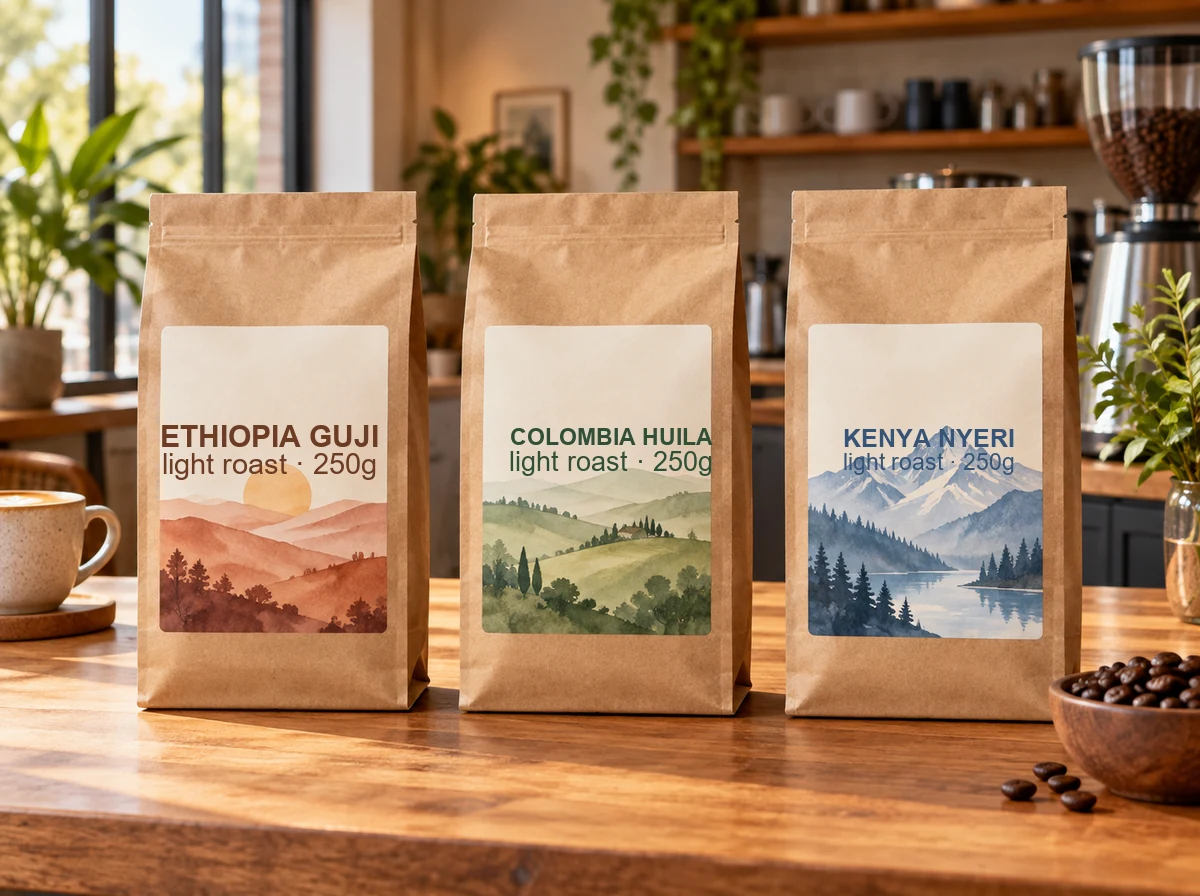 AI Packaging Design GeneratorPackaging AI that designs boxes, pouches, bottle labels, and coffee bags from a prompt. Add your brand name and logo and get packaging mockups. Free to try.
 AI Sticker MakerHow to make a picture a sticker: upload a photo or screenshot, pick a style like die-cut, cartoon, chibi, or kawaii, and the AI sticker maker turns it into a PNG.
 AI Image GeneratorFree to try AI image generator: type a prompt or add a photo, pick Nano Banana 2, GPT Image 2, Seedream, or FLUX, choose a style, and create AI images online.
 Background RemoverRemove background free to try: the AI background remover online cuts out people, products and pets, then gives you a transparent PNG, white, color or new scene.
 AI Image UpscalerAI image upscaler for photos, logos, PNGs and art. Upscale images and pictures 2×, 4× or to 4K with faithful AI upscaling that keeps faces and text intact.
 AI Photo EditorAI image editor free to try: upload a photo, type the change and pick Nano Banana, Seedream, GPT Image or FLUX to swap backgrounds, outfits, light and more.
 Crop Image OnlineCrop image files free in your browser: snap to 1:1, 4:5, 16:9, 9:16, passport 2x2 or a custom size, drag and zoom to frame, cut a circle, and download.
You describe the cake (occasion, tiers, frosting, decorations, writing, and colors), pick a style and a presentation, and press Design My Cake. The AI creates new cake images that match your description, and you can tweak one detail at a time until it is right.
The AI cake generator is free to try: new accounts get free credits when they sign up, enough for several cake designs. After that, each image uses credits, and the cost is shown on the button before you generate.
Yes. Type the exact words in the Writing on the cake field, or put them in quotes in your description. The AI is told to copy them exactly and to add no other words. Keep it short for the cleanest lettering, and choose Nano Banana Pro or GPT Image 2 for longer messages.
It is free to try online and shows cakes as realistic, three-dimensional-looking photos from the angle you describe, but it is not a drag-and-drop 3D modeling app. Describe the view you want, such as “seen from above” or “side view with a slice cut out”.
Usually, yes, as inspiration. Show the picture to your baker; they will tell you what is possible for your size, budget, and date, and may suggest small changes. Asking for real tiers, real flowers, and standard finishes keeps the design easier to bake.
Yes. Choose the Wedding style, set two or three tiers, and describe the finish and flowers, such as “ivory lace fondant with white roses and eucalyptus”. Upload a photo of your venue or bouquet to match the colors.
Yes. Upload the cake photo as the reference image and describe the changes: new colors, different flowers, an extra tier, or new writing. The AI keeps the overall shape and applies your changes. Only upload photos you took or have permission to use.
Yes. Add the name in the Writing on the cake field, choose Party table, and send the image in a message or a story. For a full card with a longer wish, try the AI Birthday Card Generator.
Nano Banana 2 is a fast, balanced default. Nano Banana Pro and GPT Image 2 are best when the cake has writing, and Seedream 4.5 and FLUX.2 are strong at realistic frosting textures and lighting. Try two models on the same prompt and keep your favorite.
Use them as inspiration for your own baking, to brief a bakery, or as birthday and party images. They are pictures, not recipes, so sizes, servings, and techniques still need a baker’s judgment. Check our terms before any commercial use.
Describe it, add the writing and colors, and let the AI cake generator design it.
Nano Banana and Gemini are trademarks of Google LLC; GPT Image is a trademark of OpenAI; Seedream is a trademark of ByteDance; FLUX is a trademark of Black Forest Labs. EzImgMaker is an independent service and is not affiliated with or endorsed by these companies. Model names are used only to describe compatibility.