Scratches and Dust on a Portrait
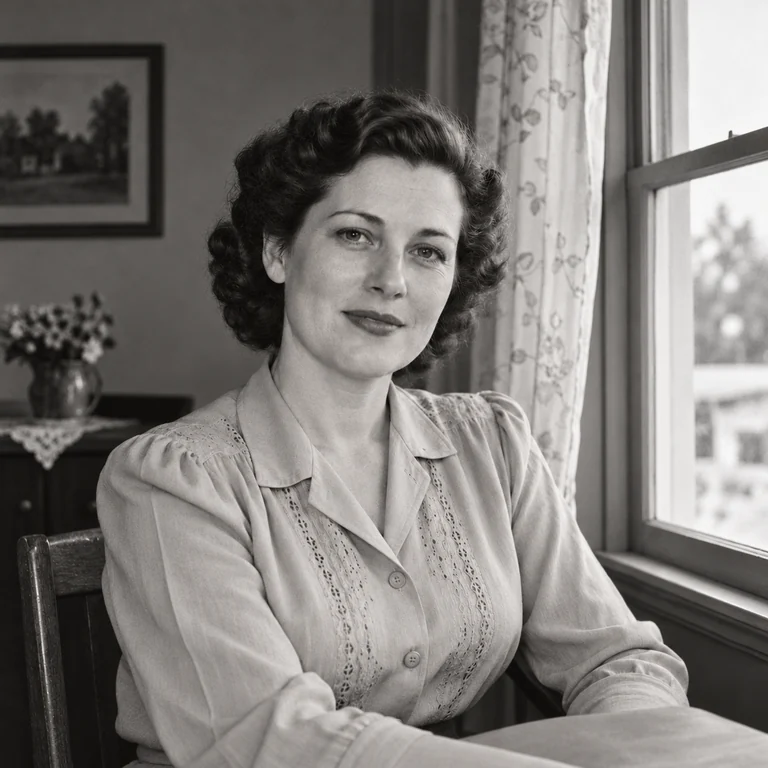
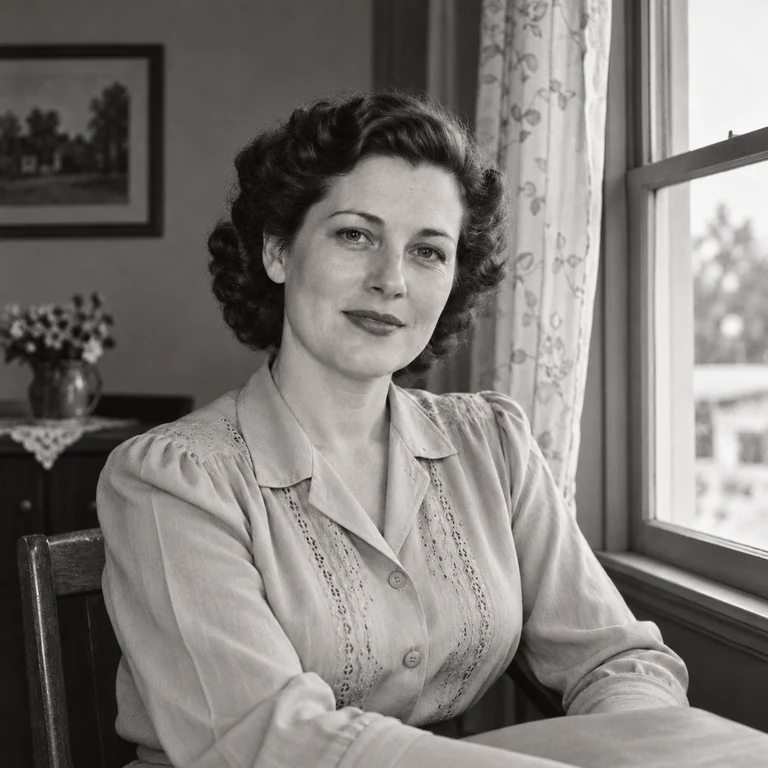
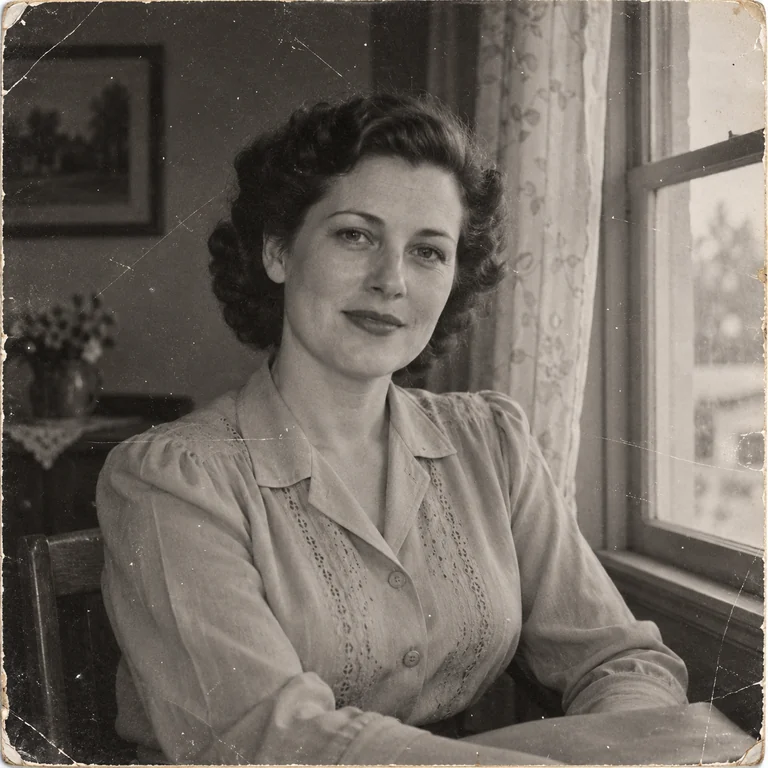
Hairline scratches and dust specks cover a black-and-white portrait. Scratches & dust removes them and leaves the window light, the curls and the blouse embroidery as they were.
Pick the damage you see, from scratches and dust to tears, fading or water stains, and the AI repairs that problem in your scan. Compare the repaired copy with your original before you download.
Common photo damage
Fine-tune
Reference example. It is not a result generated from your upload.
Old damaged photos usually suffer from one or two specific problems: scratches and dust, tears and creases, fading and stains, or water damage. This AI photo repair tool asks you to name the damage, so old photo repair stays focused on that problem instead of reworking the whole picture.
To fix old photos well, start with a clean scan. Scan prints flat with the full border visible and no glare from lamps or windows. The more real detail the scan holds, the less the AI has to guess when you repair old photographs.
Photo repair works on pictures that open normally. It is not file recovery: corrupted image repair online services fix broken file data, while this tool fixes visible damage, such as a vintage photo damaged by water or sunlight. For an all-round treatment with colorizing and face detail, use Photo Restoration.
Hairline scratches and dust specks cover a black-and-white portrait. Scratches & dust removes them and leaves the window light, the curls and the blouse embroidery as they were.
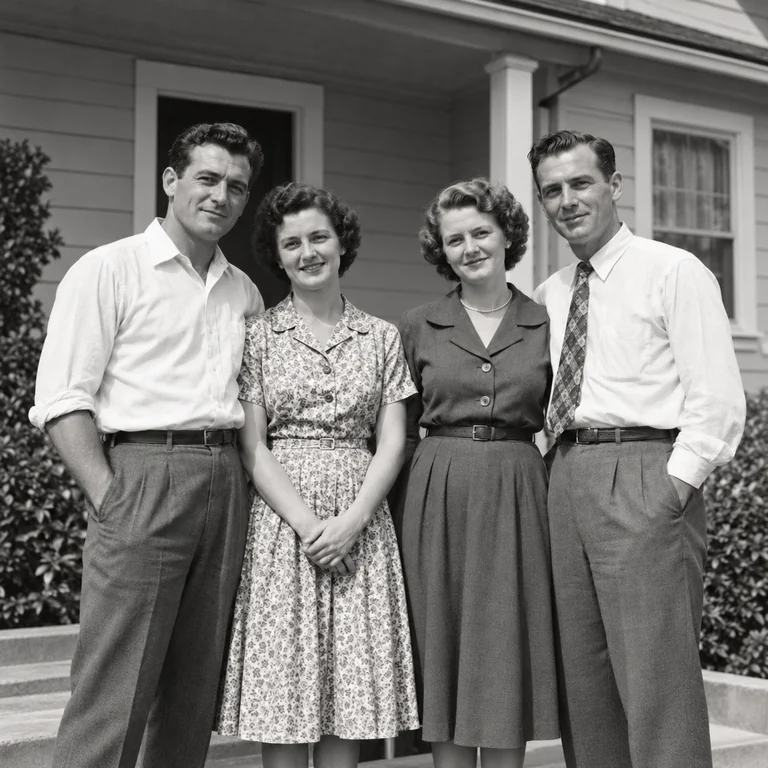
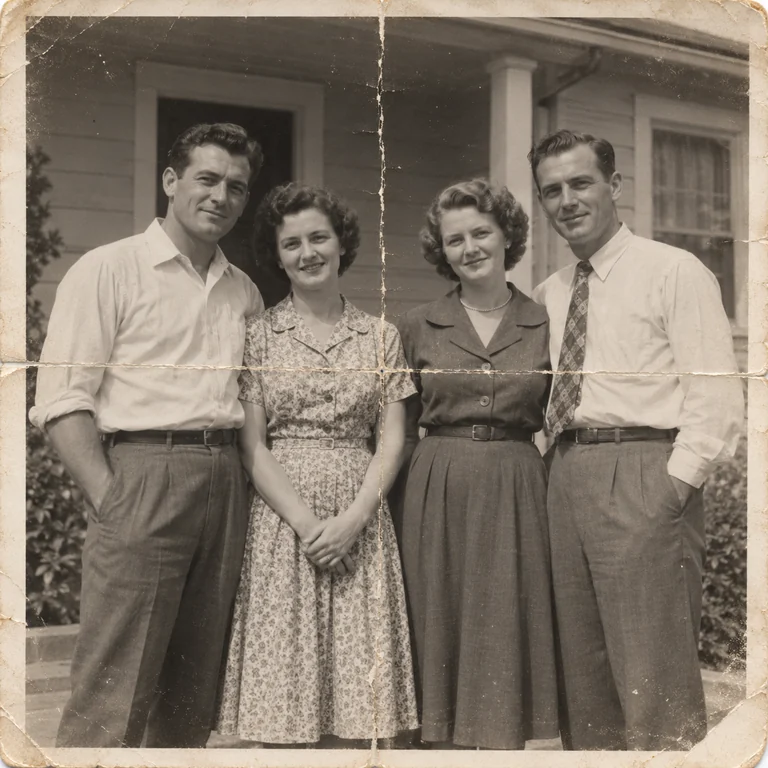
A torn corner and fold lines cut across four people on a porch. Tears & creases closes the gaps and rejoins the lines of shirts, dresses and the house behind them.
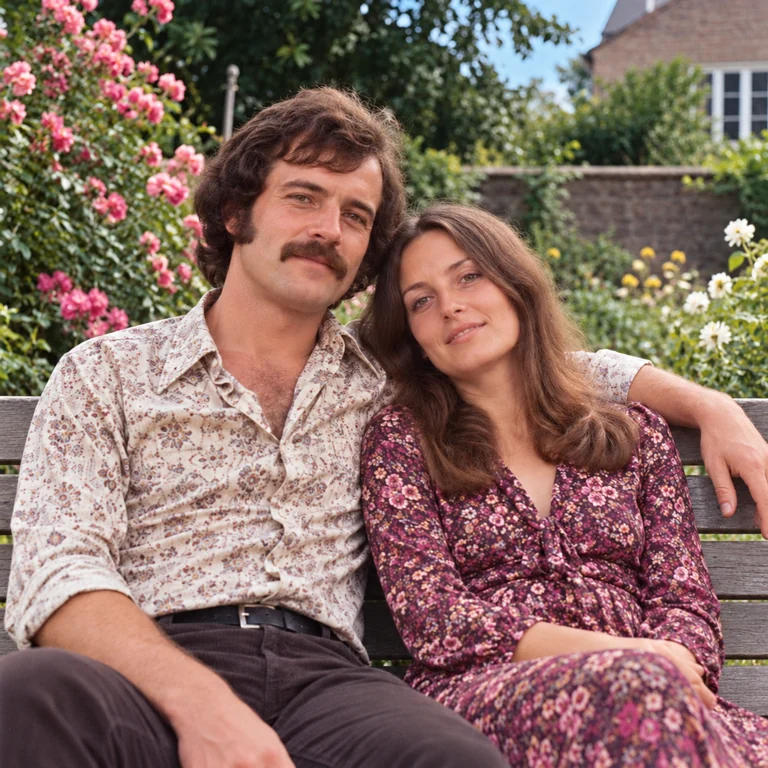
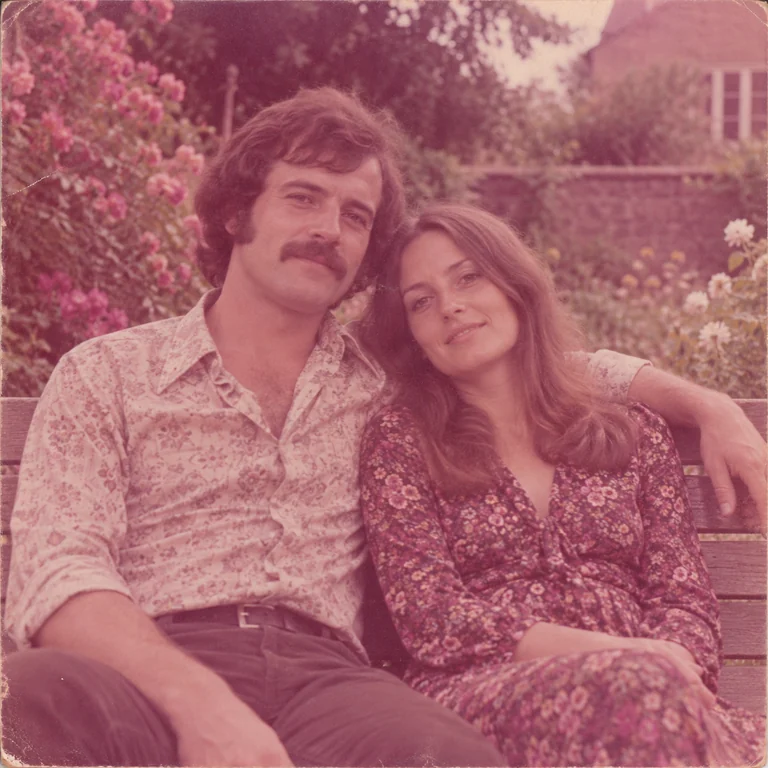
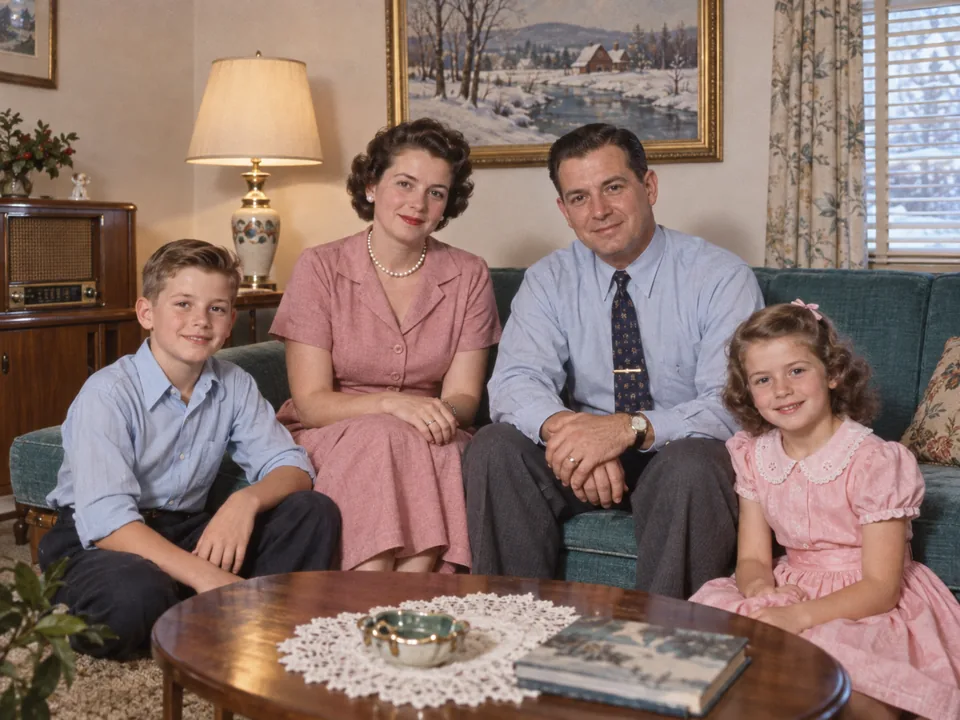
A 1970s snapshot turned pink with age. Fading & stains removes the cast and brings back the green garden, the floral dress and natural skin tones.
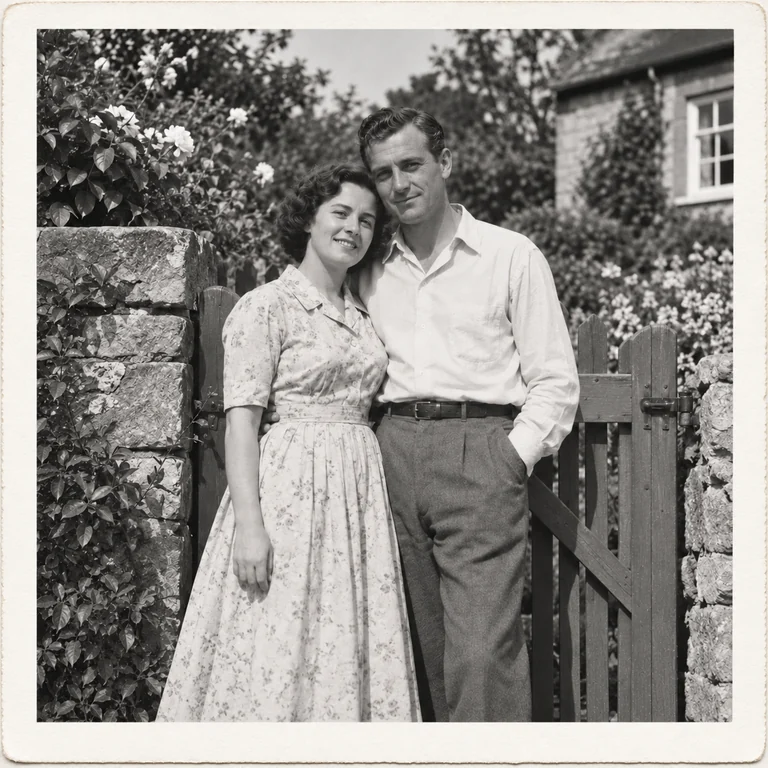
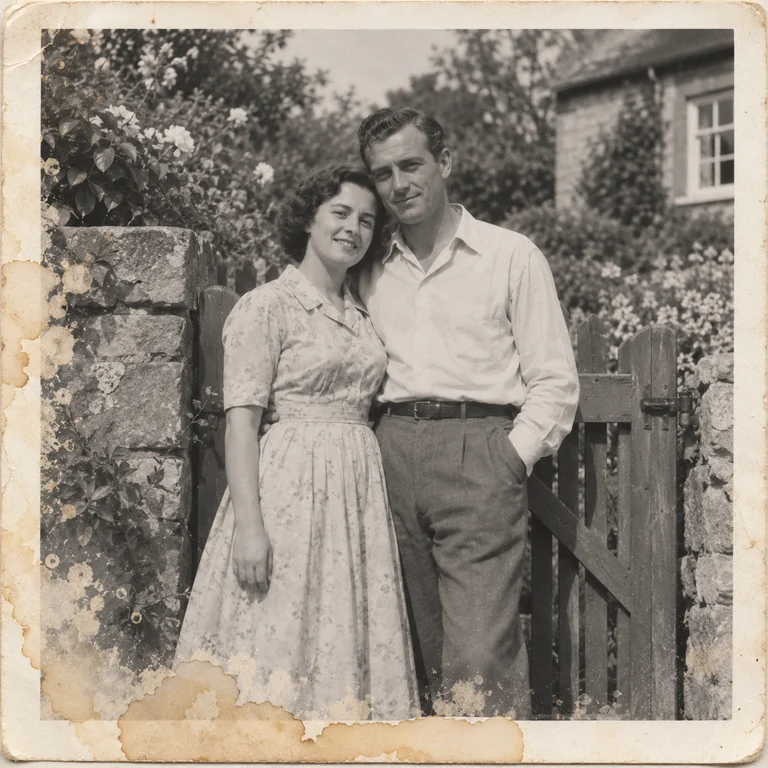
Tide marks and lifted emulsion spoil the lower half of a garden portrait. Water damage cleans the stains and rebuilds the dress hem from the surrounding detail.
Scan or photograph the photo flat without rubbing or wetting it. Never force a curled or water-damaged print flat; photograph it as it lies instead.
Pick Scratches & dust, Tears & creases, Fading & stains or Water damage. If the photo has several problems at once, choose All of these.
Choose 2K for screens and small prints or 4K for enlargements, then press Generate to repair the photo.
Zoom into places where the damage crossed faces, hands or patterns. Large missing pieces are filled from context, so check they look plausible before you download.
Scratches & dust is for fine lines, specks and small abrasions on an otherwise intact print. It is the lightest repair, so grain and soft focus stay close to the original. Check eyes and patterned clothes, where a scratch can hide real detail.
Tears & creases targets the white lines left by folds, cracked corners and torn old photos. Scan the print flat with both sides of the crease in focus. The AI rejoins edges to repair image areas the fold broke; large missing pieces are reconstructed, not recovered.
Fading & stains evens out color casts, yellowing and blotches, and helps remove faded parts of scanned image files. Some tone has to survive in a faded area for the repair to work with, so keep the unedited scan for any later attempt.
Water damage handles tide lines, bleeding dye and patches where the emulsion lifted. Let a wet print dry before you scan it, and never soak it again. Damaged photographs that are stuck together or to glass need a conservator before anything else.
Dates, names and studio stamps on the back help you identify the picture. Scan both sides before the repair so the record stays together.
A print with a crease and a stain needs both fixes. All of these combines every repair in one pass, while a single damage type changes less.
When a tear or scratch runs through an eye or mouth, the AI has to guess. Compare that face with other photos of the same person.
Save the repaired copy under a new name. The original scan records the picture damage and is your starting point for any later repair.
If you photographed a whole album page, crop each picture before uploading. It is easier to repair pictures one at a time than a page of six.
Use your own family photos or ones you have permission to edit, and mention major repairs when you share old damaged photographs with relatives.
Full restoration with optional colorizing and face detail for old portraits.
Read the guideDescribe a custom fix in words, like removing a pen mark or a date stamp.
Read the guideGenerate a fresh image from a text prompt, such as a vintage-style reunion invitation.
Read the guideScan the print, upload it and choose the damage type that matches what you see. Pick 2K or 4K, press Generate, then compare the repaired copy with your scan before downloading. Keep the original file.
Yes, photo repair is free to try. Each repair uses account credits, and the cost appears on the Generate button before you run it.
Only upload photos you own or have permission to edit, like prints from your own family album. If a relative or an archive holds the original, ask before you repair and share it.
Choose All of these when one photo shows several kinds of damage, such as a crease plus fading. A single damage type makes smaller, more targeted changes, so start with one if the photo is mostly intact.
It fills torn corners and gaps from the surrounding image, but missing parts are reconstructed, not recovered. Faces or writing inside a missing area may differ from the real thing, so label heavily repaired photos when you share them.
No. Corrupted image repair online services fix files that will not open; this tool needs a picture that displays normally. If your file opens but shows scratches, fading or stains, you are in the right place.
Not really. Blur image repair is a different job: use Unblur Image for motion blur or missed focus, and Image Sharpener for slightly soft edges. Repair the physical damage first, then fix the blur.
No. The picture repair tool runs in your browser on a computer or phone, so you upload a scan, repair it and download the result. You do not need a separate app to repair old photos.
Upload a JPG, PNG or WebP up to 20 MB. The repaired image comes back at 2K or 4K, depending on the Output setting. A sharper, larger scan gives the repair more detail to work with.
Photo repair targets the damage type you pick. Photo Restoration offers a light or full pass plus colorizing and face detail, which suits faded portraits that need more than one fix. To restore damaged photos with several problems, repair the worst damage here first, then colorize or restore the result.
Upload a scan, pick the damage type and compare the repair with your original before you download. AI photo repair is free to try.