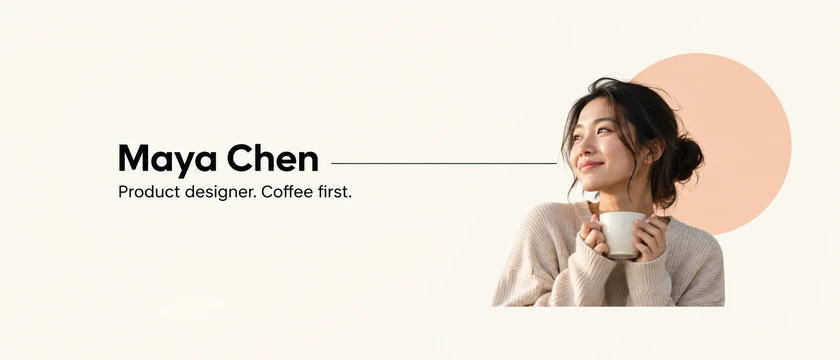
Minimal
Off-white, one shape, and a clean name.
Type your name or brand and a short tagline, pick a style like Minimal, Gradient, Tech, Gaming, Creator, or Business, and the AI designs a wide X / Twitter header with the text spelled exactly as you wrote it and the profile-photo corner kept clear. Then crop it to 1500 × 500 for free in your browser. Works on five AI models; free credits when you sign up.
Header style
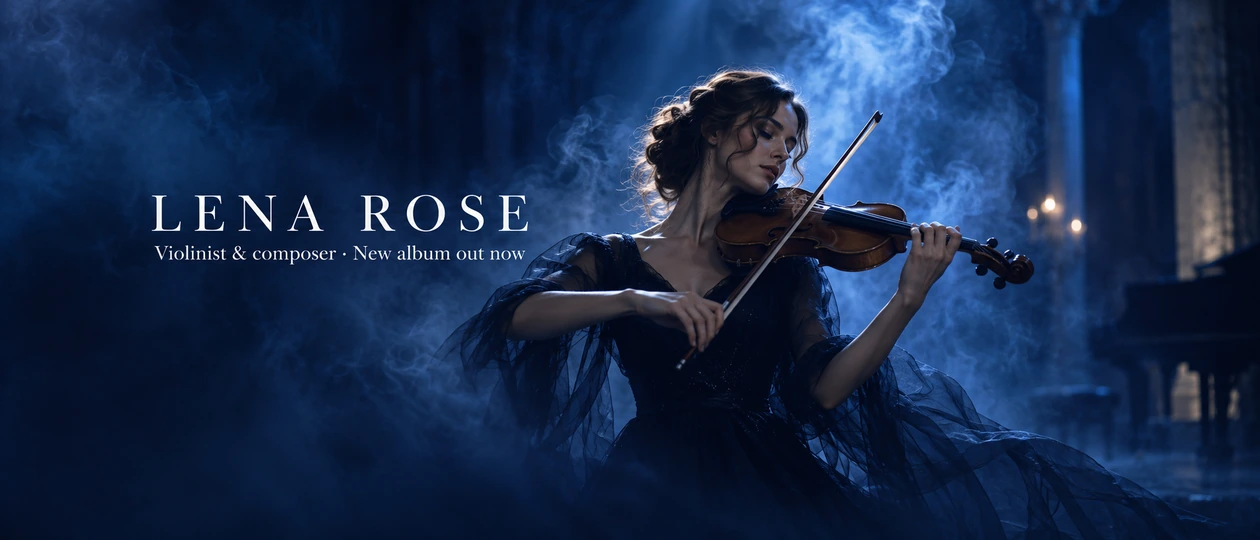
A Twitter header for a violinist: a woman playing violin in deep blue smoky light, cinematic, the name "LENA ROSE" in elegant white serif on the left, tagline "Violinist & composer · New album out now".
Reference example. It is not a result generated from your upload.
A Twitter header (on X it is still the same wide banner) is the first thing people see on your profile, stretched across the top above your photo. A Twitter header maker designs that banner for you. Type your name or brand and a one-line tagline, describe a vibe, and the AI draws a wide, original image with your words in it, composed for the 3:1 crop and the profile photo that sits on its bottom-left corner.
Pick one of 11 styles, from Minimal and Gradient to Tech, Gaming, Creator, Business, Aesthetic, Illustrated, Nature Photo, and Abstract 3D, then generate on Nano Banana 2, Nano Banana Pro, Seedream 4.5, GPT Image 2, or FLUX.2. It works as a Twitter banner maker, Twitter header generator, Twitter banner creator, and Twitter header banner maker in one. Looking for a free Twitter header maker? It is free to try with the credits new accounts get when they sign up, and the 1500 × 500 crop afterward is free in your browser.
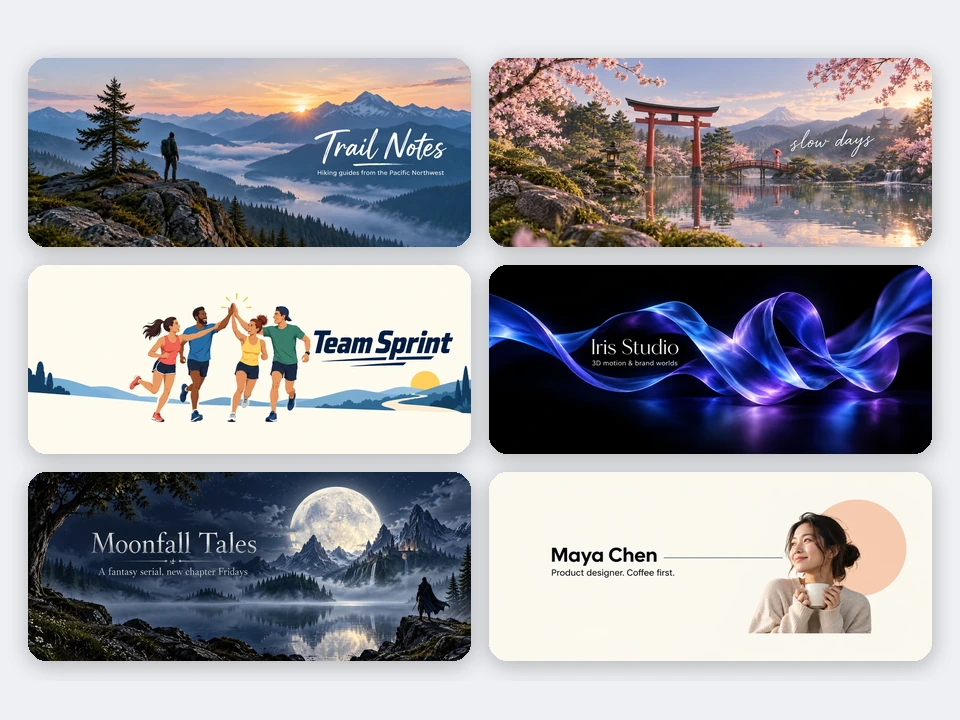
Minimal, business, aesthetic, illustrated, abstract 3D, and author headers: tap a card to load the style or idea, then type your own name.
Off-white, one shape, and a clean name.

Teal, gold, and a classic serif for a firm.
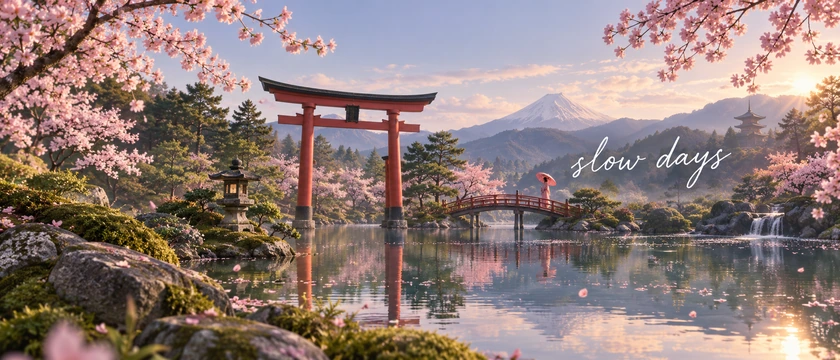
Blossoms, a torii gate, and a soft script.
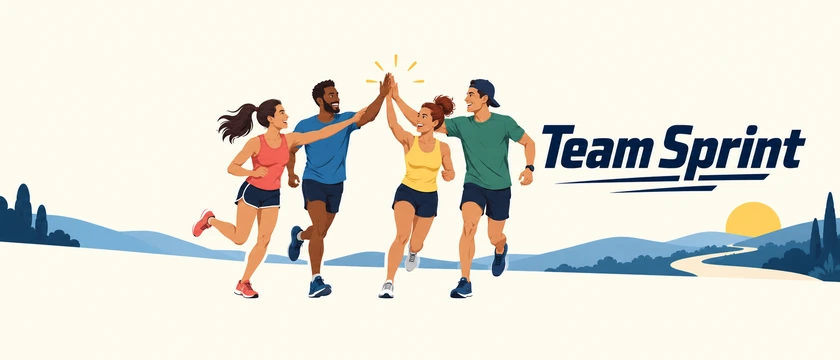
Flat characters for a team or community.
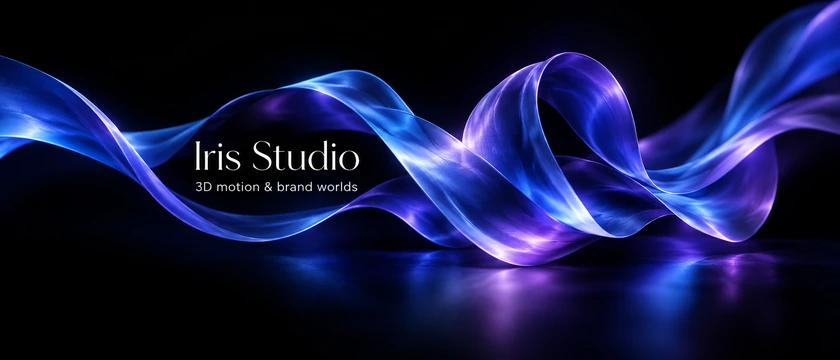
Glossy silk ribbons for a studio or brand.
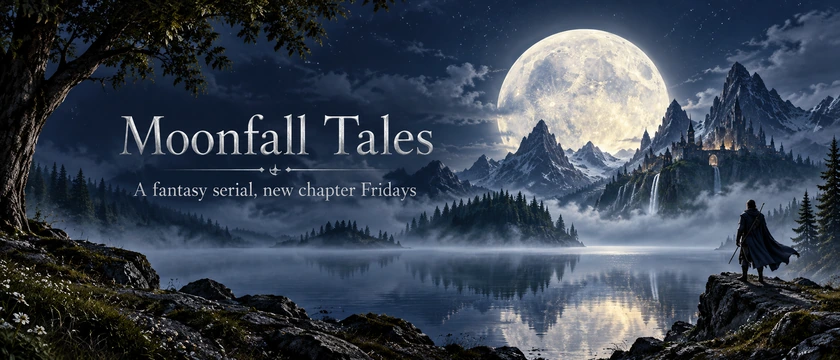
A full moon over mountains for a fantasy serial.
Four steps to a header that fits X on desktop and mobile.
Enter your name or brand exactly as it should appear, plus an optional tagline and @handle. Describe what the header should show, or tap an idea for a full prompt.
Choose Minimal, Gradient, Tech, Gaming, Creator, Business, Aesthetic, Illustrated, Nature Photo, or Abstract 3D, and put the text on the right, in the center, or upper left, away from your profile photo.
Keep the 21:9 size and press Generate Twitter Header. Check the spelling, then generate again or switch to Nano Banana Pro or GPT Image 2 for the cleanest lettering. Make a matching 1:1 profile photo too.
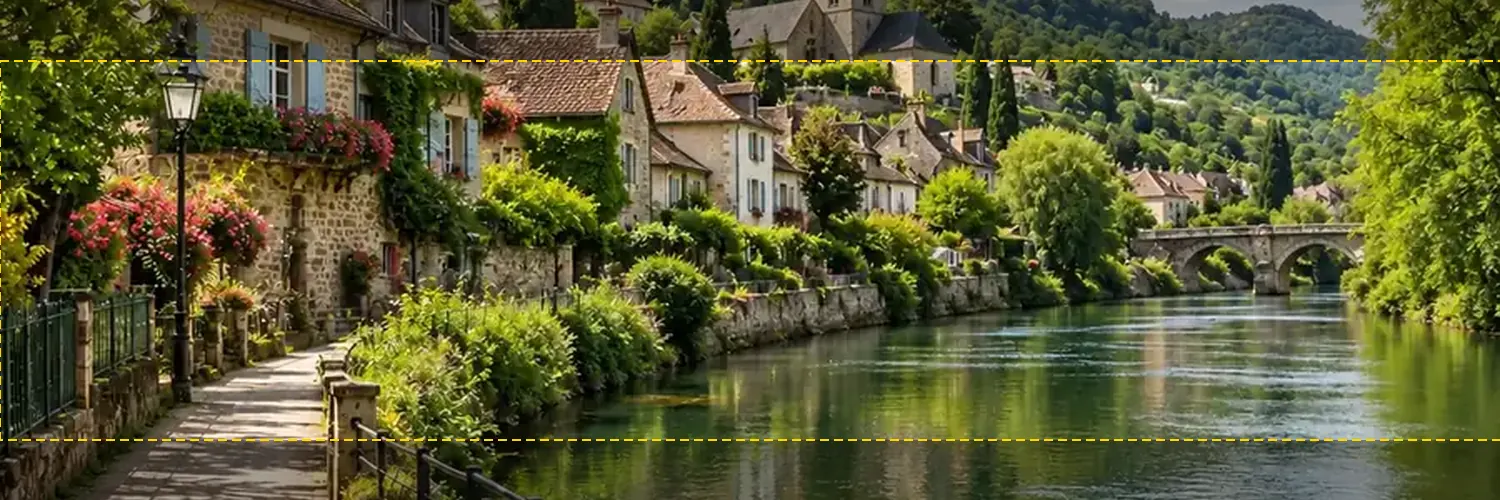
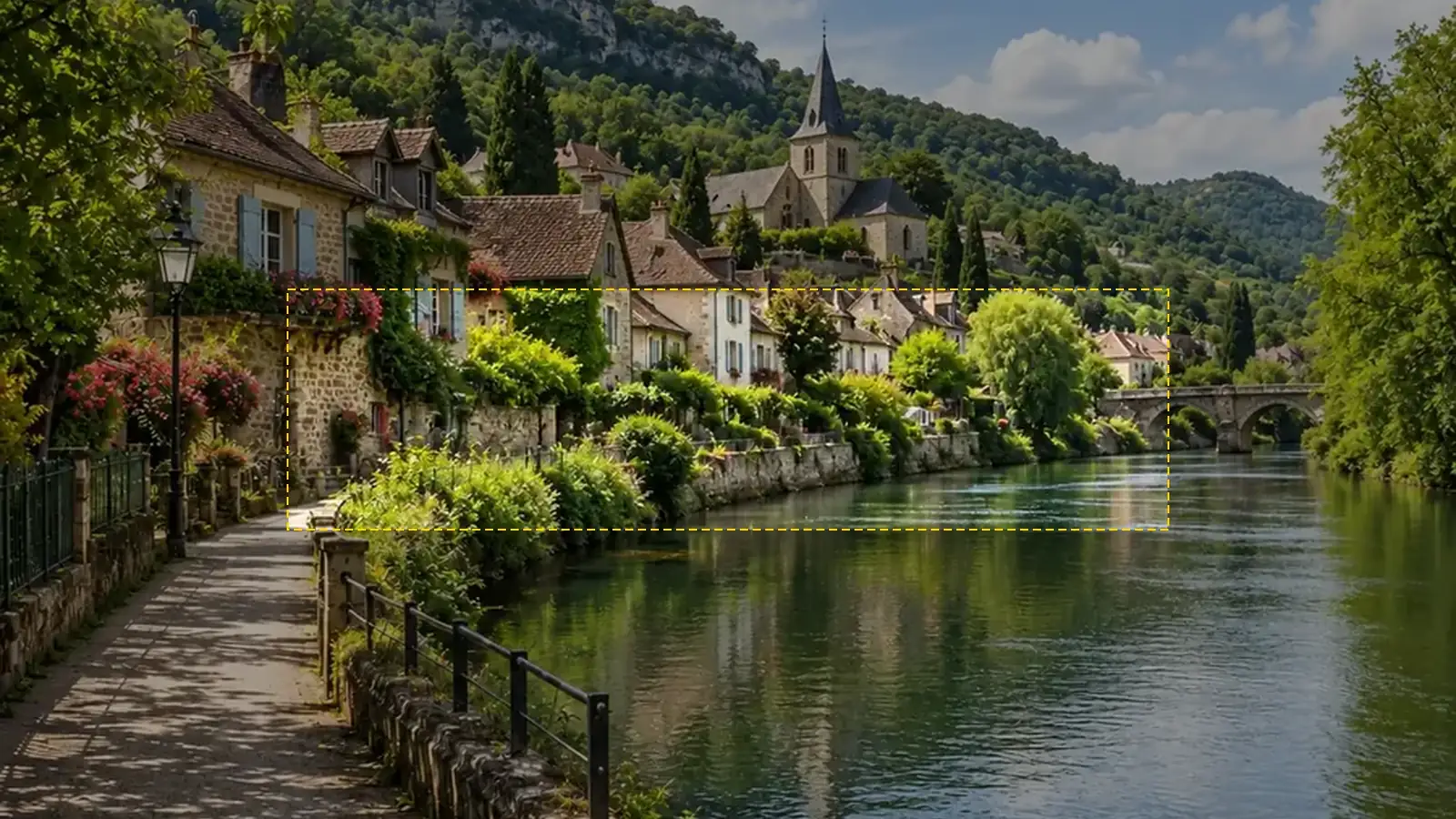
Open the result in the free Twitter Banner Resizer, drag it to frame the middle band, and download a 1500 × 500 header. On X, go to Edit profile and replace your header.
Original artwork, your exact name, and a layout built for the crop.
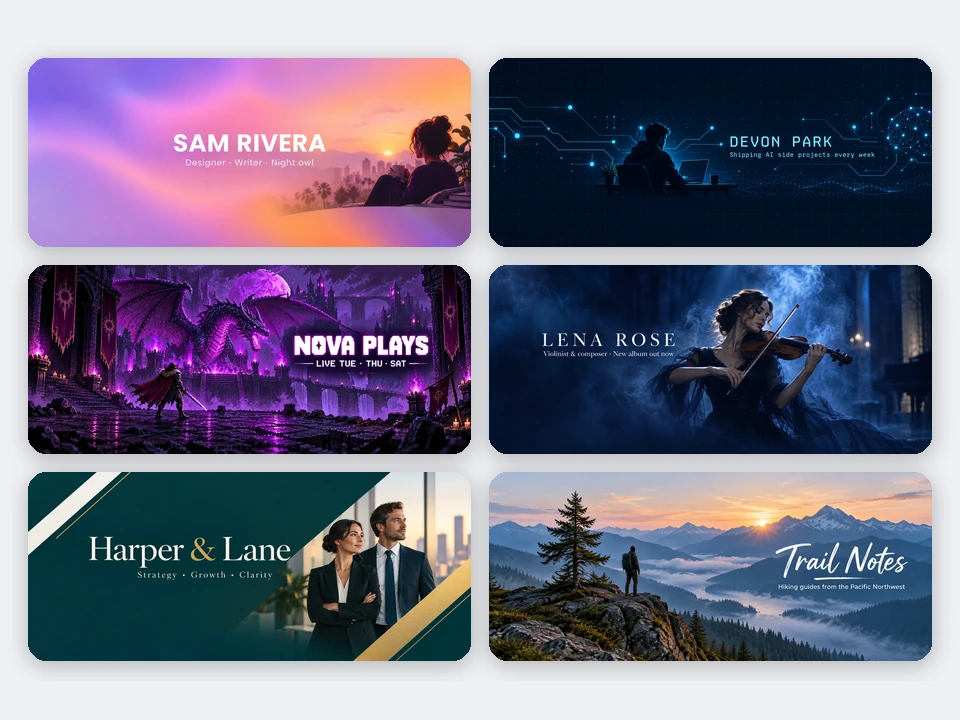
Eleven styles cover what people put on their profiles: clean Minimal, glowing Gradient, circuit-grid Tech, pixel and neon Gaming, cinematic Creator, polished Business, soft Aesthetic, playful Illustrated, wide Nature Photo, and glossy Abstract 3D. Use it as a Twitter banner generator for a personal account, a brand, a stream, or a book launch.
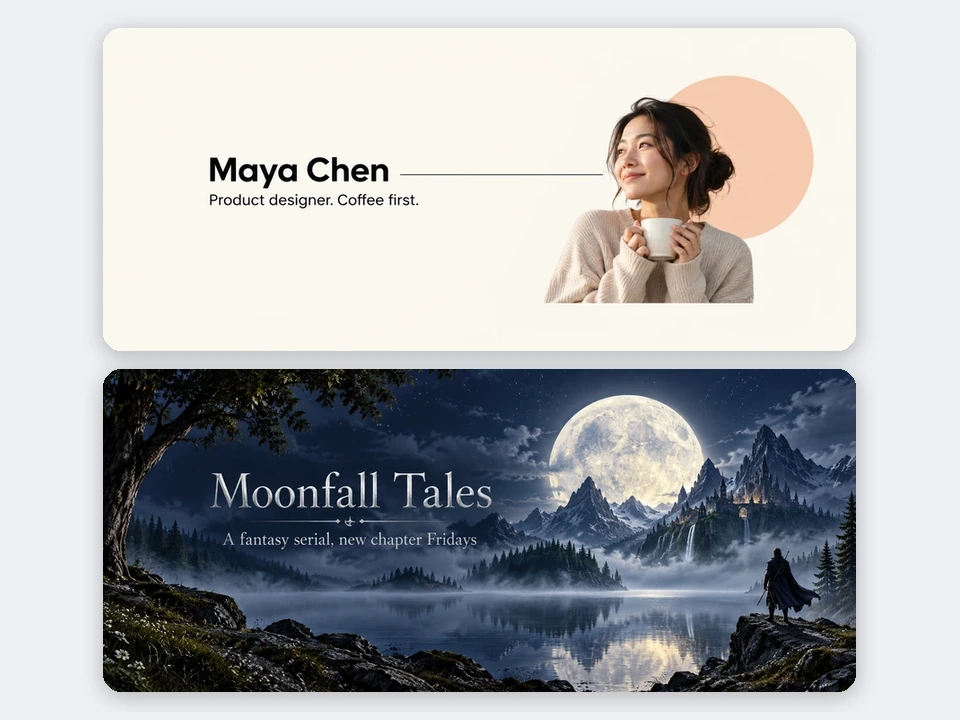
The name, tagline, and handle each have a field, and the AI is told to letter them exactly as typed, once each, and to add no other words, fake logos, or follower counts. Choose No text for a clean background you can letter yourself. For the crispest type, pick Nano Banana Pro or GPT Image 2.
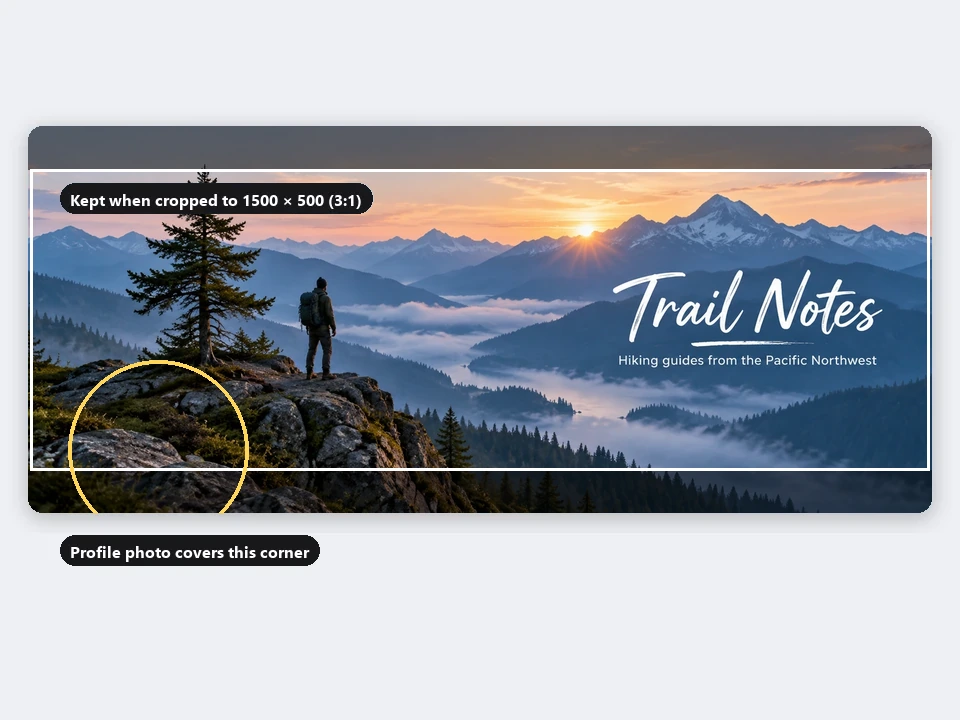
X shows the header as a 3:1 strip and trims a little more on some screens, while your profile photo covers the bottom-left corner. The AI keeps your name and subject in the middle band and leaves that corner calm. Generate at 21:9, then crop to exactly 1500 × 500 with the Twitter Banner Resizer, which shows the safe area.
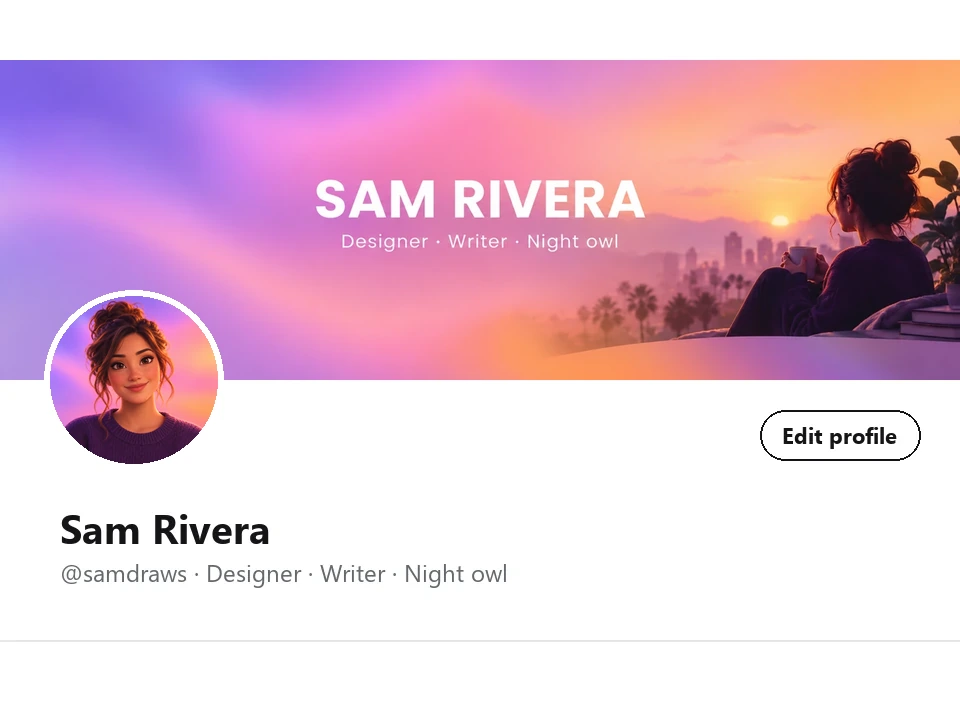
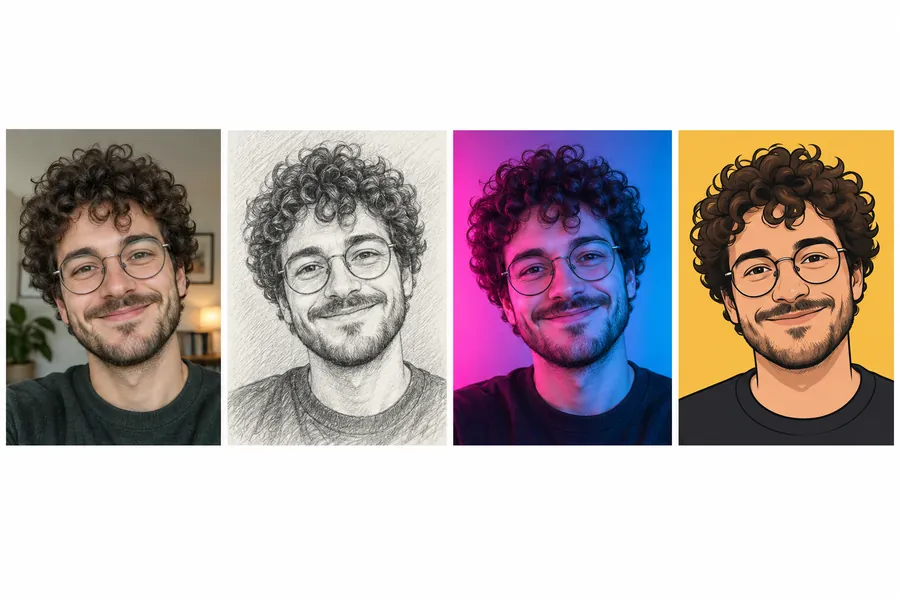
Switch the size to 1:1 Matching profile photo and keep the same prompt and style for a square avatar that fits the header, or make a full set with the PFP Maker. A matching pair makes your profile look designed rather than assembled.
The same artwork can cover several profiles. Generate wide, then crop each one in your browser.
| Where | Size | Ratio | How to make it |
|---|---|---|---|
| X / Twitter header | 1500 × 500 px | 3:1 | Generate 21:9, crop with the Twitter Banner Resizer |
| X / Twitter profile photo | 400 × 400 px, shown as a circle | 1:1 | Pick 1:1 Matching profile photo |
| Bluesky banner | 1500 × 500 px | 3:1 | Same crop as the X header |
| LinkedIn background photo | 1584 × 396 px | 4:1 | Generate 21:9 and crop a thinner strip |
| YouTube channel banner | 2560 × 1440 px | 16:9 | Pick 16:9, then use YouTube Banner Size |
| Twitch profile banner | 1200 × 480 px | 5:2 | Generate 21:9 and crop |
Results come out at roughly 1K–2K pixels wide, which covers a 1500 × 500 header; this tool does not export the exact pixel size itself, the browser resizer does that for free.
Anyone whose profile is their front door.
Show your craft, your latest release, or your commission status at a glance.
A tech header with your product name and what you are building in public.
Channel name and stream schedule in a header that matches your overlays.
A consistent banner for your company account, launch, or seasonal campaign.
Book titles, newsletter names, and episode days across the top of your profile.
A calm aesthetic, a favorite landscape, or a minimal name banner just for you.
What looks good at full width on desktop and still reads on a phone.
Keep text and faces in the center strip; the top and bottom get cropped on many screens.
Your profile photo covers the bottom-left. Put the name on the right or in the center.
A name and a short tagline read on mobile. Long bios belong in the bio field.
Reuse one or two colors from your avatar so the header and photo look like a set.
Nano Banana Pro and GPT Image 2 letter names best; regenerate if a character is off.
Do not copy other brands’ banners or use celebrity photos; upload only images you own.
Crop the header, make a matching photo, and cover your other channels.
Crop your AI header to exactly 1500 × 500 with a safe-area guide, free in your browser.
Open the toolTurn a selfie into a profile picture that matches your new header.
Open the toolFit the same artwork into a 2560 × 1440 channel banner with the safe area shown.
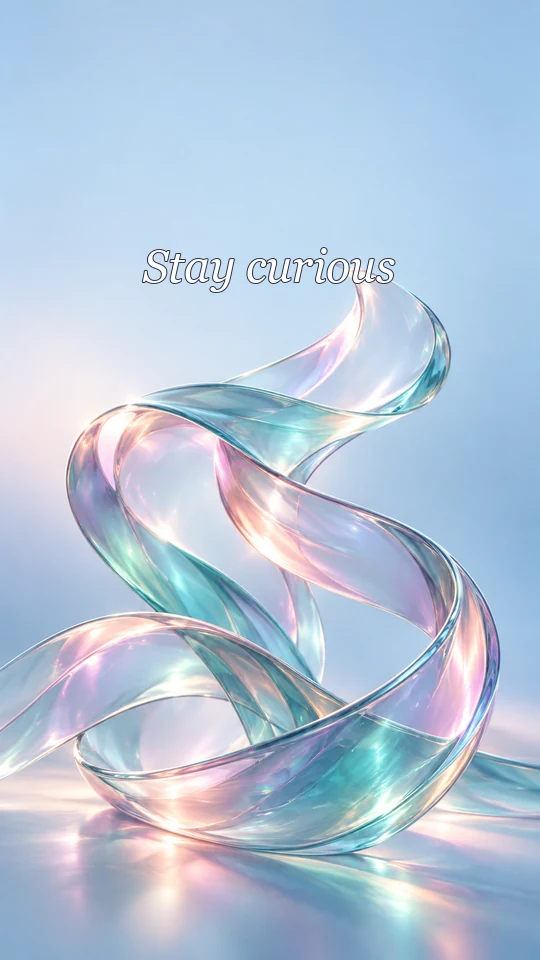
Open the toolMake matching phone and desktop wallpapers in the same style as your header.
Open the toolType your name and tagline, describe the look or tap an idea, pick a style and text placement, and press Generate Twitter Header. Then open the result in the Twitter Banner Resizer, crop it to 1500 × 500, and upload it from Edit profile on X.
The recommended header size is 1500 × 500 pixels, a 3:1 ratio, and the profile photo is 400 × 400 pixels shown as a circle. Some screens trim a little from the top and bottom of the header, so keep important things in the middle.
Not directly. Image models generate at set shapes, so this Twitter header generator makes a wide 21:9 image composed for the crop; the free Twitter Banner Resizer then cuts it to exactly 1500 × 500 in your browser, without uploading it anywhere.
It is free to try. New accounts get free credits when they sign up, so your first headers cost nothing; after that, each one uses the credits shown on the button. Cropping to 1500 × 500 with the Twitter Banner Resizer is always free.
Yes. Twitter header, Twitter banner, X header, and X cover photo all mean the wide image at the top of a profile. The size and the way it is cropped stayed the same after the rename.
The AI is told to letter exactly what is in the name, tagline, and handle fields, once each. Short names usually come out right; read the result and regenerate if a letter is off. Nano Banana Pro and GPT Image 2 are the most reliable for text.
On X the profile photo overlaps the bottom-left of the header. Pick Right side or Center text placement, and the AI also keeps that corner free; if a crop still clips it, drag the image in the Twitter Banner Resizer.
Yes. Add your logo, product shot, or photo in the reference box and the AI builds the header around it while keeping it recognizable. Upload only images you own or have permission to use.
Yes. Keep the same prompt and style and switch the size to 1:1 Matching profile photo, or use the PFP Maker to turn a selfie into an avatar in a matching look.
Type your name, pick a style, and get an original header for X with the Twitter banner creator, free to try on your sign-up credits.
X and Twitter are trademarks of X Corp.; Bluesky, LinkedIn, YouTube, and Twitch are trademarks of their owners and are named only to describe image sizes. Nano Banana and Gemini are trademarks of Google LLC; GPT Image is a trademark of OpenAI; Seedream is a trademark of ByteDance; FLUX is a trademark of Black Forest Labs. EzImgMaker is an independent service and is not affiliated with or endorsed by these companies.