Minimal for designers
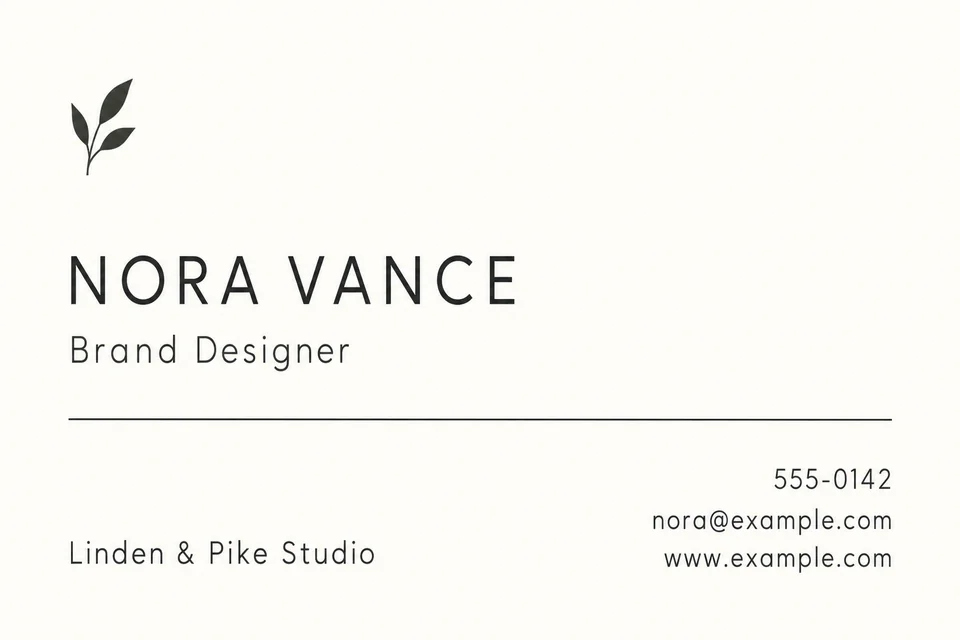
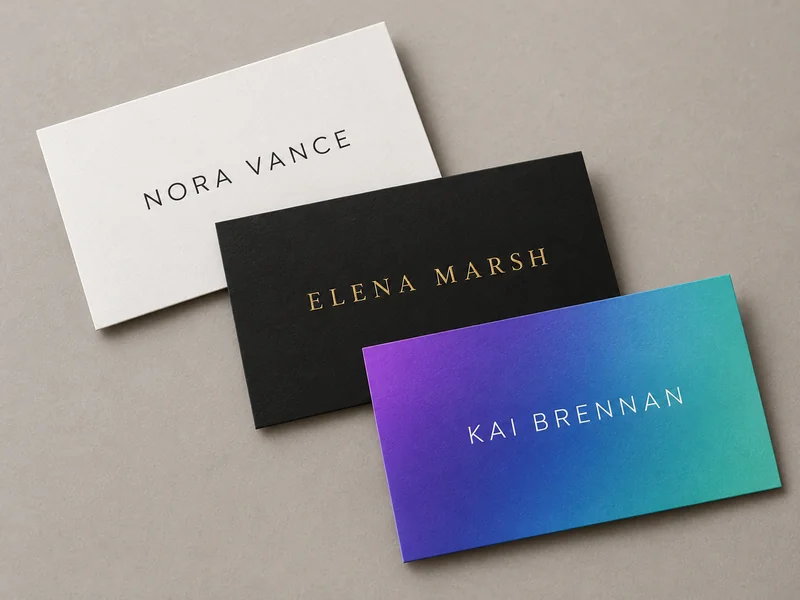
Warm white, one charcoal rule and a tiny mark. The empty space does the talking.
Fill in your name, job title, company and the contact lines you want, upload a logo or headshot if you have one, and pick a style from Minimal to Luxury Gold. The AI business card generator lays out an original card front in a horizontal or vertical shape. Check every letter, then trim to 3.5 × 2 in. Free to try.
Front of an original minimal business card, horizontal 3.5 × 2 in proportion, flat and edge to edge, no mockup. Warm white background, one thin charcoal rule, generous margins, a tiny abstract leaf mark in the top left corner, refined sans-serif type. Exact text only: "NORA VANCE"; "Brand Designer"; "Linden & Pike Studio"; "555-0142"; "nora@example.com"; "www.example.com".
Reference example. It is not a result generated from your upload.
A business card has about six lines to work with and a few seconds to make an impression. This business card maker starts from those lines: your name, job title, company, phone, email and website go into their own fields, and the AI business card designer arranges them into an original front in the style you choose, from a quiet Minimal layout to black and gold Luxury or a full-bleed Photography card.
It is not a fixed business card template with boxes to fill. Every result is new artwork built around your details, so two people who pick the same style still get different cards. Upload your own logo and the business card generator places it as it is, or add a headshot when you want a business card maker with photo. Generate up to four versions at once and keep the one that reads best.
Real cards are printed at 3.5 × 2 in in the US and Canada (85 × 55 mm in much of Europe). The horizontal 3:2 and vertical 2:3 shapes here are slightly taller than that, so plan to trim a thin strip or add bleed before you send the file to a printer.
Card fronts made with the AI business card maker for fictional people. Load a look, then type your own details.
Warm white, one charcoal rule and a tiny mark. The empty space does the talking.

A navy band, a monogram from the initials and a strict grid for finance, law and consulting.
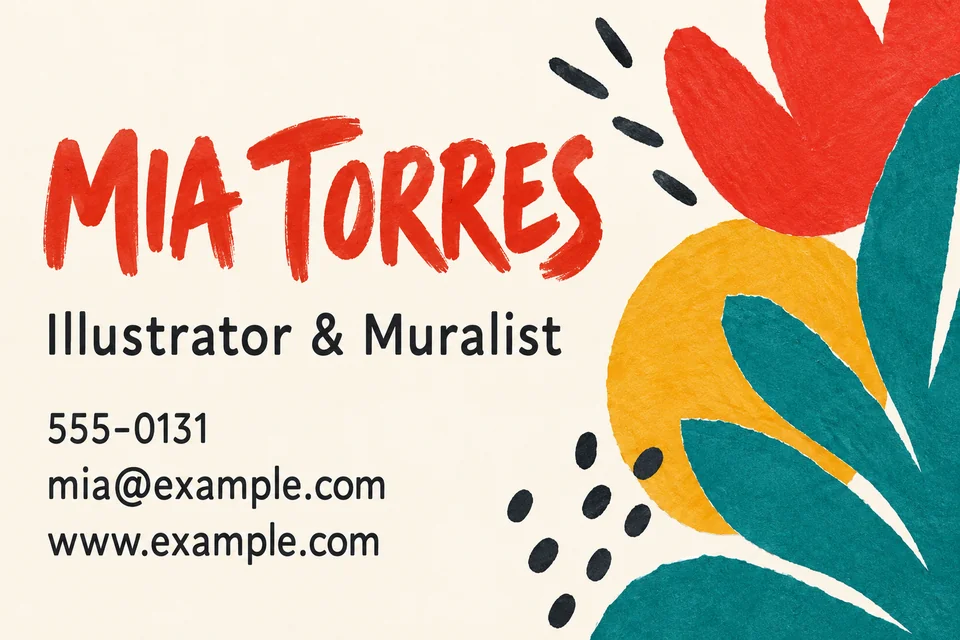
Cut-paper shapes and brush lettering, with phone and email kept plain so nobody squints.
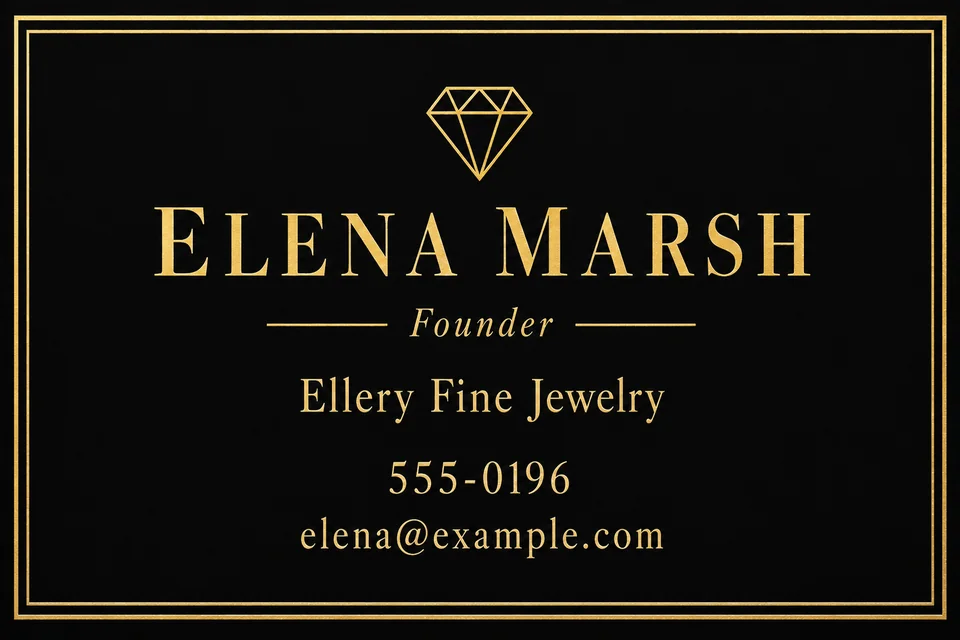
Matte black with gold foil-look type for jewelers, salons and boutique hotels.

A violet-to-teal gradient and geometric type for product people and app founders.
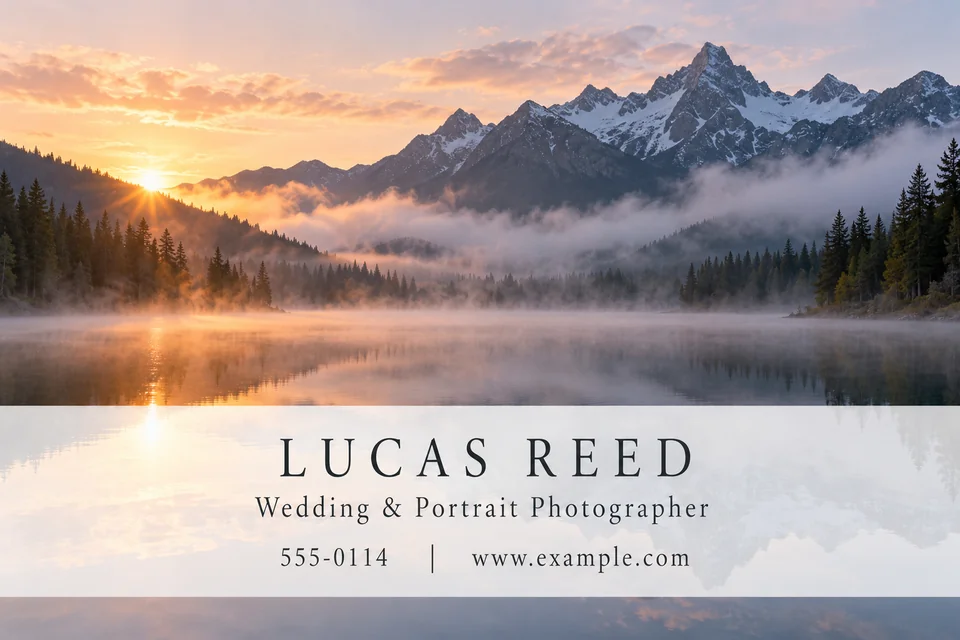
One original landscape fills the card and a translucent band carries the name.
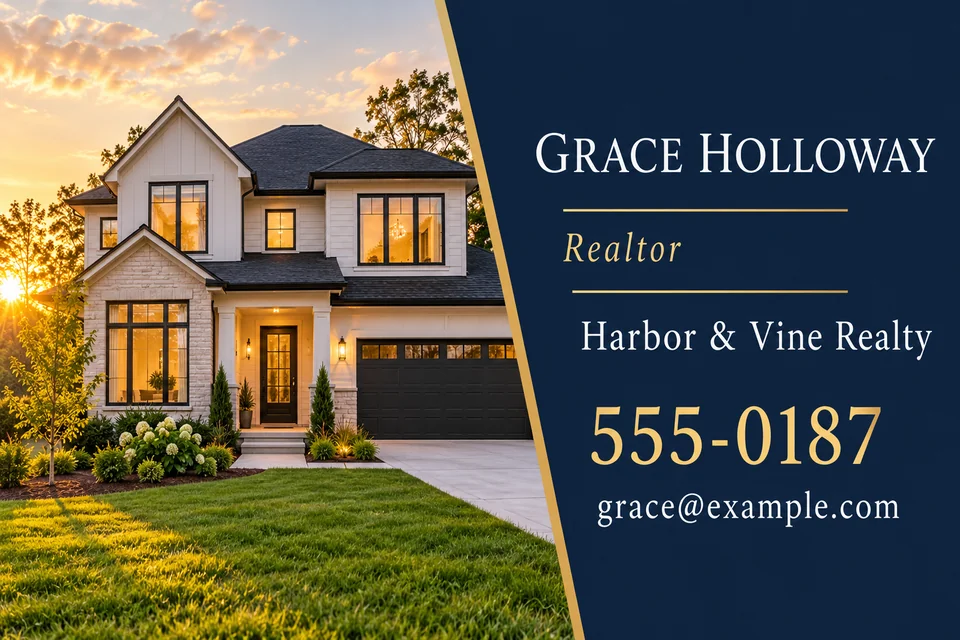
A sunlit house beside a navy panel, with the phone number set larger than the rest.
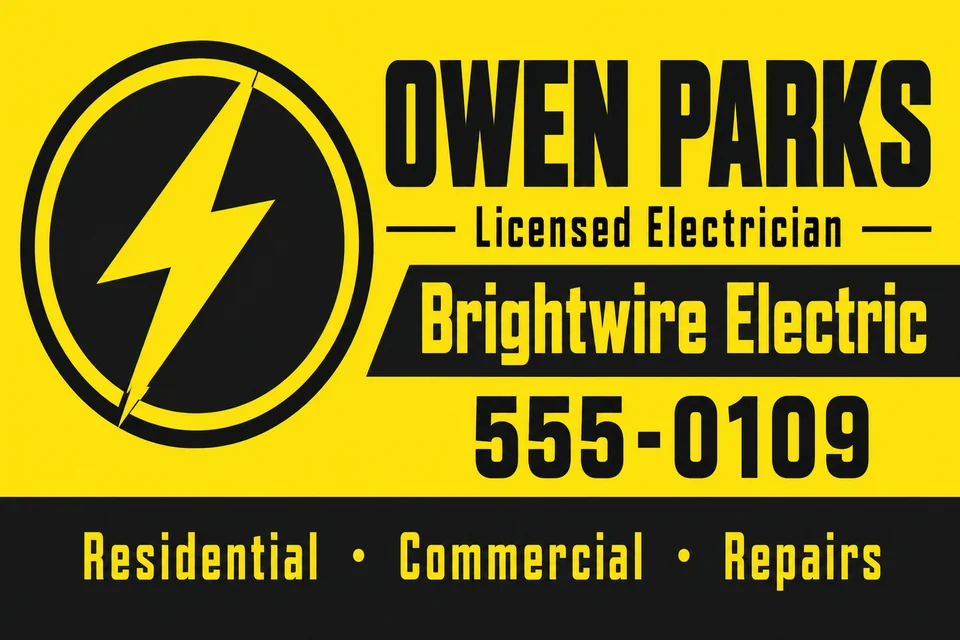
Safety yellow, charcoal and a lightning bolt badge: a card that survives a toolbox.
Name is the only required field. Add a job title, company and only the contact lines you really want people to use; a card with three short contact lines looks calmer than one with six.
Choose one of eight card styles and a color pair, or leave Colors on AI picks. Upload your logo or a headshot if you want it on the card, and use the design brief for one visual idea.
Horizontal 3:2 suits most wallets and holders, Vertical 2:3 stands out on a desk. GPT Image 2 is selected by default for crisp small lettering; Nano Banana Pro gives a second interpretation.
Make up to four versions, zoom in and compare every digit of the phone number and every letter of the email. Then crop to 3.5 × 2 in or add bleed before printing.
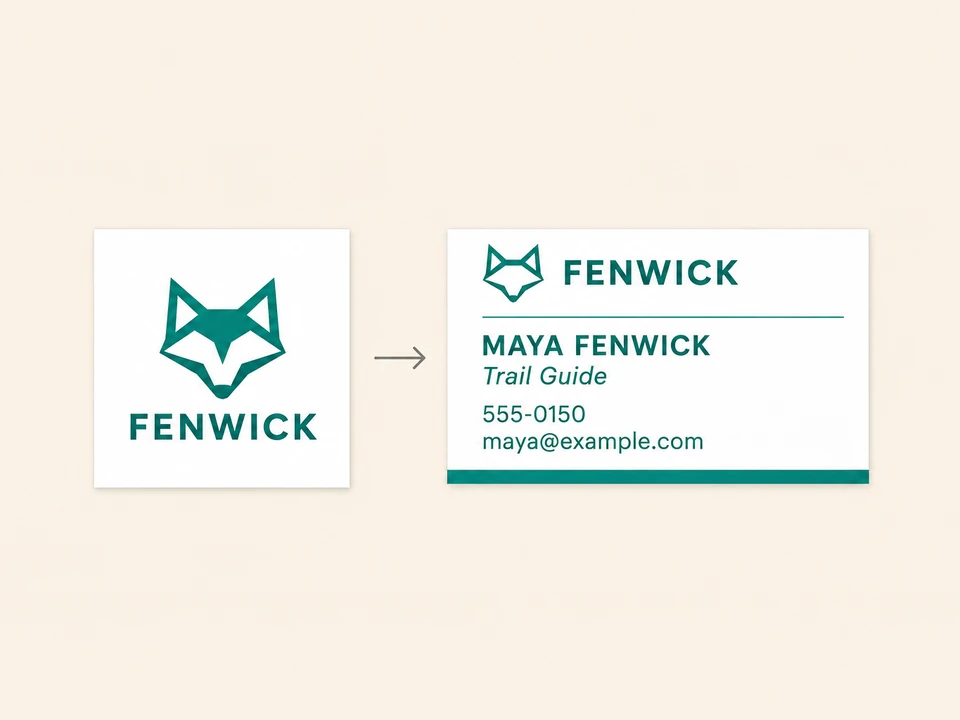
Upload the logo you already use and the model is told to copy it as it is, with the same shapes, colors and lettering, and then build the card around it. A transparent PNG or a logo on a plain background gives the cleanest result. No logo yet? Leave the slot empty and the card uses a simple mark or typography alone.
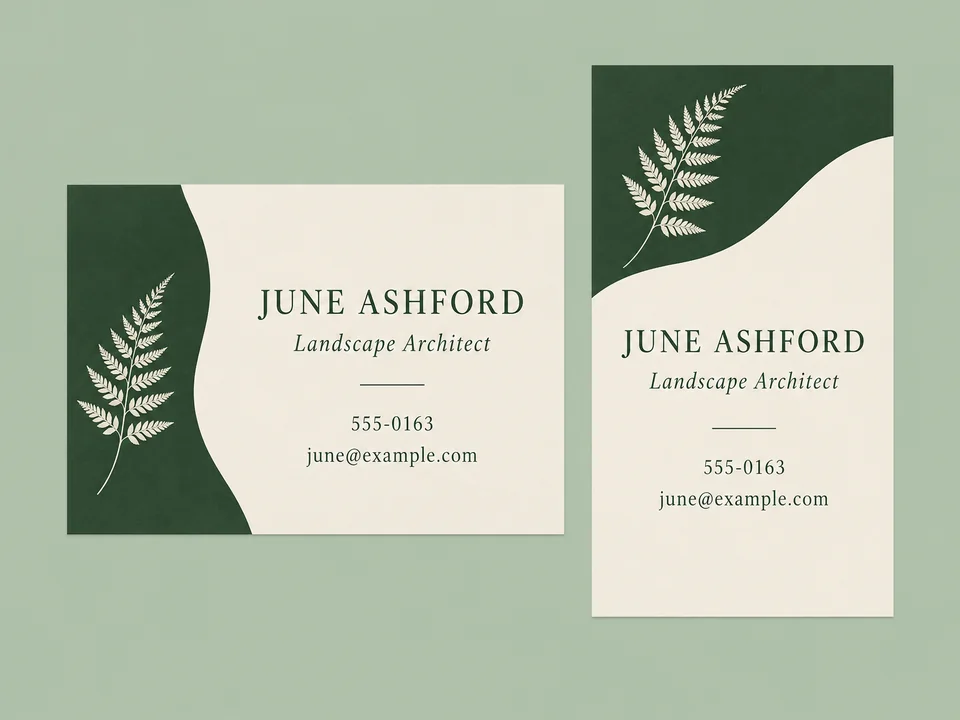
The classic horizontal layout keeps name and contact lines side by side; a vertical business card design stacks them under a logo and feels more like a small poster. Pick the Vertical style or the 2:3 shape and the layout follows.
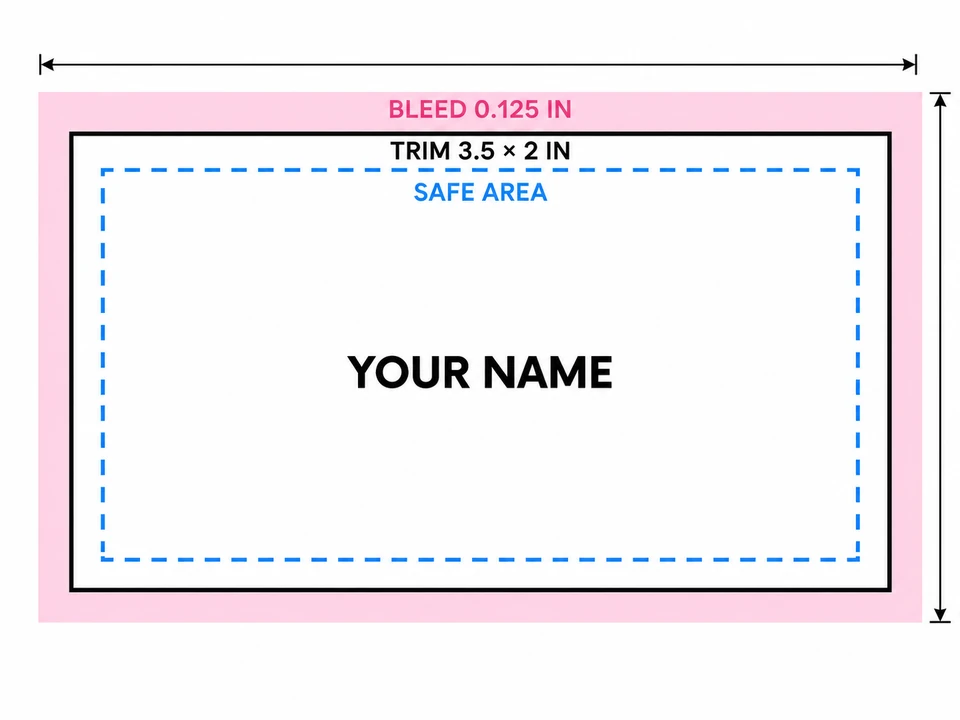
A standard US card is 3.5 × 2 in, and printers usually ask for 0.125 in of bleed on every side and text kept about 0.125 in inside the trim. The generated front is 3:2, so crop a thin strip from the top and bottom (or the sides on a vertical card) to reach the exact proportion.
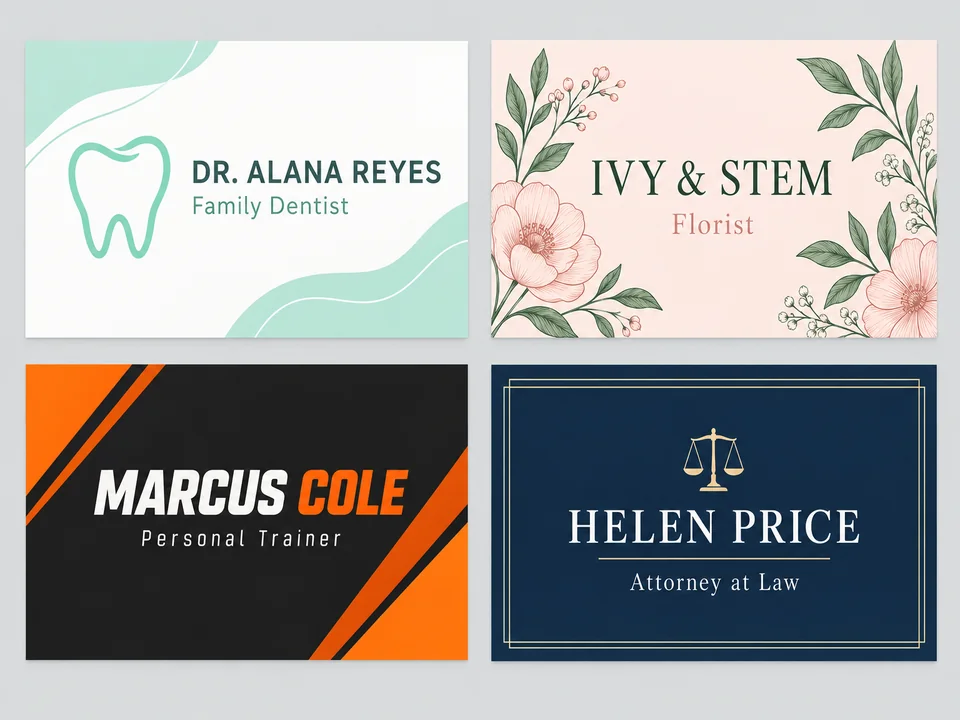
A dentist wants calm and clean, a florist wants botanicals, a personal trainer wants energy, a lawyer wants a classic serif. Name the profession in the job title and describe one motif in the brief, and the visiting card maker shapes the whole card to that trade.
Common card sizes, what to send a printer and how the shapes on this page map to them.
| Card | Finished size | With bleed | Pixels at 300 DPI | Shape to pick here |
|---|---|---|---|---|
| US / Canada horizontal | 3.5 × 2 in (88.9 × 50.8 mm) | 3.75 × 2.25 in | 1050 × 600 px | Horizontal 3:2, crop a strip from top and bottom |
| US / Canada vertical | 2 × 3.5 in | 2.25 × 3.75 in | 600 × 1050 px | Vertical 2:3, crop a strip from both sides |
| Europe | 85 × 55 mm | 91 × 61 mm (3 mm bleed) | 1004 × 650 px | Horizontal 3:2, almost no crop |
| Japan | 91 × 55 mm | 97 × 61 mm | 1075 × 650 px | Horizontal 3:2, crop a little from top and bottom |
| Square mini card | 2.5 × 2.5 in | 2.75 × 2.75 in | 750 × 750 px | Generate horizontal, then crop to a square |
Pixel counts are for the finished size. If your download is smaller than the size your printer needs, enlarge it with an upscaler first, and always ask the print shop for its own template.
Put the phone number first, add the brokerage name and use the Real Estate style for a house image beside the text. Keep license numbers short and check them twice.
A Photography or Creative card shows your work at a glance. Add your portfolio website and leave the rest of the contact lines out.
A vertical card with one illustrated motif, the shop name and the address doubles as a loyalty or thank-you card in the shopping bag.
High-contrast yellow and black, a simple tool icon and a list of services in one line make a card people keep in a kitchen drawer.
Calm colors, plenty of space and the booking line or website. Leave appointment slots and reminders for a separate printed card.
A clean Minimal or Corporate card with a name, focus area and one email address is all a recruiter needs; add your headshot for a photo card.
Make either the name or the logo the hero, never both at full size. Everything else steps back.
Contact text below about 7 pt is hard to read once printed. Fewer lines let the model set them larger.
Navy and gold reads trustworthy, forest and cream feels natural, black and white prints cheapest in one ink.
Ask for “an empty square area at the right for a QR code” in the brief, then place a scannable code in a layout editor.
Read the phone number digit by digit and the email letter by letter. One wrong character makes the card useless.
Printers trim with a small tolerance. Anything closer than about 1/8 in to the edge can get cut.
Print size chart in inches, centimeters and pixels, with a cropper for exact shapes like the 3.5 × 2 in card.
Open the guideEnlarge a card front to 1050 × 600 px or more so the small contact lines stay sharp at 300 DPI.
Open the toolSet the DPI value your print shop asks for in a JPG or PNG without changing a single pixel.
Open the toolRemove the white box around your logo before you upload it, so it sits cleanly on dark or photo cards.
Open the toolType your name and the details you want on the card, choose a style, a color pair and a horizontal or vertical shape, then press Generate. The AI business card maker returns up to four original card fronts; keep the clearest one and proofread it before printing.
It is Free to try: new accounts get free credits when they sign up, and the Generate button shows what each run costs for the model and number of versions you choose before anything is spent.
Yes. Upload a logo and the model is asked to reproduce it faithfully and design around it, or upload a headshot for a photo business card. Small or blurry logos are copied less faithfully, so use the largest clean file you have.
Only your own logo, a logo you have permission to use, or a photo of yourself or someone who agreed to it. Do not upload another company’s trademark or a picture of a person who has not consented.
A standard US business card is 3.5 × 2 in and a common European card is 85 × 55 mm. The 3:2 result is a little taller than the US card, so crop a thin strip from the top and bottom, and add bleed if your printer asks for it. The Photo Print Sizes page has a cropper for this.
Yes. Pick the Vertical style, or choose Vertical 2 × 3.5 in in the card shape setting, and the name, mark and contact lines are stacked top to bottom in a portrait layout.
Image models draw letters as part of the picture, so tiny contact lines are where a digit can repeat or a letter can slip. Zoom in on every version, compare it with what you typed and regenerate or shorten a line if anything is off.
An image model cannot draw a QR code that scans, so the generator does not add one. Ask in the brief for an empty square area where the code should go, then place a real QR code from a code generator in a layout editor.
Each run designs one side, the front. For a back, generate again with the same style and colors and a brief such as “logo only, centered on navy”; the two sides are separate images, so compare them side by side before printing.
The result is a flat image, not an editable business card template with text boxes. To change a word, edit the field and generate again, or place the image in a layout or print editor and set the contact text there.
Add your name and contact lines, upload a logo, pick a style and compare up to four AI business card designs. Free to try.