Community event
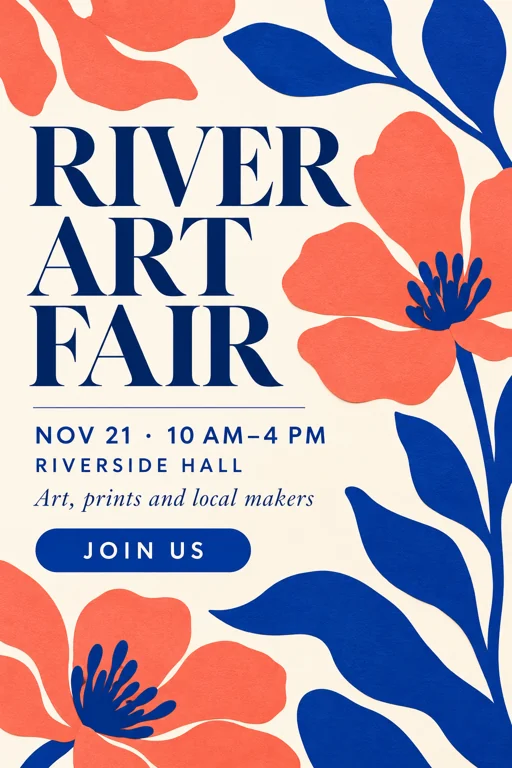
Art fairs, markets and meetups. A calm grid and plenty of white space keep the date and venue easy to spot.
Type the headline, date and time, location and call to action, pick one of eight flyer types and a size, and the AI flyer maker builds the layout around your facts. Proofread every line before you print. Free to try.
Design an original elegant community art event flyer, portrait 2:3 full bleed flat graphic. Coral and deep cobalt abstract paper cut flowers, cream backdrop, sophisticated grid and generous whitespace. Exact text only: "RIVER ART FAIR" large headline; "NOV 21 · 10 AM–4 PM"; "RIVERSIDE HALL"; "Art, prints and local makers"; "JOIN US". Excellent readable typography, no logos, no watermark.
Reference example. It is not a result generated from your upload.
Most flyers fail on the basics: the date is hard to find or the venue is lost in decoration. This AI flyer generator starts from the facts. You type the headline, date and time, location, details and call to action into separate fields, and the model builds an original layout around them in the flyer type you choose.
An artificial intelligence flyer is only useful if people can read it. Each result is one image with artwork and lettering combined, in a Letter / A4 portrait, square or 9:16 story shape. Generated text can contain mistakes, so read every name, time and price at full size before you share AI generated flyers.
Make your flyer online without installing an app to make flyers: use it as an event flyer generator for fairs, concerts and classes, or as a company flyer maker for openings, offers and property showings. Unlike a leaflet design app built on fixed templates, every design is new artwork made from your brief.
Art fairs, markets and meetups. A calm grid and plenty of white space keep the date and venue easy to spot.
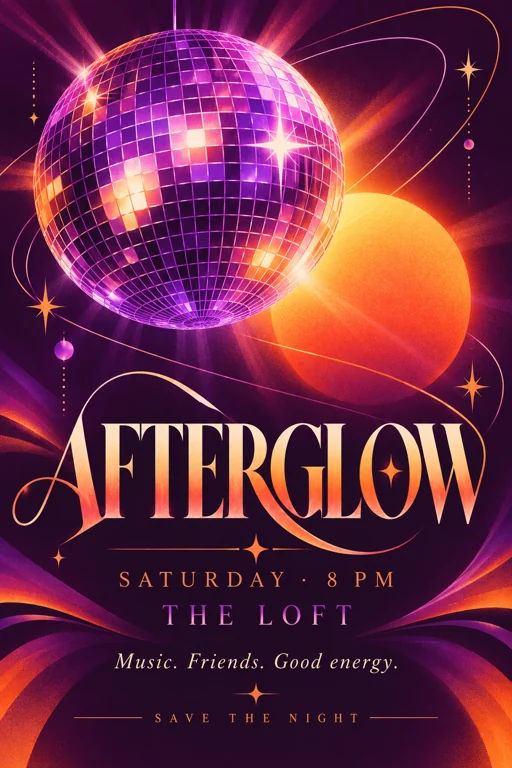
Dance nights and celebrations with glowing shapes and bold type. Swap in your own theme for a birthday or reunion.
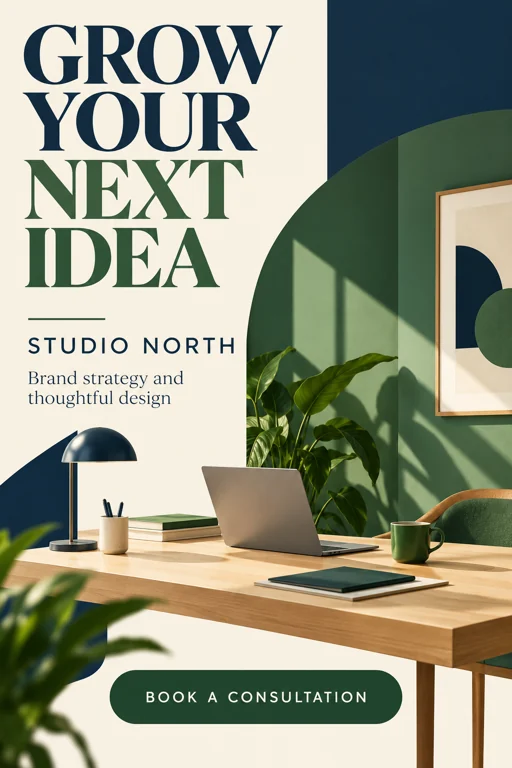
Services, consultations and launches. Clean color blocks and one simple illustration keep the offer front and center.
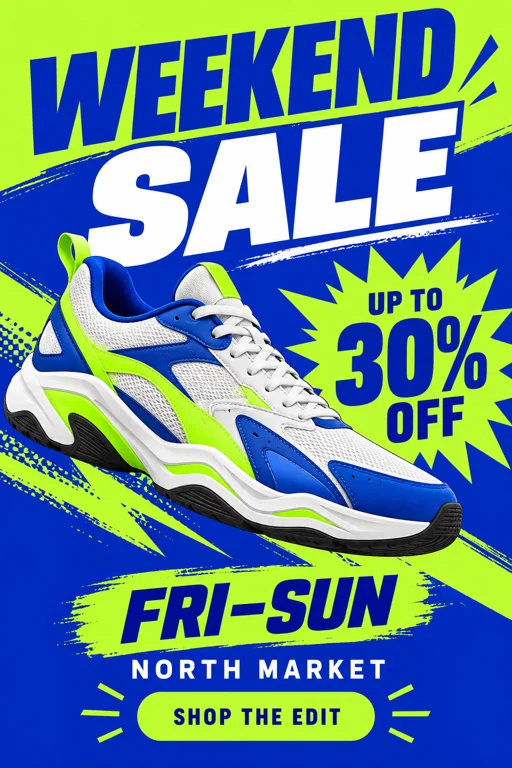
Weekend deals and seasonal offers. Put the discount in the headline and the dates in their own field so both print large.
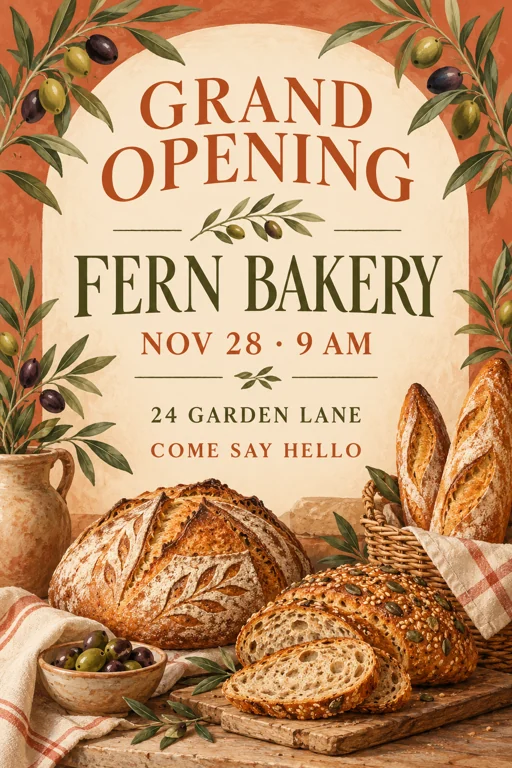
New shops, cafés and studios. A warm palette and one inviting illustration announce the opening day and the address.
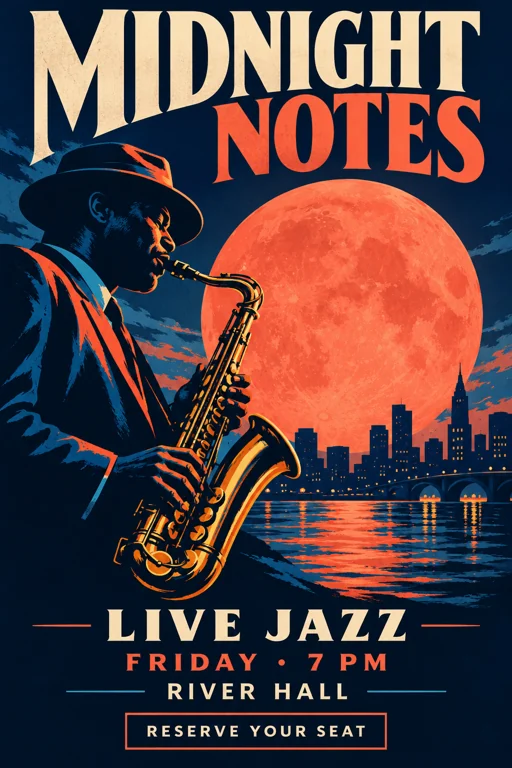
Live music, recitals and open-mic nights. One instrument and strong color contrast give the flyer a poster-like feel.
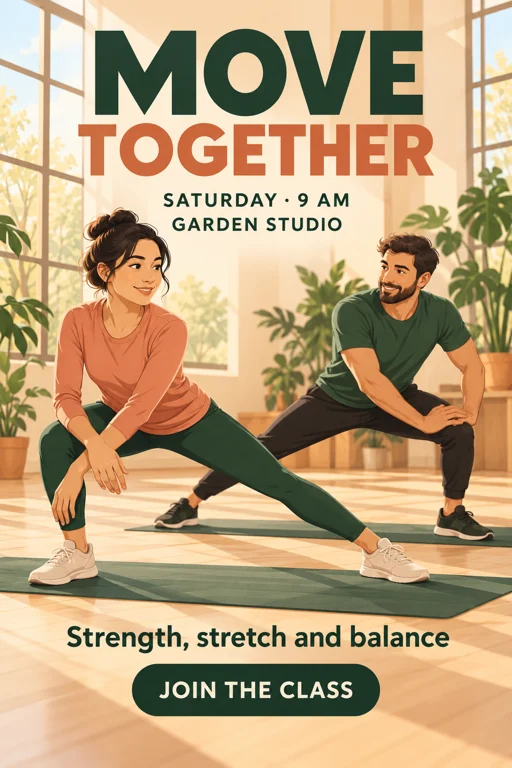
Classes, clubs and training sessions. Fictional adult athletes, the class time and a clear line telling people to join.
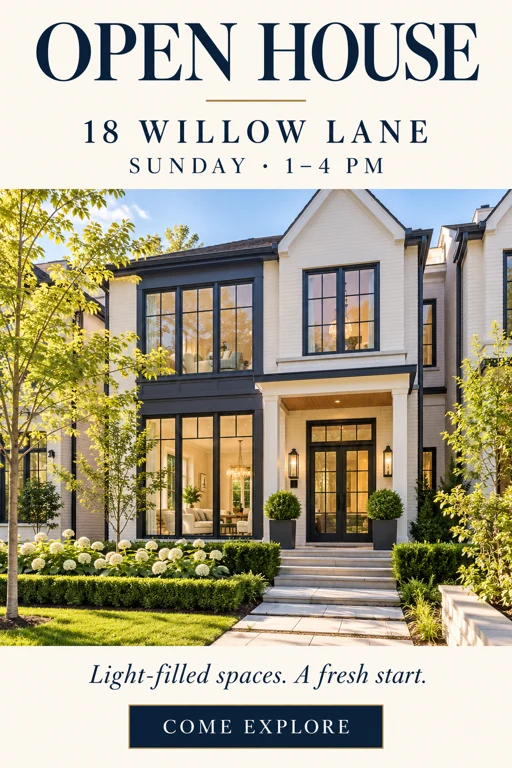
Open houses and property showings. One sunlit home, the address and the viewing hours in a calm ivory and navy layout.
Put the event or offer name in Headline, then fill in Date & time, Location, Details and Call to action. Separate fields keep the logistics apart from the artwork and make each line easier to proofread.
Choose Event, Party, Business Promo, Sale, Grand Opening, Concert, Fitness Class or Real Estate. Use the optional design brief for the audience, the colors and the one image you want at the center.
Letter / A4 portrait suits notice boards and handouts, Square post suits feeds and Story 9:16 suits vertical stories. GPT Image 2 is the default flyer generator AI model and the stronger choice for lettering.
Generate one to four versions and keep the clearest. Zoom in on names, dates, the address and any price; if a word is wrong, shorten that field and generate again. Ask your printer about trim and bleed before a big run.
The AI flyer creator receives each fact on its own line, so it can give the headline the most space and group the date and location below it. Short wording leaves room for a clear hierarchy; long paragraphs belong on a website, not on a flyer.
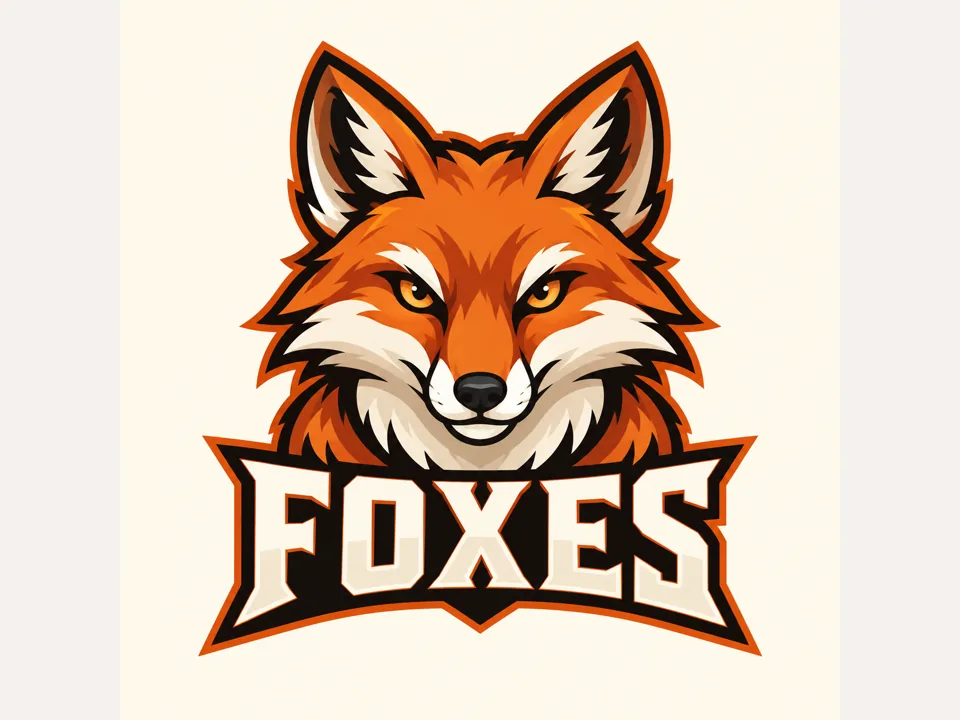
Build a baseball tryout flyer, a soccer signup notice or a class announcement. Give the age group, the field or studio, the time and how to register, and describe an original team emblem instead of a real club’s logo.
Promote a delivery service, a seasonal sale or a grand opening. A delivery service flyer needs its service area, hours and a contact line; an opening needs the date and the address. Enter only claims you can stand behind.
Run the same brief as Letter / A4 portrait for print, Square post for feeds or Story 9:16 for vertical stories. The portrait option sets the shape, not a finished print file, so add trim, bleed and color settings in your print workflow.
Pick the one thing readers must remember, usually the event name or the offer, and keep it under six words.
Dark type on cream or white type on deep navy reads from across a room; mid-tone on mid-tone does not.
Date, time and address belong in one block, usually right below the headline, where readers look for them.
A saxophone, a loaf of bread or a sunlit house says more than five unrelated icons. Name it in the design brief.
Reserve your seat, join the class or come say hello tells people exactly what to do next.
Confirm prices, offer terms and property details, and only name people, venues or teams that agreed to be featured.
Baseball tryout flyers need the age group, field, date, time, what to bring and how to sign up. Unlike a free baseball flyer template with fixed boxes, the layout is built around the details you enter, with an original ball-and-diamond illustration.
Make soccer flyers for a summer league or a flyer tennis clubs can pin to the notice board. Name the sport, venue and registration deadline, and keep the schedule apart from the signup line.
Show the service area, opening hours and a phone number or web address. The tool designs the flyer only; printing and door-to-door flyers delivery are up to you or a local flyer delivery service.
Create open house flyer artwork with the address, viewing hours and a description of the home. Automating listing flyers using live property data is not supported, so type and verify every fact yourself.
Use the Party type as an AI birthday flyer generator, or make an AI contest flyer for a raffle, bake-off or art contest. Keep themes original instead of borrowing protected characters.
Announce a café opening, a weekly special or a turkey giveaway flyer for a food drive. Instead of free food flyer templates, each result is new artwork built from your menu line, date and address.
Create a standalone illustration for a menu board, banner or event web page.
Read the guideDescribe a change to an image you already have, such as a new background or brighter colors.
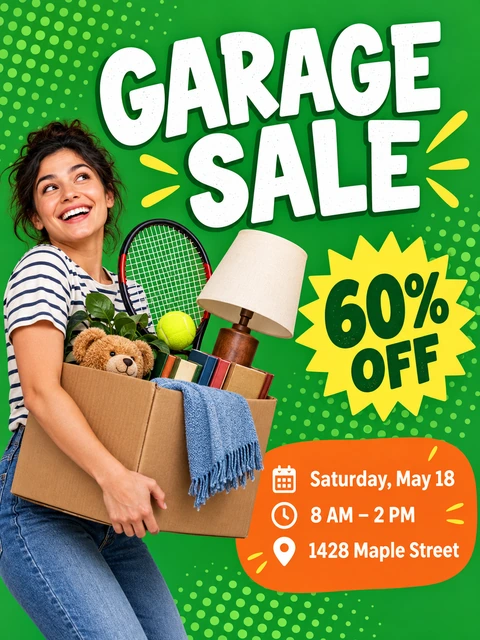
Read the guideIdeas tuned for garage and yard sale announcements, with item and price lines.
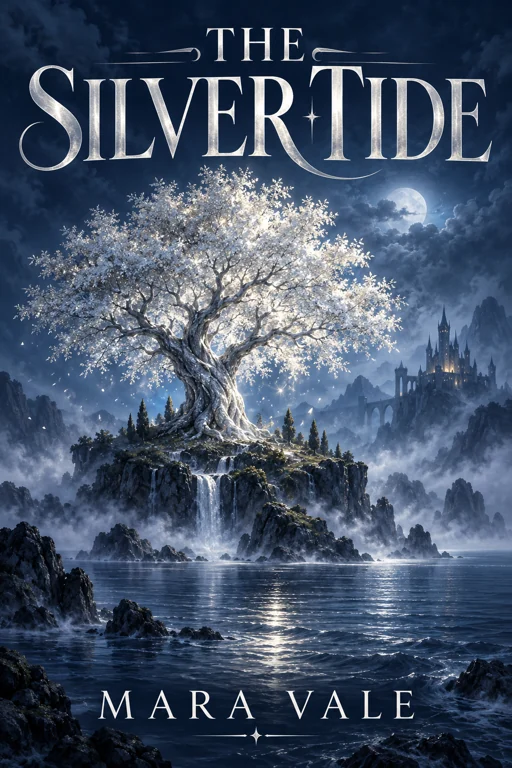
Read the guideCinematic poster artwork for screenings, film nights and short film premieres.
Read the guideWall posters rather than hand-outs: one big image, a short headline and print sizes from 24 × 36 in to A3, plus a story format.
Open the toolPair the flyer with a matching card front: name, title, contact lines and your own logo, shaped for 3.5 × 2 in printing.
Open the toolThe AI flyer generator is Free to try: fill in the headline and event details, choose a type and size, and the Generate button shows the cost before anything runs. Template editors let you make flyers for free online too, but they reuse fixed layouts; this tool makes new artwork from your details.
Enter the headline, then add the date and time, location, a short line of details and a call to action. Pick a flyer type, a size and how many versions you want, then generate. Compare the versions and keep the one with the clearest text.
GPT Image 2 is selected by default and usually renders lettering more reliably, which matters for dates and addresses. Nano Banana 2 Lite gives you a second look at the same brief. The Generate button shows the cost for the model and number of versions you pick.
Yes. Choose Real Estate, put the address in Location, the viewing hours in Date & time and the key features in Details. The house in the artwork is generated, not your actual property, so swap in a real photo with a layout editor or label the picture as an illustration.
Yes. Use Event or Fitness Class, name the sport in the headline or design brief, and list the age group, field and signup details. Ask for an original ball, bat or jersey illustration rather than a professional team’s crest.
No. Each flyer is a flat image with the artwork and lettering combined, not a layered file with text boxes. To change a word, edit that field and generate again, or place the image in a layout editor and set the text there. To design flyers for free online with editable text boxes, a template editor is the better fit.
No. It produces a 2:3 portrait image, which is slightly taller than Letter or A4 paper, so plan for a small crop or margin. Set trim, bleed and resolution in your print workflow and order a test print before a large run.
This page has no photo upload; it draws new artwork from your text. Describe fictional people and an original emblem, not a real person, brand logo or team crest you have no permission to use. Add your own approved logo or photos afterwards in a layout editor.
This page covers general events and businesses with eight flyer types. The Yard Sale Flyer Maker is tuned for garage sale items and prices, and the Movie Poster Generator for cinematic title art. Pick the one closest to what you are announcing.
Image models draw letters rather than type them, so long lines and small print are where mistakes appear. Shorten the field, put fewer words in Details and keep GPT Image 2 selected, then generate again. Proofread every version before printing.
Add your headline, date, place and call to action, pick a flyer type and size, and compare up to four AI flyer designs. Free to try.