Fantasy
Fantasy
Type your title, author name, an optional subtitle and a short premise, pick one of eight genres, and the book cover maker creates an original front cover. Check every letter before you publish. Free to try.
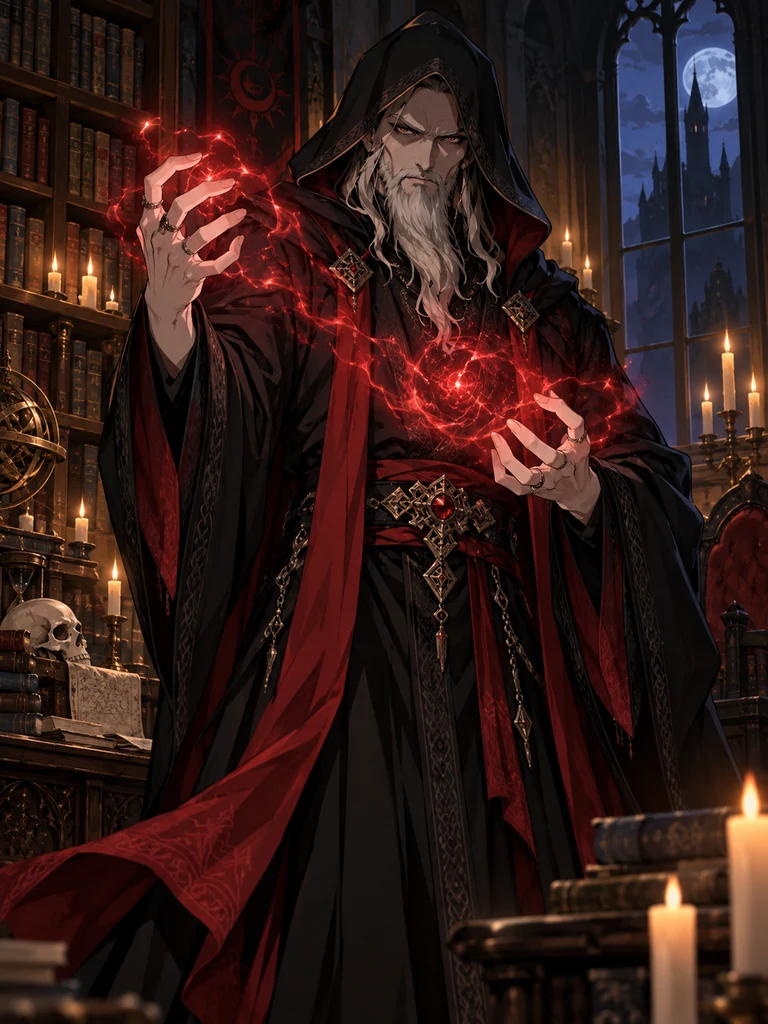
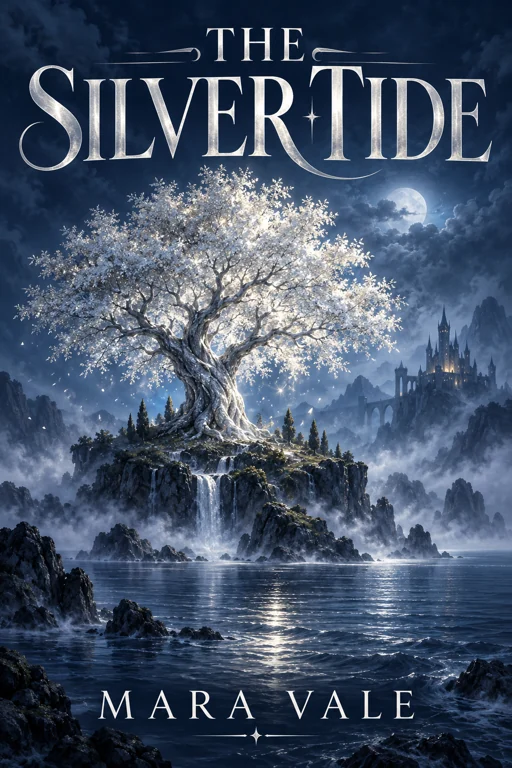
Fantasy cover: THE SILVER TIDE by MARA VALE, silver tree, midnight blue mist.
Reference example. It is not a result generated from your upload.
This book cover generator designs the front of a book: the artwork, the title and the author name in one image. Give it the exact wording, an optional subtitle and a one-line premise, choose a genre, and generate book cover options to compare, up to four at a time. Book cover generators work best with a short, specific brief, so name one image rather than the whole plot.
Each result is new artwork and a front cover only: the spine, back cover, barcode area and bleed are added later in a layout program, at the dimensions your publishing platform or printer asks for. Writers use it to test genre directions before briefing a designer, to make an eBook cover for a short story or reader magnet, and to give a manuscript in progress a cover to write toward.
Fantasy

Romance

Thriller
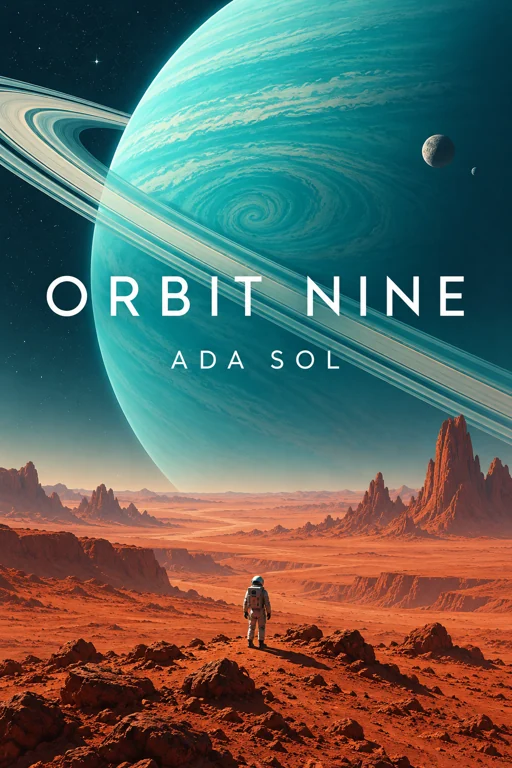
Sci-Fi
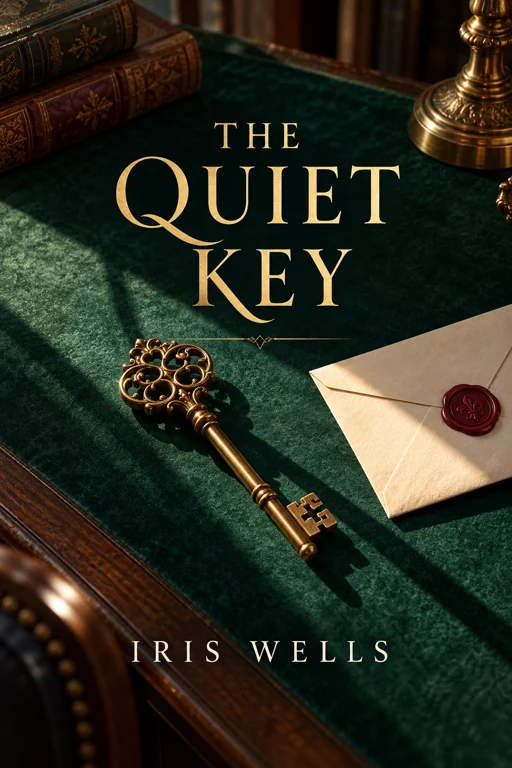
Mystery
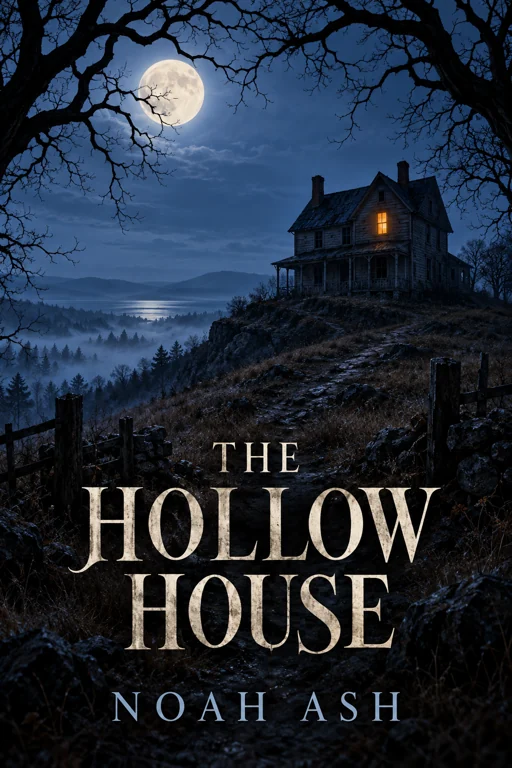
Horror
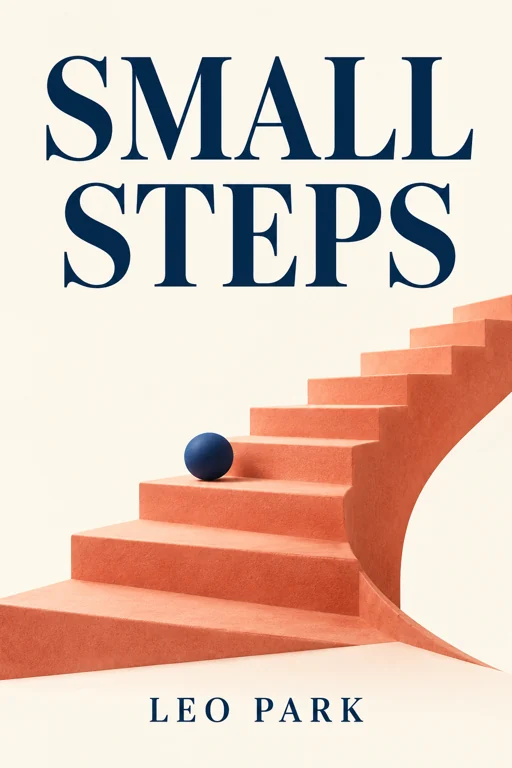
Business
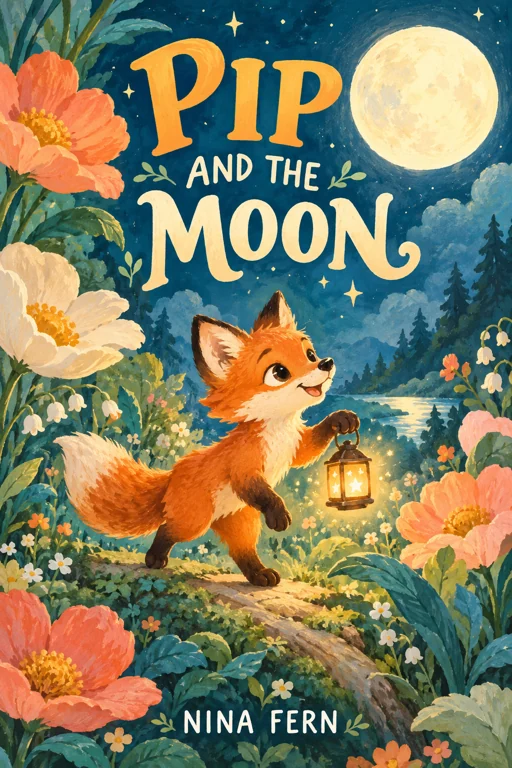
Children's
Type both as they should appear on the cover, including capital letters. Add a subtitle only if it is short; long subtitles end up small and are more likely to be misspelled.
Pick Fantasy, Romance, Thriller, Sci-Fi, Mystery, Horror, Business or Children’s, then use Short premise to name the setting, the mood and one symbol, such as a key, a lantern or a lone house.
eBook / 6 × 9 style front gives a tall 2:3 portrait, Portrait 3:4 a slightly wider one, and Square edition a 1:1 cover for audio editions or social posts. Generate up to four covers at once.
Zoom in on every letter, then shrink the cover to thumbnail size: the title and the image should still read as separate shapes. Before publishing, export the file to your platform’s current cover requirements.
The AI book cover maker receives the title, author and subtitle as separate lines, so the model knows which words to set large. GPT Image 2 is the default and the better choice for lettering; review the spelling at full size and at thumbnail scale.
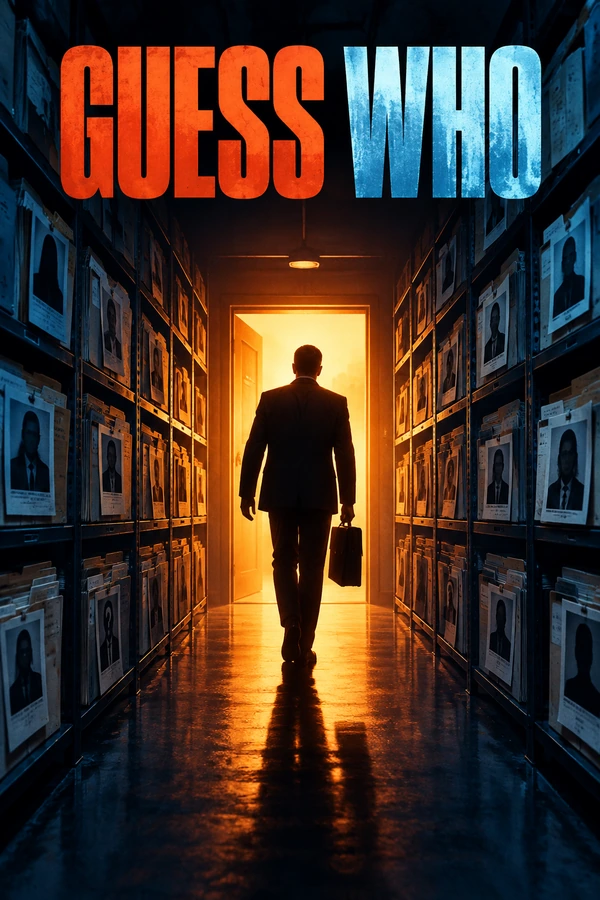
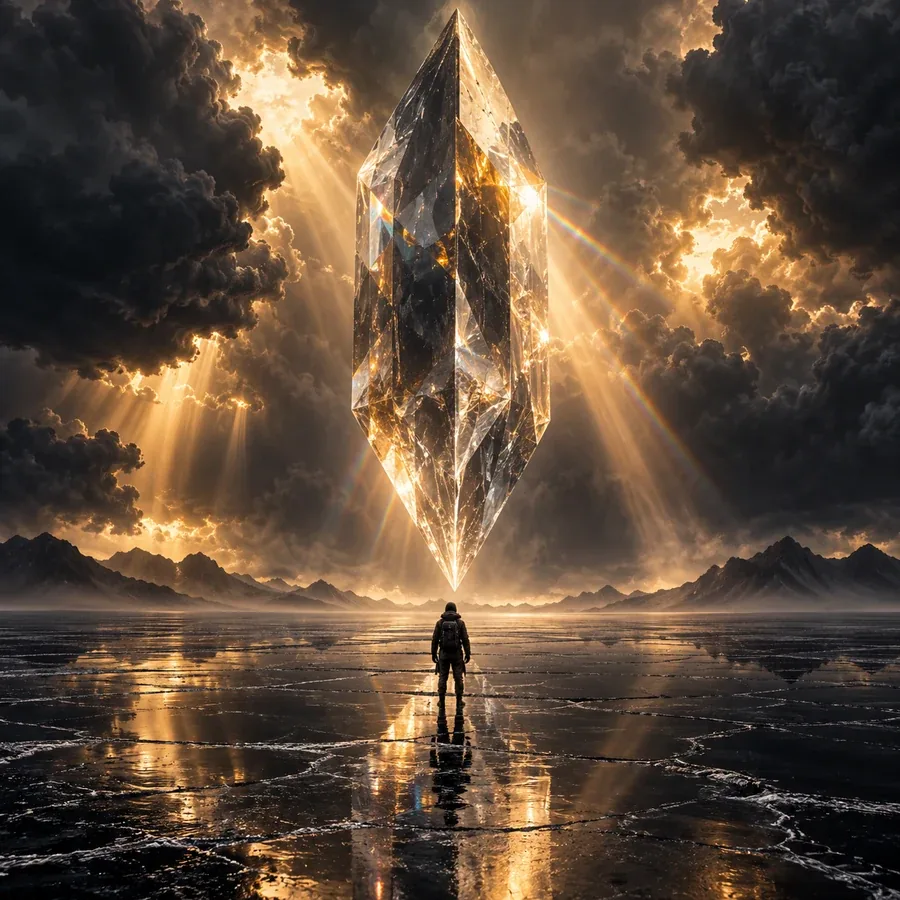
Genre sets reader expectations: misty blues for fantasy, one bold object for thrillers, soft watercolor for romance. Pick a genre, then describe a single focal point so the artwork never buries the title.
Make an eBook cover for a novel, novella or reader magnet in a tall portrait shape. The download is a front cover image; resize and export it to your platform’s current requirements, which this tool does not check for you.
Use AI generated book covers to compare directions, then refine the winner. A magazine front cover maker needs a masthead and several cover lines; describe that layout in the cover idea box if you try an editorial concept here.
A key, a lantern or a lone house is easier to recognize in a store grid than a collage of every scene.
Cold blues and silvers for speculative fiction, deep greens for quiet mysteries, warm peach for romance.
Mention a clear sky, a plain wall or a dark band where the title can sit without busy texture behind it.
View each cover at the size of a phone thumbnail. If the title disappears, pick another version.
A two-word line like A Novel stays readable; a full sentence competes with the title for attention.
Don’t ask for another book’s cover, a famous character or a film look-alike, and check your platform’s rules on AI artwork.
The AI book cover creator is Free to try. The Generate button shows the cost for your chosen model and number of covers before anything runs, so you can start with a single cover.
Enter the title and author, add a one-line premise that names the setting and a central image, pick a genre and generate. You don’t need to paste the manuscript; a short, specific premise works better than a long synopsis.
Yes. Choose eBook / 6 × 9 style front for a tall portrait cover and download the image. Publishing platforms set their own pixel sizes and file rules, so check the file against their current requirements before you upload it.
No. It generates the front cover only. A paperback wrap needs a measured spine, back cover copy, a barcode area and bleed, which you build in a layout program from your printer’s template.
GPT Image 2 is selected by default and is the better choice when the title must be spelled right. Nano Banana 2 Lite is an alternative for exploring different imagery. The Generate button shows the cost for whichever model you choose.
Fantasy, Romance, Thriller, Sci-Fi, Mystery, Horror, Business and Children’s. The genre steers the palette, imagery and type style, while your title, author name and premise stay the same.
There is no image upload here; covers are generated from your text. Don’t describe another author’s cover, a famous character or a real person you have no permission to depict. Fictional adults and original settings keep your cover your own.
Book cover AI models draw lettering instead of typing it, so long titles and small text can come out misspelled. Shorten the subtitle, keep GPT Image 2 selected and generate a few versions, or set the final title over the artwork in a layout program.
Yes. The download is a flat image, so open it in an image or layout editor to move the title, add a tagline or build a print wrap. For a written change like a darker sky, use the AI Photo Editor.
Yes. Set the output count to two, three or four to see several takes on the same brief side by side. Keep the strongest one, then change one detail at a time, such as the central image or the palette, in the next round.
Enter your title and author name, pick a genre and compare up to four AI book cover designs side by side. Free to try.