Saturday Morning
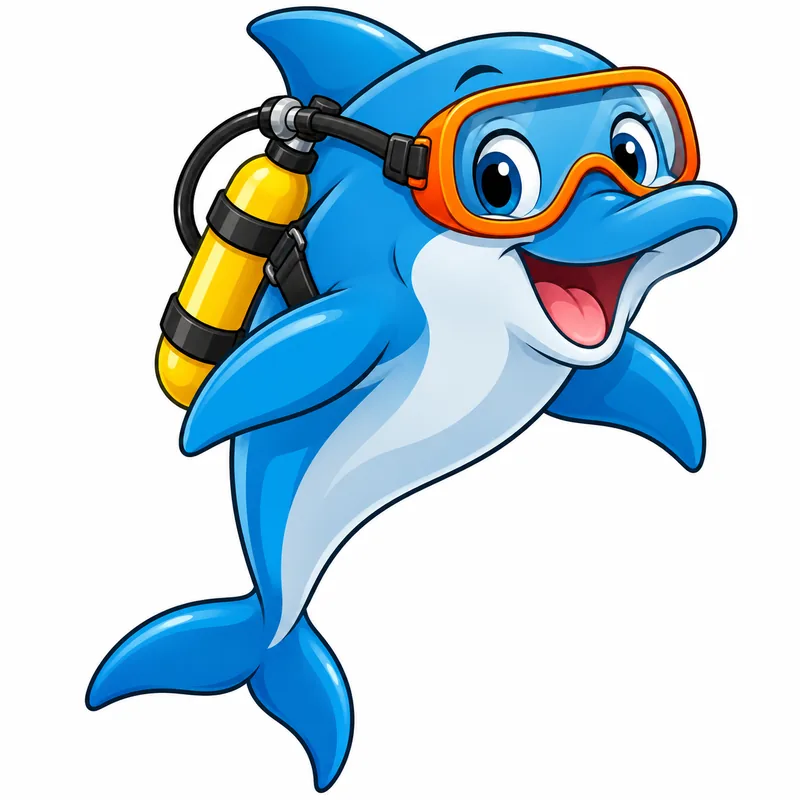
Bold outlines and flat bright color for heroes, gadgets and big action poses.
Describe a character, an animal or a whole scene, pick one of eight cartoon looks such as Saturday Morning, Comic Strip, Chibi or Retro Rubber Hose, and the AI cartoon maker draws it from your words. Add a short line for a speech bubble if you like. Free to try.
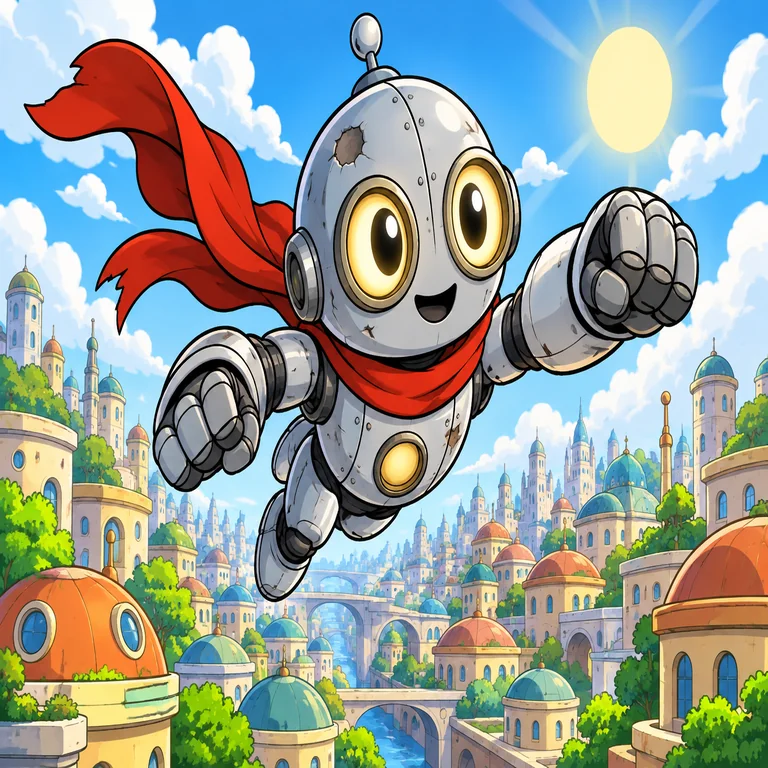
A brave little robot hero with a dented silver body, round headlight eyes and a long red scarf, zooming over a sunny cartoon city of round rooftops and puffy clouds, arms forward in a mid-flight action pose.
Reference example. It is not a result generated from your upload.
This AI cartoon generator starts from a sentence, not a photo. Write who or what should appear, what they are doing and where, and it draws an original cartoon in the look you pick: thick-outlined Saturday Morning, inked Comic Strip, big-headed Chibi, soft 3D Animated, handmade Clay, Watercolor Storybook, pen Line Doodle or bouncy Retro Rubber Hose.
Use it as an online cartoon generator for comic panels, classroom handouts, greeting cards, stickers and mascots. Every result is new artwork, so the characters belong to your story rather than to a show. Want a cartoon of yourself or a friend instead? That job belongs to our Photo to Cartoon tool, which redraws an uploaded picture; this page is the AI cartoon generator from text.
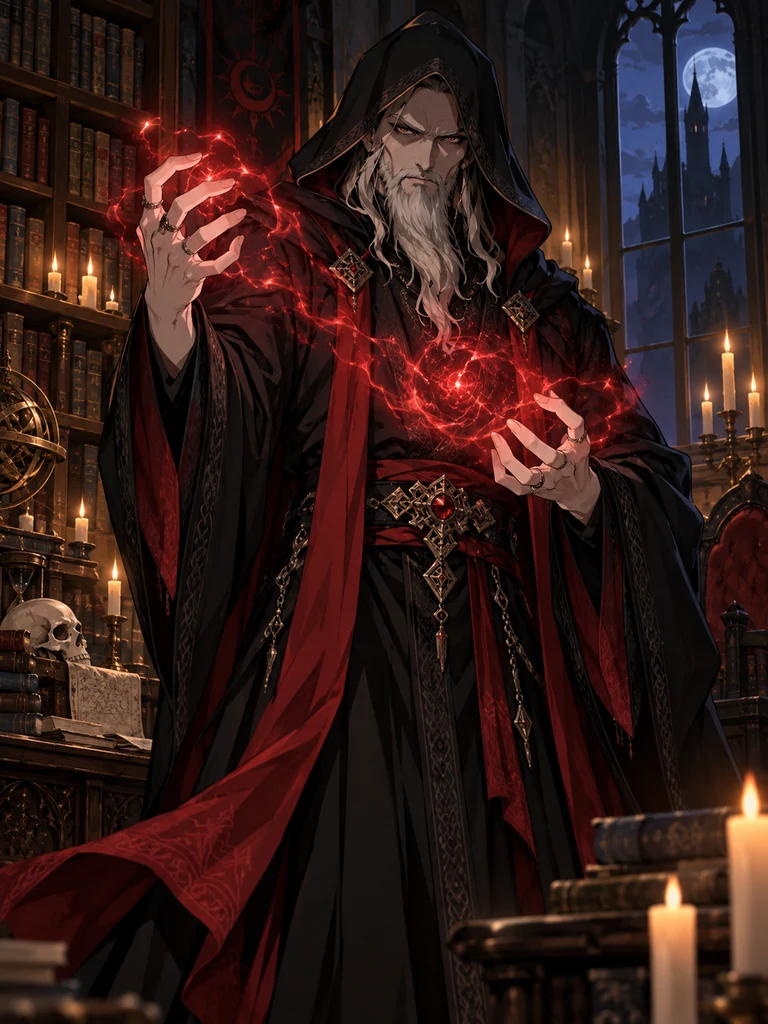
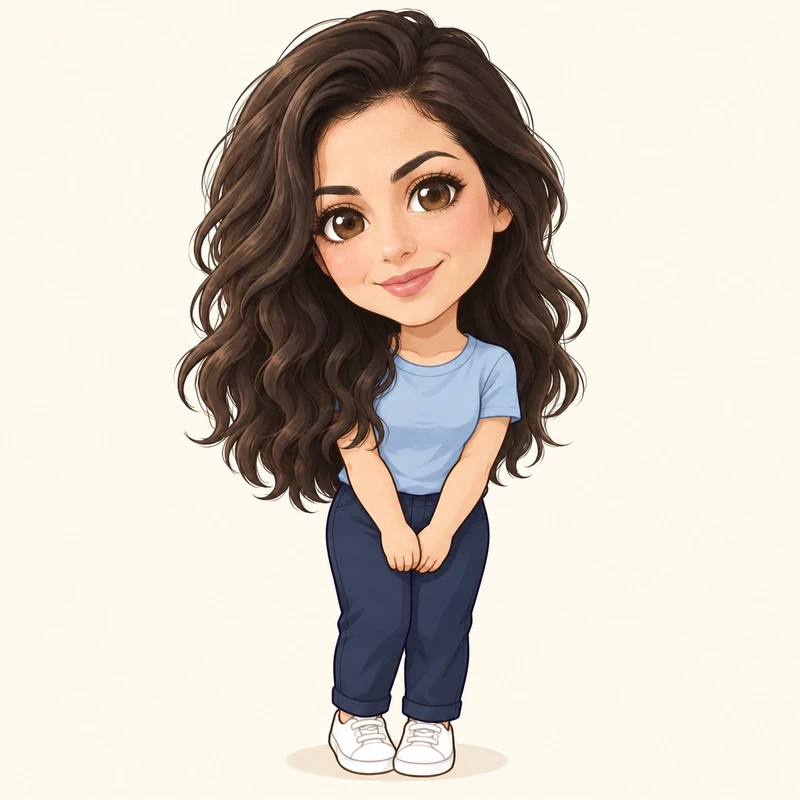
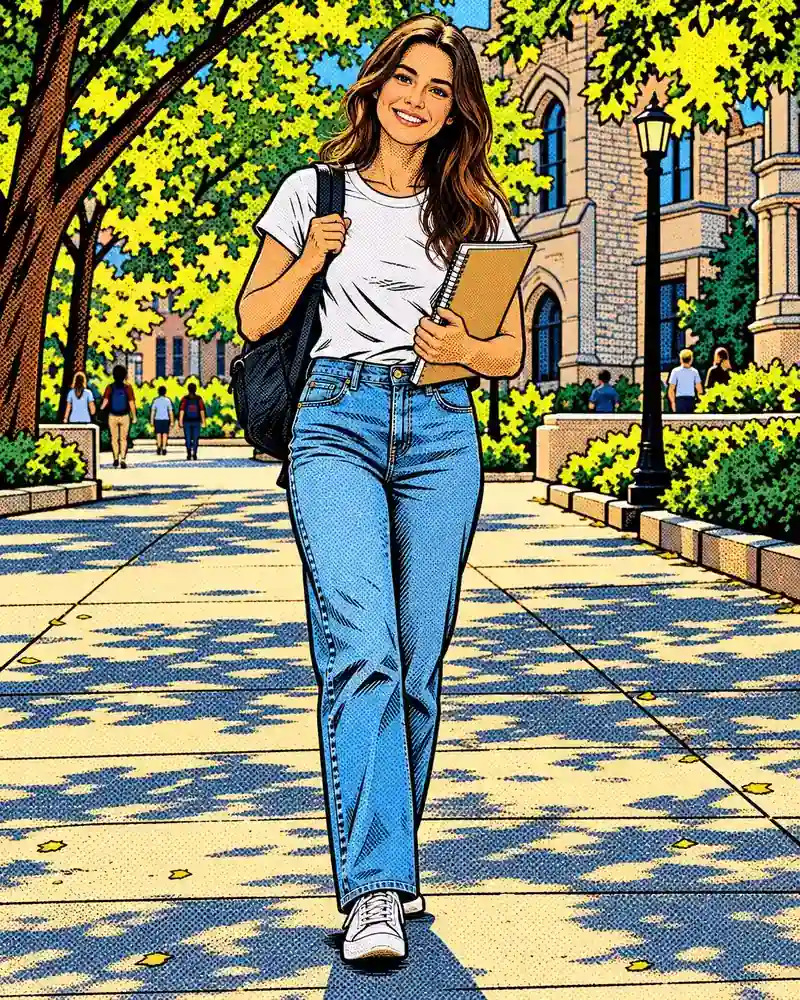
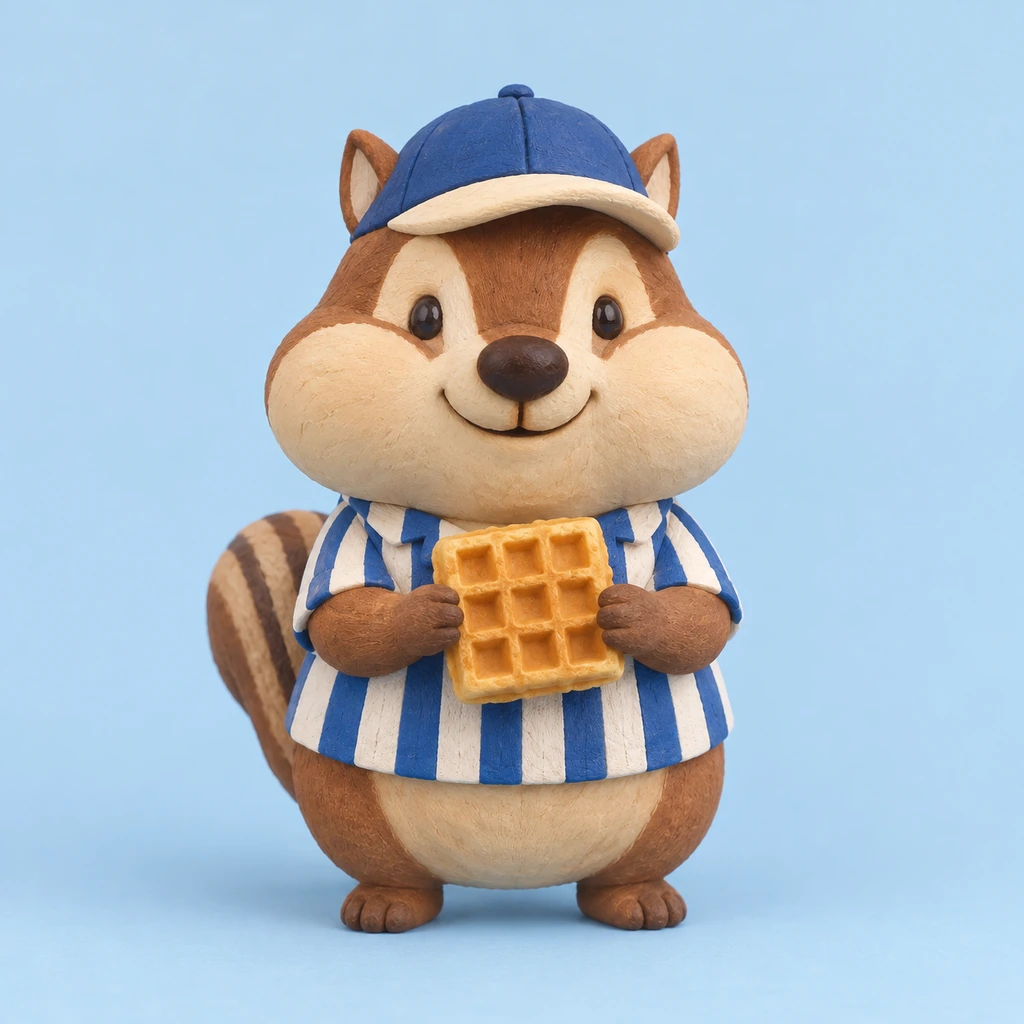
One idea per style, each made from a short prompt. Tap a card to load that cartoon style, then write your own scene.
Bold outlines and flat bright color for heroes, gadgets and big action poses.
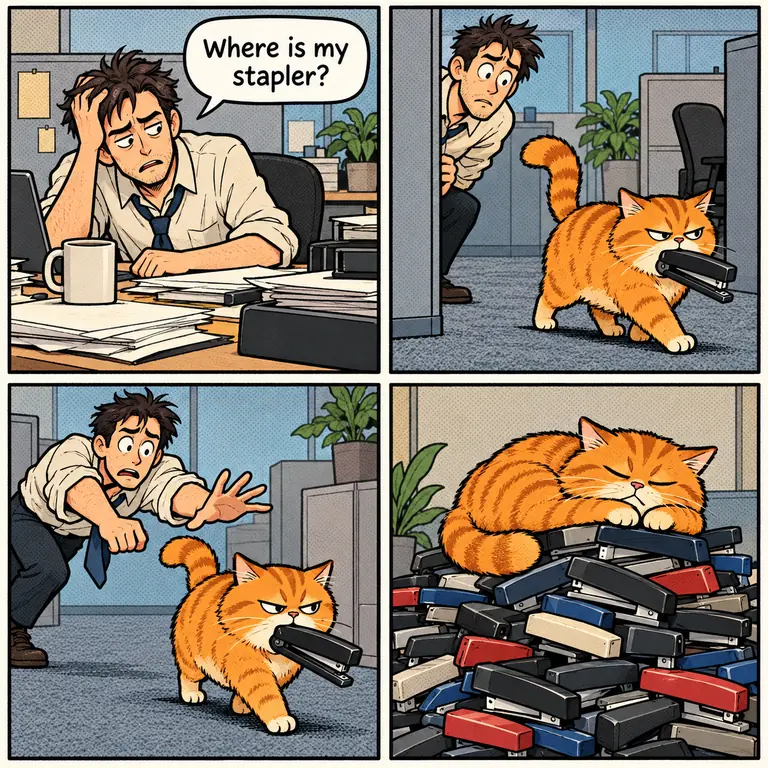
Panels, gutters and speech bubbles for a gag that lands in four beats.
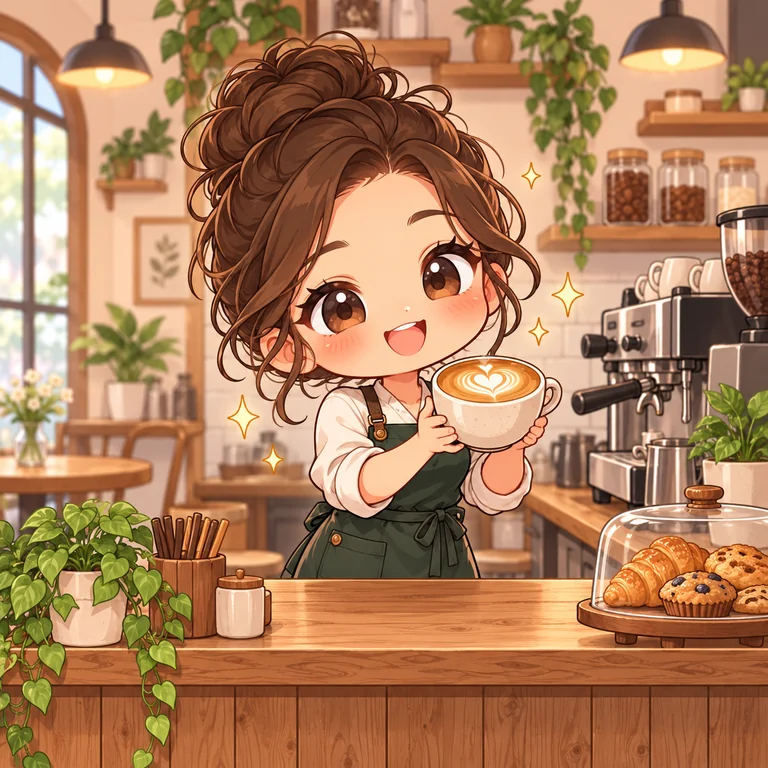
Oversized heads and tiny bodies that turn any job or hobby into something cute.
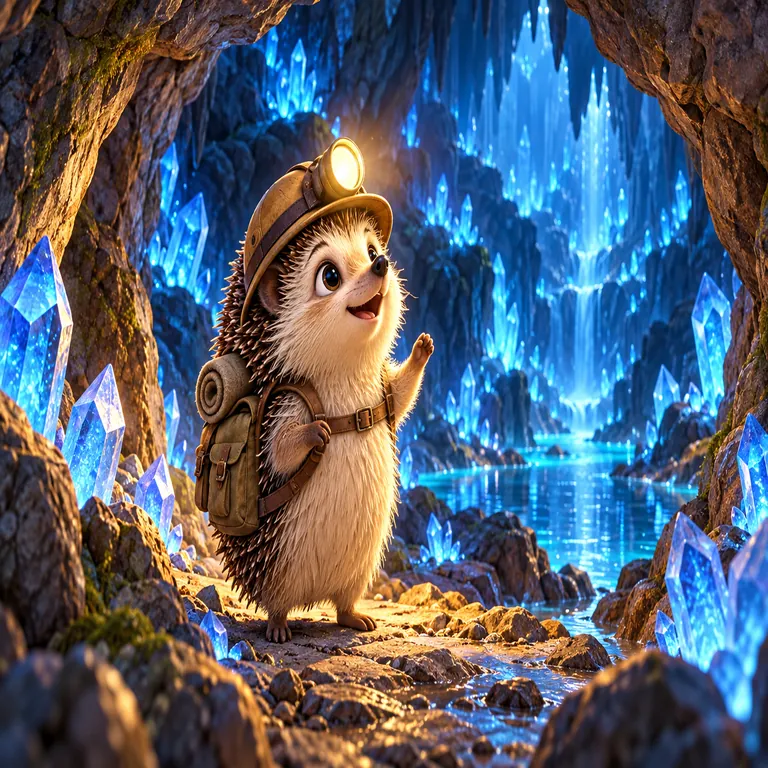
Rendered fur, glowing light and soft depth, like a frame from an animated feature.
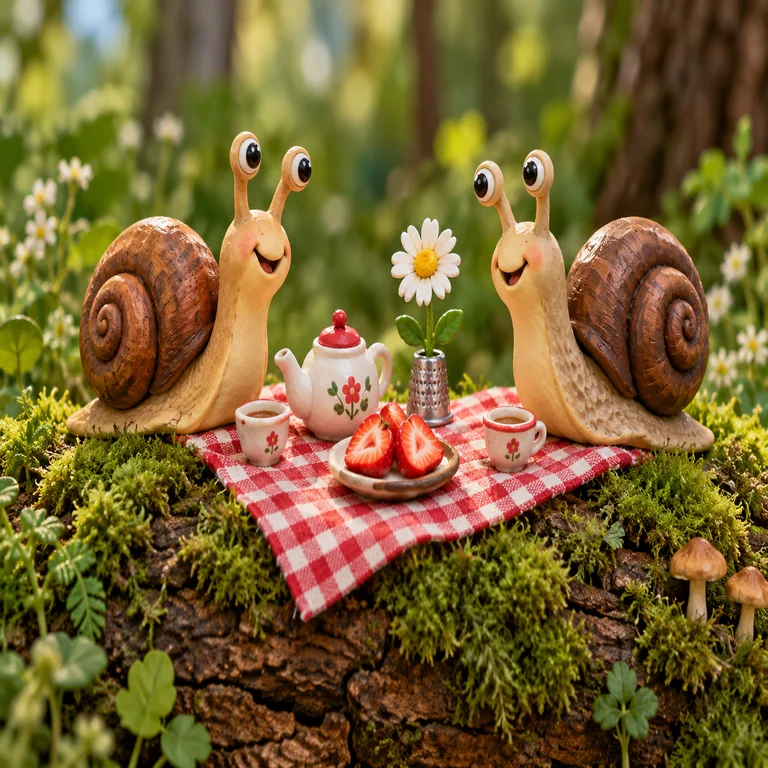
Plasticine shapes with fingerprints and tiny props, as if built on a tabletop set.
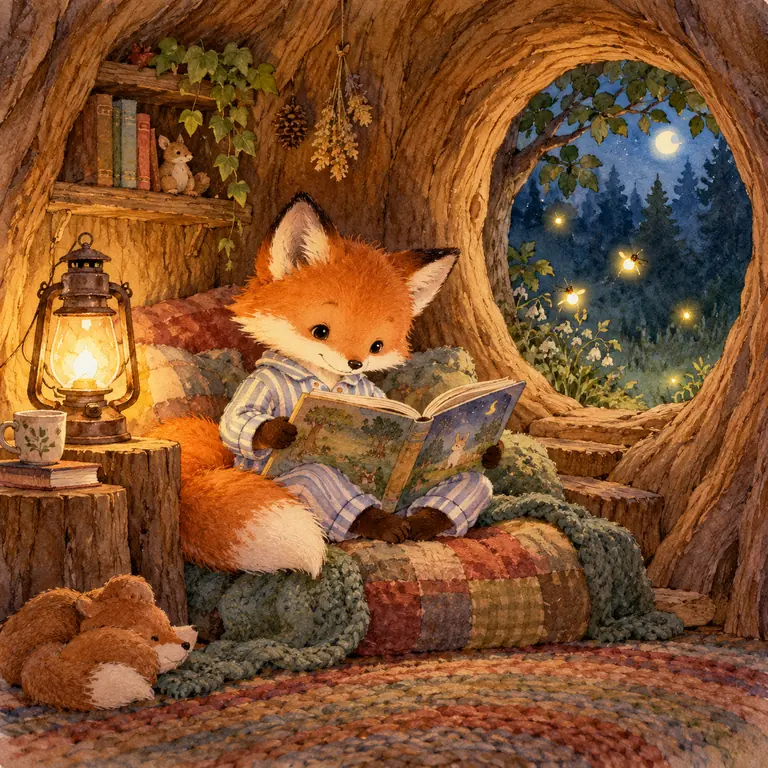
Soft washes and pencil lines for bedtime stories and picture-book pages.
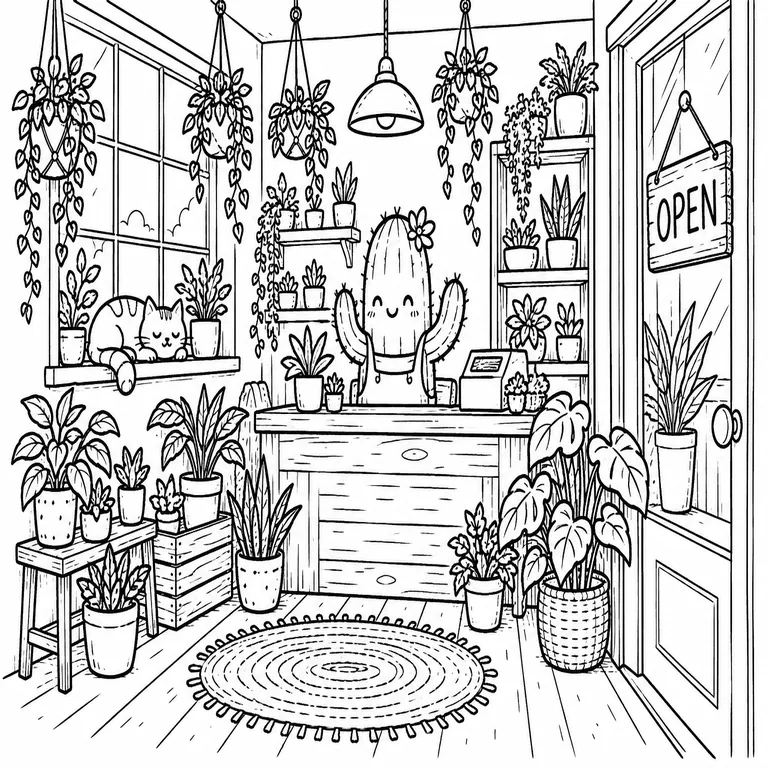
Black pen lines with little or no color, handy for notes, menus and coloring.
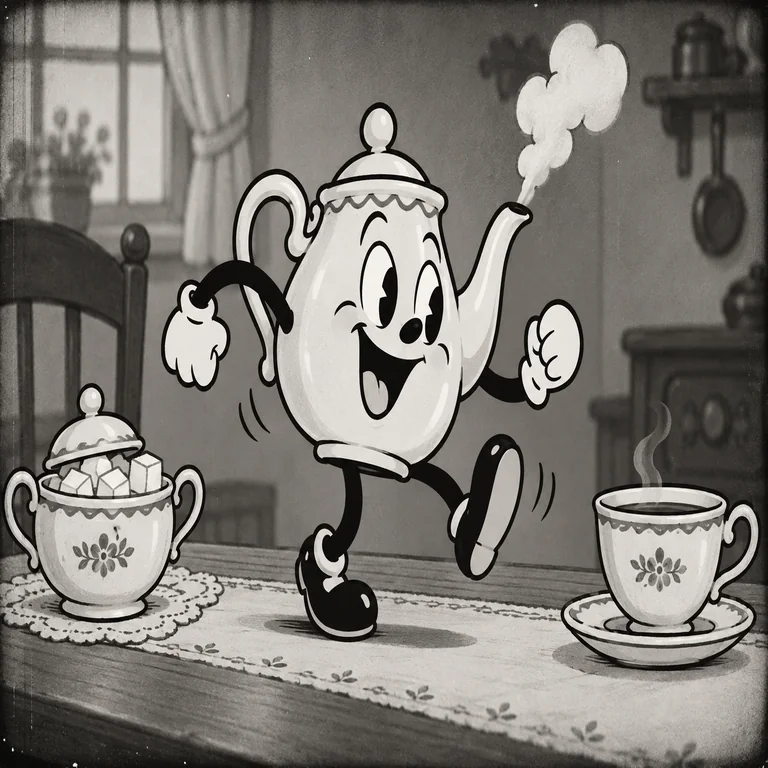
Bendy limbs, white gloves and 1930s grain for vintage-looking characters.
Name the character and give it something to do: “a raccoon mail carrier racing a storm” draws better than “a raccoon”. Add the setting and one or two colors you care about.
The style card decides the line, shading and proportions. Try Chibi for cute, Comic Strip for jokes, Watercolor Storybook for gentle stories and Retro Rubber Hose for vintage fun.
Choose one character, an animal, a full scene or a group; keep a cartoon setting or switch to plain white for clipart. Type a short speech bubble line if the cartoon should say something.
Make up to four versions at once, then pick the one with the clearest pose and expression. Change one word in the prompt and generate again to steer the next round.
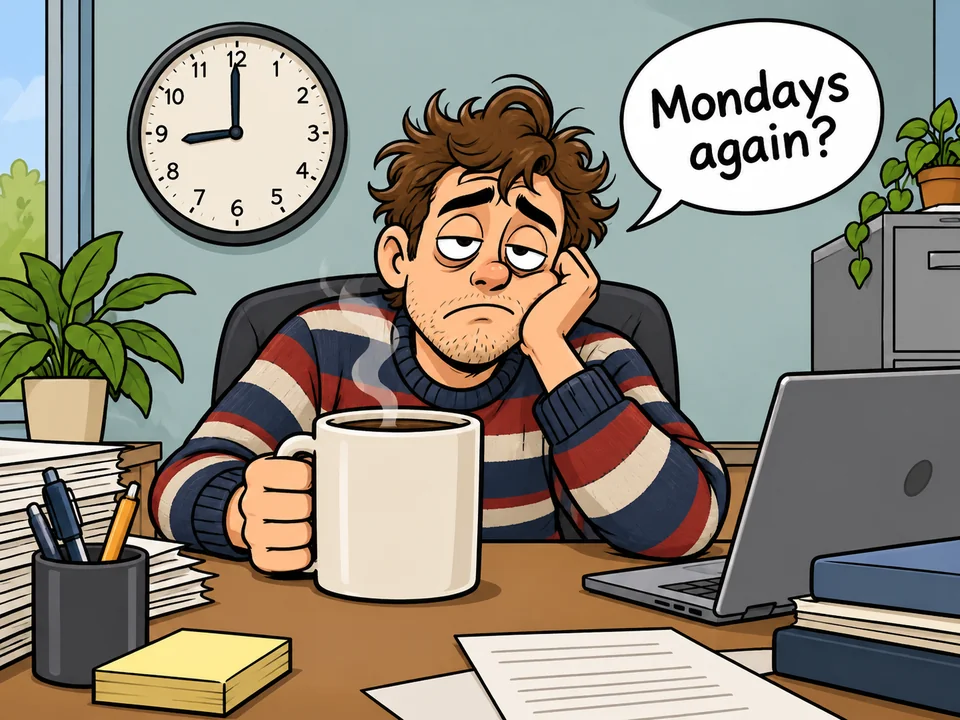
Type a line into the caption field and the cartoon gets one speech bubble or caption box with that wording. Short lines of a few words come out cleanest, so save long dialogue for a comic editor.
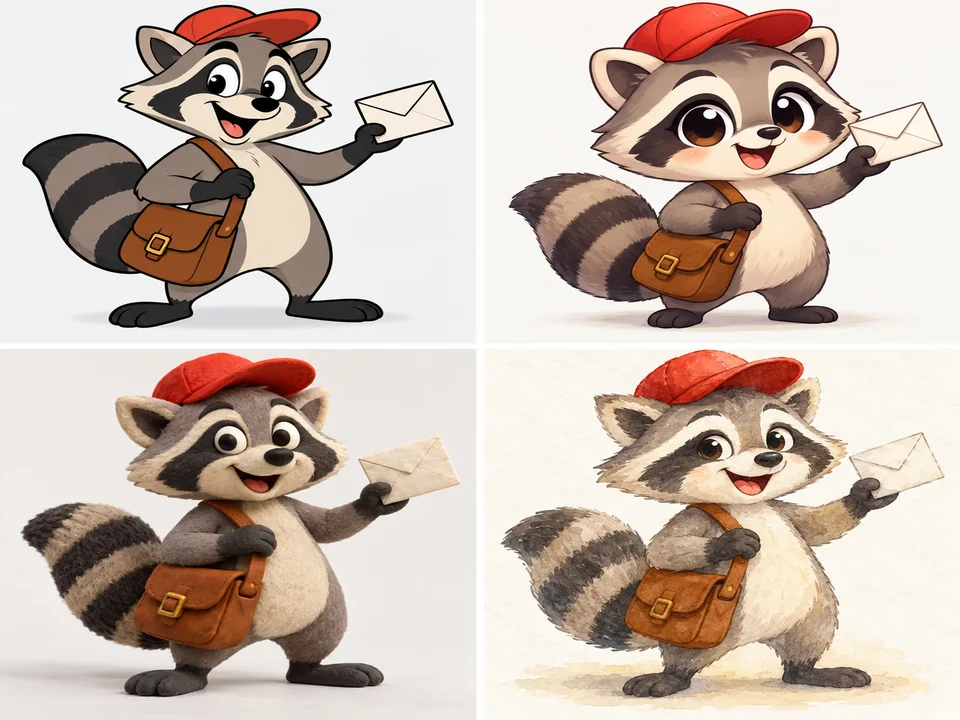
Keep the same prompt and switch the style card to compare a raccoon mail carrier as a Saturday Morning hero, a chibi, a clay figure or a storybook animal. It is the quickest way to find the look for a series.
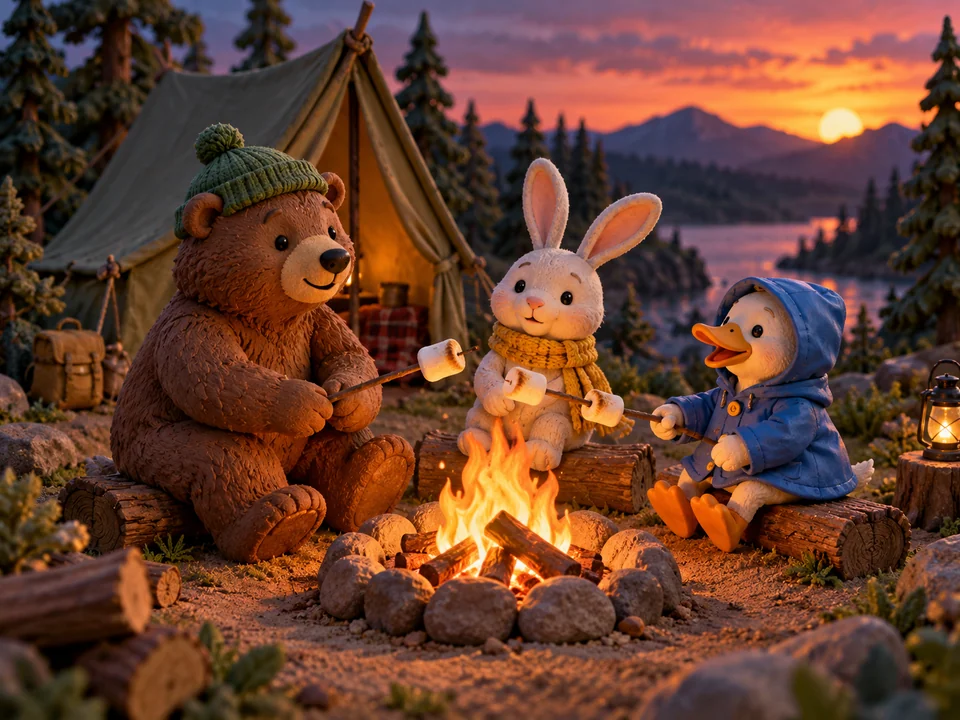
Set the focus to Full scene or Group and the generator paints the setting around your characters: a campsite at dusk, a busy bakery, a classroom on the moon. Name each character’s color or outfit so they stay distinct.
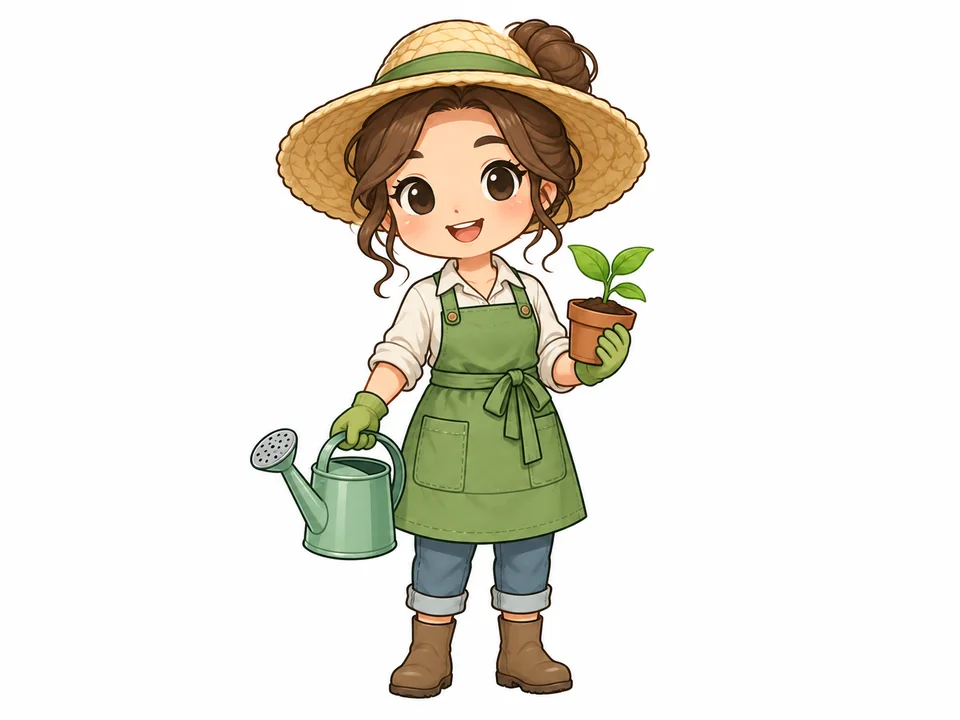
Switch Background to Plain white and the character comes out alone, with no scenery or ground shadow, ready to drop into slides, worksheets or a sticker sheet after you remove the white.
A quick guide to the eight style cards and what each one is good at.
| Style | What it looks like | Works well for |
|---|---|---|
| Saturday Morning | Thick outlines, flat bright color, big eyes | Heroes, mascots, kids’ party art |
| Comic Strip | Inked panels, halftone dots, speech bubbles | Gags, webcomics, newsletters |
| Chibi | Huge head, tiny body, pastel color | Stickers, avatars, cute merch |
| 3D Animated | Soft rendered shapes, cinematic light | Story scenes, posters, book covers |
| Clay | Plasticine texture, miniature set | Greeting cards, playful product art |
| Watercolor Storybook | Soft washes and pencil lines | Picture books, bedtime stories |
| Line Doodle | Black pen lines, little color | Notes, menus, coloring sheets |
| Retro Rubber Hose | Bendy limbs, gloves, film grain | Vintage posters, retro branding |
Not sure? Generate the same prompt in two styles and compare them side by side.
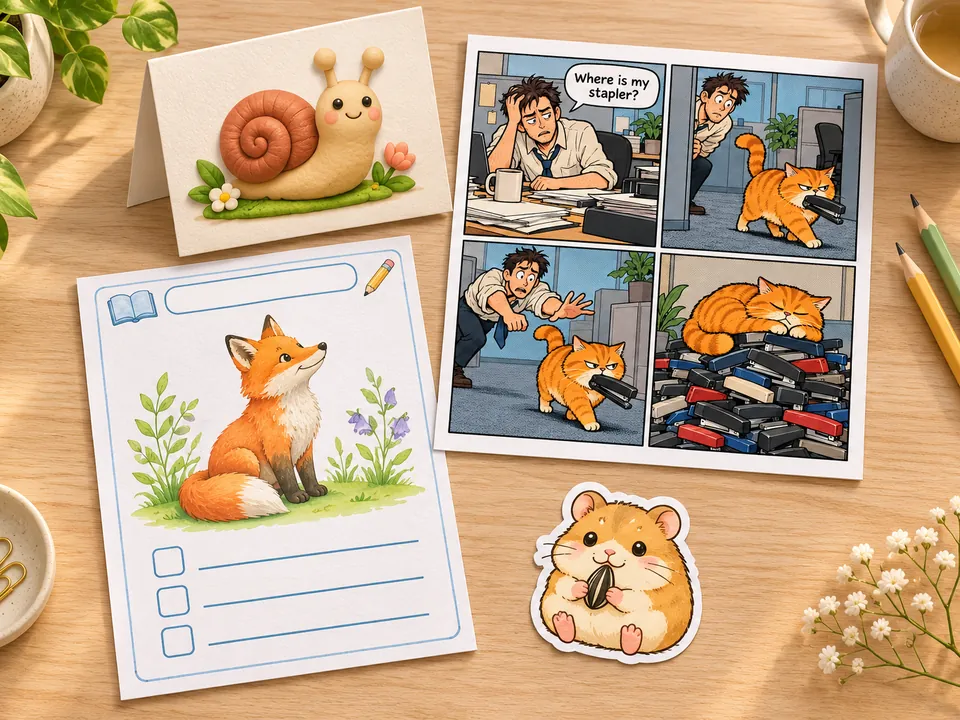
Draft a four-panel gag or a single-panel joke, then letter longer dialogue in your comic app.
Illustrate a bedtime story, a reading worksheet or a science poster with friendly animal characters.
Put a cartoon of the birthday theme on the front of a card, or a clay-style scene on an invite.
Generate characters on plain white, cut them out and print a sticker sheet or a set of icons.
Give a book club, a podcast or a small shop a cartoon mascot that is entirely its own.
Break up a long deck or a team update with a small cartoon that makes the point with a smile.
An action and a prop, like “juggling oranges” or “holding a tiny umbrella”, makes the pose lively instead of stiff.
A red scarf on a silver robot is easier to recognize in every version than a character with no color clues.
Three to six words fit a speech bubble neatly. Longer lines are where lettering mistakes start.
Ask for four versions; expressions differ a lot from one cartoon to the next, and one usually stands out.
The photo cartoon generator for selfies and pet pictures: upload a photo and it is redrawn as a cartoon that still looks like you.
Open the toolGives an existing photo ink lines and halftone shading, or lays it out as a four-panel strip or a comic cover.
Open the toolTurns a typed idea into clean black outlines for kids to color, a good next step after a Line Doodle cartoon.
Open the toolTurns a picture into a die-cut sticker with a white border, ready to share or print on a sticker sheet.
Open the toolThe best AI cartoon maker for you depends on three things: a clear choice of cartoon style, a model that follows your sentence closely, and room to compare versions. Here you pick from eight style cards, switch between Nano Banana 2, GPT Image 2, Seedream 4.5 and FLUX.2, and generate up to four takes on one prompt.
Yes, it is Free to try: new accounts get free credits when they sign up. The Generate button shows the cost for the model and the number of versions you picked before anything runs, so you always know what a cartoon costs.
Write one or two sentences about the subject, the action and the setting, choose a cartoon style, then pick the focus, background and shape. Press Generate Cartoon. If the pose or mood is off, edit a few words of the description instead of starting over.
Not on this page: it draws from text only. For a photo to cartoon generator, open Photo to Cartoon, which takes your selfie or pet picture and redraws it in a cartoon style. It is the better pick when you need an image to cartoon generator, an AI cartoon generator from image or an AI face cartoon generator.
Nano Banana 2 is the default and handles most characters and scenes well. GPT Image 2 is the steadier choice when the cartoon has a speech bubble or a sign to letter. Seedream 4.5 and FLUX.2 give a different take on color and detail, which helps when you want options.
Yes. Type the line into Speech bubble or caption and it is lettered once, inside a bubble or caption box. Keep it to a few words and check the spelling in the result; for a long conversation, add the text afterwards in a comic or design app.
Reuse the exact character description, such as “a silver robot with round headlight eyes and a long red scarf”, and change only the action or the place. Cartoons are generated fresh each time, so small details can shift between scenes; keep the version that matches best.
No. Describe your own characters rather than asking for a character, studio look or logo that belongs to someone else. The generator is built to invent new designs, which also means the cartoon is something you can call your own creation.
There is nothing to install. The page runs in the browser on a phone, tablet or computer: write the prompt, generate, and save the image to your device. Your results also stay in your account history so you can download them again later.
Set Background to Plain white so the character stands alone, generate it, then open Make Image Transparent to remove the white and download a PNG. That is the easiest way to turn a cartoon into a sticker, a slide graphic or a T-shirt print file.
Write a sentence, pick a cartoon style and compare up to four versions. Free to try.