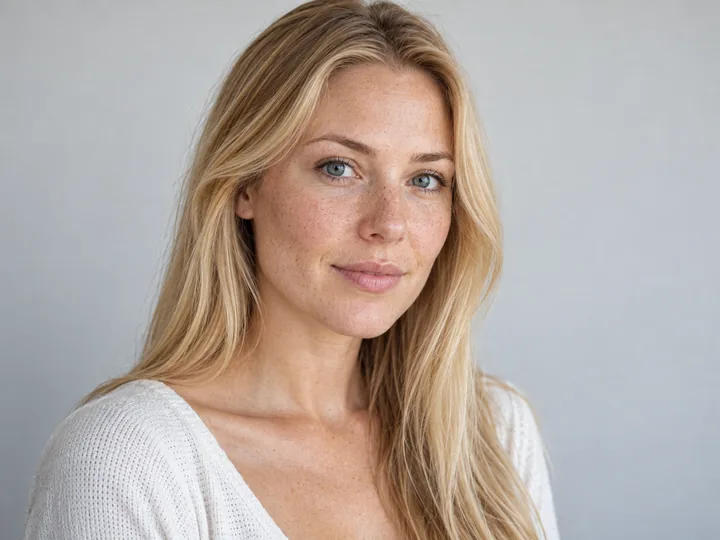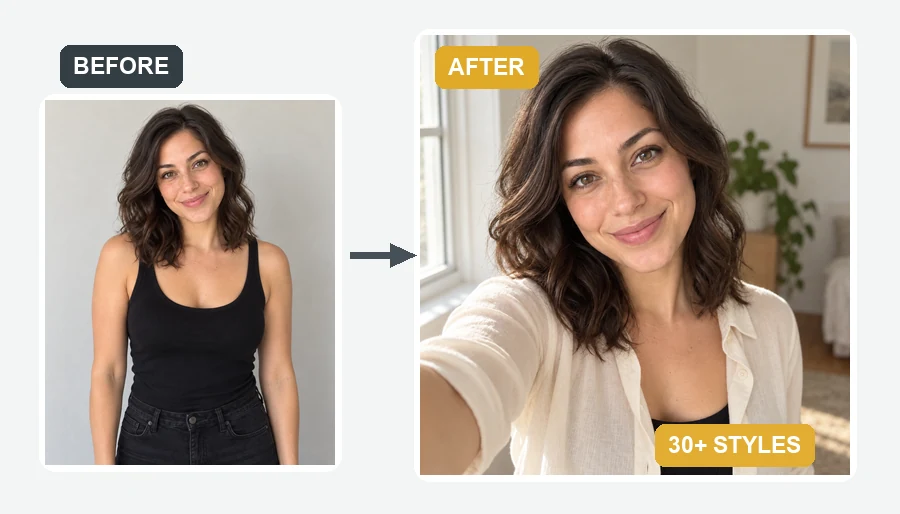
Golden Hour Portrait
Warm outdoor light for a friendly profile photo.
Upload one selfie, choose your role, your scrub color, and a hospital, clinic, or studio background, and get a polished nurse headshot for staff directories, job applications, and LinkedIn. Your face stays yours, and nothing invents a badge or credential. Free to try with credits when you sign up.
Nursing Role: Hospital Nurse · Scrubs: Match the Role · Background: Match the Role
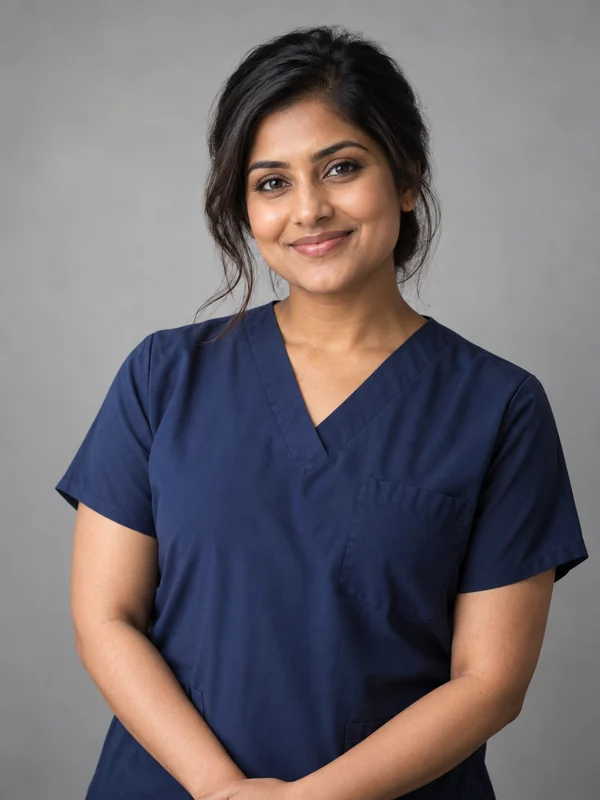
Reference example. It is not a result generated from your upload.
A nurse headshot is the professional photo beside your name in a hospital directory, on a clinic website, in a job application, or on LinkedIn. It needs to look like you, read well at a small size, and fit your workplace. An AI nurse headshot generator makes one from a clear selfie: pick your role, your scrub color, and a background, and the AI rebuilds the portrait with professional light while keeping your real face.
It covers hospital, clinic, ER and ICU, and pediatric nurses, nurse practitioners, nursing students, educators, and travel nurses, with 10 scrub colors, a white coat option, or your own scrubs. Nursing headshots made here never invent a badge, an employer logo, or a credential, so they stay honest wherever you use them.
Studio, window light, hospital, and candid looks. Choose a role and background above to make your own.
Warm outdoor light for a friendly profile photo.
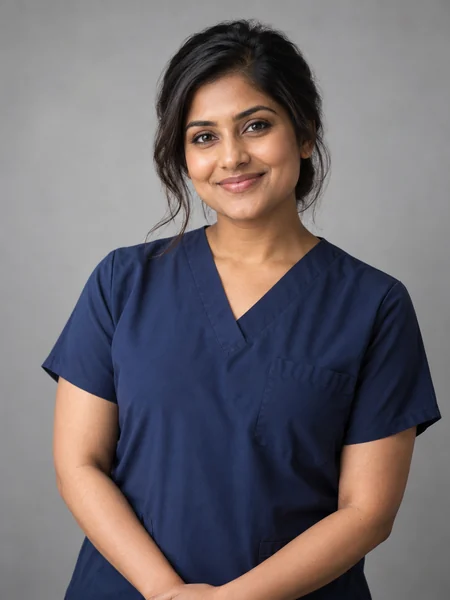
Arms crossed and a soft studio backdrop.

A natural street photo for agency and social profiles.
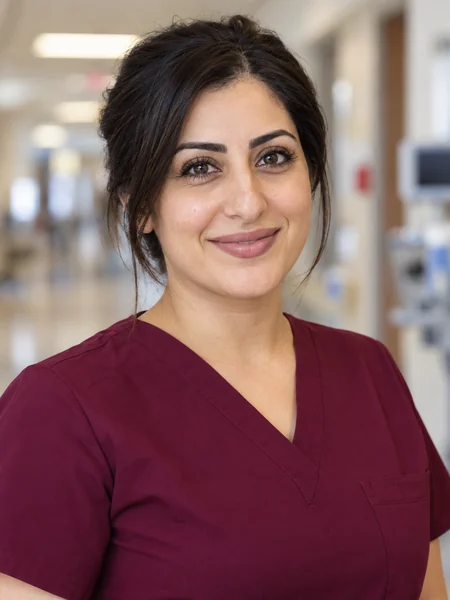
A tight crop that reads well as a small avatar.

A white coat over scrubs in a hospital hallway.

A cheerful portrait at the nurses’ station.

Soft daylight for a calm, approachable look.

Timeless monochrome for bios and publications.
Three steps between shifts.
Face a window, hold the phone at eye level, and take a sharp photo with your whole face visible: no mask, no sunglasses, no beauty filter. Wearing your own scrubs? Keep them with Keep My Scrubs.
Choose your nursing role, a scrub color such as Navy, Ceil Blue, or Wine, and a background, or leave them on Match the Role. Add details in Custom, like a stethoscope or keeping your glasses.
Create one, two, or four nurse headshots, compare them with your selfie, and download the one that looks most like you.
Professional nursing headshots that change the light and scrubs, never the person.
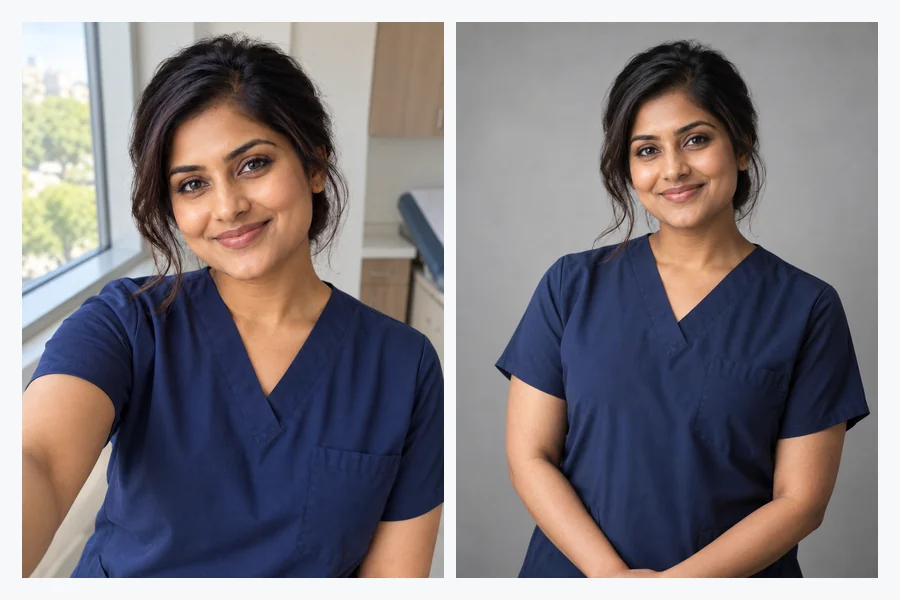
Your face, skin tone, age, hairstyle, and glasses are kept; only the light, framing, and outfit change, with light retouching. Patients and colleagues should recognize the nurse they meet, so likeness always comes first.
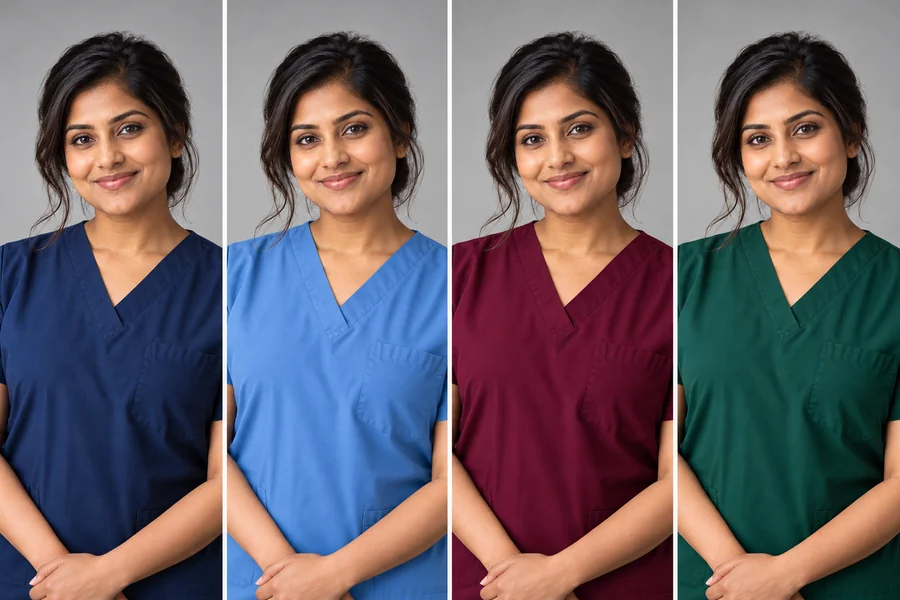
Many hospitals assign scrub colors by role or department. Pick Navy, Ceil Blue, Royal Blue, Caribbean Blue, Teal, Hunter Green, Wine, Black, or Pewter Gray to match your unit, add a white coat for a practitioner look, or keep the scrubs you already wear.
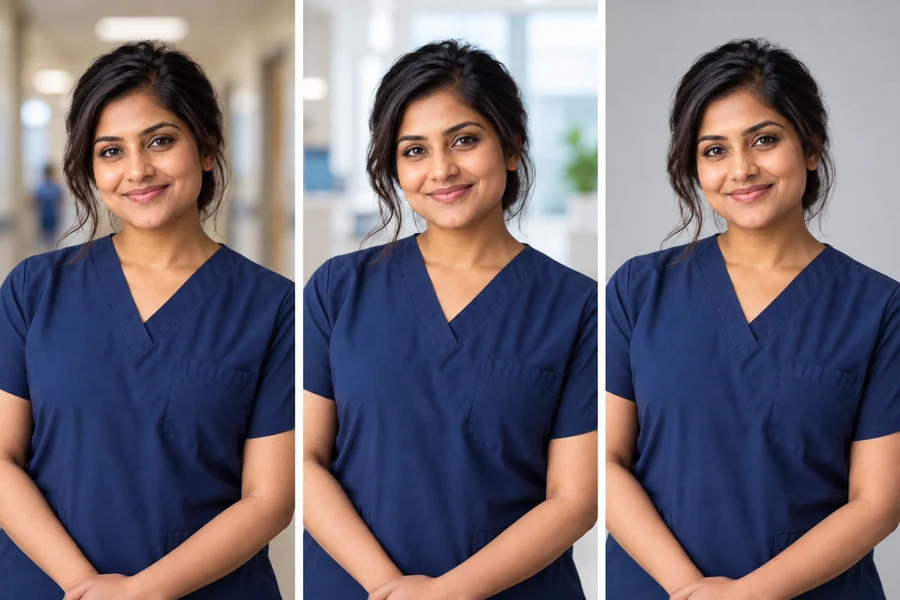
Choose a softly blurred hospital corridor, a nurses’ station, a bright clinic, window light, or a plain light gray, white, or navy backdrop. Backgrounds stay generic, with no readable signs, screens, or patient information.

Ask everyone on the unit to upload a selfie and pick the same role, scrub color, and background. You get a consistent staff page without scheduling a photographer around three shifts.
What to wear and where each kind of nurse headshot is usually used.
| Role | Outfit | Background | Where it’s used |
|---|---|---|---|
| Hospital nurse | Scrubs in your unit color | Hospital corridor or light gray | Staff directory, ID-style profile |
| Clinic nurse | Scrubs or a smart top | Bright clinic or window light | Clinic website, booking pages |
| Nurse practitioner | White coat over scrubs | Hospital corridor or office | Provider profile, practice website |
| ER & ICU nurse | Navy, black, or ceil blue scrubs | Hospital corridor | Directory, internal tools |
| Pediatric nurse | Softly patterned or bright scrubs | Bright clinic | Children’s hospital or clinic pages |
| Nursing student | Plain scrubs or a smart top | Window light or white | Résumé, LinkedIn, graduation |
| Nurse educator | Blazer or smart top | Window light or navy | Faculty page, conference bio |
| Travel nurse | Scrubs in a versatile color | Window light or outdoors | Agency profile, social media |
Your employer’s uniform and photo policy comes first: check required scrub colors, backgrounds, and whether AI-edited photos are accepted.
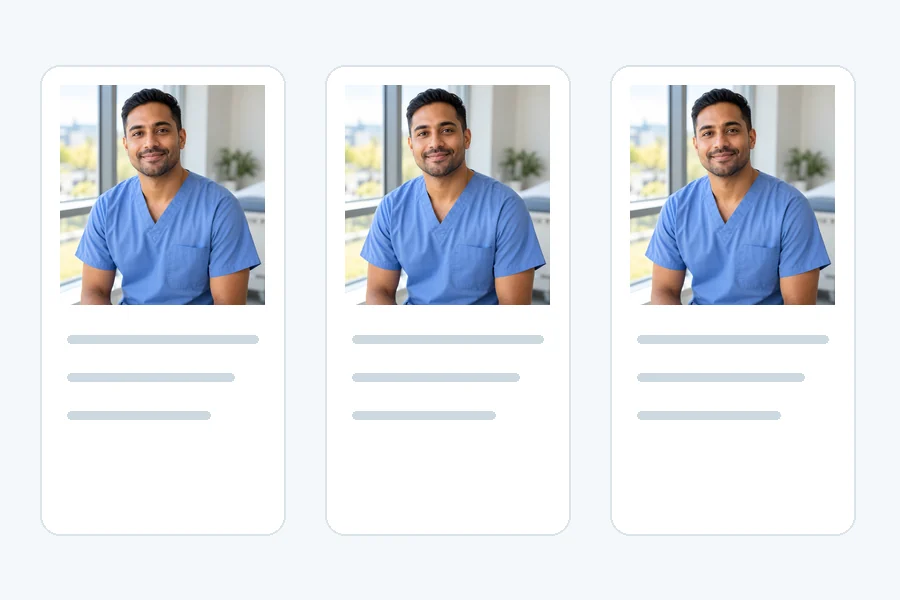
A clear, recent photo next to your name on staff pages and internal tools.
A professional nurse headshot for your résumé, profile, and recruiter messages.
A friendly, polished photo for agency profiles and new assignments.
A clean portrait for pinning ceremonies, class pages, and first job hunts.
A portrait for faculty pages, conference programs, and webinars.
A provider photo that makes patients comfortable before the first visit.
No mask, no sunglasses, and hair away from the eyes for the most accurate result.
Stand facing a window; overhead hospital lights cast heavy shadows.
Filters smooth away the detail the AI uses to keep you recognizable.
Pick the scrub color your unit actually wears so the photo matches you at work.
Never add a badge, title, or logo you are not entitled to; a plain photo is safer.
Use a selfie of only you, and never a photo that shows patients or their information.
White coat, scrubs, or suit headshots for doctors, surgeons, dentists, and specialists.
Open toolCorporate, LinkedIn, actor, and other professional headshots from one selfie.
Open toolSmooth creased scrubs and clothes in a photo you already have.
Open toolChange the color of your scrubs in a real photo to match a new unit.
Open toolA nurse headshot is a head-and-shoulders professional photo of a nurse, usually in scrubs, used in hospital and clinic directories, job applications, LinkedIn, and speaker bios.
You upload a selfie and pick a nursing role, scrub color, and background. The AI keeps your face, skin tone, and hair and redraws the portrait with professional framing, light, and the outfit and backdrop you chose.
Most nursing headshots use clean, solid-color scrubs in the color your unit wears. Nurse practitioners often add a white coat, and educators or applicants may prefer a blazer or smart top. Match your employer’s uniform policy first.
Yes. Pick Navy, Ceil Blue, Royal Blue, Caribbean Blue, Teal, Hunter Green, Wine, Black, or Pewter Gray, choose White Coat + Scrubs, or keep the scrubs from your photo.
It is designed to. Your features, age, skin tone, hairstyle, and glasses are kept, with only light retouching. Upload a sharp, front-facing selfie and keep the result that looks most like you in person.
No. The generator is told not to add badges, ID cards, hospital logos, embroidery, or credentials. If your employer wants a badge or name in the photo, add accurate details later only where it is allowed.
Many organizations accept a professional portrait, but some require a real, unedited photo taken by their own team. Check the policy first, and always use a result that looks exactly like you today.
Yes. Ask everyone to upload their own selfie and choose the same role, scrub color, and background. Each person should agree to and upload their own photo.
It is free to try with the credits new accounts get when they sign up. Each headshot uses a few credits after that.
Photos of other people without their permission, photos of patients, and anything showing patient information, charts, or screens. Upload a selfie of only you.
Upload a selfie, pick your role and scrub color, and get a professional nurse headshot. Free to try with sign-up credits.