Upload Your Photo
Choose a clear JPG or PNG image with a recognizable subject. Your selected photo appears as a local preview.
Create a bold silhouette from your photo. Choose a transparent or original background and prepare your image for your next creative project.
UI preview - No credits used
Your photo stays in this browser during this preview.
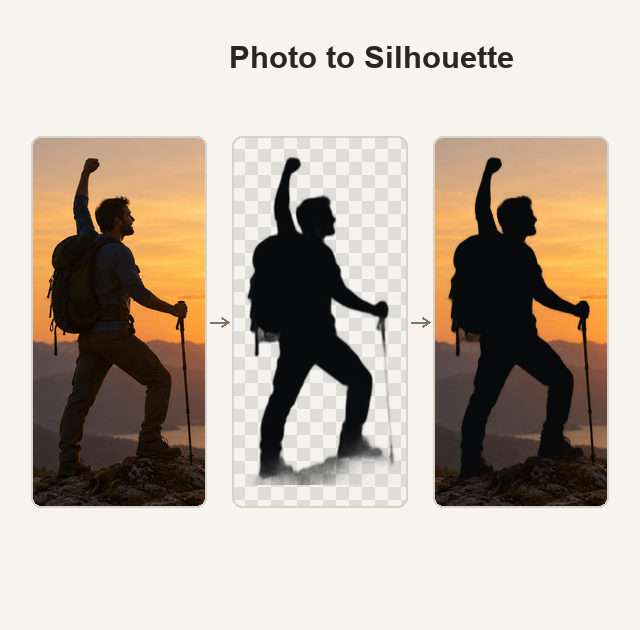 Sample image
Reference example - this is not a generated result from your upload.
Explore a different side of your photos. Silhouettes turn a familiar subject into a bold shape for portraits, posters, personal crafts, and creative projects.
Explore the reference examples below, then configure your own image in the preview workspace.
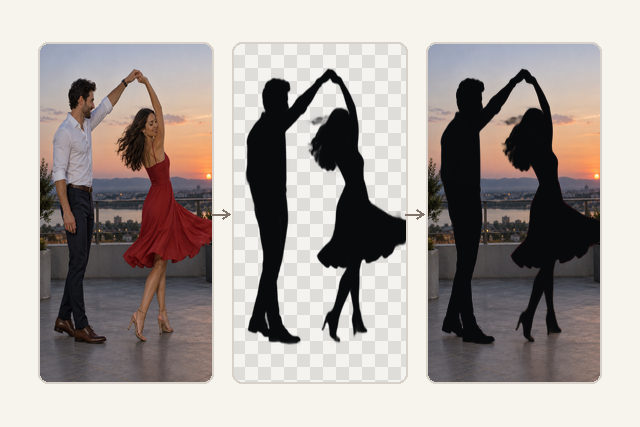
A simple workspace for your photo, background, and output settings.
Choose a clear JPG or PNG image with a recognizable subject. Your selected photo appears as a local preview.
Select a transparent or original background, then choose the aspect ratio, resolution, and number of images.
Click Generate Image to review the demo setup. This preview does not run an AI model or create a downloadable result.
Reference examples show how simple shapes and carefully chosen backgrounds can change the mood of a photo.
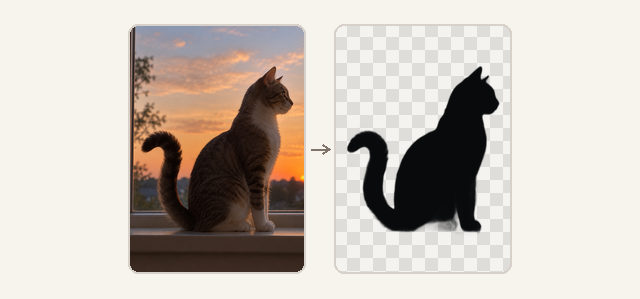
Start with a photo and explore a simple, shape-focused look. The workspace keeps the important choices together, without a complex editing timeline.
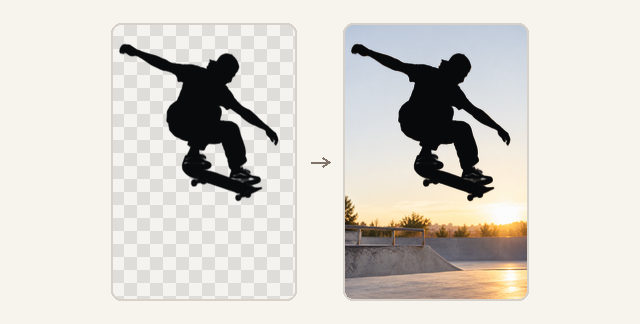
A silhouette can stand on its own or remain part of the original scene. Explore both background options to plan the look that suits your project.
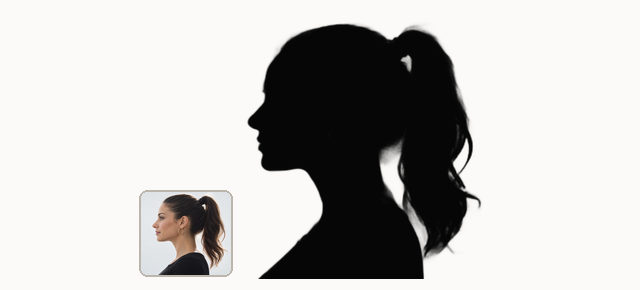
Strong outlines and a deep black fill give silhouettes their distinctive character. Use these examples to choose photos with a clear, recognizable profile.
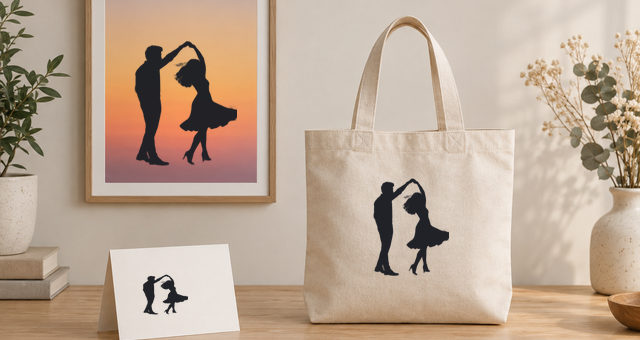
Picture your silhouette in a presentation, a personal craft, or a new design concept. The reference shows how this visual style can fit into a wider composition.
Focus on the subject and its outline. A compact workspace makes the available choices easy to explore.
Explore minimalist portraits, bold poster compositions, and simple visual elements for your next concept.
Use strong shapes as inspiration for a product teaser, a profile image, or a distinctive social post.
Plan a family portrait, a custom gift, or a craft design around a recognizable silhouette.
Sample reviews for layout preview only. These are illustrative scenarios, not verified customer testimonials.
“A simple outline can make a portrait feel completely different. I would use this kind of look when exploring a minimal poster concept.”
Find another creative direction in our tools collection.
A silhouette converter isolates the shape of a subject and represents it with a solid fill, usually black. This page previews that workflow and shows reference examples.
Upload a JPG or PNG, choose your background and output settings, then click Generate Image. This version shows a demo notice; it does not perform AI generation.
No additional design software is needed to explore this workspace. You can upload an image and select the available settings directly in your browser.
Yes. Both options are available in the preview workspace. They demonstrate the intended controls without producing a processed image.
No credits are deducted. The current version is a UI demonstration, so no AI-generated silhouette or result download is produced.
Start with your photo and find a new way to frame your ideas.