Luxury Perfume Ad
Macro liquid motion, dissolves, and a hero product shot with matching water sounds.
Choose a Seedance version, describe the shot, and add a start frame or reference clips if you have them. From 30-second Seedance 2.5 takes to Seedance 1.5 Pro dialogue with native audio, the whole ByteDance video model family works from one prompt box.
An ultra-luxury perfume commercial. Begin with a macro shot of a transparent rectangular glass bottle surrounded by violently swirling purple liquid. Capture the churning liquid with bubbles and splashes, accompanied by crisp water sounds. Dissolve into surface ripples of the purple liquid, then show a close-up of delicate iris flowers floating underwater. Cut to the perfume bottle tilted on a textured light surface, refracting dreamy halos.
Reference example. It is not a result generated from your upload.
Seedance is the family of ByteDance video generation models built by the company’s Seed team. Each ByteDance AI video model in the family turns a text prompt, a still image, or a set of reference files into a short video with realistic motion, cinematic camera work, and, from Seedance 1.5 Pro onward, sound that is generated together with the picture.
The family has grown quickly. Seedance 1.0 (Lite and Pro) made smooth text-to-video and image-to-video clips. Seedance 1.5 Pro added native audio with dialogue and lip sync. Seedance 2.0 opened up multimodal references, so you can show the model an image, a video, and an audio clip at once. Seedance 2.5, introduced at ByteDance’s 2026 Volcano Engine FORCE conference, pushes single takes to 30 seconds with far more references. This page lets you use every Seedance video model from one place and compare them side by side.
What each ByteDance video model can do on EzImgMaker, so you can pick the right Seedance version for the job.
| Model | Video length | Resolution | Inputs | Native audio | Best for |
|---|---|---|---|---|---|
| Seedance 2.5 | 4–30 s | 480p, 720p, 1080p | Text; start + end frame; or up to 30 reference images, 10 videos, and 10 audio clips | Yes | Long single-take stories, brand and product assets, reference-based edits |
| Seedance 2.0 | 4–15 s | 480p to 4K (2.0 Fast: 480p, 720p) | Text; start + end frame; or up to 9 reference images, 3 videos, and 3 audio clips | Yes | Copying motion and camera moves, character consistency, lip sync |
| Seedance 1.5 Pro | 4–12 s | 480p, 720p, 1080p | Text; 1–2 images (start and end frame) | Yes: dialogue, effects, music | Talking scenes, multilingual voices, locked-camera shots |
| ByteDance Seedance 1.0 (Pro, Lite) | 5 or 10 s | 480p, 720p, 1080p | Text or one image | No | Quick, lower-cost silent clips and b-roll |
Reference inputs and start/end frames are separate modes and cannot be combined in one Seedance 2.x generation. Credits per second depend on the model, resolution, and whether audio is on; the cost is shown before you generate.
Real prompts, one clip each. Copy a prompt into the box above and change the subject, setting, or camera to make it yours.
Macro liquid motion, dissolves, and a hero product shot with matching water sounds.
A slow orbit on pure white with macro detail on every surface, ready for a product page.
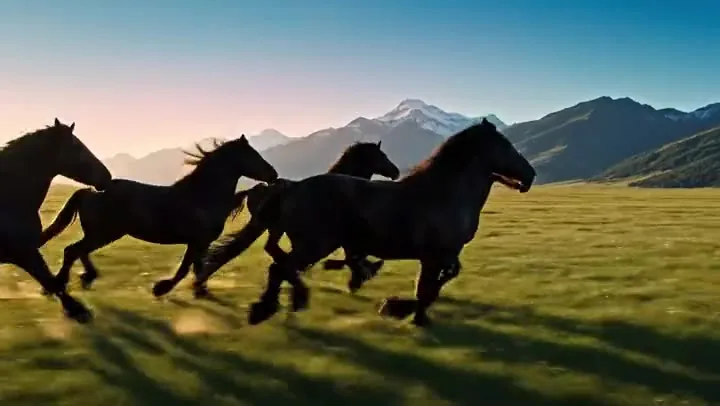
First-person camera, a torch beam, then glowing creatures appearing in total darkness.
A held wide shot that slowly pushes in over the hiker’s shoulder as first light spreads.
Foot-level tracking, a fall, a rescue by a border collie, and music that builds with the action.
An aerial tracking shot through neon towers, flying cars, and fog over water canals.
From idea to finished clip in three steps with this ByteDance AI video generator. Nothing to install.
Choose Seedance 2.5 for long takes, Seedance 2.0 for multimodal references, Seedance 1.5 Pro for dialogue, or Seedance 1.0 Pro or Lite for quick silent clips.
Describe the subject, action, setting, camera, and sound. Optionally add a start and end frame, or reference images, a reference video, and audio on Seedance 2.x.
Pick duration, resolution, aspect ratio, and whether to generate audio, then create the clip. Preview it, tweak one detail in the prompt, and run it again if needed.
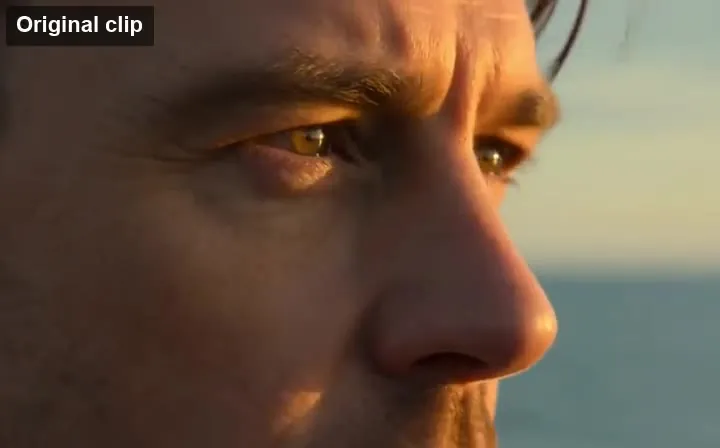
Show instead of describe. Seedance 2.0 takes up to 9 images, 3 videos, and 3 audio clips in one request, and Seedance 2.5 raises that to 30 images, 10 videos, and 10 audio clips. Use them to lock a character’s face, copy a camera move, or time cuts to a beat.
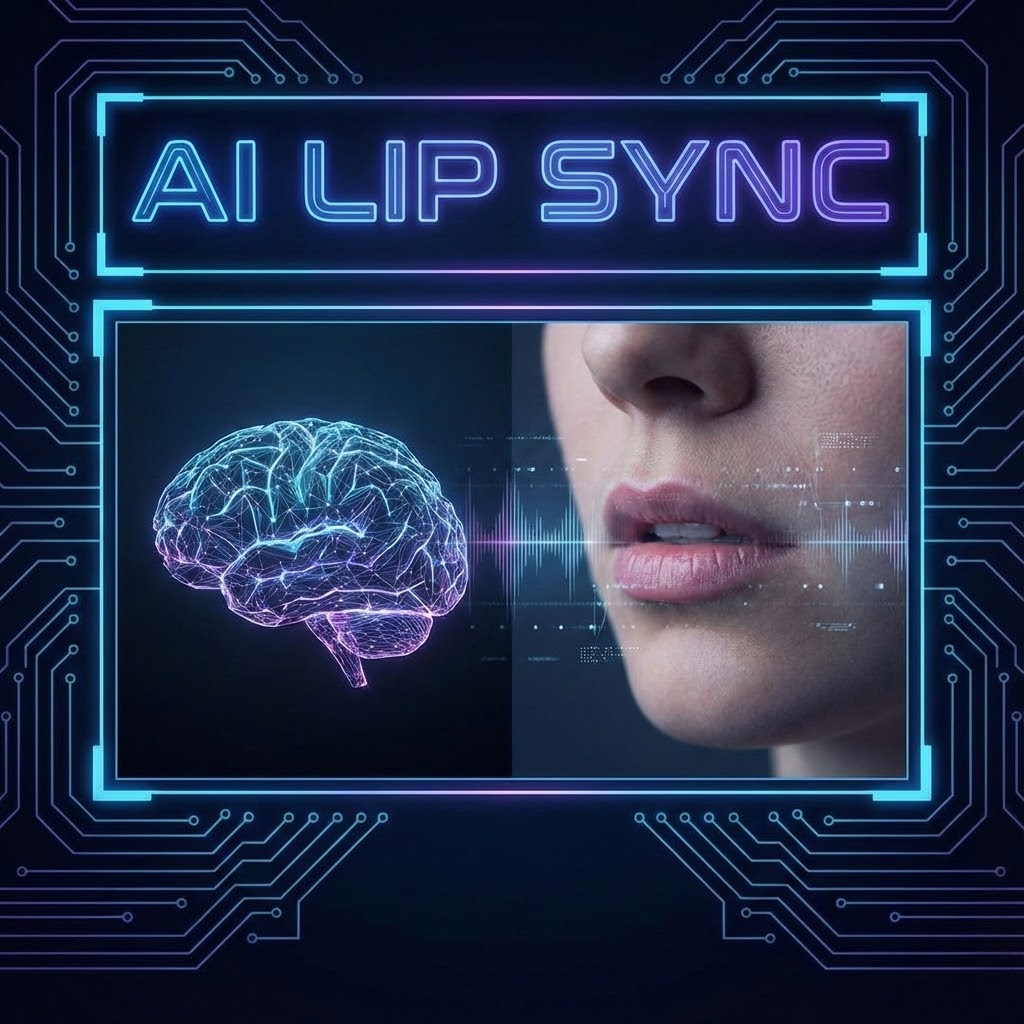
From Seedance 1.5 Pro onward, voices, sound effects, and music are generated in the same pass as the video, so footsteps, splashes, and dialogue land on the right frame. Seedance 1.5 Pro handles multi-person dialogue and several languages with lip sync.
Every Seedance AI video model follows camera directions such as push-in, orbit, crane, tracking, and handheld, and can cut between shots while keeping the subject consistent. Seedance 1.5 Pro and 1.0 also offer a camera lock for steady, static framing.
Seedance 2.5 generates 4 to 30 seconds in one pass, about double the 15-second limit of Seedance 2.0. Longer takes mean fewer stitched clips, fewer jumps between shots, and room for a complete product demo or story beat.
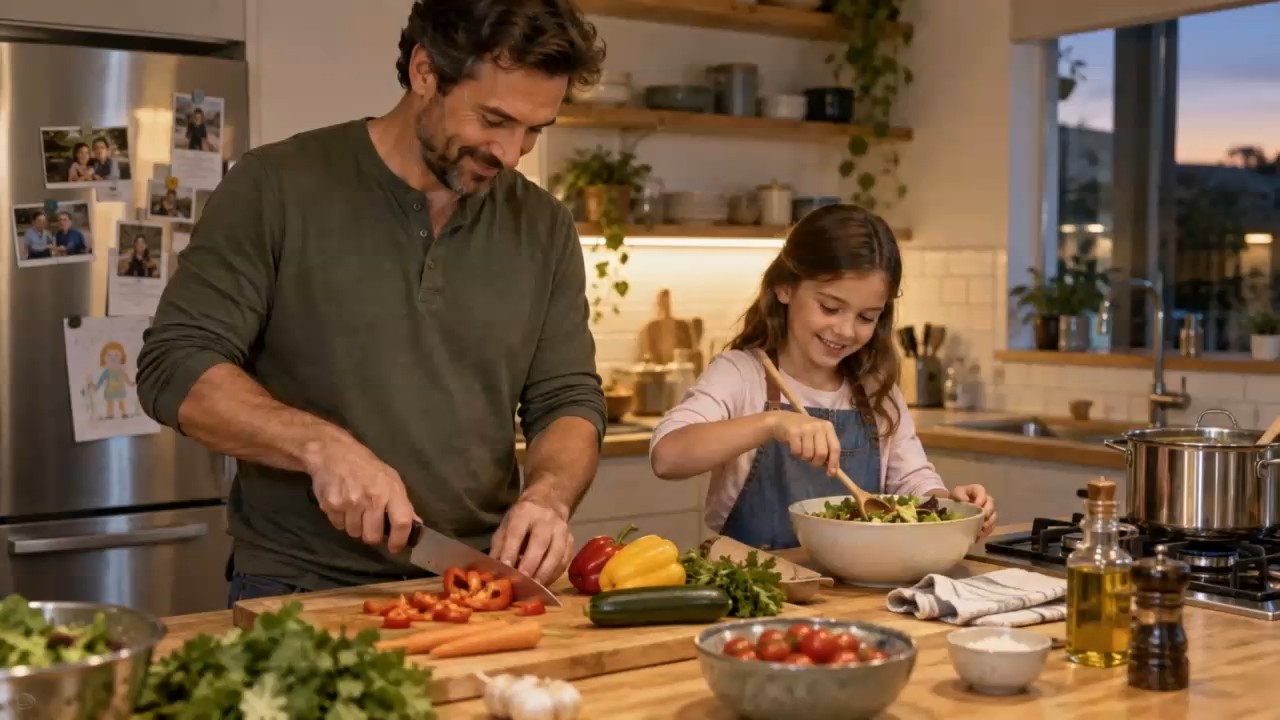
Turn product photos into rotating hero shots, unboxing clips, and short ads in vertical or widescreen formats.
Make Reels, Shorts, and dance or trend clips in 9:16 with sound already in place.
Previsualize scenes, test camera moves, and keep a character consistent across shots before a real shoot.
Produce quick concept videos and variations for campaigns, then upscale the ones that work.
A good Seedance prompt reads like a short shot list.
Write them in that order: who is on screen, what they do, where it happens, and how the camera moves.
On Seedance 2.x, say what each file is for, such as "use the image for the face and the video for the camera move".
Name the dialogue in quotes, the ambient sound, and the music mood so the audio matches the scene.
If a result is close, adjust a single detail, such as the lighting or the camera move, and generate again.
Common questions about the ByteDance Seedance video models.
Seedance is a family of AI video generation models from ByteDance. It creates videos from text, from a start (and end) image, or, on Seedance 2.0 and 2.5, from a mix of reference images, videos, and audio. Newer versions also generate synchronized sound.
Use Seedance 2.5 for longer takes up to 30 seconds and many references, Seedance 2.0 for multimodal control up to 15 seconds, Seedance 2.0 Fast for quicker 480p or 720p drafts, Seedance 1.5 Pro for dialogue and lip sync, and Seedance 1.0 Pro or Seedance Lite for low-cost silent clips.
Seedance models run on cloud GPUs, so there is no Seedance file to download and run for free. On EzImgMaker, new users get free credits to try it, and after that each Seedance video uses credits based on the model, length, resolution, and audio setting. You see the cost before you generate.
No. Every Seedance video is rendered on paid GPU servers, so there is no "Seedance no credits" mode and Seedance video generation always uses credits. The free credits for new accounts are the easiest way to test a few prompts before buying a credit pack.
You do not need a separate Seedance AI app. EzImgMaker runs in the browser on desktop and mobile, so you can write a prompt, upload a photo from your phone, and download the finished clip without installing anything.
Seedance 1.5 Pro, 2.0, and 2.5 can generate audio together with the video, including speech, sound effects, and music. Seedance 1.0 Pro and Lite make silent clips. You can switch audio off to save credits.
Seedance 2.5 makes 4 to 30 seconds per generation, Seedance 2.0 makes 4 to 15 seconds, Seedance 1.5 Pro makes 4 to 12 seconds, and Seedance 1.0 makes 5 or 10 seconds.
The official name is Seedance, one word. People often type it as see dance AI, see dance AI video, seeddance video, seedacne, seedamce, seedabce, seedace, seeedance, seedeance, sendence, or sedence AI, and some search for "seedacne 2" when they mean Seedance 2.0. They all point to the same ByteDance model family, and anyone searching for ByteDance video AI usually means Seedance.
No. EzImgMaker is an independent service that gives you access to Seedance models through a third-party API provider. It is not affiliated with, endorsed by, or sponsored by ByteDance.
Only upload images, videos, and audio you own or have permission to use. Do not use Seedance to impersonate real people, copy someone’s voice without consent, or create misleading or harmful content.
Pick a Seedance model, describe your shot, and generate a clip with motion, camera work, and sound.
ByteDance and Seedance are trademarks of ByteDance Ltd. or its affiliates. EzImgMaker is an independent service and is not affiliated with, endorsed by, or sponsored by ByteDance. Model names are used only to describe compatibility.