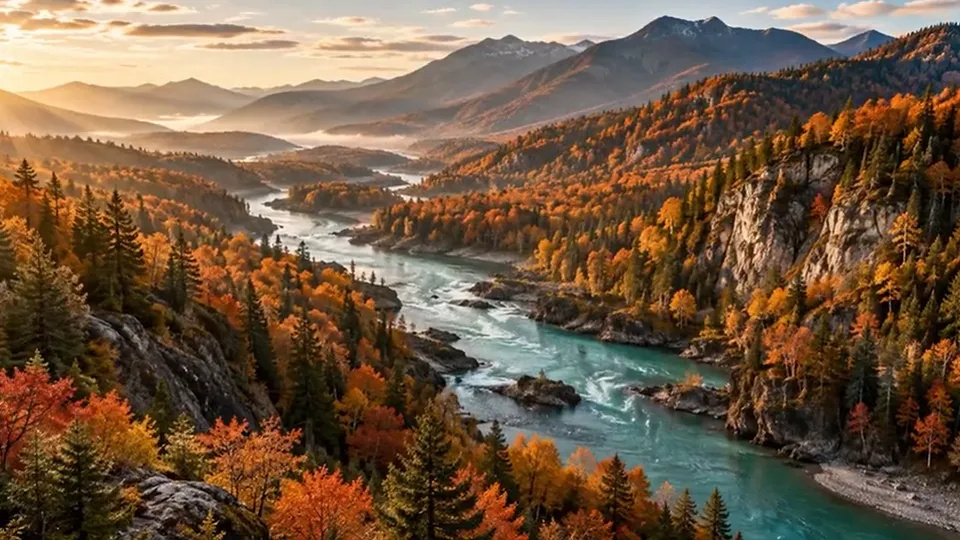
Sunset beach · Zoom In
A slow push towards the horizon suits calm songs and end-of-day moments. Following the music, the clip ends with the track.
Choose one photo and the song you want behind it. The video follows the music or runs for 5 to 60 seconds, the picture slowly zooms or pans, and the sound fades in and out. Pick 9:16 for stories, 16:9 for screens or 1:1 for feeds, then export MP4 or WebM. Free, no sign-up, and nothing is uploaded.
1Choose a photo
2Add music
Required3Video settings
Free · in your browserReference example. It is not a result generated from your upload.
A still photo cannot carry a soundtrack on its own: to add audio to image files you need a short video that shows the picture while the song plays. That is what this tool makes. You choose one photo and one track, and your browser records them together into an MP4 or WebM that any phone, chat app or social platform can play.
How do you add music to a picture without an editing app? Upload the photo, add the MP3 and decide how the picture should move: Zoom In pushes slowly towards the subject, Zoom Out starts close and reveals the scene, Pan travels across a wide shot and Still keeps the frame perfectly calm. The music can start at any point of the song, and gentle fades stop it from beginning or ending abruptly.
Everything runs on your device. The photo and the song are never uploaded, there is no account, and the export is not limited, so you can make a version for stories, one for a widescreen slideshow and one square post from the same picture.
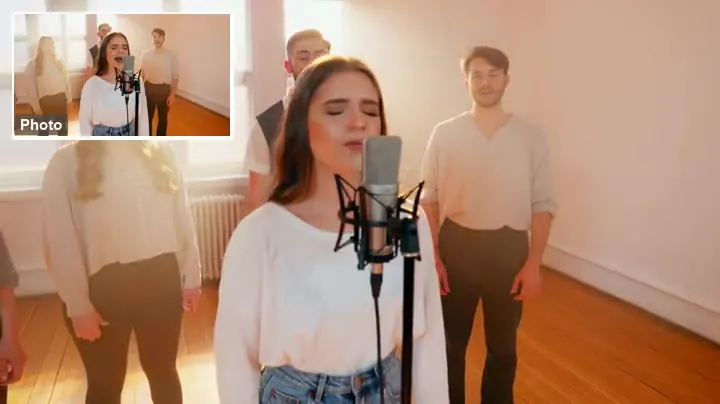
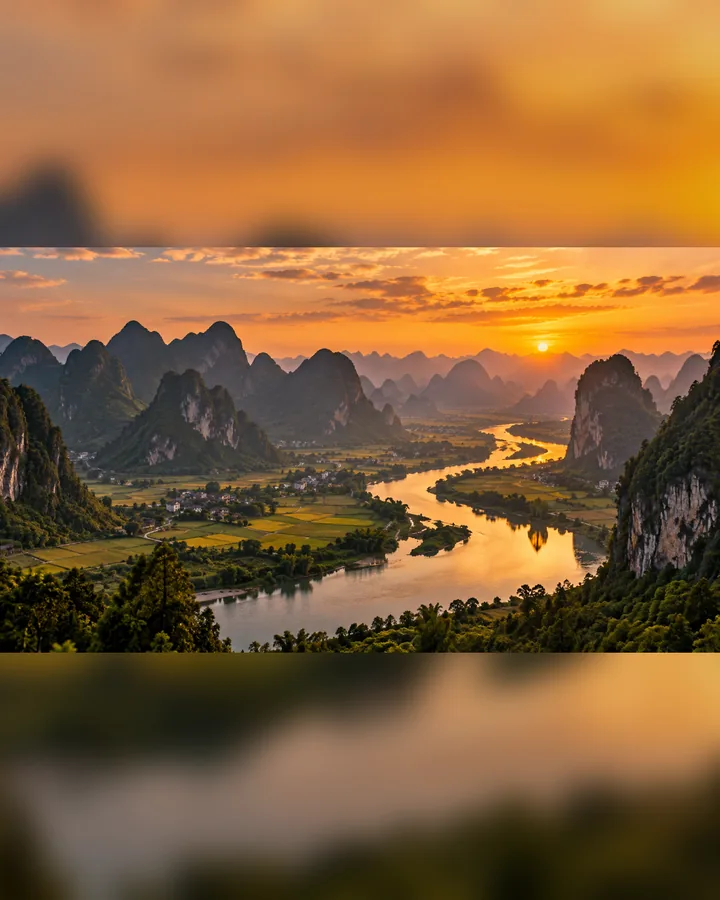
Three vertical videos exported with the tool above, each from one photo and one royalty-free track.
A slow push towards the horizon suits calm songs and end-of-day moments. Following the music, the clip ends with the track.
A wide landscape in a 9:16 frame: with Crop fill the camera travels from the left edge to the right, showing the whole ridge.
Starting on the coffee and pulling back to the whole table makes a little reveal for a shop or recipe teaser.
Add one JPG, PNG or WebP picture up to 20 MB. It appears in the preview straight away, already fitted to the frame you pick.
Pick an MP3, M4A or WAV file up to 50 MB: to add MP3 to image videos you only need one track. Drag the highlighted window on the waveform, or use the slider, to start the music at the chorus instead of the intro.
Keep Match music to end with the song (up to 60 seconds) or choose 5, 10, 15, 30 or 60 seconds. Pick Zoom In, Zoom Out, Pan or Still, a 9:16, 16:9 or 1:1 frame and a Blur, Dark or Crop fill.
Press Play preview to hear the result, then Export video. The video is recorded in real time, so a 30-second clip takes about 30 seconds and downloads as MP4 or WebM.
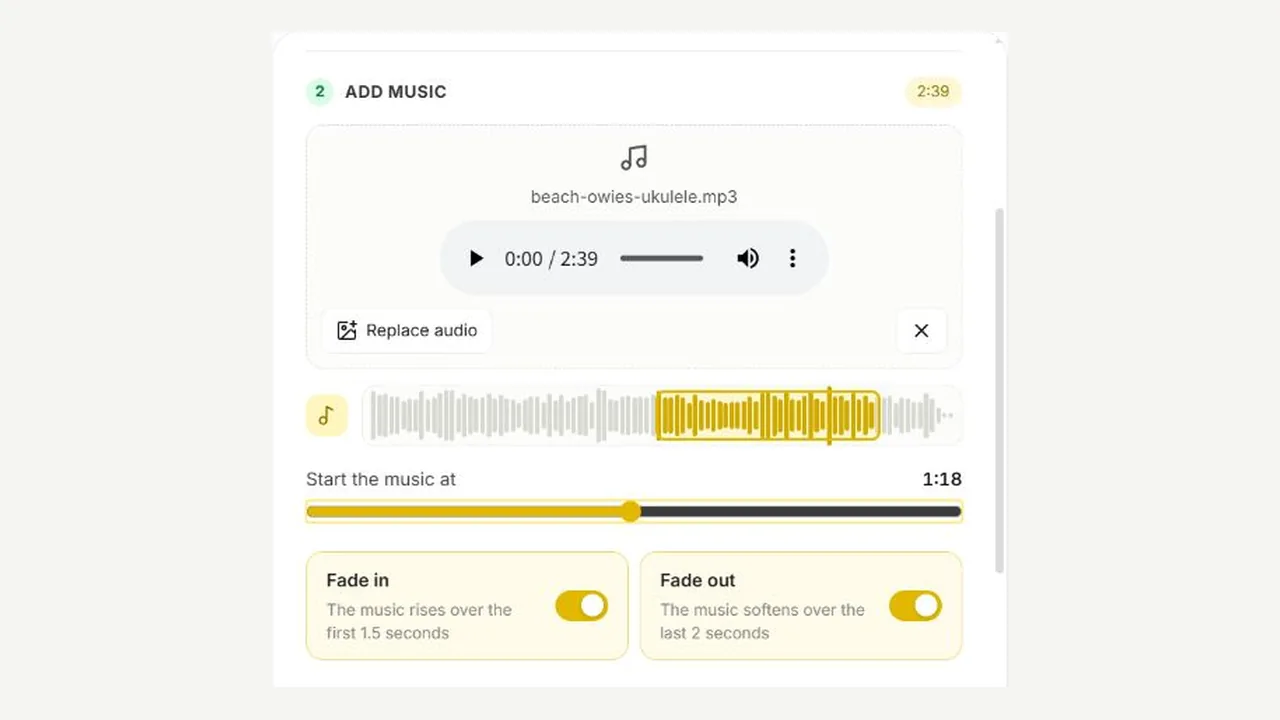
The waveform shows the whole track with the part that will play highlighted. Slide it to the chorus, the drop or the line you love, and the video starts there. Match music then runs to the end of the song, capped at one minute.
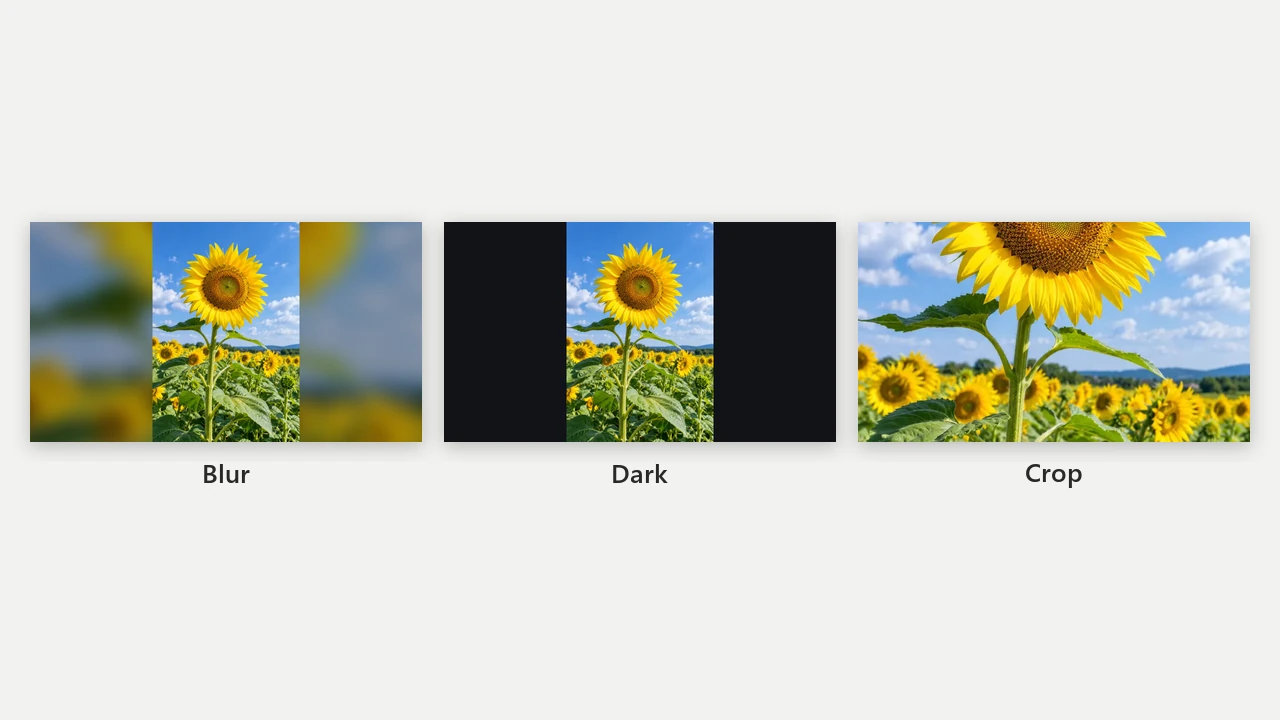
A portrait photo in a widescreen frame, or a landscape in a vertical one, never gets stretched. Blur places it on a soft copy of itself, Dark adds plain bars, and Crop fills the frame edge to edge.
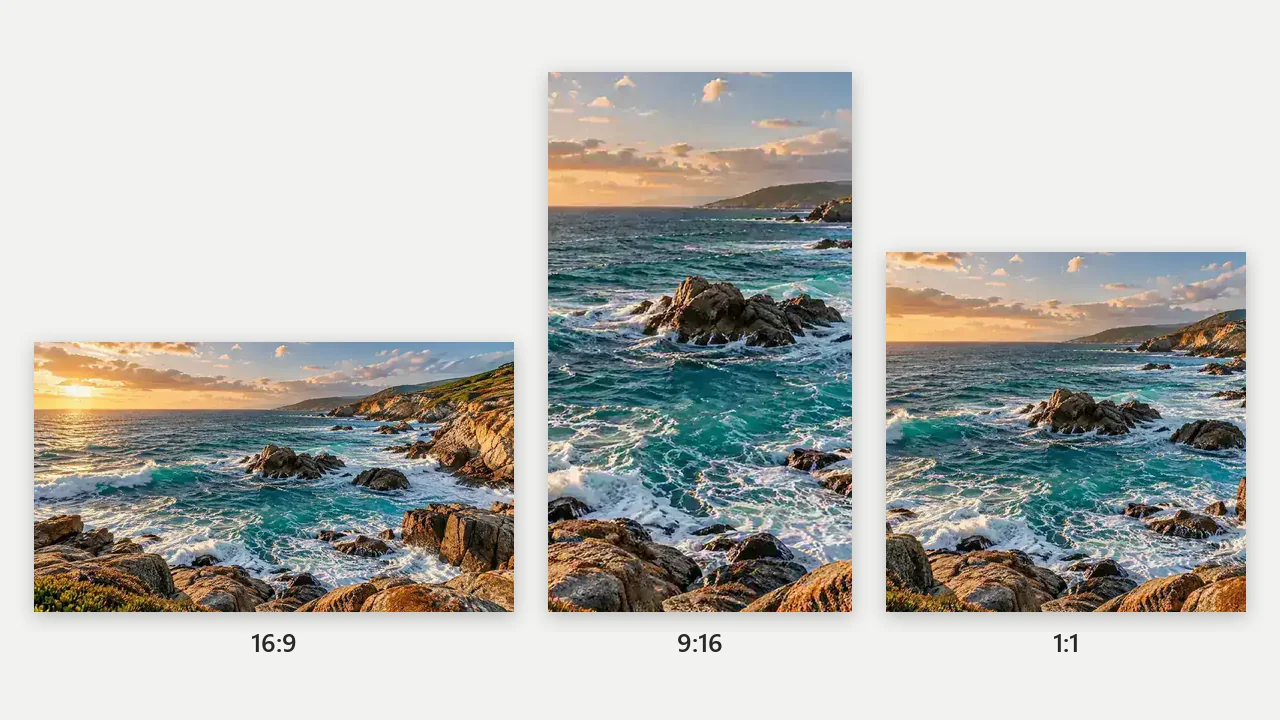
Export 9:16 at 720 × 1280 for vertical stories and short videos, 16:9 at 1280 × 720 for a TV or a presentation, or 1:1 at 1080 × 1080 for a square post. Switch shape and export again: your settings stay as they are.
Not every picture needs movement. Still keeps the frame exactly as composed while the song plays, and the fade in and fade out switches make the start and end sound deliberate instead of cut off.
| Setting | Options | Good to know |
|---|---|---|
| Photo | JPG, PNG, WebP up to 20 MB | One picture per video; it is never uploaded |
| Music | MP3, M4A, WAV up to 50 MB | Required; choose the start point on the waveform |
| Length | Match music, 5, 10, 15, 30 or 60 s | Match music stops at 60 s; short songs loop |
| Motion | Zoom In, Zoom Out, Pan, Still | Pan follows the longer side of a cropped photo |
| Frame | 9:16 (720 × 1280), 16:9 (1280 × 720), 1:1 (1080 × 1080) | Recorded at up to 30 frames per second |
| File | MP4 where the browser can record it, otherwise WebM | Fade in 1.5 s and fade out 2 s, each optional |
To add audio to picture sets of 2–30 photos with transitions, use Photos to Video; this page turns one image into one video.
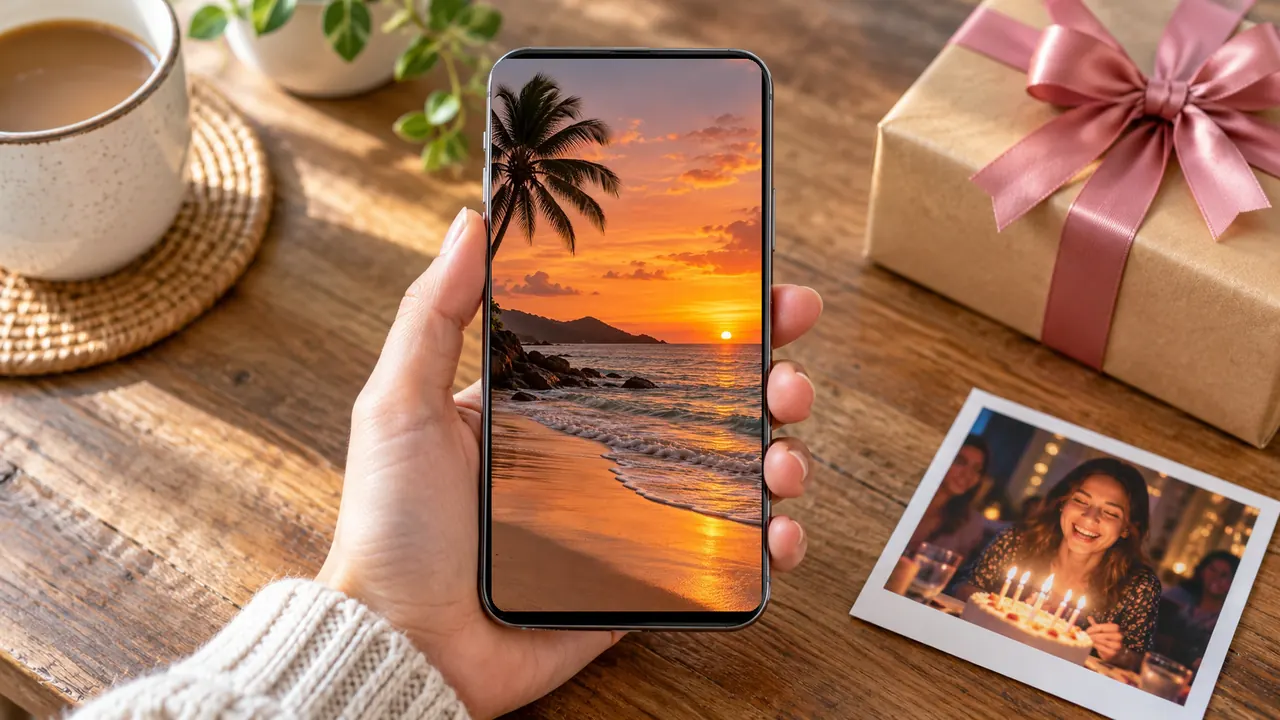
Pair a favorite photo of the two of you with your song and send a short video instead of a plain picture.
Add songs to photos for vertical stories: Zoom In gives a single shot the motion that feeds reward.
Show a new product photo with an upbeat track and a slow zoom for a launch post or a status update.
Pan across a panorama while the music you heard on the trip plays, then keep it with your albums.
Let one photo and a meaningful piece of music speak at a memorial slideshow or a family chat.
Present a painting or a single photograph with a calm soundtrack and a Still frame so nothing distracts from it.
Zoom In and Still suit slow, emotional songs; Pan and Zoom Out feel lighter and work well with upbeat tracks.
Most songs open with a quiet intro. Move the start point to the chorus so the first seconds already sound like the song.
For vertical stories, a portrait photo with Crop fill fills the screen; a landscape photo looks better with Blur or Pan.
Recording happens in real time, and some browsers pause it when you switch tabs or the screen locks.
Put a caption, a date or a name on the picture first, then bring it back here for the music.
Open the toolCrop the photo to exactly the part you want before turning it into a 9:16 or square video.
Open the toolJoin two or three pictures into one image when one photo is not enough for the story.
Open the toolNeed a silent loop for a chat instead of a video with sound? Make a GIF from your photos.
Open the toolChoose the photo, add an MP3 or other audio file, pick the length, motion and frame shape, then press Export video. The result is a video file that shows your picture while the song plays.
Open this page in your phone’s browser, tap the upload boxes to pick the picture and a song from your files, then export. On Android and iPhone the video goes to your downloads, ready to share or save to the gallery.
Yes. The tool is free, needs no account and has no export limit, because the video is made by your own browser. Your photo and song are not uploaded.
Use music you made, licensed for this use or downloaded as royalty-free; popular songs are usually copyrighted, and platforms may mute or remove videos that use them without permission. Use photos you took or have permission to use, and ask the people in them before posting publicly.
Use this page in any current browser on a computer, tablet or phone. There is nothing to install: the browser itself decodes the song, draws the moving picture and records the video file.
Match music runs from your start point to the end of the song, up to 60 seconds. Fixed lengths are 5, 10, 15, 30 and 60 seconds; if the song is shorter than the video, it starts again from the beginning.
Yes. Drag the highlighted window on the waveform or move the Start the music at slider. The fade in and fade out switches soften the first and last seconds.
Choose 9:16: the video is 720 × 1280, the vertical shape Instagram Reels, Stories and TikTok expect. Use 1:1 (1080 × 1080) for a square feed post and 16:9 (1280 × 720) for YouTube or a TV.
The video is recorded by your browser, and some browsers can only record WebM. Where MP4 recording is available it is selected for you; otherwise convert the WebM with any video converter if a site insists on MP4.
This page is made to add music to one photo. For a slideshow of 2–30 photos with transitions and one song, use Photos to Video.
Pick a picture and a song, choose how it moves and export a video in a minute. Free and private, right in your browser.