
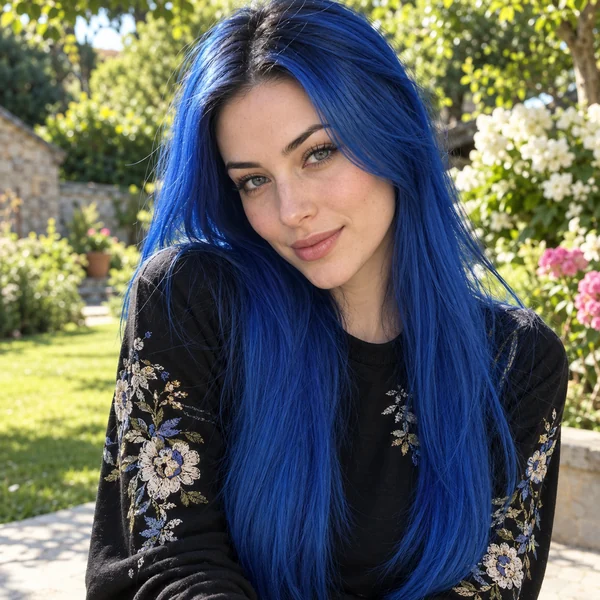
Blue Hair Filter See Yourself With Blue Hair
Upload a selfie, pick a blue from icy pastel to deep navy, and choose all-over color, ombré, highlights, or a peekaboo layer. The blue hair filter recolors only your hair, so your face, haircut, and photo stay exactly as they are.
Blue Shade: Icy Blue · Color Style: All-Over
Output Number
Example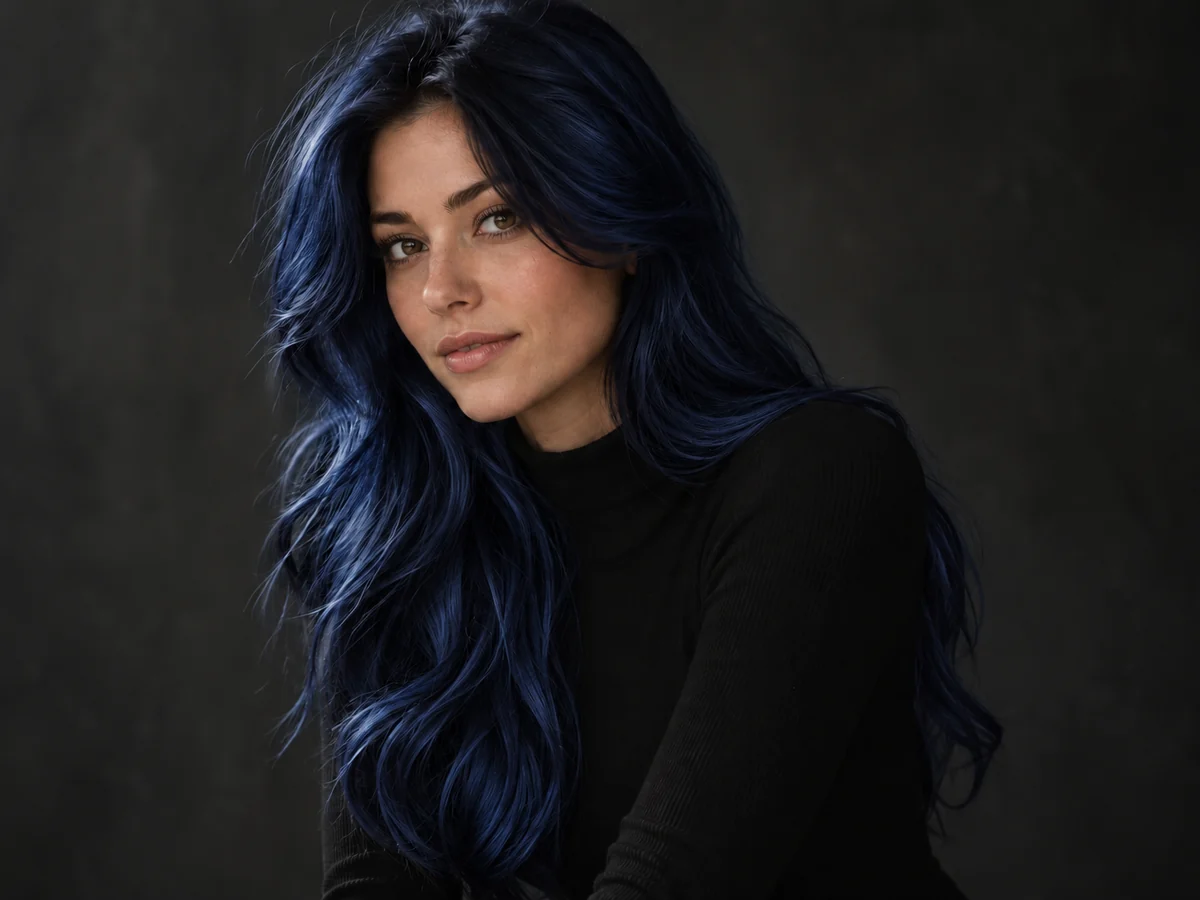
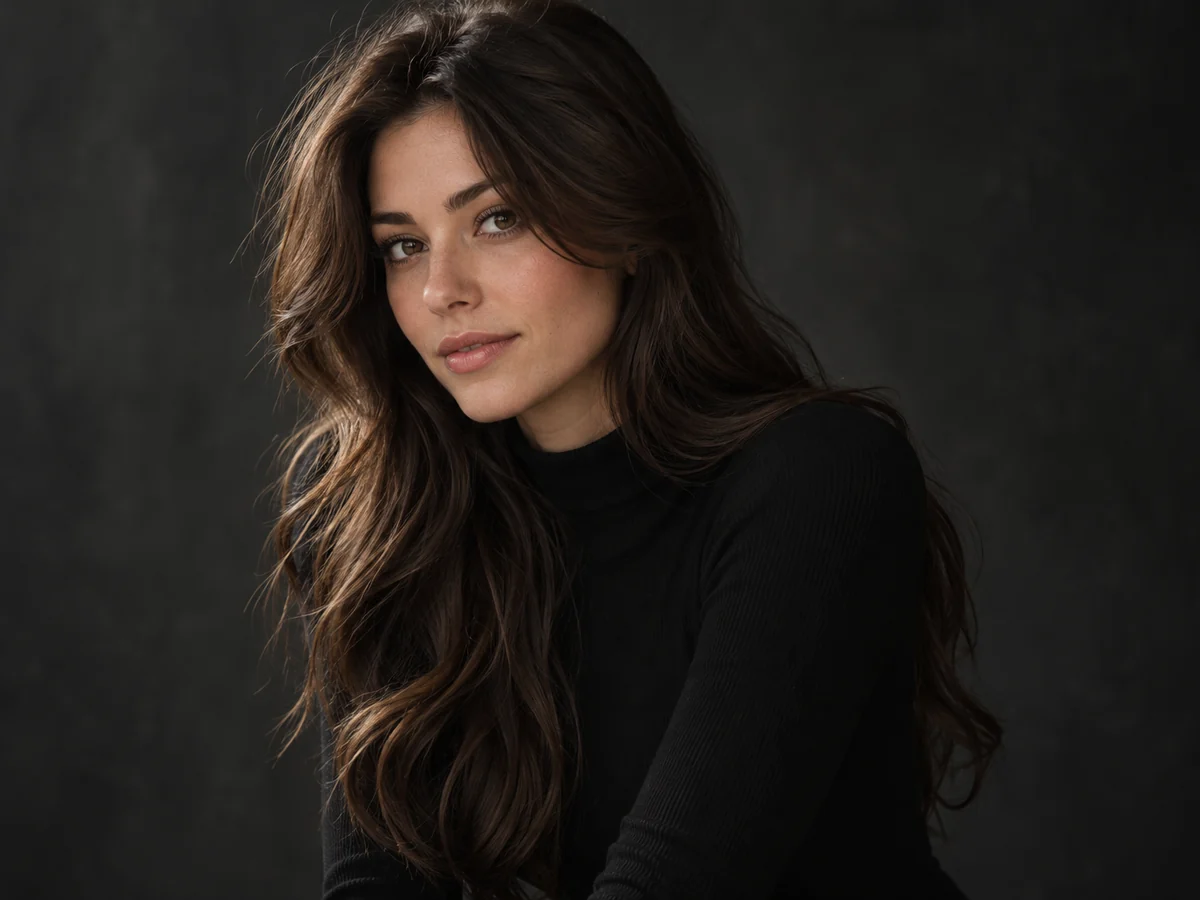
Reference example. It is not a result generated from your upload.
What Is a Blue Hair Filter?
A blue hair filter is an AI photo effect that recolors the hair in your picture blue and leaves everything else untouched. Instead of laying a flat blue layer over your head, this blue hair filter reads each strand, keeps the darker roots and the shine, and repaints the color where the light really falls, so the result looks like a fresh salon color rather than a cartoon wig.
Use it to see yourself with blue hair before you bleach: try a pale icy blue, a soft pastel, an electric or royal blue, a deep navy, or a blue-black that only shows in the light. Then decide how much blue you want, from a full head of color to an ombré, a few highlights, a peekaboo underlayer, or just the ends. It works for long, short, curly, and men’s cuts, and every result is a preview of the look, not a promise of what dye will do.
Blue Hair Ideas You Can Try On
Bright, pastel, deep, or mixed: tap a look to load the same blue in the filter above.
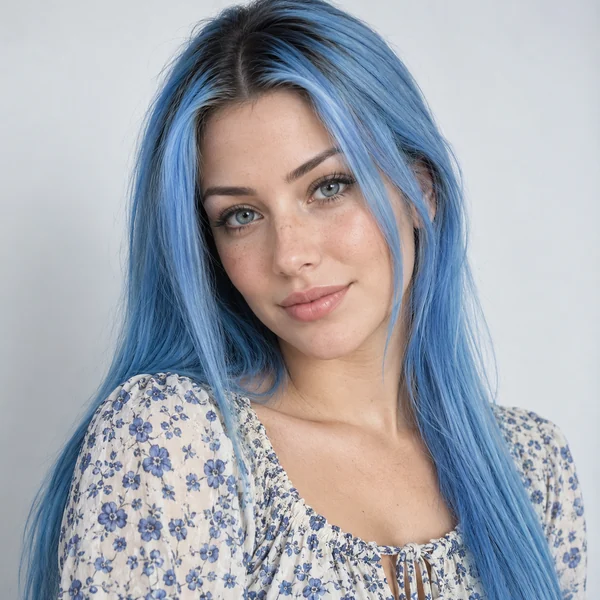
Sky Blue Lengths
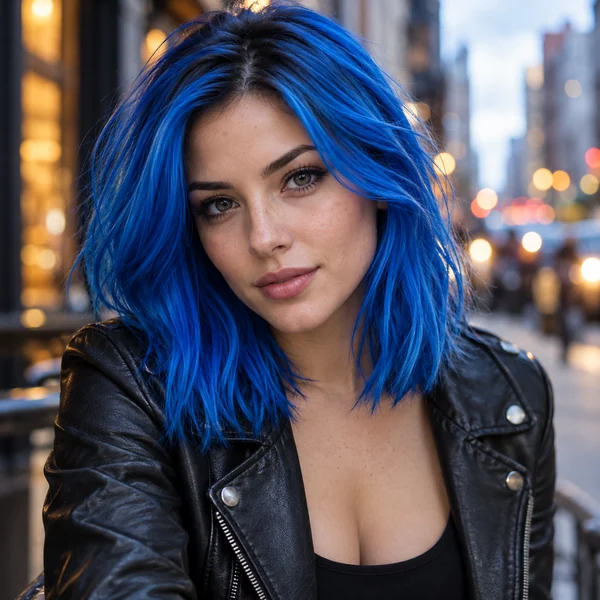
Electric Blue Lob
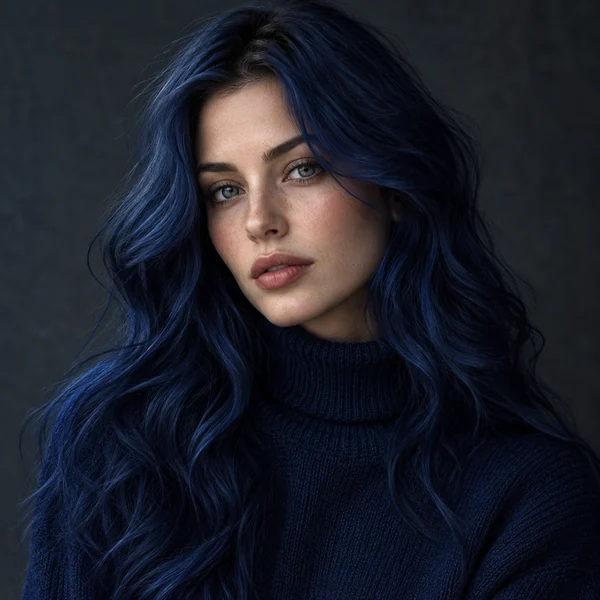
Navy Blue Waves
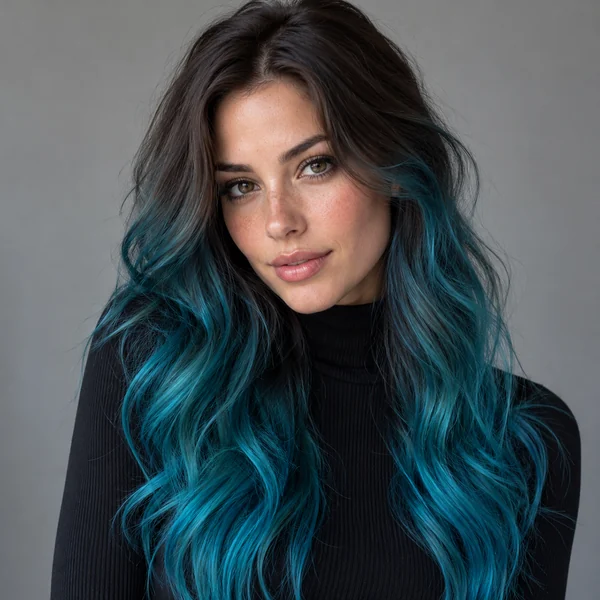
Teal Ombré
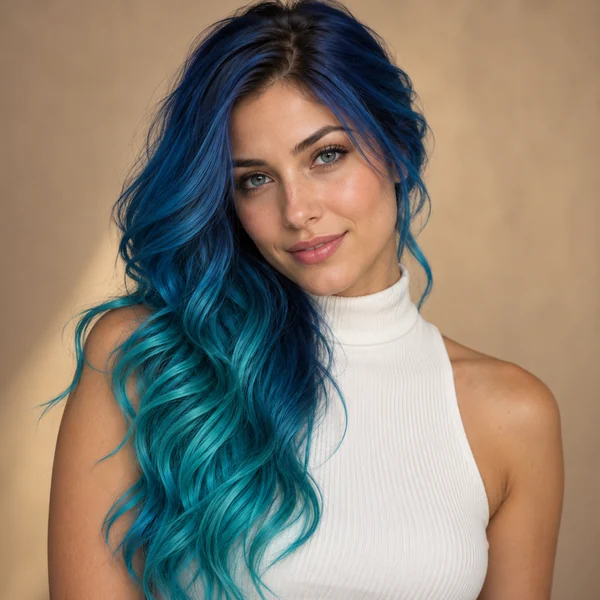
Mermaid Teal
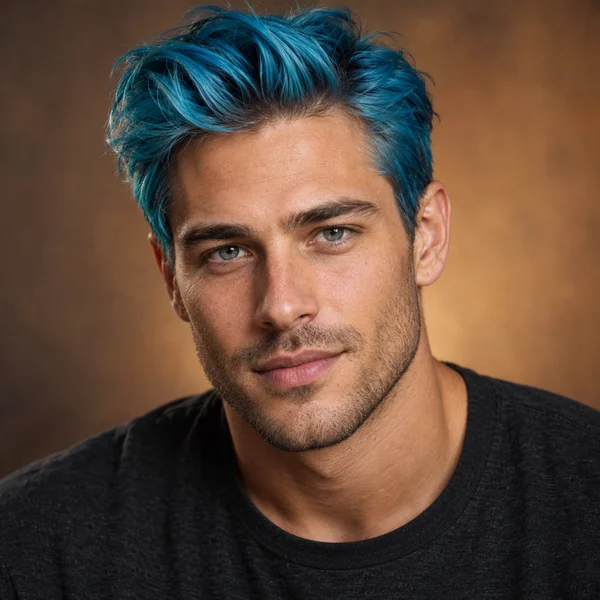
Turquoise Quiff
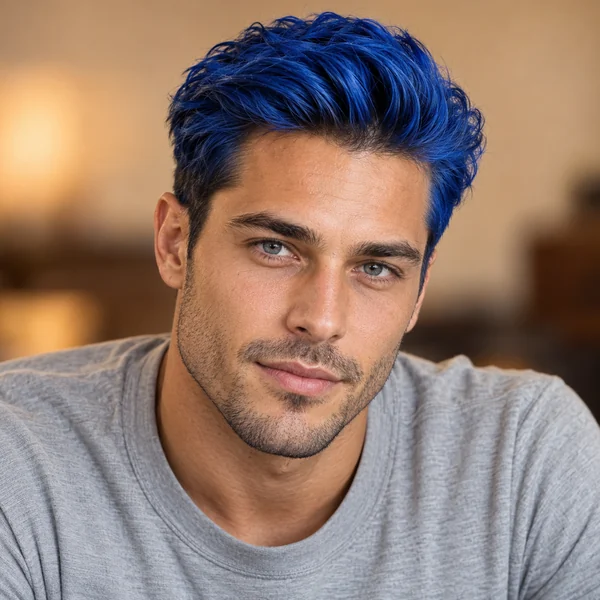
Royal Blue Quiff
How to Use the Blue Hair Filter
Three steps in your browser. No app, no bleach, no editing skills.
Upload a Clear Photo
Choose a front-facing JPG, PNG, or WebP up to 10 MB with your hair loose and in frame. Daylight shows your real base color, which helps the blue look believable.
Pick a Blue and a Style
Choose one of eight blues, from Icy Blue to Blue Black, then All-Over, Ombré, Highlights, Peekaboo, Money Piece, Split Dye, Dip-Dye Ends, or Mermaid Blend. Want something else? Describe it in the optional note.
Generate and Compare
Create up to four versions, compare them with your original photo, and save the blue hair look you like best for your stylist or your feed.
Why This Blue Hair Color Filter Looks Real
Blue is the hardest color to fake. These are the details the filter keeps.
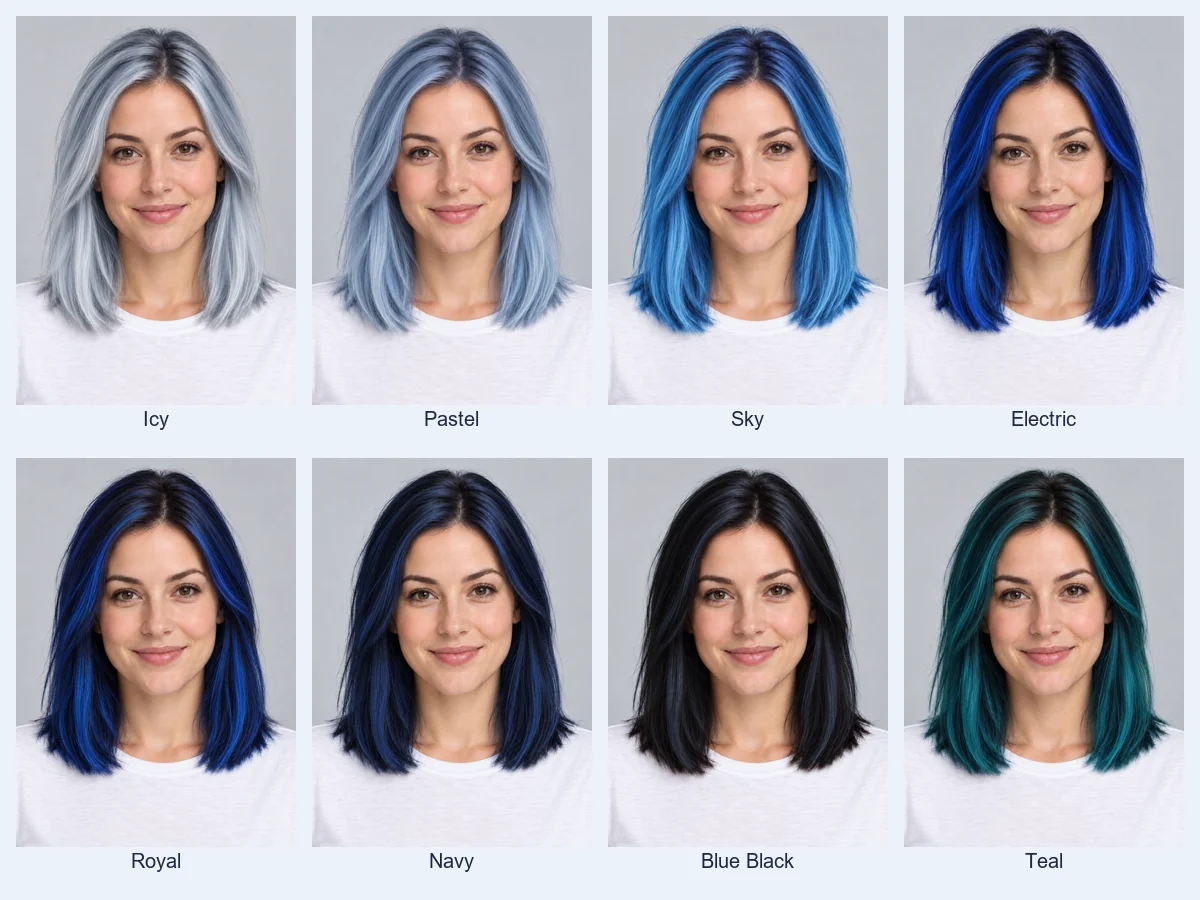
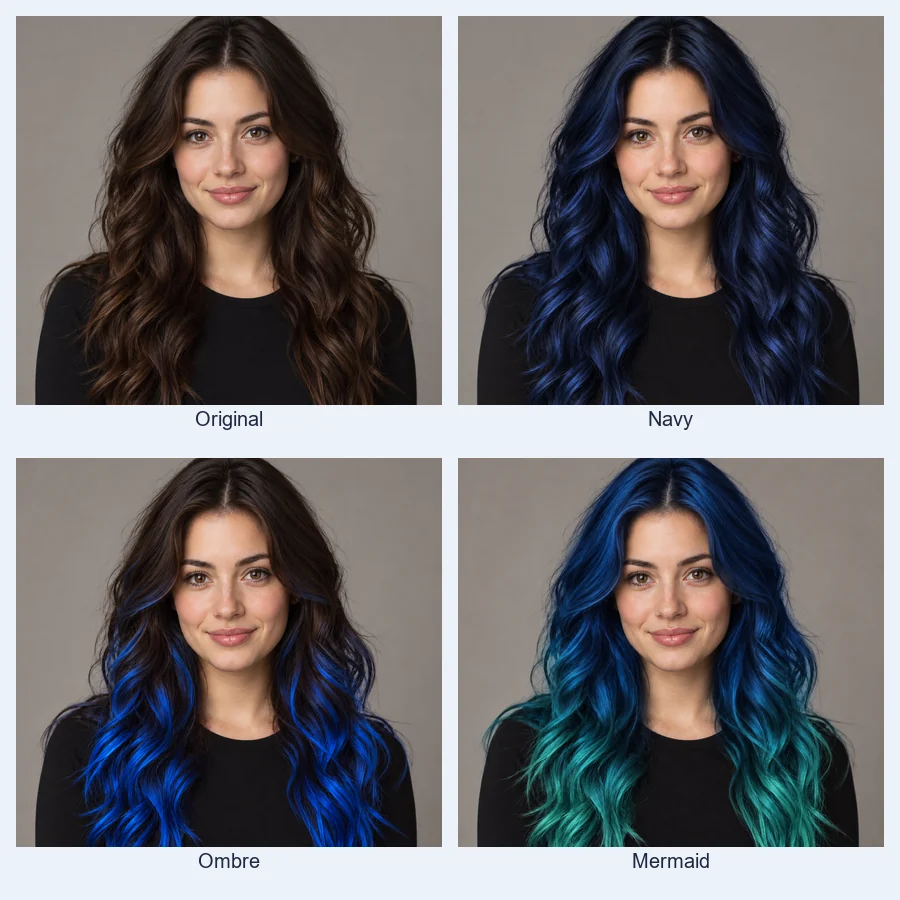
Eight Blues on the Same Face
Pale and cool, bright and vivid, or deep and moody: run one photo through icy, pastel, sky, electric, royal, navy, blue-black, and teal, then line them up. Seeing them side by side shows which blue flatters your skin tone and eye color, and which one only looks good on someone else.
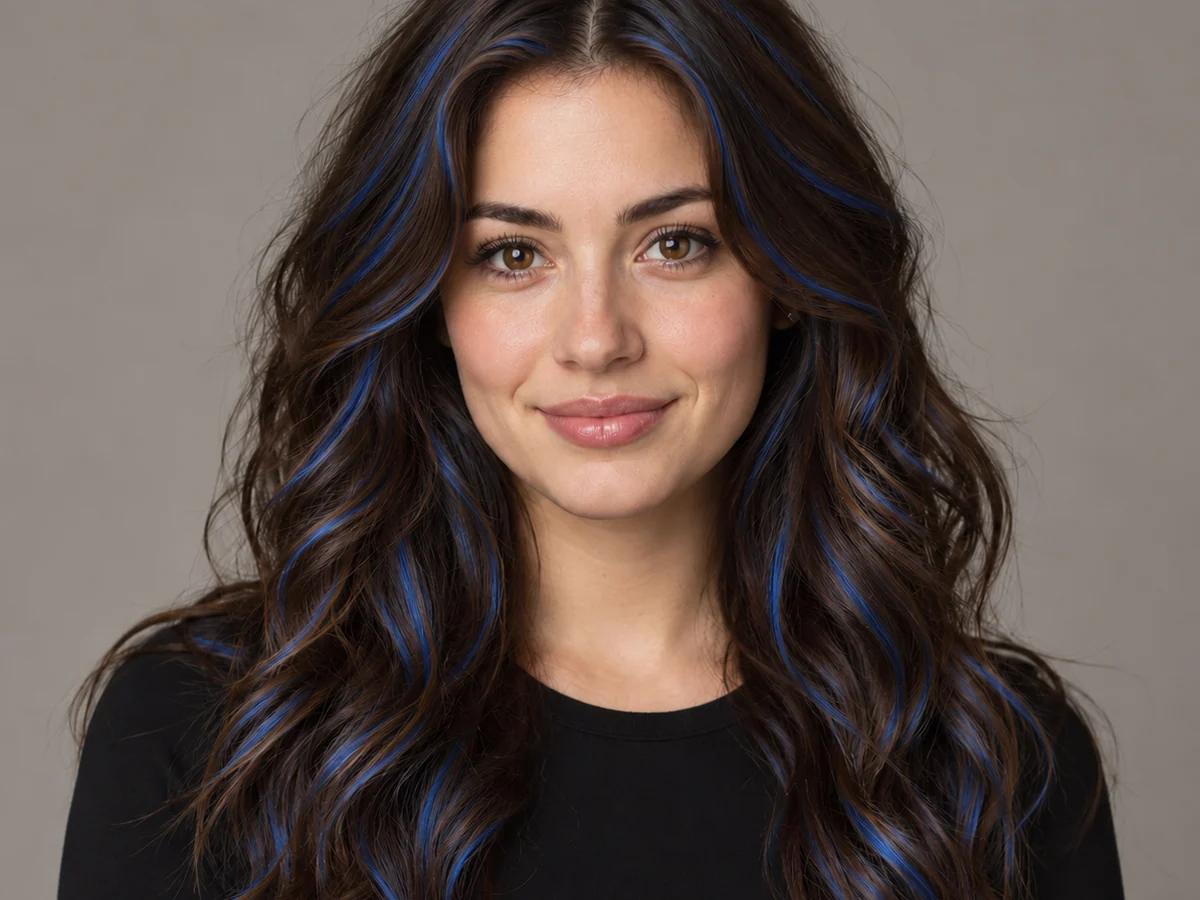
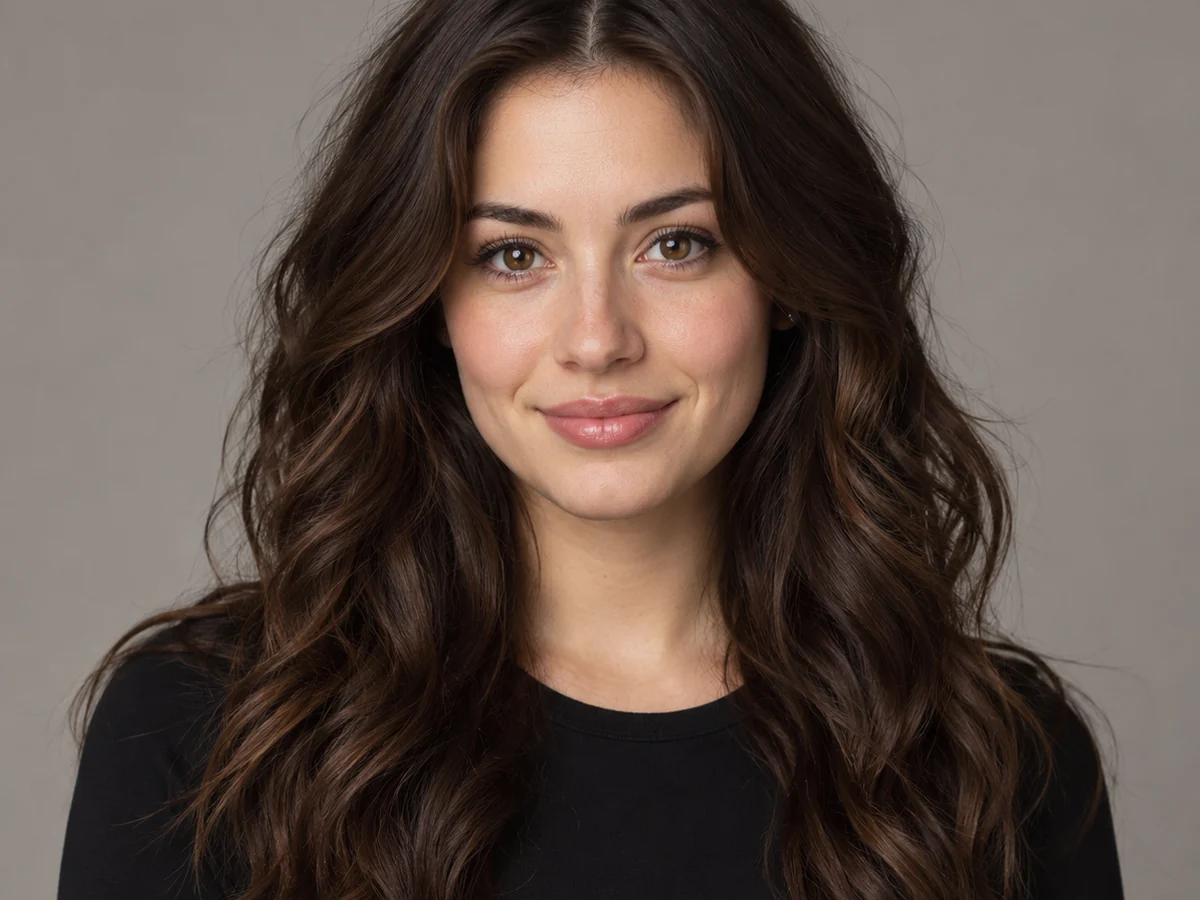
Blue Highlights Without Going All In
Not ready for a full head of blue? Switch Color Style to Highlights, Peekaboo, or Money Piece and keep most of your natural color. The streaks follow your parting and waves, so they sit inside the hair instead of on top of it.
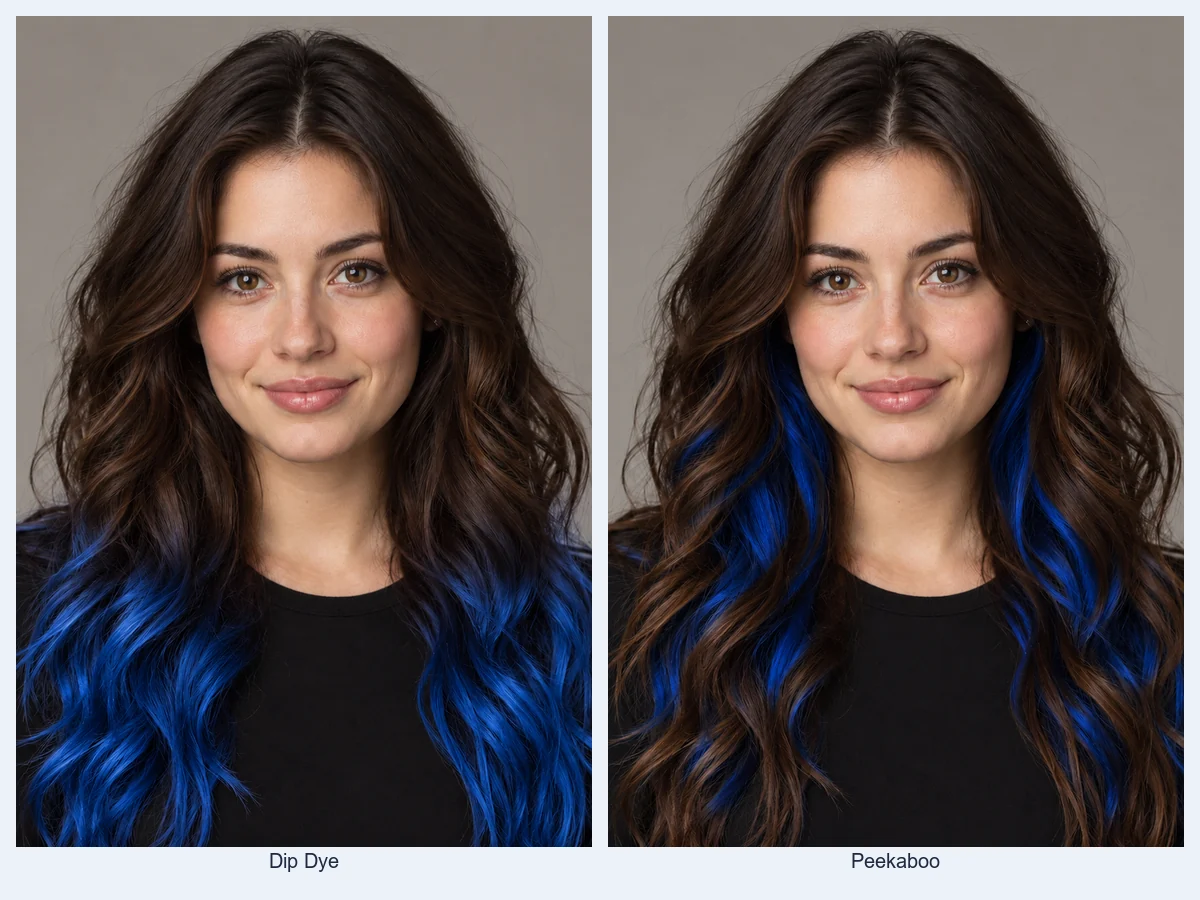
Dip-Dye Ends and Peekaboo Layers
Two low-commitment ways to wear blue: color only the ends for a dip-dye, or hide a blue underlayer that flashes when you move. Both keep your roots and top layer natural, which also means an easier grow-out in real life.
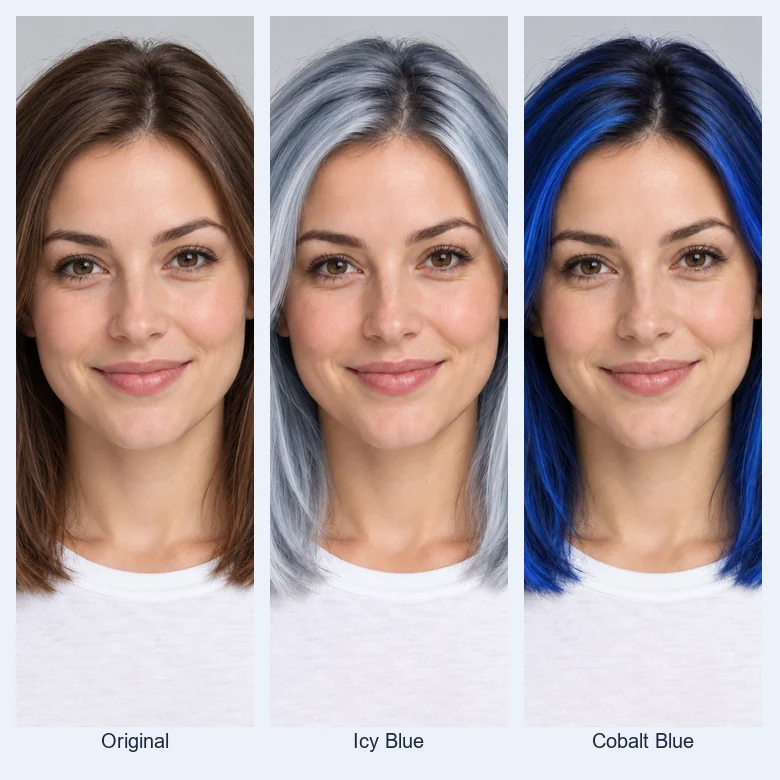
Icy Blue or Deep Cobalt? Decide Before You Bleach
Light blues need very light hair underneath, while navy and blue-black work on darker bases. Previewing both on your own photo tells you which direction is worth the bleaching, toning, and upkeep before you book.
Which Blue Hair Color Suits My Skin Tone?
A starting point before you pick a shade. Then test two or three blues on your own photo.
| Skin tone | Blues to try | Why they work | Go easy on |
|---|---|---|---|
| Fair, cool undertone | Icy Blue, Pastel Blue, Navy Blue | Cool blues match pink undertones without washing you out | Teal next to very red cheeks |
| Fair, warm undertone | Teal Blue, Sky Blue, Navy Blue | A hint of green or depth balances golden skin | Very icy, silvery blues |
| Medium or olive | Teal Blue, Royal Blue, Blue Black | Rich, saturated blues hold up against olive tones | Chalky pastels |
| Deep, cool undertone | Electric Blue, Royal Blue, Icy Blue | High contrast makes bright blue glow | Navy that reads as black |
| Deep, warm undertone | Royal Blue, Teal Blue, Blue Black | Jewel tones flatter warm brown skin | Grayish denim blues |
| Any tone, low commitment | Blue Black, Peekaboo, Dip-Dye Ends | Blue only shows in the light or at the ends | All-over pastel on dark hair |
Rules of thumb, not rules: your eye color, makeup, and how light your hair can be bleached matter as much as your skin tone.
When to Try Blue Hair First
Bright blue fades, stains, and takes bleach. A preview is the cheapest step.
Before You Bleach
Check whether you really want light blue, which needs pale blonde underneath, or a navy that works on darker hair.
Show Your Colorist
Bring a picture of the exact blue on your own face, not a stranger’s, so the shade and placement are clear.
Cosplay and Characters
Test a blue-haired character look before you buy the wig, or match a blue to a costume.
Profile Pictures and Reveals
Post a before-and-after, refresh your avatar, or let friends vote between pastel and electric blue.
Festivals and Events
Plan a bold look for a concert, game day, or party, and decide between a full color and a few streaks.
Men’s Blue Hair
Short crops, fades, and quiffs look striking in blue. Try it on a buzz, a fade, or textured top first.
Tips for a Natural-Looking Blue
The best blue hair previews start with the right photo.
Keep Your Hair in Frame
Loose hair with its full shape visible gives the filter every strand and flyaway to recolor.
Use Soft, Even Light
Harsh color casts, like warm indoor bulbs, shift blue toward green or purple. Daylight keeps it true.
Compare Light and Deep
Try one pale blue and one deep blue. The contrast usually makes the choice obvious.
Skip Beauty Filters
Heavy filters blur hair edges and shift your skin tone, which makes any hair color look fake.
More Hair Color Tools
Not sure blue is the one? Compare it with other colors on the same photo.
Pink Hair Filter
Pastel, rose gold, hot pink, and magenta, with the same ombré and peekaboo styles.
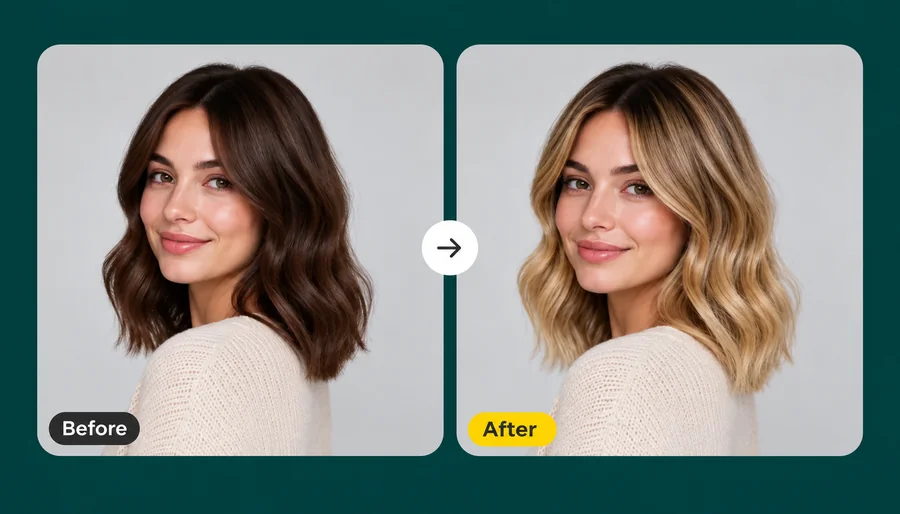
Open toolAI Hair Color Changer
Any shade from a color picker or a reference photo, with highlights, balayage, and roots.
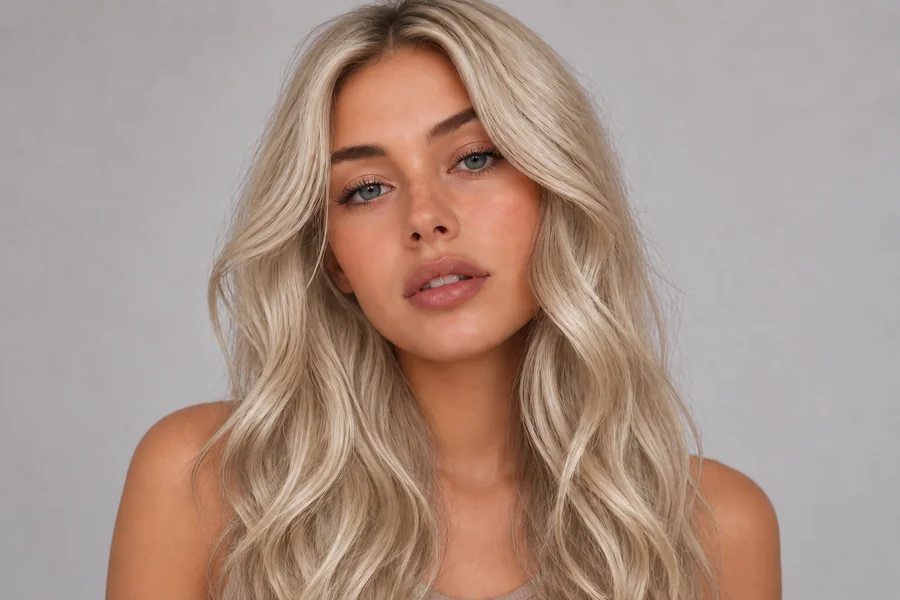
Open toolBlonde Hair Filter
Nine blondes from honey to platinum, the usual base for light blue hair.
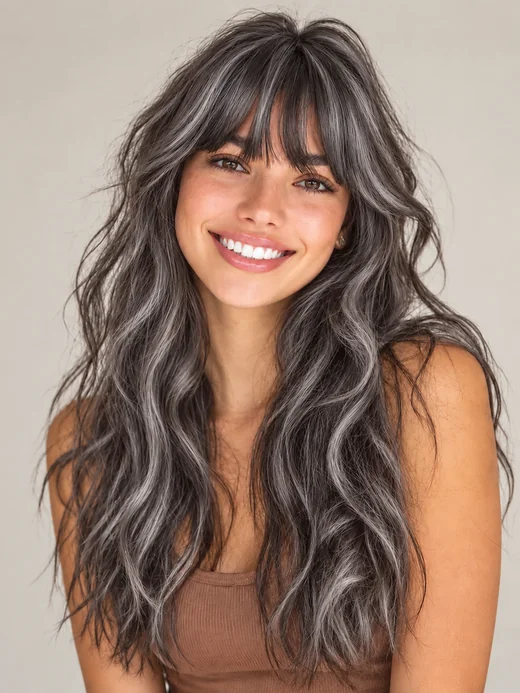
Open toolGrey Hair Filter
Silver, ash, and snow-white hair, a cooler alternative to icy blue.
Open tool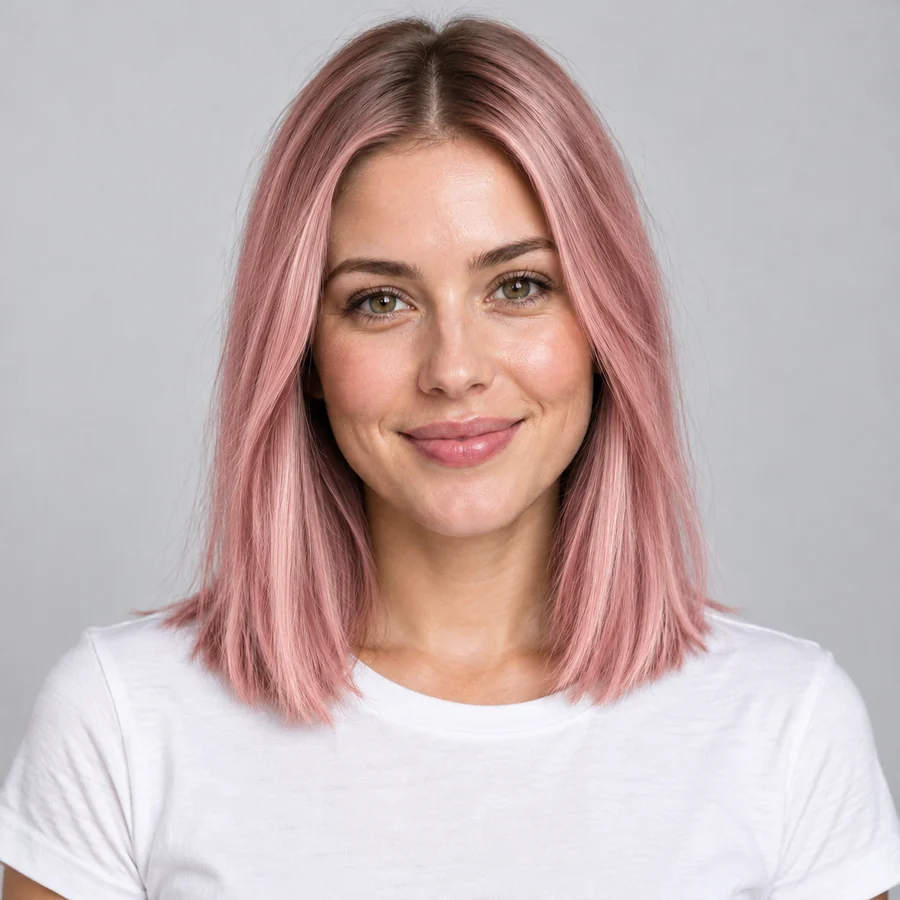
Blue Hair Filter FAQ
Answers to common questions about trying blue hair on your photo.
A blue hair filter is an AI photo tool that recolors the hair in a portrait blue while your face, skin tone, makeup, and haircut stay the same. You choose the shade and where the color goes, and the AI blends the blue into your real strands and lighting.
Upload a clear selfie, pick a shade such as Pastel Blue or Navy Blue, and generate. For the most useful answer, compare one light blue and one deep blue on the same photo, then try a softer style like Ombré or Peekaboo if a full head of color feels like too much.
Eight shades: Icy Blue, Pastel Blue, Sky Blue, Electric Blue, Royal Blue, Navy Blue, Blue Black, and Teal Blue. For anything else, such as denim blue, periwinkle, or blue with purple ends, describe it in the optional note.
Yes. Set Color Style to Highlights, Peekaboo, Money Piece, Dip-Dye Ends, or Ombré to keep most of your natural color. Dip-Dye Ends colors just the tips on short hair, which is a popular look for men.
Yes. The preview can turn black or dark brown hair any blue. In real life, deep blues and blue-black can work on darker hair, while pastel and icy blues usually need the hair bleached very light first, so ask a stylist what is realistic for you.
Yes. Buzz cuts, fades, crops, quiffs, and longer men’s cuts are all recolored the same way, and beards and eyebrows stay their natural color unless you ask otherwise in the note.
No. Only the hair changes. Your skin, eyebrows, eye color, makeup, clothes, and background stay as they are, so the hair color is the only difference between the two photos.
It is free to try: new accounts get free credits when they sign up, which cover your first blue hair previews. After that, each preview uses credits.
No. This blue hair filter works online in your phone or desktop browser and edits a photo you already have, so you get a saved image you can compare, share, or show your stylist.
Only upload photos you own or have permission to edit, and do not use an edited photo to mislead anyone about how a real person looks.
Ready to See Yourself With Blue Hair?
Upload one selfie and try icy, electric, royal, or navy blue before you bleach. Free to try with sign-up credits.