Golden-Hour Couple
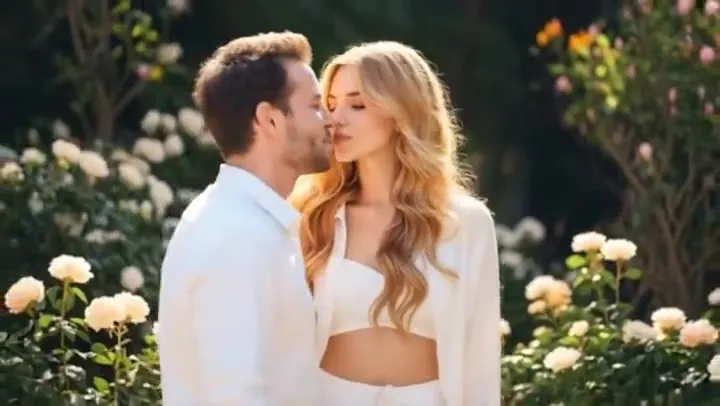
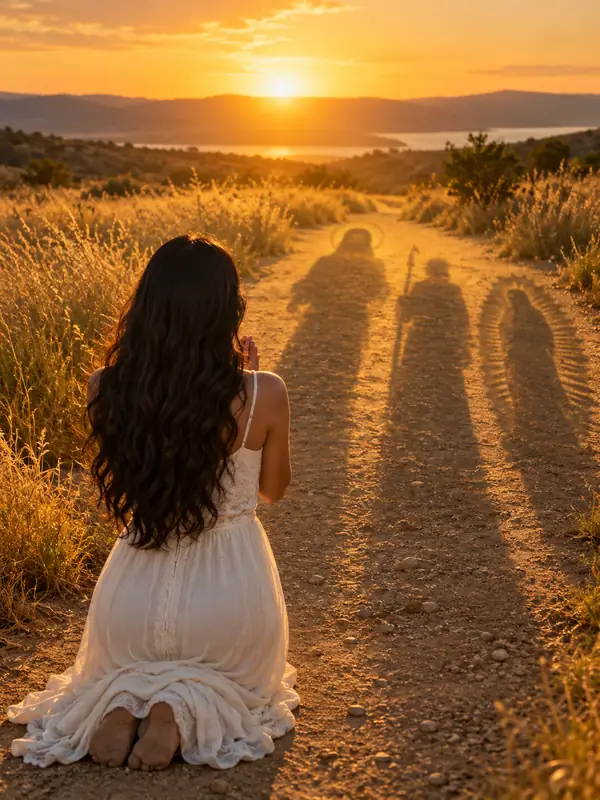
Singer and partner on the pier and the beach.
EzImgMaker’s Raindance AI video turns your photo into a 15-second golden-hour couple music video online, free to try. Upload one photo of the singer, who lip-syncs by the water and on the beach, and add your partner for the pier or let the AI cast an original one. Pick vertical 9:16 or horizontal 16:9 and 480p or 720p, and get an MP4 with the song for 150 to 300 credits.
Fine-tune
Reference example. It is not a result generated from your upload.
Overview
Raindance is a romantic music-video edit that keeps coming back on TikTok and Reels. It cuts between a wooden pier, open water, and a sunlit beach: the singer lip-syncs straight to the camera, reaches toward the lens, and sits next to their partner on the sand, while the partner waits at the end of the pier and later films the singer at sunset.
This Raindance AI video generator makes a new video in the style of that edit, starring your own people. Upload a clear photo of the singer and, if you want, a photo of the partner. The AI directs about 15 seconds of the same kind of scenes, from the lip-sync over the water to the couple on the sand and the pier, and each person keeps their face, hair, and outfit. The song plays under the finished video, so it is ready to post.
Examples
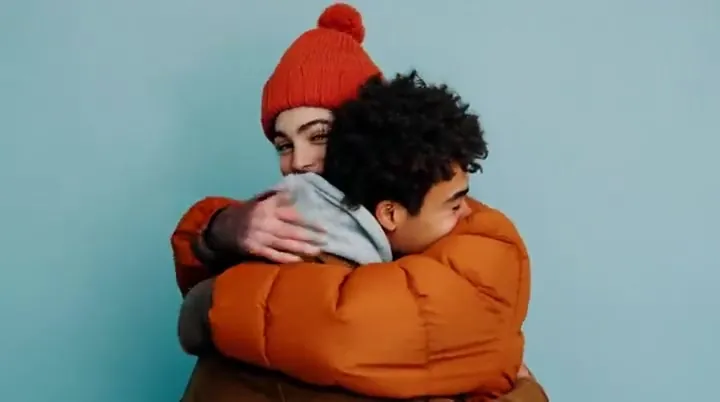
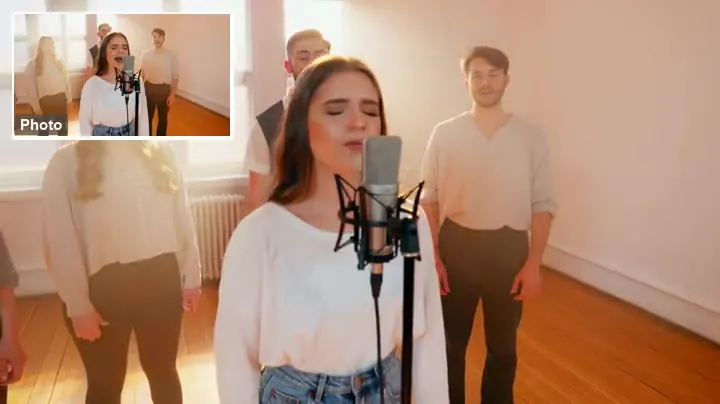
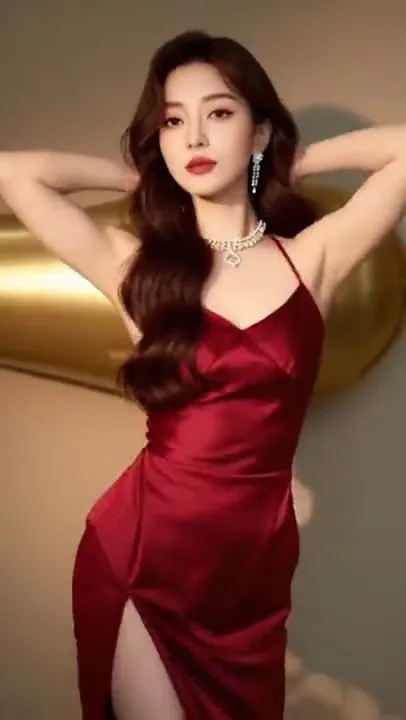
Examples of the trend from other creators. Your video is a new AI take on it, starring your photos.
Singer and partner on the pier and the beach.
The edit framed for a phone screen.
Another couple in the same kind of scenes.
How it works
One clear, front-facing photo of the person who lip-syncs to the camera.
Upload a second photo for the partner on the pier, or skip it and the AI adds an original, fictional partner.
Choose vertical or horizontal, 480p or 720p, and create. You get a new MP4 with the song, ready for TikTok, Reels, or Shorts.
Tips
Use two separate photos, not one group shot, so each role looks like the right person.
A straight-on face with both eyes visible gives the closest likeness, especially in the close-ups.
Daylight works best. Avoid harsh shadows, sunglasses, and hands over the face.
Upload the photo itself rather than a screenshot or a heavily filtered version.
FAQ
No. One photo of the singer is enough. Without a partner photo, the AI casts an original, fictional partner. Add a second photo if you want your own partner in the video.
No. It is a new AI video inspired by the trend. The setting, mood, story beats, and song match, while the exact moves and shots vary from video to video.
Yes. The song from the trend plays under the finished video, and the performance follows its rhythm.
About 15 seconds: the lip-sync over the water, the couple on the sand, and the partner filming from the end of the pier.
Only with their permission. Don’t use this trend to impersonate anyone or to make deceptive or sexual content.
Yes. Any clear photo works for the partner, so you can cast a friend, a sibling, or a pet, or skip it and let the AI add an original partner.
The price is shown on the button before you start and depends on the resolution. Failed or hidden results are refunded.
Upload a photo and make your Raindance video in a few minutes.
Inspired by a viral video trend. Not affiliated with the song’s artists or labels.