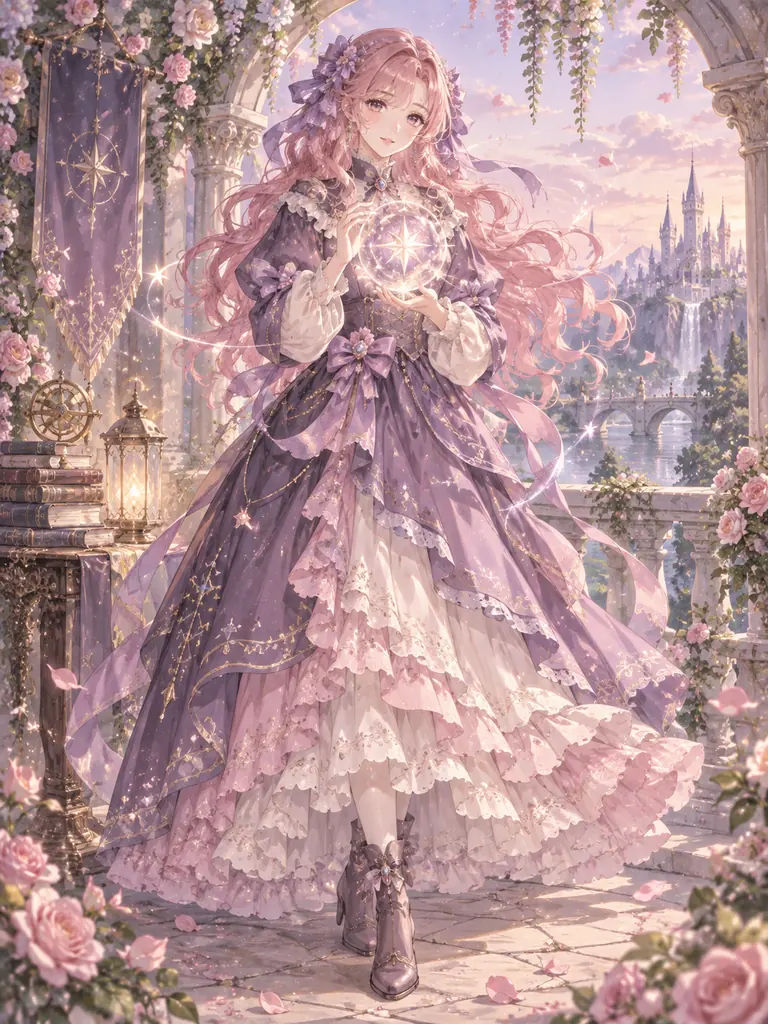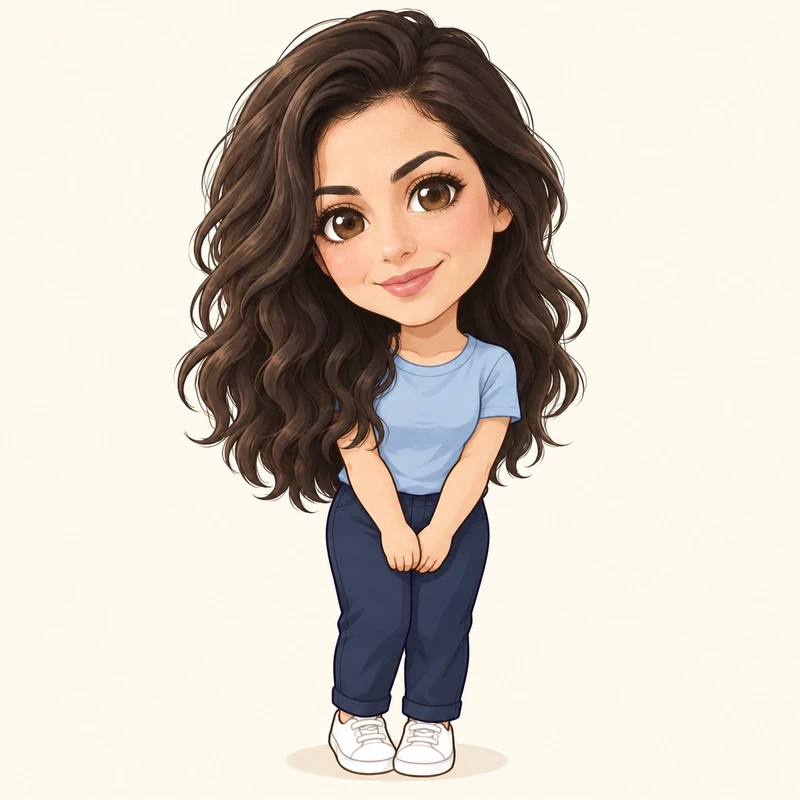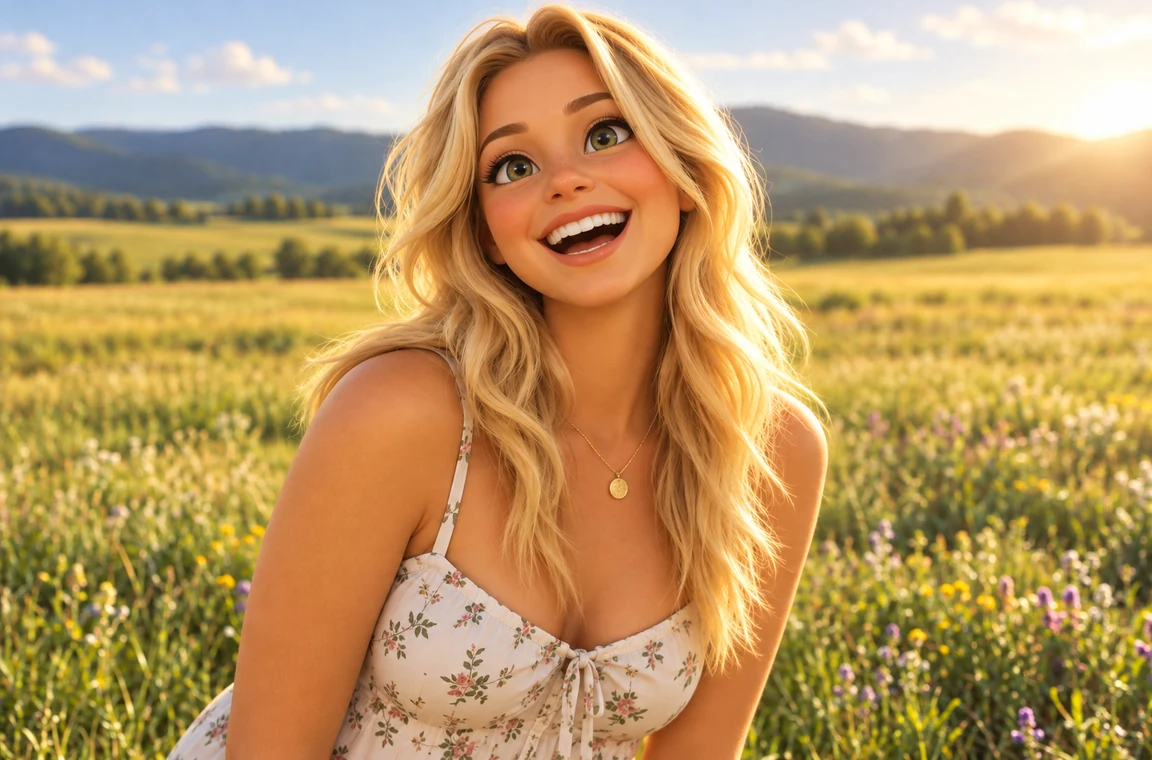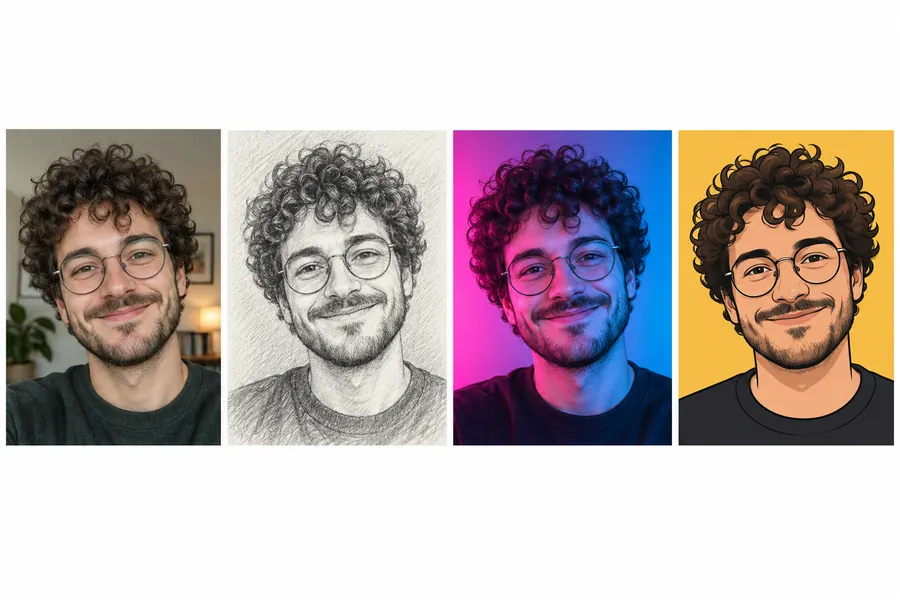
Classic Star Eye
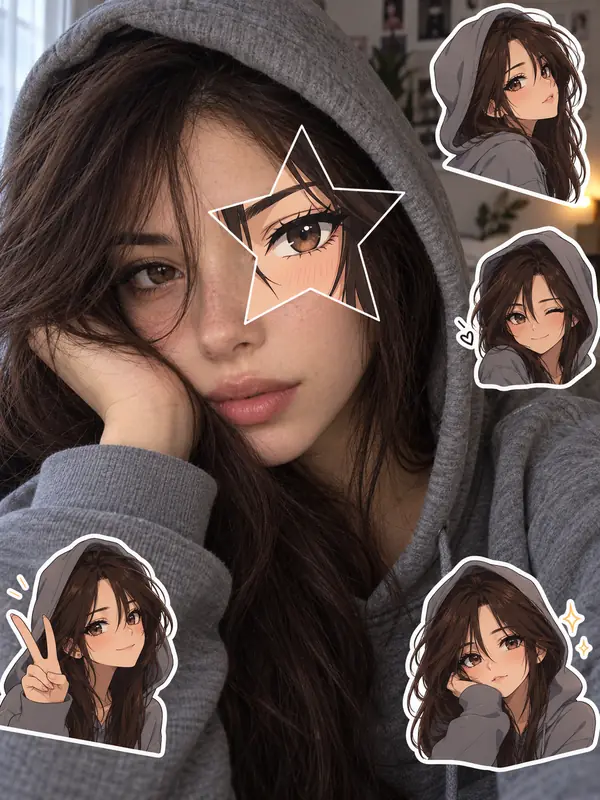
Clean modern anime with crisp lines and soft shading inside the star.
Upload a selfie and AI designs your own anime look alike, cuts it into a star over one of your eyes, and scatters anime stickers around you, just like the viral TikTok photo. Your real photo stays as it is.
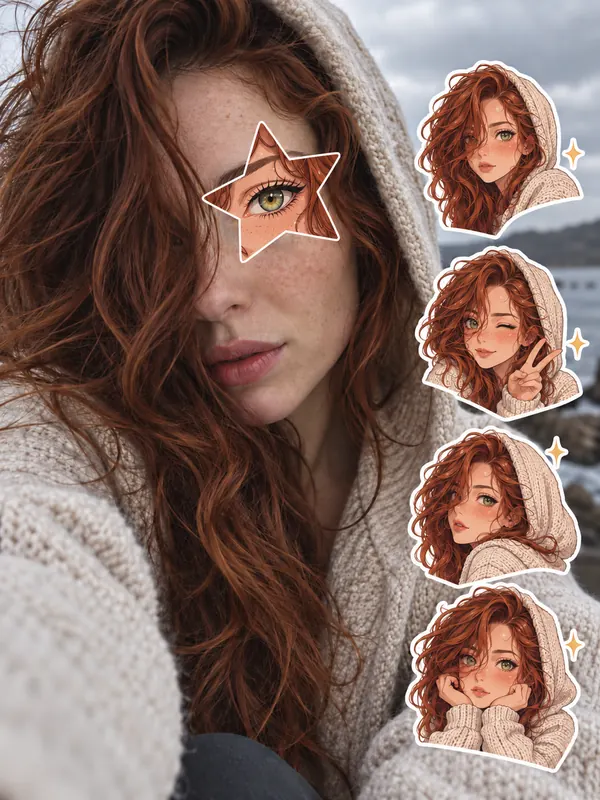
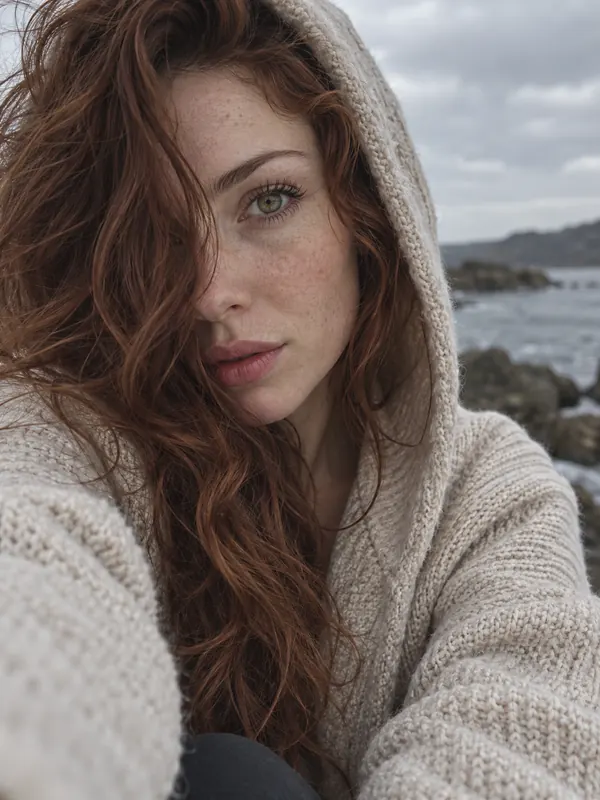
Reference example. It is not a result generated from your upload.
The anime eye trend is a TikTok photo format that took off in October 2026. You start with a moody selfie, often with a hood, a hand or loose hair hiding part of your face, and put a star-shaped cut-out over one eye. Inside the star sits the eye of “the anime character I look like”, and three or four small anime stickers of that same character float around you. The star cut-out version started spreading around October 16, and people also call it the anime face trend or the anime star eye trend.
This anime star eye photo maker does the whole edit from one selfie. Instead of matching you to a character from someone else’s show, the AI designs your own anime look alike, an original character with your hair color and style, face shape, eye color and accessories, and puts it in the star and in the stickers. Your real photo stays as it is: the same face, skin, pose, light and background, with only the cut-out and the stickers added on top. Prefer a heart, a moon or a star over both eyes? Those are one tap away, along with couple and pet versions.
Six anime styles for the star eye, plus a heart and a couple version. Pick one to load it in the workspace.
Clean modern anime with crisp lines and soft shading inside the star.
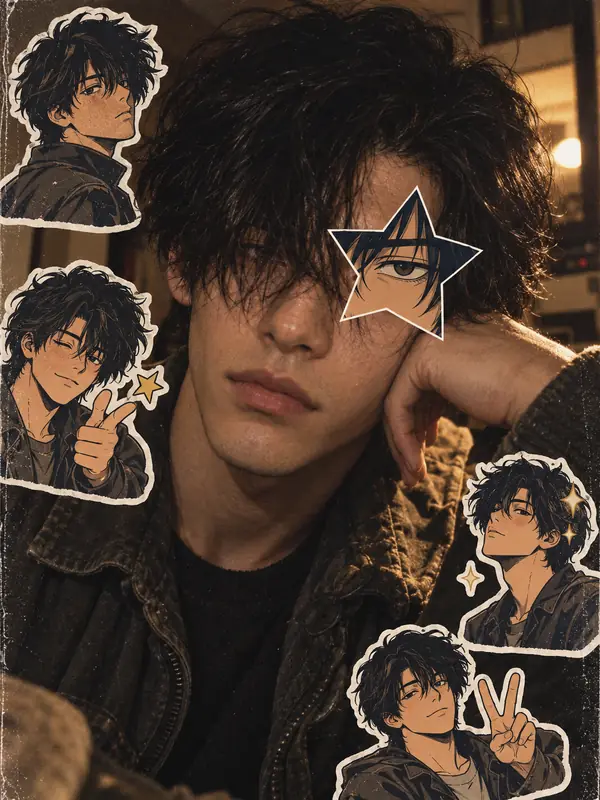
Hand-painted cel shading and faded film colors, like an old TV episode.
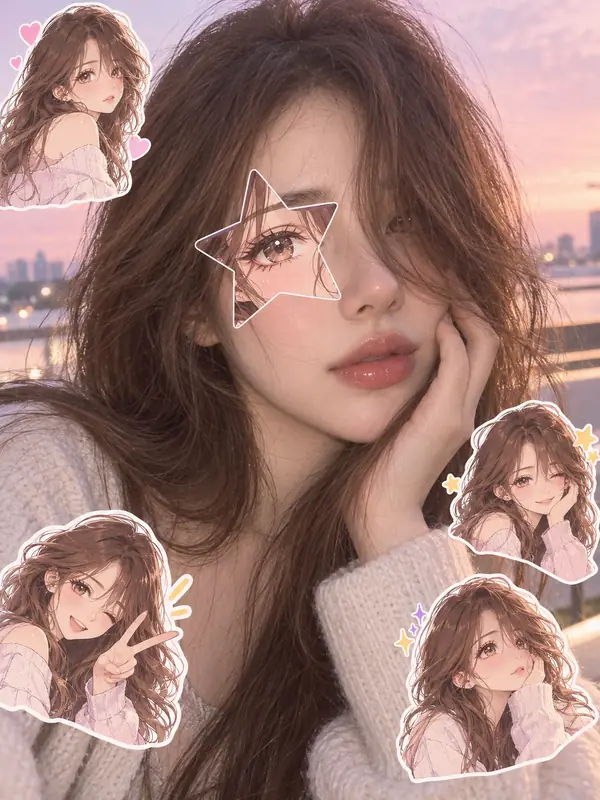
Big shining eyes and pastel highlights for a dreamy post.
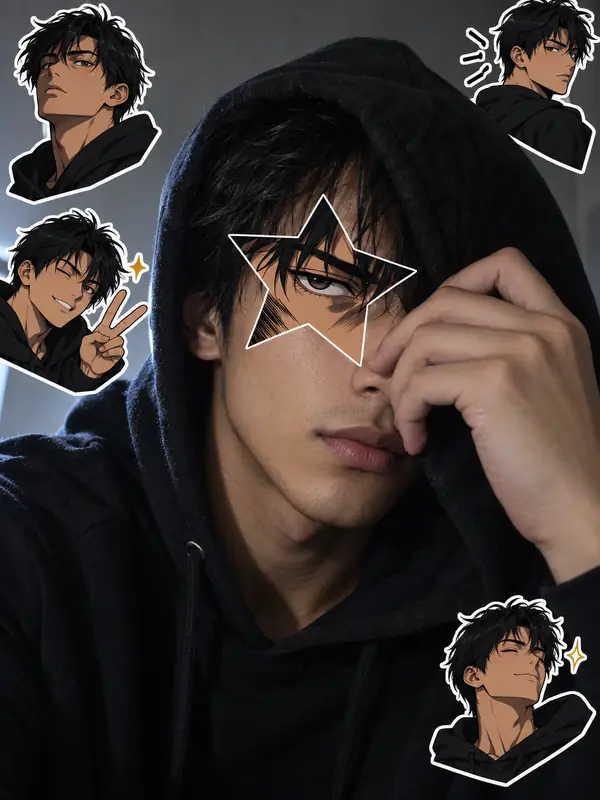
Bold ink lines and speed streaks for a fierce look.
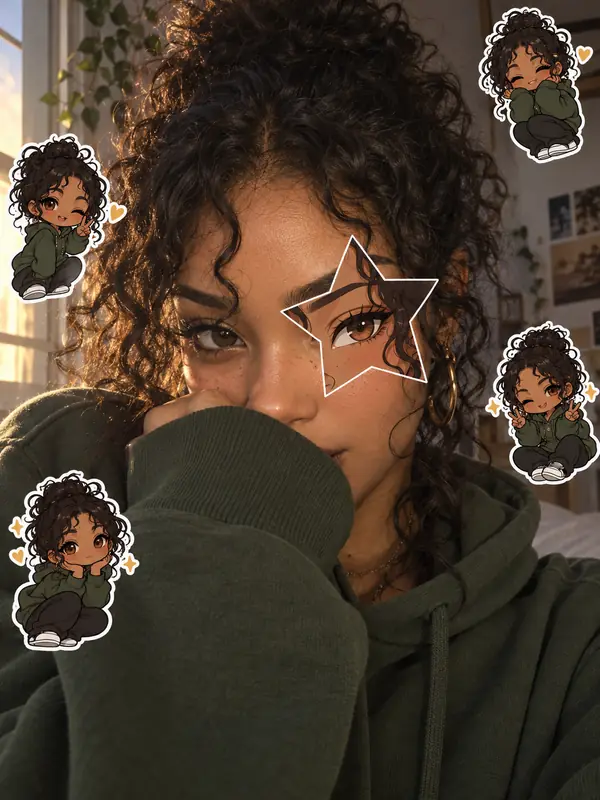
Tiny big-headed versions of your anime twin as the stickers.
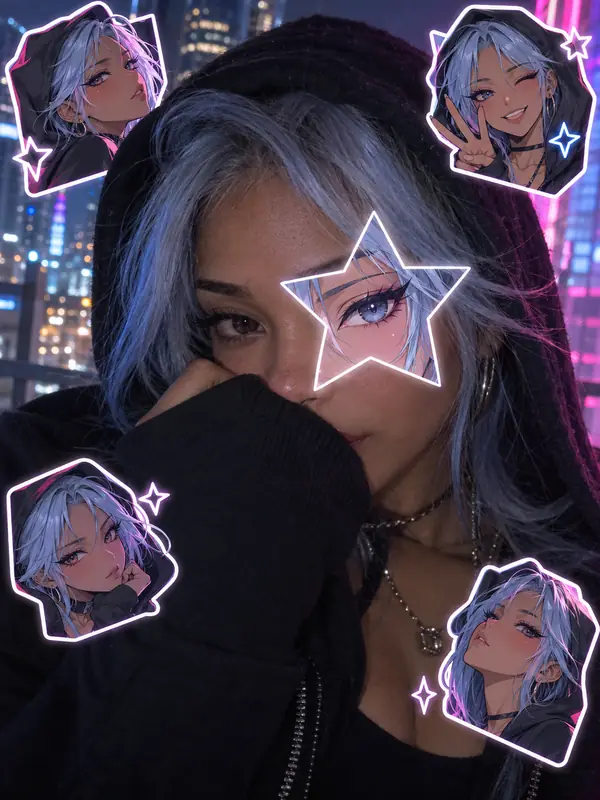
Pink and blue neon light glowing around the star at night.
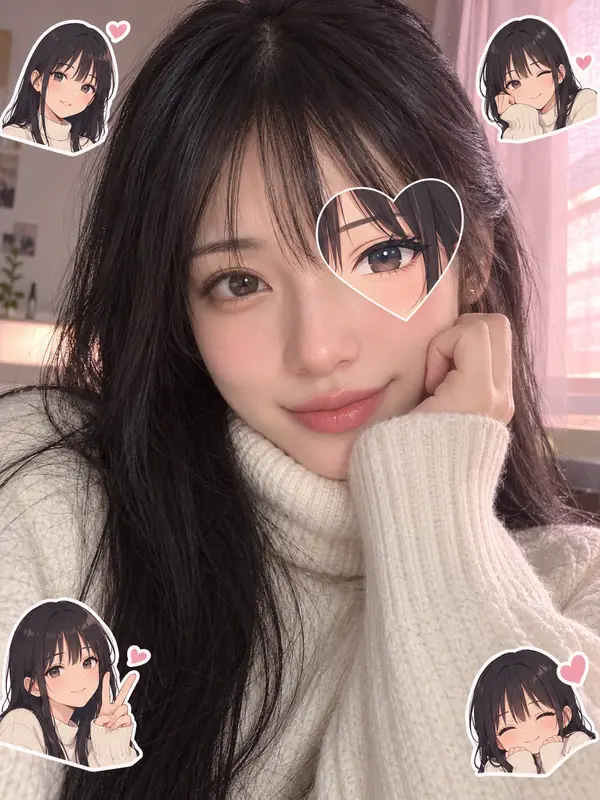
A heart-shaped cut-out for a softer, cuter post.
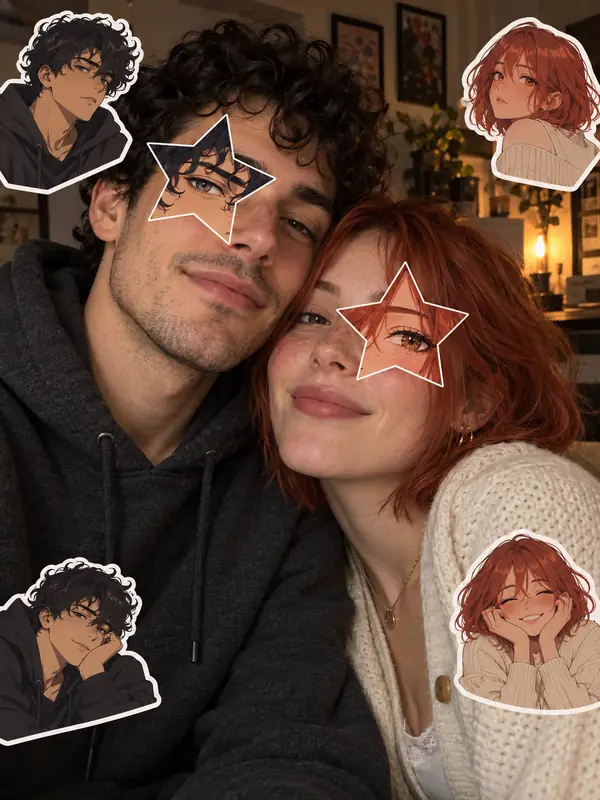
Two people, two anime twins, one star each.
One selfie and one pick, no prompt or editing app needed.
Choose a close selfie with at least one eye sharp and visible. A hood, a hand or hair covering part of your face gives the classic look. JPG, PNG, and WebP files up to 10 MB are supported.
Open Star Eye for the classic star cut-out in one of eight anime styles, or Hearts & More for a heart, moon, flower, lightning bolt, both eyes, a couple or a pet. Add your own idea in the note box, like pink hair or sakura stickers.
Download your anime eye photo and post it in photo mode or as a carousel with the trending sound, or tap Animate to turn it into a short clip first.
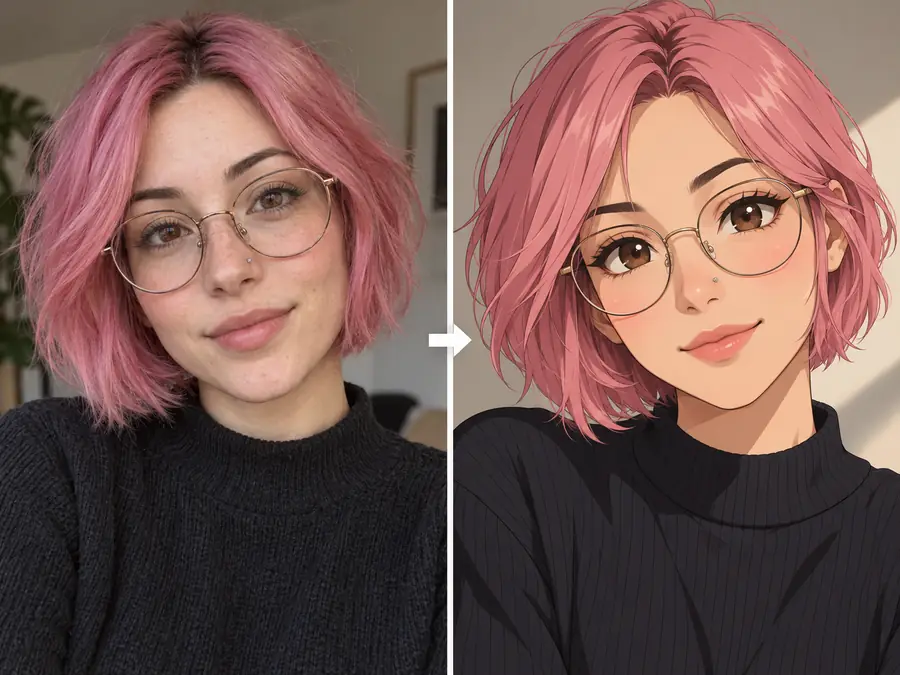
Search for “my anime look alike” and most filters hand you a character from someone else’s show. This anime look alike AI designs a new one from your photo instead: your hair color and style, face shape, eye color, glasses or piercings, drawn as the anime version of yourself. The twin is yours alone, so no other post has the same one.
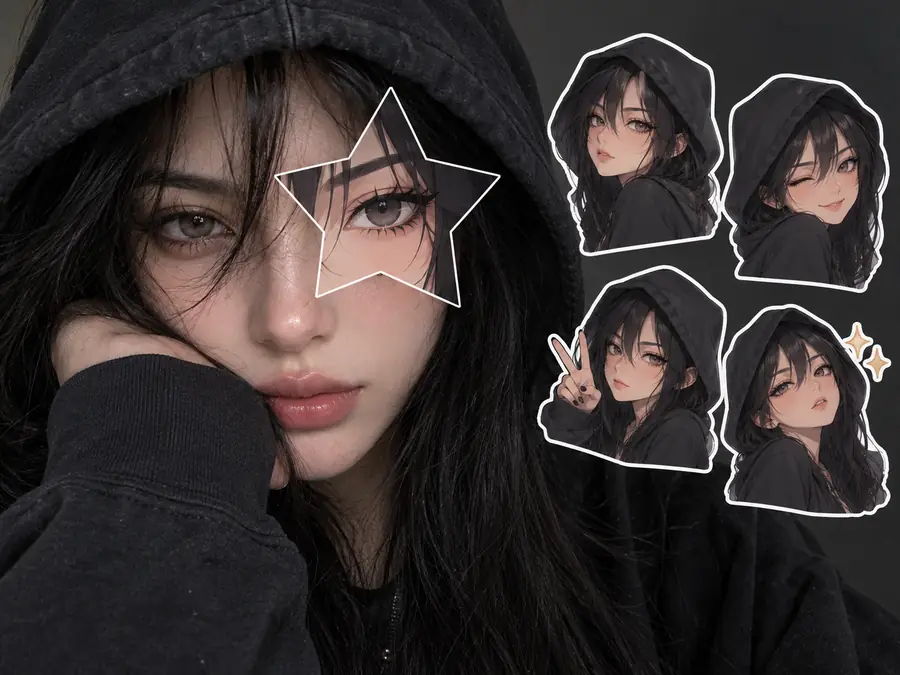
No layering apps, no cutting out stars by hand, no hunting for anime stickers for photos. One generation adds the star cut-out lined up with your real eye and 3–4 die-cut stickers of your anime twin in the empty corners, so your anime sticker selfie looks finished and ready to post.
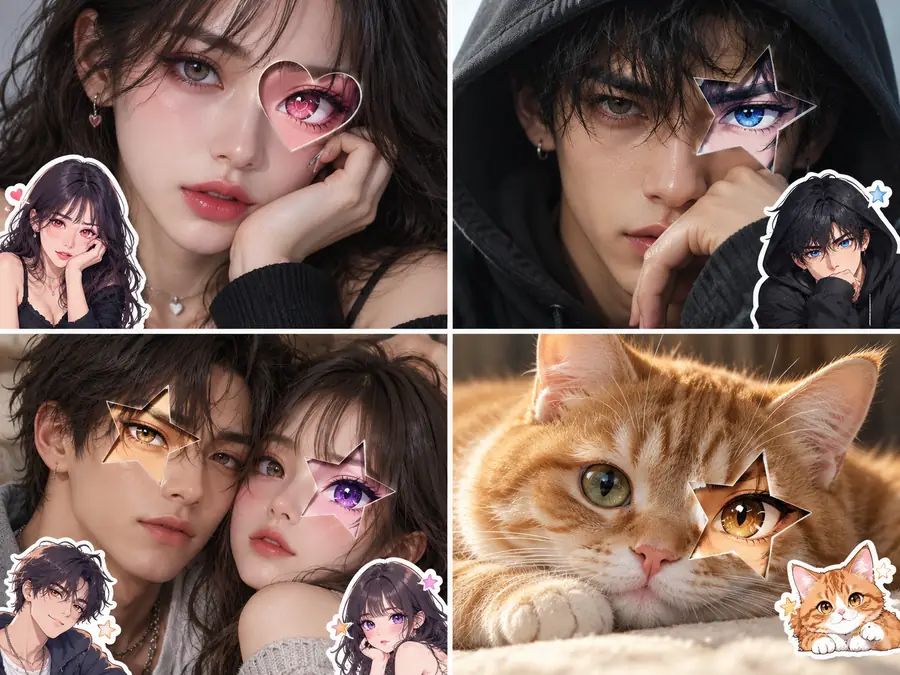
The anime eyes photo trend works for anyone. Girls often pick shoujo sparkle or a heart eye, boys often go for shonen lines or neon, and Couple gives each of two people their own anime twin in one photo. Pet makes an anime version of your dog or cat that keeps its fur color and markings.
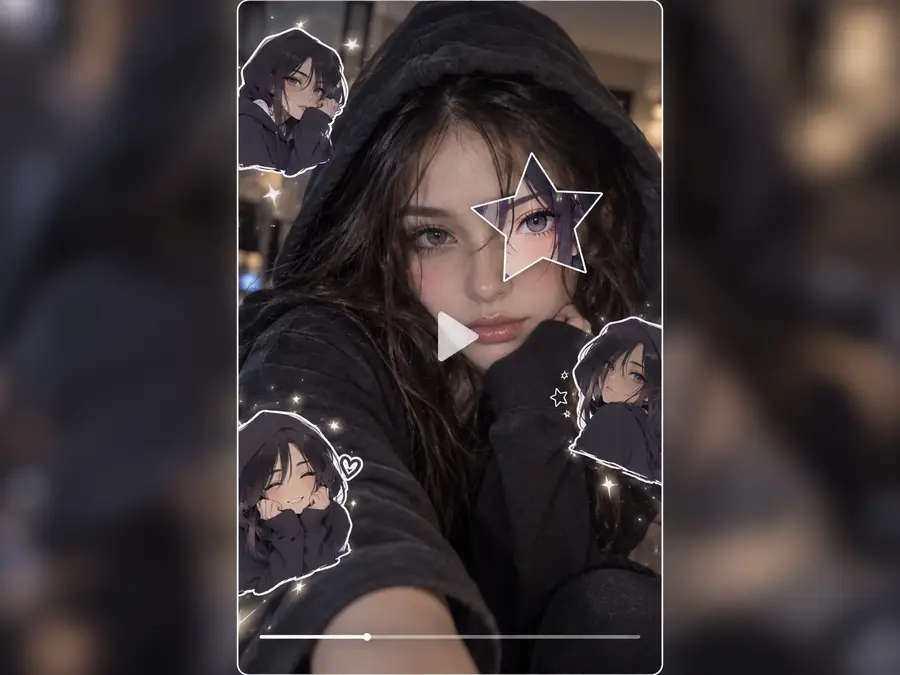
Tap Animate under your result to open Animate Photo with the picture already loaded, then describe the motion, such as a slow zoom toward the star or a gentle sparkle, for a short clip to post with the trend sound. Each video is a separate generation in that tool.
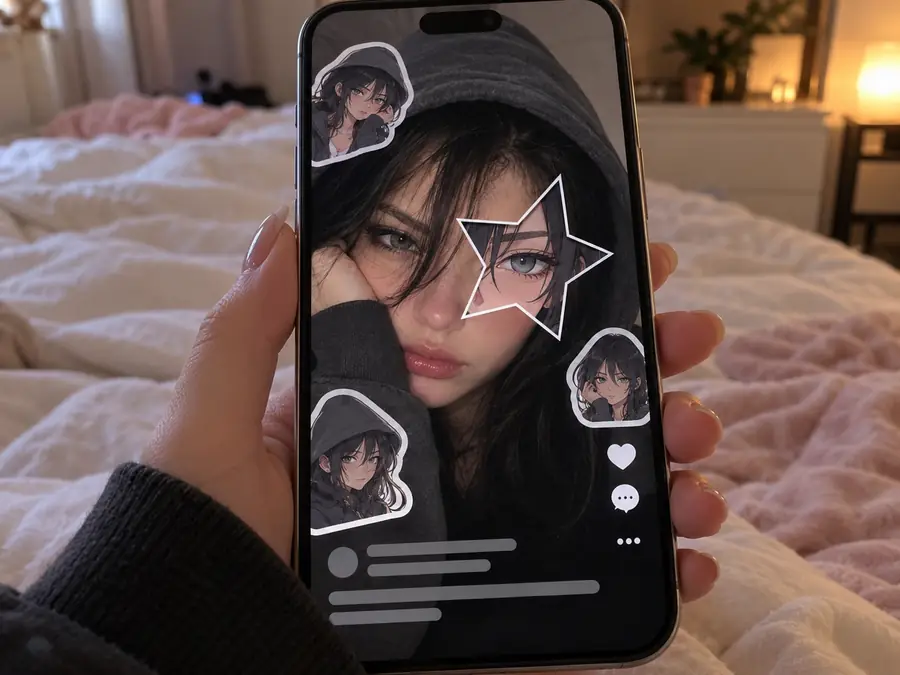
Post your star eye photo in photo mode or a carousel with the trend sound, right after the original selfie for the reveal.
Crop the star eye into a square profile picture that still looks like you, with a hint of your anime side.
Put two people in one photo, each with their own anime twin in a star, for an anniversary or a best-friend post.
Give your dog or cat an anime version with its own fur colors and markings, star eye included.
Use an original character that looks like you in fan edits, intros or a community banner, without borrowing anyone else’s character.
Crop the star or the stickers into small circles for a matching set of story highlight covers.
The selfie you start with decides how good the star eye looks.
A hood, a hand, a sleeve or loose hair over part of your face gives the moody look the trend is known for.
The star goes over a visible eye, so keep at least one eye open, in focus and in good light. Skip sunglasses.
A tall, phone-sized photo leaves room for the stickers and fills the screen on TikTok and Reels.
The star feels bold; a heart, moon or flower cut-out gives a cuter, calmer take on the same trend.
Make a full anime character, animate your photo, or jump to the next viral trend.
Design a full original anime character from a photo or a description, with outfits and backgrounds.
Make a CharacterTurn your whole photo into anime, 3D cartoon, comic or watercolor art.
Cartoon My PhotoThe viral caricature of me and my job, made from one selfie.
Try the Caricature TrendMake a stylized profile picture from your selfie in anime, 3D, neon and more.
Make a PFPTiny big-headed chibi versions of you, your partner or your pet.
Make a ChibiBring your anime eye photo to life in a short clip.
Animate a PhotoBrowse the latest viral photo and video trends you can do with one upload.
See All TrendsAI makes a too-perfect version of your photo, then you post it next to the real one for the “I’m so sorry I lied” reveal.
Try the Perdon TrendHow the trend works, what the AI changes, and how to post it.
The anime eye trend is a photo format that went viral on TikTok in October 2026. A moody selfie gets a star-shaped cut-out over one eye that shows the eye of “the anime character I look like”, plus a few small anime stickers of that character around the person. It is also called the anime face trend or the anime star eye trend.
Upload a close selfie with one eye clearly visible, choose a style in Star Eye or a heart, moon or other shape in Hearts & More, and generate. The AI adds the cut-out and the stickers to your photo. Download it and post it with the trend sound.
It is free to try: new accounts get free credits when you sign up, and each photo uses credits shown on the Generate button before you start.
No. It runs in your browser on a phone or a computer, so there is nothing to install. Upload, generate and download right from this page.
No. Your selfie stays a real photo: the same face, skin, hair, pose, light and background. The AI only adds the cut-out over one eye and the anime stickers on top.
It shows an anime character who looks like you, but not one from an existing show. The AI designs an original anime look alike from your photo, with your hair color and style, face shape, eye color and accessories, so the character in the star is yours and nobody else’s.
Yes. Open Hearts & More for a heart, a crescent moon, a sparkle burst, a flower or a lightning bolt, or pick Both Eyes for a star over each eye. You can also add a color in the note box, like “purple star”.
Yes. It works on any selfie, and boys often like the Shonen or Neon styles. Couple gives each of two people in one photo their own anime twin and star, and Pet makes an anime version of your dog or cat that keeps its fur color and markings.
Start from a 9:16 portrait selfie, then post the result in photo mode or as a carousel with the trending sound. Many people put the original selfie first and the anime eye version second for the reveal.
Yes. Tap Animate under your result to open Animate Photo with the picture already loaded and make a short clip from it. Each video is a separate generation in that tool.
One moody selfie, a star or a heart, and your own anime twin peeking out of it.
Inspired by a viral photo trend. Every anime look-alike is an original design, not a character from any existing anime.